
In an age where digital footprints are nearly impossible to erase, seeing your home appear on Google Maps can be unsettling. Whether you're concerned about safety, unwanted visitors, or simply value your privacy, knowing how to remove your property from public view is essential. While Google Maps provides immense utility for navigation and discovery, it also exposes personal information—sometimes without consent. This guide walks you through the official process of requesting a removal, explores alternative protective measures, and offers expert-backed strategies to safeguard your digital privacy.
Why You Might Want to Remove Your Home from Google Maps
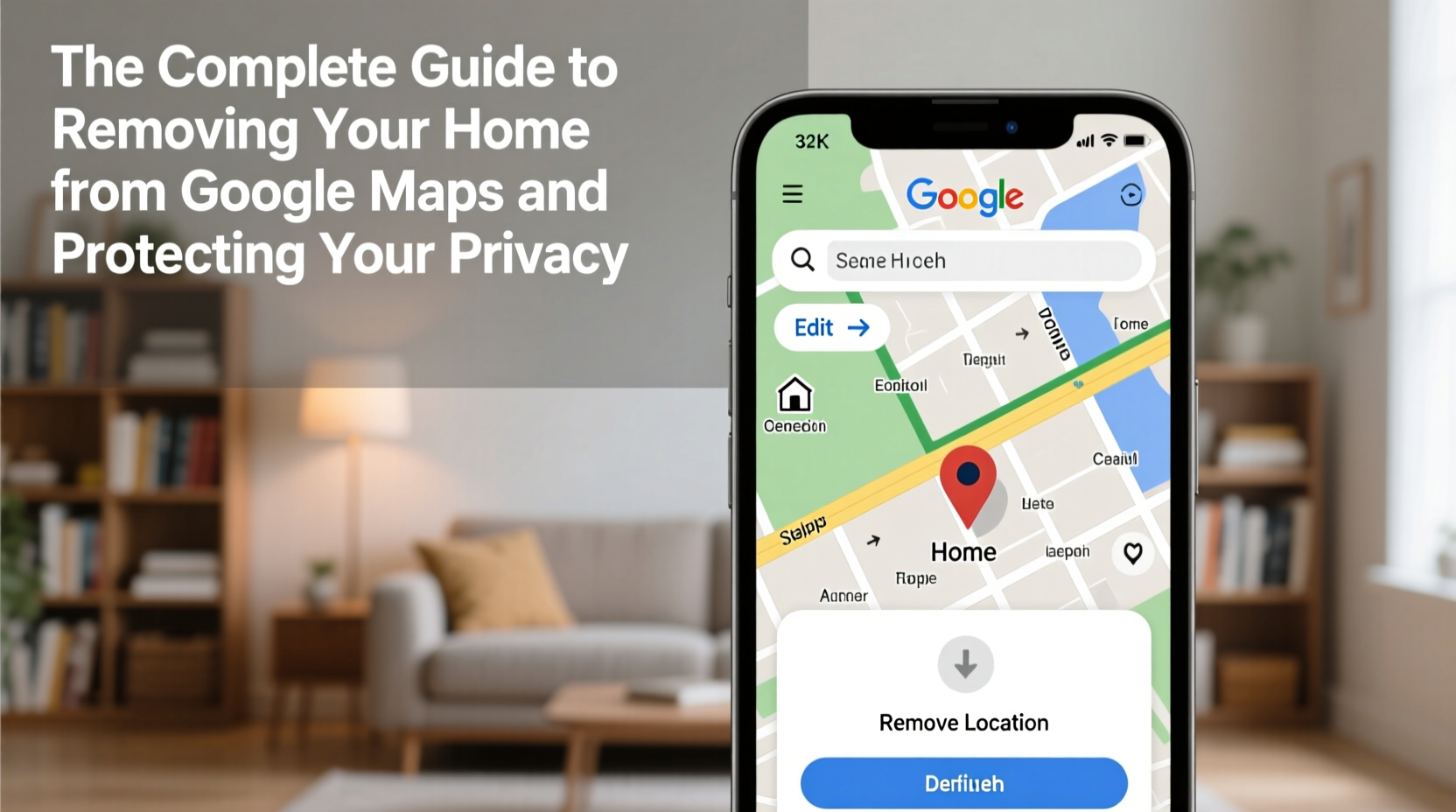
Google Maps uses satellite imagery, Street View photography, and user-submitted data to create detailed representations of locations worldwide. For many, this includes private residences. While most homes appear as static outlines or blurred rooftops, some properties—especially those in high-resolution areas—are clearly visible. In certain cases, Street View may even capture identifiable features like driveways, license plates, or people.
Reasons for seeking removal include:
- Safety concerns: Public visibility can attract trespassers, solicitors, or individuals with malicious intent.
- Stalking or harassment: Victims of abuse may need to obscure their location to avoid being tracked.
- Privacy preference: Some homeowners simply do not want their residence publicly documented.
- High-profile status: Celebrities, executives, or public figures often face amplified risks from exposure.
“Geolocation data is one of the most sensitive forms of personal information. Once exposed, it’s nearly impossible to fully retract.” — Dr. Lena Torres, Digital Privacy Researcher at the Center for Information Ethics
Step-by-Step: How to Request Removal from Google Maps
Google does allow users to request the blurring or removal of their homes from Street View and satellite imagery. The process is straightforward but requires verification and patience.
- Open Google Maps on your desktop or mobile browser and search for your address.
- Navigate to Street View by dragging the yellow pegman icon onto the map near your home.
- Enter Street View mode and locate your house in the 360-degree image.
- Click “Report a problem” (desktop) or tap the menu icon and select “Report an issue” (mobile).
- Select “Blur my home or business” from the dropdown options.
- Adjust the blur area using the provided tools to cover your house, driveway, and any identifying features.
- Submit your request with contact information. Google will email you a confirmation link to verify ownership or residency.
- Wait for processing. Google typically responds within 7–14 days. If approved, the image will be blurred in future updates.
Limitations and What Google Won’t Remove
It’s important to understand that Google does not “remove” homes in the traditional sense. Instead, it applies a blur filter to Street View images. Satellite imagery cannot be deleted but may be updated over time with less detail. Additionally, Google enforces strict criteria for removal requests:
| Request Type | Allowed? | Notes |
|---|---|---|
| Blurring entire home | Yes | Standard option; usually approved |
| Removing satellite image | No | Only blurring available; depends on resolution |
| Blurring neighbors’ homes | No | You can only request blurring for your own property |
| Immediate removal | No | Processing takes up to two weeks; no expedited service |
| Multiple submissions | Limited | Repeated requests without cause may be denied |
Note that once a blur is applied, it may take several months before the updated image appears live on Google Maps due to update cycles.
Protecting Your Privacy Beyond Google Maps
Removing your home from Street View is just one step in a broader privacy strategy. Other platforms and data brokers may still expose your address. Consider these additional actions:
Check Other Mapping Services
Bing Maps, Apple Maps, and real estate sites like Zillow or Realtor.com may also display your property. Each has its own removal process:
- Apple Maps: Submit feedback via the app or website to request blurring.
- Zillow: Claim your home profile and request photo removal if images were uploaded without permission.
- Data brokers: Sites like Whitepages, Spokeo, and BeenVerified often list homeowner details. Opt out individually using their privacy portals.
Secure Public Records
In many regions, property ownership is public record. While you can’t erase this entirely, you can reduce exposure:
- Use a trust or LLC to hold property title (consult a legal professional).
- Opt out of directory listings offered by county assessors.
- Monitor local GIS (Geographic Information System) portals for visibility.
Real Example: A Family’s Successful Removal Request
The Chen family in suburban Denver noticed their home appeared clearly on Google Street View, including their children playing in the yard. Concerned about safety, they followed the official blurring process. After submitting the request and verifying residency via a water bill, Google responded within ten days. The family confirmed the blur was applied in the next map update cycle. They also claimed their Zillow listing and removed personal photos. By combining platform-specific actions with ongoing monitoring, they significantly reduced their digital footprint.
Privacy Protection Checklist
Use this checklist to systematically protect your home’s privacy across digital platforms:
- ✅ Locate your home on Google Maps and Street View
- ✅ Submit a blur request through Google’s reporting tool
- ✅ Verify your identity when prompted
- ✅ Check Apple Maps and Bing for similar exposure
- ✅ Opt out of data broker sites (Whitepages, Intelius, etc.)
- ✅ Claim and edit property profiles on Zillow, Redfin, or Realtor.com
- ✅ Monitor public records through your county assessor’s office
- ✅ Set up alerts for your name and address
- ✅ Consider legal structures like trusts for long-term anonymity
Frequently Asked Questions
Can I completely delete my home from Google Maps?
No. Google does not delete satellite or Street View imagery. However, you can request that your home be blurred in Street View to obscure identifying details. Satellite images remain but may be updated over time with different angles or lower resolution.
How long does Google take to process a removal request?
Typically 7 to 14 days. After submission, Google sends a verification email. Once confirmed, the blurring process begins. Updated imagery may take weeks or months to appear live due to mapping update schedules.
Can I request blurring for someone else’s home?
No. Google only accepts blurring requests from individuals who can verify they own or reside at the property. Requests for others’ homes will be denied unless submitted by an authorized representative with proper documentation.
Final Thoughts: Taking Control of Your Digital Privacy
Your home should be a sanctuary—not a public landmark on a global mapping service. While technology has made our world more connected, it has also eroded traditional boundaries of privacy. Removing your home from Google Maps is a proactive step toward reclaiming control. But true privacy requires ongoing vigilance: monitoring data brokers, securing public records, and understanding the limitations of each platform’s policies.
The steps outlined here are accessible to anyone, regardless of technical expertise. By acting now, you protect not only your current address but set a precedent for how you manage personal information in the digital age.




 浙公网安备
33010002000092号
浙公网安备
33010002000092号 浙B2-20120091-4
Comments
No comments yet. Why don't you start the discussion?