
If your kitchen sink suddenly stops draining or your garbage disposal hums without grinding, you're not alone. InSinkErator disposals are among the most trusted in American homes, but like any appliance, they can encounter problems. The good news is that many issues can be resolved quickly with basic tools and a clear understanding of how these units work. This guide walks you through the anatomy of your disposal, how to reset it safely, and how to troubleshoot the most common malfunctions—without calling a plumber.
Understanding Your InSinkErator Disposal
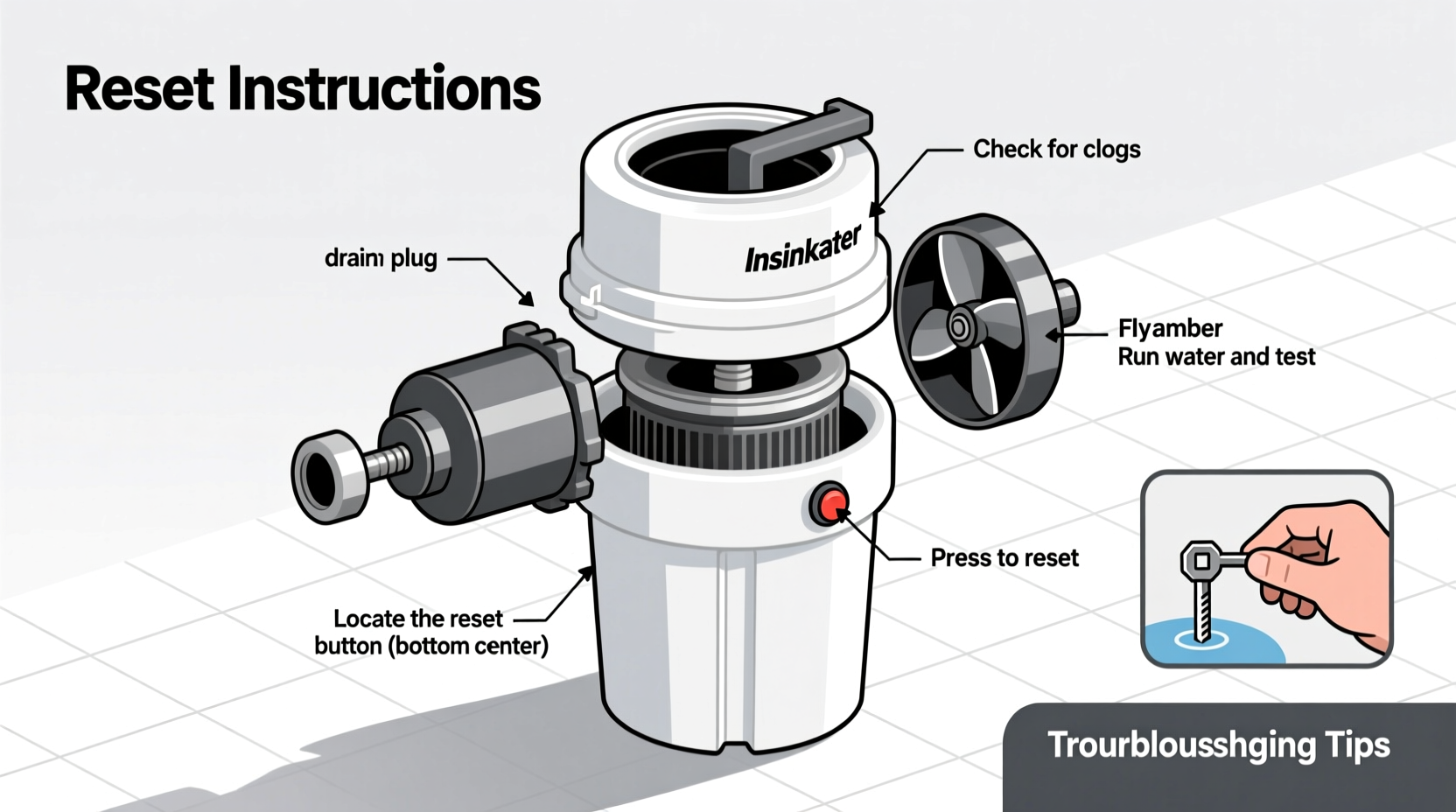
InSinkErator disposals use a spinning impeller plate to grind food waste into fine particles that flush down the drain. Unlike traditional blade-based systems, there are no sharp knives—just durable, rotating components designed to handle fibrous vegetables, small bones, and starchy scraps. When properly maintained, these units last 8–15 years.
The key to troubleshooting lies in recognizing what each symptom indicates:
- Humming but not grinding: Likely a jammed grinding chamber.
- No power at all: Could be a tripped reset button, faulty circuit, or internal motor failure.
- Foul odors: Buildup of organic matter in the chamber or splash guard.
- Leaking from the bottom or sides: Seal degradation or loose mounting assembly.
“Most service calls we get are for issues homeowners could have fixed in under 10 minutes with the right knowledge.” — Carlos Mendez, Master Plumber with 22 years of experience
How to Reset Your InSinkErator Disposal
When your disposal stops working mid-cycle, the first step is checking whether the unit has automatically shut off due to overheating. InSinkErator models include a built-in overload protector with a red reset button located on the bottom or lower side of the unit.
Step-by-Step Reset Procedure
- Turn off the power. Switch off the disposal at the wall switch and unplug it if it’s cord-connected. If hardwired, turn off the circuit breaker.
- Inspect the chamber. Use a flashlight to look inside the disposal. Remove any visible debris with tongs—never your hands.
- Locate the reset button. It’s typically a small red button on the bottom center of the unit.
- Press and hold for 2 seconds. You should feel a slight click as the thermal overload resets.
- Restore power. Turn the breaker back on or plug the unit in, then test using the wall switch.
Troubleshooting Common Problems
Resetting often solves temporary overloads, but deeper issues may require additional steps. Below is a breakdown of frequent problems and their solutions.
Jammed Disposal (Humming Sound)
A humming noise means the motor is receiving power but cannot turn the impellers. This usually results from dense or fibrous waste like corn husks, potato peels, or coffee grounds forming a blockage.
Solution: Use the InSinkErator wrench (or a 1/4-inch hex key) inserted into the center hole at the bottom of the unit. Gently rock it back and forth to free the impeller. Once movement returns, remove any debris from the chamber and reset the unit.
Disposal Won’t Turn On
If there’s no sound at all when you flip the switch, check the following:
- Is the unit plugged in? Some models connect via a cord beneath the sink.
- Has the GFCI outlet tripped? Test and reset nearby outlets.
- Is the circuit breaker off? Locate the correct breaker and restore power.
- Is the wall switch functioning? Test with a multimeter or temporarily bypass with a known-working switch.
Unpleasant Odors
Odors develop when food residue breaks down inside the disposal. Prevent this by cleaning weekly.
Cleaning method: Pour 1/2 cup baking soda followed by 1 cup vinegar into the disposal. Let it fizz for 10 minutes, then flush with hot water for 30 seconds. For extra freshness, grind up lemon or orange peels monthly.
Do’s and Don’ts of Garbage Disposal Use
| Do’s | Don’ts |
|---|---|
| Run cold water before, during, and after use | Put grease, oil, or fat down the disposal |
| Grind small amounts of food waste at a time | Flush expandable foods like pasta or rice |
| Use citrus peels to freshen the unit | Drop large bones or fruit pits into the chamber |
| Clean regularly with natural deodorizers | Use harsh chemical drain cleaners |
| Check for jams promptly | Ignore persistent strange noises |
Mini Case Study: The Coffee Grounds Clog
Sarah in Portland noticed her disposal was making a strained humming sound every time she used it. She tried resetting it multiple times, but the button kept tripping. After reading online about potential causes, she realized she had been dumping leftover coffee grounds daily—a habit she thought was harmless.
She turned off the power, used the hex wrench to manually rotate the impellers, and freed a thick sludge buildup around the grinding ring. After cleaning the chamber with vinegar and baking soda, the unit ran smoothly. Since then, Sarah composts her coffee grounds instead and runs ice cubes through the disposal monthly to prevent future clogs.
Essential Maintenance Checklist
To avoid emergency repairs and extend the life of your InSinkErator, follow this monthly maintenance routine:
- ✅ Inspect for leaks around the base and connections
- ✅ Run cold water while operating and for 15 seconds after
- ✅ Clean with baking soda and vinegar or dedicated disposal cleaner
- ✅ Sharpen impellers by grinding ice cubes (1 cup, twice a month)
- ✅ Check the reset button for signs of frequent tripping
- ✅ Avoid disposing of fibrous, starchy, or greasy materials
- ✅ Listen for unusual sounds like grinding metal or loud vibrations
Frequently Asked Questions
Why does my InSinkErator keep tripping the reset button?
Frequent tripping usually points to either repeated overloading, a jam that hasn’t been fully cleared, or an aging motor struggling under normal loads. If the problem persists after clearing obstructions and reducing usage intensity, the motor may be nearing end-of-life and need replacement.
Can I repair a leaking disposal, or should I replace it?
Minor leaks from the gasket or mounting seal can sometimes be fixed by tightening or replacing the affected part. However, if the leak originates from the bottom of the unit—especially near the motor housing—it likely means the internal seals have failed. In such cases, replacement is more cost-effective than repair.
Is it safe to use a plunger on a sink with a garbage disposal?
Yes, but with caution. Use moderate force and ensure the disposal is powered off. Never plunge while the unit is on. Plunging can help dislodge clogs in the drain pipe, but avoid creating excessive pressure that might damage internal seals.
Final Thoughts and Next Steps
Your InSinkErator garbage disposal is built for durability, but it relies on proper use and regular care. Most problems stem from misuse rather than mechanical flaws. By learning how to reset the unit, identifying common symptoms early, and maintaining a simple cleaning schedule, you can avoid unnecessary service calls and costly replacements.
Now that you understand the inner workings and best practices, take a moment to inspect your own disposal. Clean it, test the reset button, and review what you’ve been putting down the drain. Small changes today can prevent big plumbing headaches tomorrow.




 浙公网安备
33010002000092号
浙公网安备
33010002000092号 浙B2-20120091-4
Comments
No comments yet. Why don't you start the discussion?