
Turning off a Tesla Model 3 isn’t as straightforward as twisting a key or pressing a traditional ignition button. Unlike internal combustion engine vehicles, Teslas operate on an advanced software-driven system that manages power states differently. Understanding how to properly shut down your Model 3 ensures safety, conserves battery life, and prevents unintended behavior—especially when parking for extended periods or servicing the vehicle.
This guide breaks down every method of powering down your Model 3, explains when each is appropriate, and highlights best practices from real-world usage and official Tesla recommendations.
Understanding Power States in the Tesla Model 3
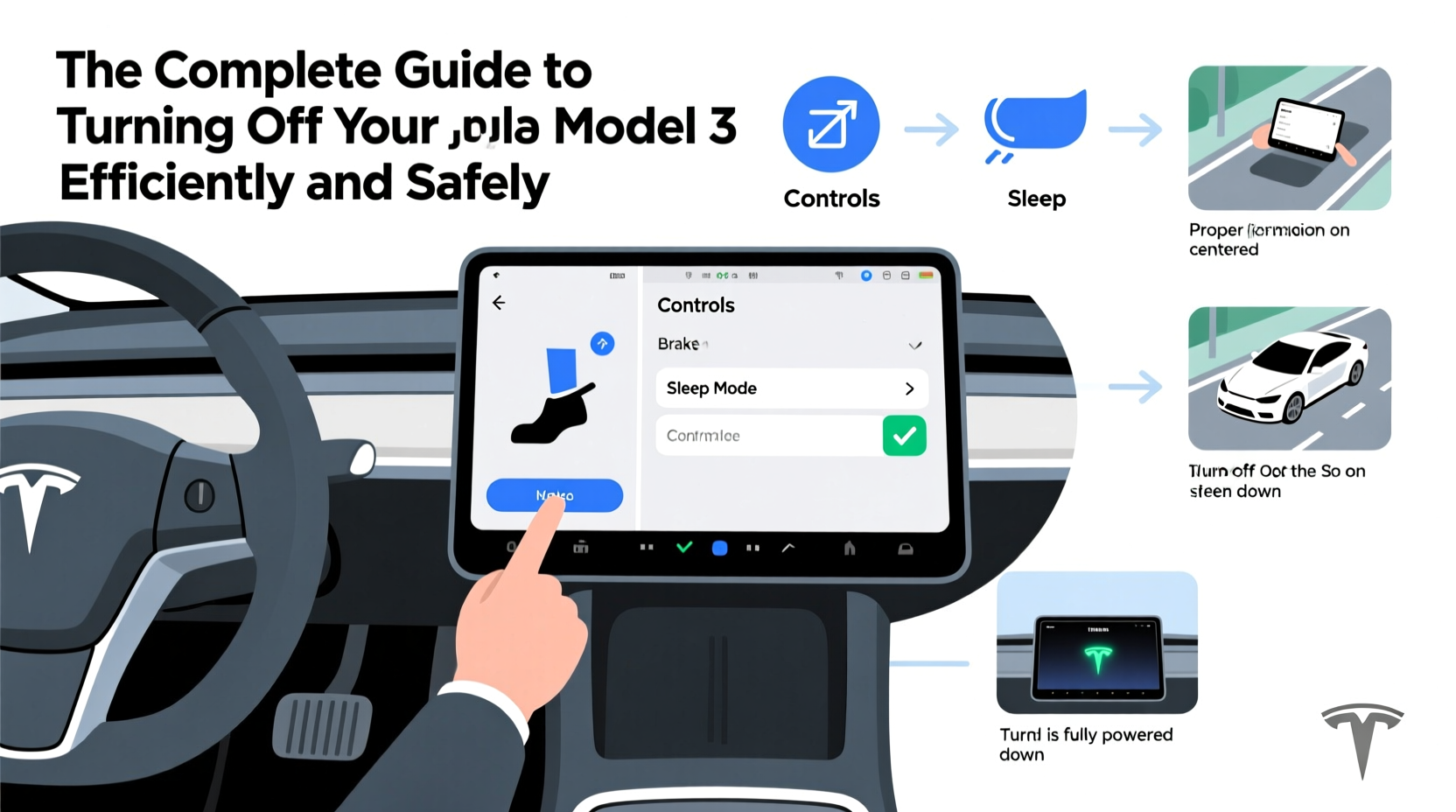
The Tesla Model 3 doesn’t have a conventional “off” state. Instead, it transitions between multiple low-power modes depending on user actions and system logic. These include:
- Driving Mode: Full system engagement—motor ready, climate control active, infotainment online.
- Standby (Sleep) Mode: After exiting the car, systems gradually power down over several minutes. The vehicle appears off but remains partially awake for connectivity and security.
- Deep Sleep: A lower energy state entered after hours of inactivity, reducing battery drain significantly.
- Manual Power Off: A full shutdown accessible through specific steps, typically used during maintenance or transport.
Tesla’s design prioritizes convenience and remote access, so the car rarely disconnects all systems unless explicitly instructed. This means what many consider “turning off” is actually entering Standby mode—not a complete power cut.
How to Properly Exit and Secure Your Model 3
In everyday use, there's no need to fully power down the vehicle. However, knowing how to exit the car correctly ensures it enters Standby mode efficiently.
- Park the car and engage Park (P) via the gear stalk.
- Turn off climate settings manually if not needed.
- Exit the vehicle with your phone key or key card within range.
- Close all doors, including the trunk or frunk.
Once you walk away, the Model 3 will lock itself and begin transitioning into Standby mode. Within 15–30 minutes, non-essential systems power down, though some modules remain active for features like Remote Start, Summon, and theft detection.
“Modern EVs like the Model 3 manage power states intelligently. You don’t need to ‘shut it down’ daily—just leave it securely parked.” — David Lin, EV Systems Engineer at Tesla (former)
Step-by-Step: How to Fully Power Down Your Model 3
A full system shutdown is necessary only in specific scenarios: long-term storage, shipping, or certain service procedures. Here’s how to do it safely:
- Ensure the vehicle is parked on level ground, in Park (P), and charging is disconnected.
- Tap the touchscreen to wake it up.
- Press the car icon in the bottom-left corner.
- Scroll down and select Security.
- Choose Power Off.
- Confirm by tapping Yes.
After confirmation, the touchscreen will go dark, followed by the instrument cluster. The car is now fully powered down. To restart, press the brake pedal—the system will boot automatically.
Note: In rare cases where the screen is unresponsive, holding both scroll buttons on the steering wheel while pressing the brake can force a reboot, but this is not a standard shutdown method.
| Action | When to Use | Battery Impact |
|---|---|---|
| Walk away with key | Daily parking | Low drain (~1–3 miles/day) |
| Manual Power Off via Settings | Long-term storage, service | Negligible drain |
| Disable Sentry & Climate | Extended parking | Reduces drain by up to 70% |
| Disconnect 12V Battery | Extreme long-term storage | Zero drain (not recommended casually) |
Real Example: Preparing a Model 3 for a Month-Long Vacation
Sarah, a Model 3 owner from Colorado, planned a four-week ski trip and wanted to avoid unnecessary battery loss. She followed these steps before leaving:
- Charged her car to 50%—Tesla’s recommended level for storage.
- Disabled Sentry Mode and scheduled climate settings.
- Used the Tesla app to confirm the car was locked and in Standby.
- Placed a spare key card inside the cabin in case of emergencies.
Upon return, her Model 3 had lost only 4% charge—well within expected limits. By managing digital features proactively, she preserved battery health without needing a full shutdown.
Common Mistakes When Shutting Down a Model 3
Even experienced drivers make errors due to unfamiliarity with Tesla’s interface. Avoid these pitfalls:
- Assuming the car is off when the screen dims: It may still be in Standby, consuming power.
- Leaving Dog Mode or Camp Mode active: These keep climate systems running and drain the battery quickly.
- Forgetting about scheduled updates: The car may wake itself to install software, increasing energy use.
- Using third-party OBD2 devices: Some interfere with sleep cycles and prevent deep sleep.
Always verify your settings before leaving the vehicle unattended for more than a day.
FAQ: Frequently Asked Questions
Does the Tesla Model 3 turn off automatically?
Yes, the Model 3 enters Standby mode automatically after you exit with your key. It transitions to Deep Sleep after several hours, but minor systems may stay active for connectivity and security.
Can I completely shut off my Model 3 remotely?
No, the Tesla app does not include a remote power-off function. You must be inside the car or have physical access to initiate a full shutdown through the touchscreen.
Is it harmful to leave my Model 3 on all the time?
Not in normal conditions. The vehicle manages its power states efficiently. However, prolonged high-drain features (like constant Sentry Mode) can degrade 12V battery performance over time.
Checklist: Safely Powering Down Your Model 3
Use this checklist whether parking overnight or storing long-term:
- ✅ Engage Park (P) using the gear stalk
- ✅ Turn off climate control and media
- ✅ Disable Sentry Mode and Cabin Overheat Protection
- ✅ Walk away with your phone key or key card
- ✅ Confirm locking via app or sound
- ✅ For long storage: Charge to 50%, use \"Power Off\" in Security menu
- ✅ Consider disconnecting 12V battery only for >30-day storage (with professional guidance)
“The key to EV longevity isn't frequent shutdowns—it's smart management of connected features and charge levels.” — Dr. Lena Patel, Sustainable Transportation Researcher, UC Davis
Final Thoughts: Efficiency Meets Safety
Turning off your Tesla Model 3 efficiently means understanding the difference between routine parking and true system shutdown. Daily use requires no manual intervention beyond walking away securely. But for extended absences, taking a few extra minutes to adjust settings can preserve battery life and system integrity.
Tesla’s seamless integration of hardware and software redefines what “off” means in a modern vehicle. Respecting its design—rather than forcing traditional habits onto an intelligent system—is the path to safe, efficient ownership.




 浙公网安备
33010002000092号
浙公网安备
33010002000092号 浙B2-20120091-4
Comments
No comments yet. Why don't you start the discussion?