
Switching carriers or traveling internationally often means needing a phone that works across different networks. A locked device restricts you to one provider, limiting flexibility and potentially increasing costs. Unlocking your phone removes these restrictions, allowing use with any compatible carrier. Done correctly, it’s legal, safe, and permanent. This guide walks you through everything—from understanding lock types to choosing the right method—so you can unlock confidently and avoid costly mistakes.
Why Unlocking Your Phone Matters
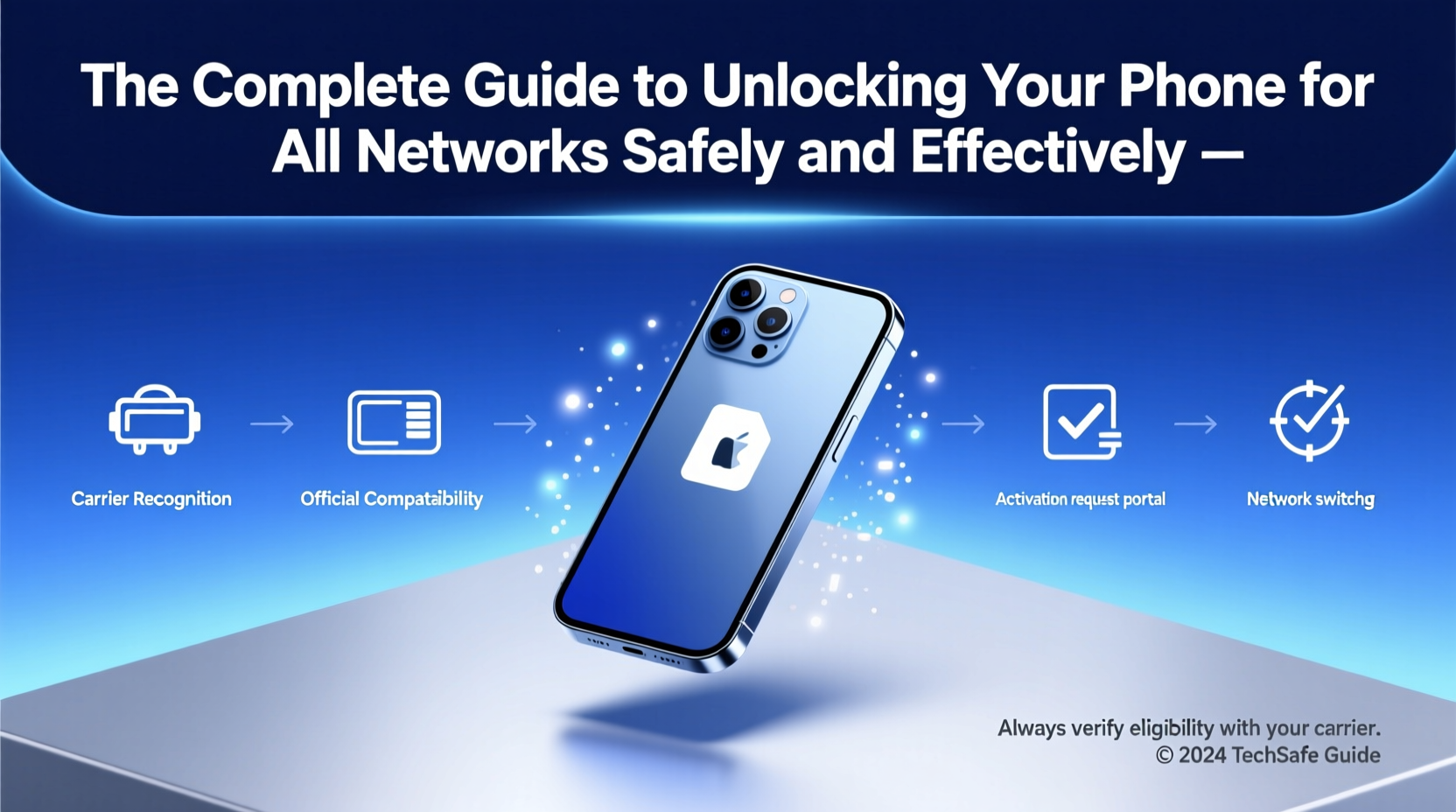
Mobile carriers often sell phones at a discount in exchange for service contracts. To ensure customers stay on their network, they \"lock\" the device to their system. While this benefits the carrier, it limits user freedom. An unlocked phone gives you:
- The ability to switch carriers without buying a new device
- Better international roaming options using local SIM cards
- Higher resale value—unlocked phones typically sell for 15–30% more
- Freedom from long-term contracts and carrier-specific bloatware
Despite common myths, unlocking does not void your warranty (under U.S. law) and doesn’t affect your phone’s performance. The process simply removes a software restriction tied to the original carrier.
Types of Phone Locks and How They Work
Not all locks are the same. Understanding the type of lock on your phone is crucial before proceeding.
| Lock Type | How It Works | Can Be Removed? |
|---|---|---|
| Carrier Lock | Ties the phone to a specific network; blocks other SIM cards | Yes, via official unlock request or code |
| Network Blacklist Lock | Applies if the phone was reported lost/stolen (IMEI-based) | No—must be resolved with carrier or original owner |
| Factory Reset Protection (FRP) | Security feature requiring Google/Apple account after reset | Not a carrier lock—unrelated to network access |
| SIM Lock | Basic restriction preventing foreign SIM usage | Yes, usually via unlock code |
The most common—and removable—type is the carrier lock. Blacklisted devices cannot be legally used on any network until cleared, so always verify your phone’s IMEI status before attempting to unlock.
Step-by-Step Guide to Unlock Safely
Follow this structured approach to unlock your phone without compromising security or functionality.
- Check eligibility: Contact your carrier or visit their website to confirm if your device qualifies. Most require:
- Account in good standing
- Device fully paid off
- Minimum active service period (e.g., 40–60 days)
- Find your IMEI number: Dial
*#06#to display the 15-digit IMEI. Write it down—you’ll need it for the request. - Request unlock from carrier: Submit the IMEI through your carrier’s unlock portal. Major U.S. carriers like AT&T, T-Mobile, and Verizon offer online forms.
- Wait for confirmation: Processing takes 24 hours to 5 business days. You’ll receive an email or SMS with unlock instructions.
- Insert new SIM and follow prompts: Power off the phone, insert a non-carrier SIM, power on, and enter the provided unlock code if prompted.
- Verify success: Confirm you can make calls, send texts, and use data on the new network.
“Carriers are required by FCC guidelines to unlock eligible devices upon request. Consumers have a right to switch providers freely.” — Federal Communications Commission (FCC), Consumer Guide
Alternative Unlock Methods: Risks and Realities
While carrier unlocking is safest, third-party services and software tools exist. Proceed with caution.
Third-Party Unlock Services
Many websites claim to unlock any phone instantly for a fee ($10–$50). These services often work by submitting your IMEI to databases that generate unlock codes—essentially doing what you could do yourself, but charging a markup.
Software-Based Tools
Some apps claim to bypass locks using exploits. These are risky:
- May install malware
- Can brick your device (render it unusable)
- Often violate software license agreements
These methods are not recommended for average users. Stick to official channels unless you’re technically experienced and accept full responsibility.
Mini Case Study: Traveler Saves $200 on Roaming
Sarah, a digital nomad from Chicago, traveled to Portugal for three months. Her U.S.-locked phone charged her $8/day for basic data via roaming. After returning, she contacted T-Mobile, verified her account, and submitted her IMEI. Within two days, she received an unlock confirmation. On her next trip to Spain, she bought a local SIM for €20 (about $22) with 10GB of data—saving over $200 compared to roaming fees. Her phone worked flawlessly across Europe.
Do’s and Don’ts of Phone Unlocking
| Do | Don’t |
|---|---|
| Check your carrier’s unlock policy first | Assume all phones can be unlocked |
| Use only official carrier portals | Download unknown unlock software |
| Verify IMEI status using free tools like IMEICheck.com | Purchase secondhand phones without checking blacklist status |
| Keep unlock confirmation emails as proof | Ignore terms of service when under contract |
Frequently Asked Questions
Is unlocking my phone legal?
Yes. Under the Unlocking Consumer Choice and Wireless Competition Act, it is legal to unlock phones for personal use, provided the device meets carrier eligibility requirements. Unlocking for resale or commercial distribution may have additional rules.
Will unlocking erase my data?
Not necessarily. Most carrier-initiated unlocks don’t require resetting your phone. However, inserting a new SIM might prompt setup steps. Always back up contacts, photos, and settings beforehand.
Can I relock my phone later?
No—once unlocked, the device remains unlocked permanently. However, if you return to your original carrier, your phone will still work normally. There’s no benefit to relocking, and no standard way to reverse the process.
Final Checklist Before You Unlock
- ✅ Confirm your phone is fully paid off
- ✅ Verify account is in good standing
- ✅ Locate your IMEI number (*#06#)
- ✅ Check if your model is supported for unlocking
- ✅ Back up all data
- ✅ Use official carrier website—not third-party links
- ✅ Test with a foreign SIM after unlocking
Take Control of Your Device Today
Your phone should work for you—not for the carrier. Unlocking opens doors to better deals, global connectivity, and true ownership. By following official procedures, you protect your investment and avoid unnecessary risks. Whether you're switching providers, traveling abroad, or preparing to sell your device, unlocking is a simple step with lasting benefits. Start by contacting your carrier today—most requests are processed within 48 hours. Take back control, save money, and enjoy the freedom your phone was meant to provide.




 浙公网安备
33010002000092号
浙公网安备
33010002000092号 浙B2-20120091-4
Comments
No comments yet. Why don't you start the discussion?