
YouTube is no longer just a platform for entertainment—it’s a global stage for creators, educators, entrepreneurs, and storytellers. Over 2.7 billion people use YouTube monthly, making it one of the most powerful tools for sharing ideas and building audiences. But starting can feel overwhelming: What equipment do you need? How do you grow? Where do you even begin?
The truth is, success on YouTube isn’t about expensive gear or instant virality. It’s about consistency, clarity, and connection. This guide breaks down exactly what new creators need to know to launch a sustainable, engaging channel from scratch—without guesswork.
Define Your Niche and Audience
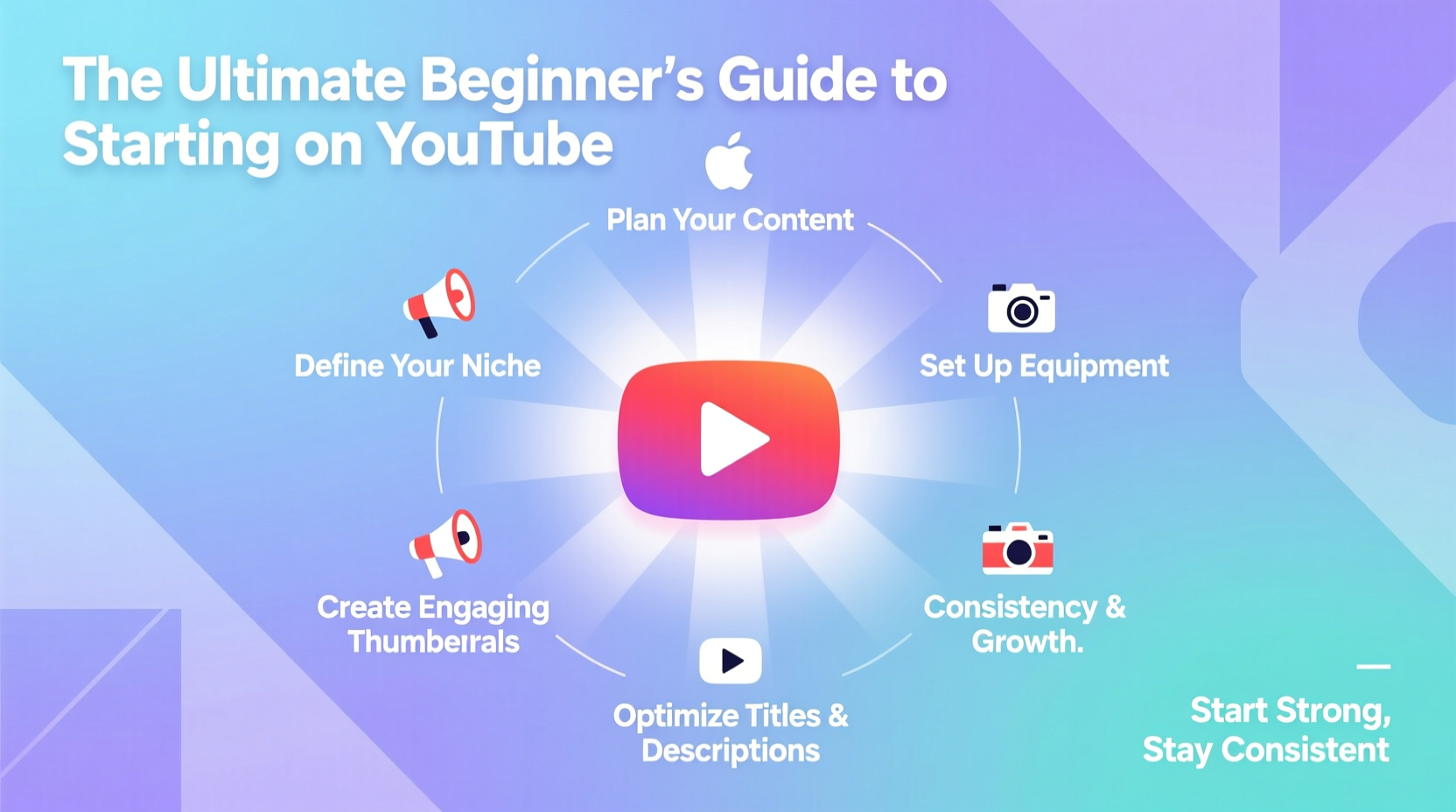
Before recording a single video, ask yourself: Who am I speaking to, and why should they care? The most successful YouTube channels solve a problem, fulfill a curiosity, or provide consistent value within a focused niche.
A broad channel like “Life Vlogs” struggles to gain traction because it lacks direction. A channel like “Budget Meal Prep for College Students” instantly signals relevance to a specific audience.
Start by answering three questions:
- What am I genuinely passionate or knowledgeable about?
- Who benefits most from this knowledge?
- What gap exists in current content that I can fill?
Your answers form the foundation of your channel’s purpose. Whether it’s tech reviews, parenting hacks, or urban gardening, specificity breeds loyalty.
Essential Setup: Equipment and Software
You don’t need a $5,000 studio to start. Most top creators began with minimal gear. Focus on audio quality first—poor sound drives viewers away faster than low-resolution video.
“Your microphone matters more than your camera. Viewers will forgive blurry visuals but not muffled speech.” — Mark Rober, Science Communicator & YouTuber
Here’s what you actually need to get started:
| Item | Minimum Requirement | Budget-Friendly Option | Upgrade Later |
|---|---|---|---|
| Camera | Smartphone (1080p) | iPhone or Android with good lighting | Digital camera (e.g., Sony ZV-1) |
| Microphone | USB lavalier or headset mic | Boya BY-M1 or Fifine K669 | Shure MV7 or Rode NT-USB |
| Lighting | Natural daylight near a window | Ring light or softbox kit ($30–$50) | Three-point studio lighting |
| Editing Software | Free editor with basic cuts | DaVinci Resolve or iMovie | Adobe Premiere Pro or Final Cut Pro |
Set up your filming space in a quiet, clutter-free area with consistent background elements. A bookshelf, plant, or neutral wall works well. Avoid distracting movement behind you.
Step-by-Step: Launching Your First 5 Videos
Many creators quit before publishing because they overthink perfection. Instead, follow this timeline to build momentum fast:
- Week 1: Choose a niche, define your target viewer, and brainstorm 10 video ideas. Pick the most actionable one (e.g., “How to Make Oatmeal in 5 Minutes”).
- Week 2: Script your first video (keep it under 8 minutes). Record using your phone and external mic. Use natural light if possible.
- Week 3: Edit with free software. Add intro/outro (keep them short), subtitles, and background music (use royalty-free tracks from YouTube Audio Library).
- Week 4: Upload with a compelling title, custom thumbnail (use Canva), detailed description, and 5–10 relevant tags. Publish!
- Week 5: Release your second video and respond to every comment. Ask friends or online communities for honest feedback.
Repeat this process. Your first videos won’t go viral—and that’s okay. Each upload improves your skills and algorithmic visibility.
Real Example: From Zero to 10,000 Subscribers
Sarah, a former teacher in Portland, launched a channel called “Simple Science at Home” during the pandemic. She filmed kitchen experiments with her kids using an iPhone and a $20 lapel mic. Her first video—a baking soda volcano tutorial—got 32 views.
Instead of quitting, she analyzed why it underperformed. She realized her title was vague (“Fun Science!”) and her thumbnail was blurry. For her next video, she used “Easy Balloon Rocket Experiment – STEM Activity for Kids” with a bright, clear thumbnail showing the balloon mid-launch.
That video gained 1,200 views in a week. By staying consistent—uploading every Sunday for six months—she grew to 10,000 subscribers. Her secret? She focused on solving a real problem (parents needing educational activities) and improved incrementally based on data.
Avoid These Common Beginner Mistakes
New creators often sabotage their growth with avoidable errors. Stay clear of these pitfalls:
- Inconsistent branding: Use the same profile picture, banner, and tone across videos.
- Ignoring SEO: YouTube is the second-largest search engine. Use keyword-rich titles and descriptions (e.g., “Beginner Guitar Lesson – Learn G Major Chord” instead of “My First Music Video”).
- Skipping thumbnails: Custom thumbnails increase click-through rates by up to 40%. Use bold text, high contrast, and facial expressions when appropriate.
- Buying subscribers: Fake engagement harms your channel. Focus on organic growth through value.
- Quitting too soon: Most channels take 6–12 months to gain traction. Commit to at least 20 videos before evaluating success.
Checklist: Your First Month on YouTube
Follow this checklist to stay on track:
- ✅ Define your niche and ideal viewer
- ✅ Set up basic filming space (lighting, quiet room, clean background)
- ✅ Acquire smartphone + USB mic (under $100 total)
- ✅ Install free editing software (DaVinci Resolve or iMovie)
- ✅ Create a content calendar for first 5 videos
- ✅ Script and film your first video (under 8 minutes)
- ✅ Edit with intro, subtitles, and background music
- ✅ Design a custom thumbnail using Canva
- ✅ Optimize title, description, and tags with keywords
- ✅ Publish and share with trusted friends for feedback
- ✅ Respond to all comments within 48 hours
- ✅ Analyze watch time and CTR after 7 days
FAQ
How often should I upload as a beginner?
Start with once per week. Consistency matters more than frequency. Uploading every Friday builds viewer expectation. Once you establish a rhythm, consider increasing to twice weekly.
Do I need to show my face on YouTube?
No. Many successful channels use voiceover with B-roll footage, screen recordings, or animations. However, showing your face builds trust and connection faster, especially in tutorial or vlog formats.
Can I make money from day one?
Monetization requires 1,000 subscribers and 4,000 watch hours in the past year. Until then, focus on providing value. Monetization follows audience trust—not the other way around.
Conclusion: Start Before You’re Ready
The best time to start a YouTube channel was a year ago. The second-best time is today. Every expert creator was once a beginner pressing “Upload” with shaky hands. Success doesn’t come from perfect equipment or viral luck—it comes from showing up consistently, learning from feedback, and serving a real audience.
You don’t need permission. You don’t need a huge budget. You just need a message, a microphone, and the courage to begin. Film your first video this week. Edit it simply. Publish it proudly. Then do it again next week.




 浙公网安备
33010002000092号
浙公网安备
33010002000092号 浙B2-20120091-4
Comments
No comments yet. Why don't you start the discussion?