
For students, educators, and lifelong learners, access to quality textbooks is non-negotiable. But physical books are heavy, expensive, and often outdated by the time they hit shelves. The digital revolution has changed that. Online textbooks offer instant access, portability, affordability, and interactive features that enhance learning. Yet many still struggle to find reliable sources or navigate licensing restrictions. This guide cuts through the noise, delivering practical methods to locate, access, and use digital textbooks efficiently—without sacrificing legality or usability.
Why Online Textbooks Are a Game-Changer
Digital textbooks aren’t just PDFs of printed editions—they’re evolving into dynamic learning platforms. Features like searchable text, embedded videos, note-sharing, and self-quizzing make studying faster and more effective. A 2023 study from the Journal of Educational Technology found that students using interactive e-textbooks scored 18% higher on average in comprehension tests compared to those relying solely on print materials.
Cost is another major factor. The average U.S. college student spends over $1,200 annually on course materials. Digital versions typically cost 40–60% less than print, and many high-quality options are completely free. When combined with devices most students already own—a laptop, tablet, or even a smartphone—online textbooks become not just convenient, but essential for academic success.
Top Platforms for Accessing Online Textbooks
Not all textbook platforms are created equal. Some specialize in open educational resources (OER), while others offer rental subscriptions or publisher-direct purchases. Below is a curated list of trusted platforms categorized by access model:
| Platform | Access Type | Average Cost | Best For |
|---|---|---|---|
| OpenStax | Free | $0 | College-level STEM & social sciences |
| Internet Archive | Borrowable (1-hour loan) | $0 | Rare, out-of-print, or older editions |
| VitalSource | Purchase/Rental | $30–$120 | Official course materials from publishers |
| RedShelf | Rental/Purchase | $25–$100 | Institutional integration, timed access |
| Google Scholar | Search engine | Variable | Finding free PDFs via university repositories |
Platforms like OpenStax are backed by Rice University and offer peer-reviewed, professionally typeset textbooks used in accredited institutions. Meanwhile, VitalSource and RedShelf are commonly integrated into LMS systems like Canvas or Blackboard, making them go-to choices when instructors assign specific digital editions.
Step-by-Step Guide to Finding and Using Your First Online Textbook
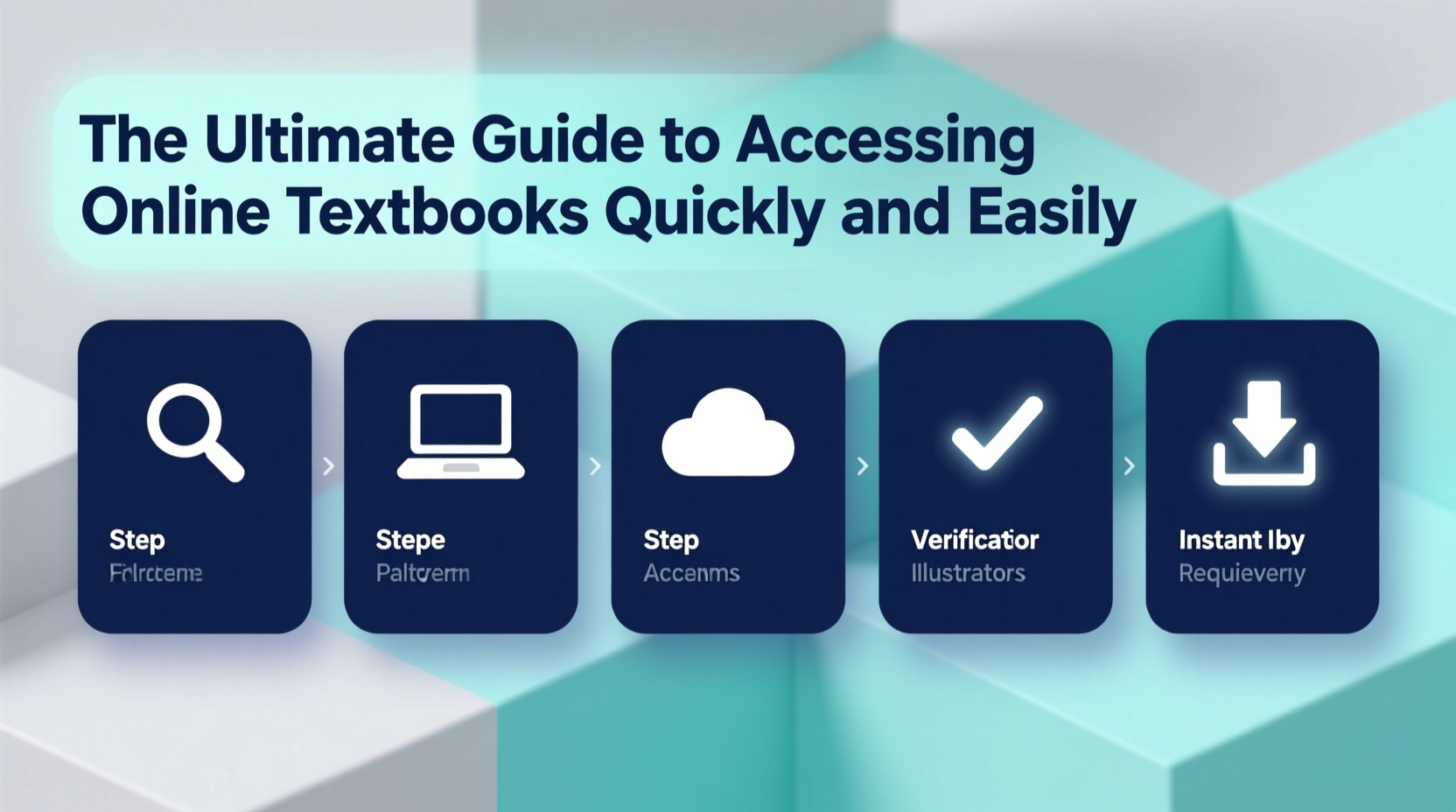
Whether you're preparing for a new semester or need immediate access to a reference book, follow this streamlined process:
- Identify the exact title and edition required. Check your syllabus or course website. Edition matters—content changes between versions.
- Search your institution’s library portal. Many universities license thousands of e-books through services like ProQuest Ebook Central or EBSCOhost.
- Try open-access platforms such as OpenStax, LibreTexts, or BCcampus OpenEd. These are legally free and openly licensed.
- Use the Internet Archive’s Controlled Digital Lending system. Search by ISBN or title and “borrow” for one hour or longer if available.
- If purchasing, compare prices across VitalSource, RedShelf, Chegg, and Amazon. Rentals often include highlighting and note-syncing.
- Download the appropriate reader app (e.g., VitalSource Bookshelf) and log in to access your book across devices.
- Enable accessibility features like text-to-speech or dyslexia-friendly fonts if needed.
Real Example: How Maria Saved $470 in One Semester
Maria, a sophomore biology major at a public university, used to spend an average of $120 per course on textbooks. Last spring, she decided to go fully digital. She started by checking her school’s library database and found three of her five required books available as free e-books. For the remaining two, she searched OpenStax and discovered a nearly identical alternative for her psychology course. The only book she rented was a lab manual exclusive to the publisher, costing $39 via VitalSource—compared to $150 for the print version.
By combining institutional access, OER alternatives, and strategic rentals, Maria saved $470 in one semester without compromising her academic performance. In fact, she found the search function and annotation tools improved her study efficiency.
“Switching to digital textbooks allowed me to carry my entire library in my backpack—and my grades actually improved.” — Maria Tran, Biology Student
Common Pitfalls and How to Avoid Them
Despite their advantages, online textbooks come with challenges. Here’s how to sidestep common issues:
- Assuming all free books are legal: Avoid shady PDF sites that distribute copyrighted material illegally. Stick to verified platforms like OpenStax, Project Gutenberg (for classics), or university-hosted repositories.
- Overlooking expiration dates: Rented e-books often expire at the end of a term. If you need long-term access for review, consider purchasing or saving key notes externally.
- Device dependency: Always download your textbook for offline use if possible. Wi-Fi isn’t guaranteed everywhere, especially during commutes or fieldwork.
- Ignoring accessibility settings: Most e-book platforms support screen readers, adjustable font sizes, and dark mode. Enable these early to reduce eye strain and improve retention.
Checklist: Your Quick-Start Plan for Digital Textbook Success
Before your next course begins, run through this checklist:
- ☐ Confirm required textbooks and editions from your syllabus
- ☐ Log in to your school’s library website and search for digital availability
- ☐ Visit OpenStax, LibreTexts, and BCcampus OpenEd to find free alternatives
- ☐ Search the Internet Archive using the ISBN
- ☐ Compare rental prices on VitalSource, RedShelf, and Chegg
- ☐ Install the necessary e-reader apps on all your devices
- ☐ Download books for offline access and test navigation features
- ☐ Back up personal notes in a cloud document in case access expires
Frequently Asked Questions
Can I highlight and take notes in online textbooks?
Yes, most platforms like VitalSource, RedShelf, and Kindle textbooks allow highlighting, underlining, and adding private notes. These annotations sync across devices and can be exported in some cases.
Are free online textbooks credible?
Many are. OpenStax textbooks undergo rigorous peer review and are adopted by top universities. Always check the publisher, author credentials, and publication date to assess reliability.
What if I need a textbook after my rental expires?
Some platforms allow renewal for an additional fee. Alternatively, export your notes and re-rent or purchase the book later. Consider saving critical diagrams or summaries in a personal study document.
Final Thoughts: Take Control of Your Learning Resources
Gone are the days when students had to wait in bookstore lines or max out credit cards for required readings. Today, fast, legal, and affordable access to online textbooks is within reach—if you know where to look and how to use the tools available. By leveraging open educational resources, institutional libraries, and smart rental strategies, you can cut costs, reduce clutter, and enhance your learning experience.
The shift to digital isn’t just about convenience—it’s about empowerment. You no longer have to depend on what’s on the shelf. With the right approach, every textbook you need is just a few clicks away.




 浙公网安备
33010002000092号
浙公网安备
33010002000092号 浙B2-20120091-4
Comments
No comments yet. Why don't you start the discussion?