
Link names—also known as anchor text or display text—are the visible words that users click on to access a web page. A well-crafted link name improves readability, boosts SEO, and enhances user experience. Whether you're updating a blog post, managing a business website, or sharing resources on social media, knowing how to change a link name effectively is essential. This guide walks through practical methods across platforms, explains best practices, and provides real-world examples to help you make confident edits.
Why Link Names Matter
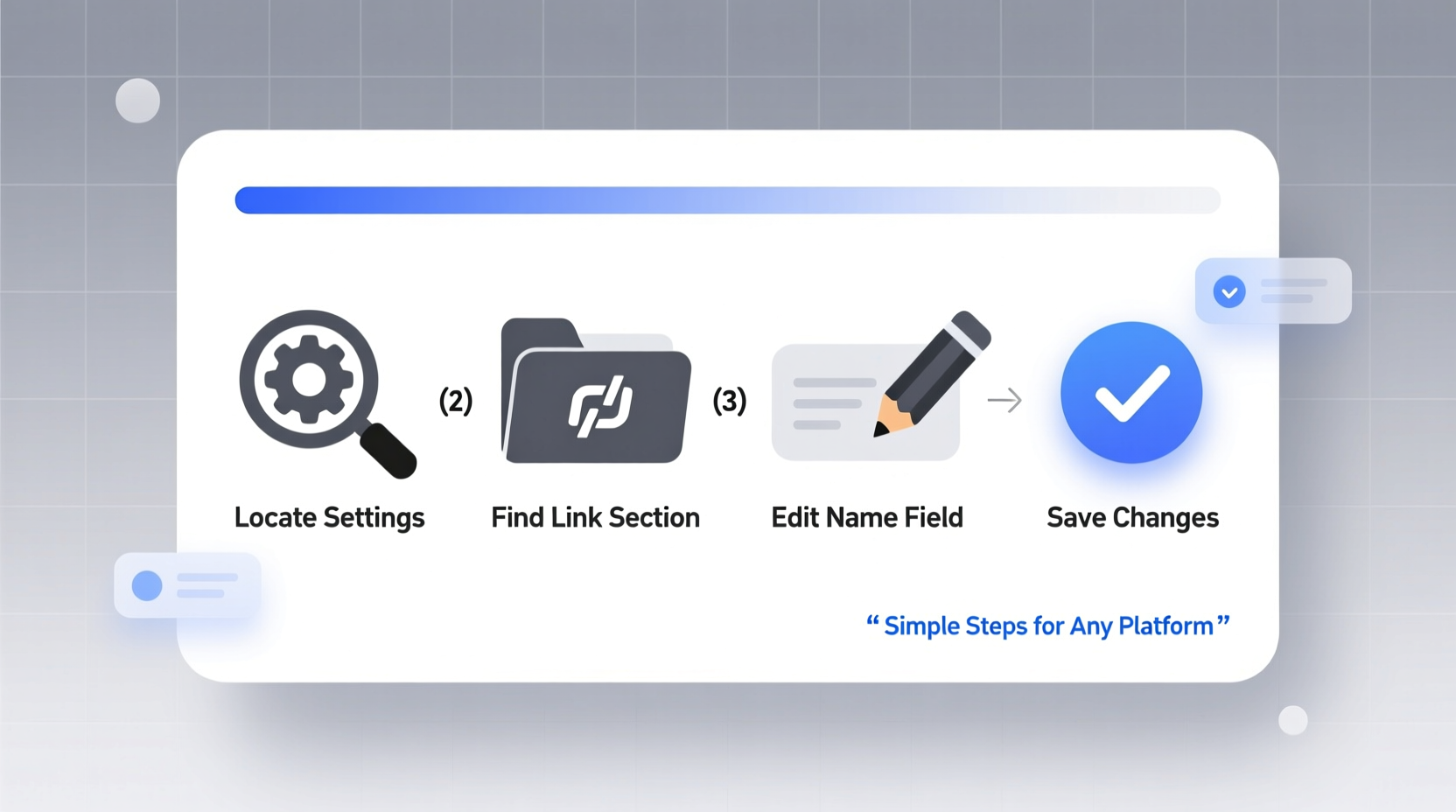
The default URL of a webpage often looks like https://example.com/page?id=12345—clunky, confusing, and uninviting. Changing the link name replaces this with descriptive text such as “Download the 2024 Marketing Guide” or “Learn More About Sustainable Fashion.” This small adjustment has outsized benefits:
- Improved clarity: Users know exactly what they’ll get before clicking.
- Better accessibility: Screen readers rely on meaningful link text to navigate content.
- Stronger SEO: Search engines use anchor text to understand context and relevance.
- Higher click-through rates: Clear, action-oriented links perform better in emails and articles.
“Descriptive anchor text isn’t just helpful—it’s a core component of ethical digital communication.” — Dana Patel, Web Usability Consultant
Step-by-Step: How to Change a Link Name on Key Platforms
Changing a link name varies slightly depending on the platform. Below are detailed instructions for common environments, from content management systems to collaborative tools.
1. WordPress (Classic Editor & Gutenberg)
- Open the post or page containing the link.
- Highlight the current link text or URL.
- Click the link icon in the toolbar (chain symbol).
- Edit the \"Text\" field to your desired name (e.g., change “Click here” to “View Our Pricing Plans”).
- Ensure the URL remains correct in the \"Link\" field.
- Click “Update” or “Apply.”
- Publish or update the page.
2. Google Docs and Google Slides
- Right-click the existing link or highlight the text you want to modify.
- Select “Edit link” from the context menu.
- In the popup window, update the “Text” box with your preferred display name.
- Verify the link destination is still accurate.
- Click “Apply.”
This method works whether the link was inserted manually or auto-detected by Google’s formatting system.
3. Microsoft Word and PowerPoint
- Right-click the hyperlink in your document or slide.
- Choose “Edit Hyperlink” from the dropdown.
- In the dialog box, update the “Text to display” field.
- Confirm the address under “Address” is correct.
- Select “OK” to save changes.
Note: If you paste a full URL and want to convert it into custom text, highlight the URL, right-click, choose “Link,” then edit both fields accordingly.
4. Social Media Platforms
Social networks handle links differently. While most auto-generate previews, you can still control how links appear in your message.
- LinkedIn: Paste your URL, then edit the accompanying title, description, and thumbnail. The visible text in your post remains editable.
- X (formerly Twitter): Use a URL shortener with custom slugs (like Bitly) to create clean, branded links with readable names.
- Facebook: After pasting a link, wait for the preview card to load. Edit your caption to include clear call-to-action text next to the link.
5. Email Marketing Tools (Mailchimp, Constant Contact)
- Open your campaign editor.
- Highlight the link you wish to rename.
- Click the link button in the formatting toolbar.
- Replace the display text with a compelling phrase (e.g., “Claim Your Free Trial”).
- Double-check the web address.
- Save and preview the email to confirm appearance.
Well-named links in emails increase engagement and reduce unsubscribes caused by misleading or vague calls to action.
Best Practices for Effective Link Naming
Changing a link name isn’t just technical—it’s strategic. Follow these guidelines to ensure your links are functional, accessible, and persuasive.
| Do | Don't |
|---|---|
| Use action verbs: “Download,” “Register,” “Explore” | Use passive phrases: “Here,” “This,” “Link” |
| Be specific: “2024 Annual Report (PDF)” | Be vague: “Click for info” |
| Keep it concise: under 5–7 words when possible | Write long sentences as links |
| Match the destination content accurately | Mislead users (e.g., “Free Ebook” leading to a paid course) |
Mini Case Study: Revamping Internal Links for Clarity
A mid-sized nonprofit updated its donor outreach strategy by revising all internal document links. Previously, staff shared Google Docs with titles like “Fundraising Q3 Draft v2 FINAL (1).docx” and links labeled “Review this.” Confusion led to delays and version errors.
The team implemented a standard: all links now use action-based names like “Approve Q3 Budget Proposal” or “Submit Volunteer Roster.” Within one month, internal response times improved by 35%, and document-related errors dropped significantly.
This shows that even small changes in link naming can have measurable impacts on productivity and clarity.
Checklist: Changing Link Names Like a Pro
- ✅ Identify all links needing updates (in documents, web pages, emails).
- ✅ Replace generic text with descriptive, action-oriented phrases.
- ✅ Verify the underlying URL hasn’t changed or broken.
- ✅ Test the link across devices and browsers.
- ✅ Ensure consistency in tone and style across your content.
- ✅ Audit accessibility: Can screen readers interpret the purpose of each link?
Frequently Asked Questions
Can changing a link name affect SEO?
Yes—in a positive way. Using relevant keywords in anchor text helps search engines understand the linked page’s topic. However, avoid over-optimization or keyword stuffing. Natural, informative text performs best.
What if I don’t see an option to edit the link name?
Some platforms (especially mobile apps) limit direct editing. In such cases, remove the existing link and reinsert it with your preferred display text. Always double-check the destination URL during re-entry.
Is it safe to shorten links with custom names?
Yes, when using trusted services like Bitly, Rebrandly, or platform-native tools. Custom short links improve aesthetics and tracking, but avoid third-party tools with unclear privacy policies.
Final Thoughts and Action Steps
Renaming links is a simple task with far-reaching benefits. It enhances professionalism, supports accessibility, and strengthens communication across digital platforms. Whether you're managing a personal blog or coordinating enterprise-level documentation, taking a few moments to refine your anchor text pays dividends in clarity and performance.
Start today: open one of your recent posts, emails, or shared files. Locate a generic link and transform it into something clear and useful. Then, share this guide with your team to standardize best practices across your organization.




 浙公网安备
33010002000092号
浙公网安备
33010002000092号 浙B2-20120091-4
Comments
No comments yet. Why don't you start the discussion?