
Wearing a watch is about more than just telling time—it's a statement of style, punctuality, and personal organization. But even the most elegant or advanced timepiece is only useful when it’s accurate. Whether you’ve just received a new watch, traveled across time zones, or noticed your timepiece running fast or slow, knowing how to set the time correctly is essential. This comprehensive guide walks you through the process for every major type of watch—mechanical, quartz, digital, and smart—with practical tips to ensure precision and avoid common mistakes.
Understanding Your Watch Type
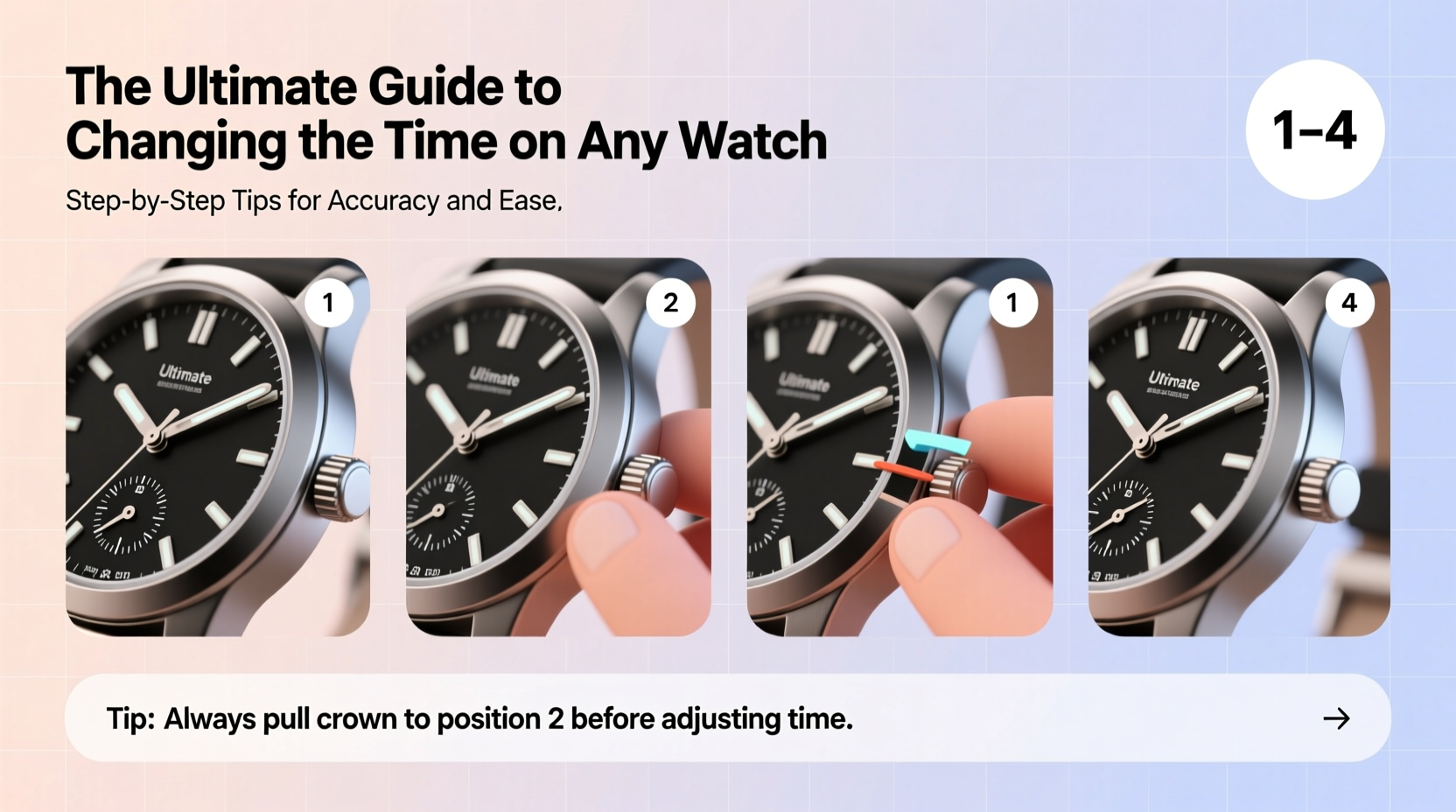
Before adjusting the time, identify your watch’s movement and interface. The method varies significantly depending on whether your watch is analog mechanical, analog quartz, digital, or a modern smartwatch. Each operates differently and requires specific handling.
- Analog Mechanical: Powered by a wound spring; often found in luxury or vintage models.
- Analog Quartz: Battery-powered with precise timekeeping; most common in everyday watches.
- Digital: LED or LCD display, typically with multiple functions like alarms and chronographs.
- Smartwatches: Connected devices (e.g., Apple Watch, Samsung Galaxy Watch) that sync with smartphones.
Knowing your type ensures you use the correct technique and avoid damaging delicate internal components.
Step-by-Step Guide to Setting an Analog Watch
Analog watches, whether mechanical or quartz, typically use a crown—a small knob on the side—to adjust time. The process differs slightly between automatic and quartz models.
- Pull the crown gently outward to its first or second position. On most watches, the first position adjusts the date, while the second sets the time.
- Rotate the crown clockwise to move the hands forward. Never turn counter-clockwise unless your watch specifically allows it, as this can damage the gear train.
- Set the hour and minute hands to the correct time. For precision, wait until a reference clock hits the next minute before finalizing.
- Push the crown back in securely to resume normal operation.
For automatic watches, avoid setting the date between 9 PM and 3 AM to prevent strain on the date mechanism, which is actively transitioning during these hours.
| Watch Type | Crown Positions | Best Practice |
|---|---|---|
| Analog Quartz | Two positions: Date and Time | Adjust freely at any hour |
| Mechanical/Automatic | Two or three positions | Avoid date changes from 9 PM–3 AM |
| Screw-down Crown | Unscrew before pulling | Always re-tighten after adjustment |
Setting Digital and Multi-Function Watches
Digital watches offer more features but require navigating buttons rather than a crown. Common controls include \"Mode,\" \"Set,\" \"Adjust,\" and \"Light.\"
Basic Steps for Most Digital Watches:
- Press the Mode button until the display shows the time-setting screen (usually indicated by flashing digits).
- Press Adjust or Set to enter edit mode.
- Use Start/Stop or Lap/Reset buttons to cycle through hours, minutes, and seconds.
- Confirm each selection and exit the menu to save settings.
Some models use a long press on a single button to initiate setup. Always refer to your model’s manual if the sequence isn’t intuitive.
Smartwatches: Automatic Syncing and Manual Override
Modern smartwatches like the Apple Watch or Wear OS devices automatically update the time based on your smartphone’s network settings. However, manual adjustments may be needed in areas with poor connectivity or during daylight saving transitions.
To Manually Set Time on a Smartwatch:
- Open the Settings app on the watch.
- Navigate to General > Date & Time.
- Toggle off “Set Automatically.”
- Select Time Zone or manually adjust the clock using touchscreen controls.
- Re-enable automatic syncing when done to maintain accuracy.
If your smartwatch loses sync, ensure Bluetooth is active and your phone has an updated time zone setting. Restart both devices if necessary.
“Even high-end mechanical watches benefit from being set against atomic time standards. A few seconds off today can mean minutes lost over months.” — Daniel Reyes, Master Watchmaker, Geneva Institute of Horology
Common Mistakes and How to Avoid Them
Improper handling during time setting can lead to misalignment, water damage, or mechanical stress. Here are frequent errors and how to prevent them:
| Mistake | Consequence | Prevention |
|---|---|---|
| Forcing the crown | Internal gear damage | Pull gently; stop if resistance is felt |
| Setting date at night | Date mechanism jam | Avoid 9 PM–3 AM adjustments |
| Not screwing down crown | Water intrusion | Twist until snug after use |
| Ignoring leap year settings | Inaccurate calendar | Check annual calendar function |
Mini Case Study: Traveler’s Time Adjustment
Sophie, a business consultant, flies weekly between New York and London. She once forgot to adjust her automatic Rolex after a red-eye flight and arrived late to a client meeting because her watch was still on EST. After that incident, she adopted a routine: upon landing, she checks the local time on her phone, then pulls the crown to the second position and advances the hands clockwise. She waits until the date clicks over correctly and avoids touching it between 10 PM and 2 AM. Now, her watch is always accurate—no matter the continent.
Essential Checklist for Perfect Time Setting
Follow this checklist every time you adjust your watch to ensure accuracy and safety:
- ✅ Identify your watch type (quartz, mechanical, digital, smart)
- ✅ Use a reliable time source (atomic clock, smartphone, official time website)
- ✅ Pull the crown gently—do not force it
- ✅ Move hands forward, never backward (unless specified)
- ✅ Avoid date adjustment between 9 PM and 3 AM for mechanical watches
- ✅ Re-secure screw-down crowns completely
- ✅ Verify all functions (date, day, timezone) after setting
- ✅ For smartwatches, re-enable auto-sync when possible
Frequently Asked Questions
How often should I set my watch?
Quartz watches typically need no adjustment beyond battery changes (every 1–2 years). Mechanical watches may gain or lose a few seconds daily and benefit from weekly synchronization. Smartwatches auto-adjust continuously when connected.
Can setting the time wrong damage my watch?
Yes—especially with mechanical movements. Incorrectly adjusting the date or forcing the crown can misalign gears or damage the stem. Always follow manufacturer guidelines and proceed slowly.
Why does my watch show the wrong date after setting the time?
This usually means the 12-hour cycle wasn’t properly observed. If the hands show 3 PM but it’s actually 3 AM, the date will change 12 hours off schedule. Always confirm AM/PM alignment when setting.
Final Thoughts: Precision Starts with a Single Turn
Setting your watch correctly is a small act with lasting impact. It reflects attention to detail, respect for craftsmanship, and personal reliability. Whether you're winding a vintage heirloom or syncing a cutting-edge smartwatch, taking the time to do it right ensures your timepiece remains accurate, functional, and worthy of your wrist. With the steps and insights provided here, you’re now equipped to handle any watch with confidence and care.




 浙公网安备
33010002000092号
浙公网安备
33010002000092号 浙B2-20120091-4
Comments
No comments yet. Why don't you start the discussion?