
Navigating Amazon can feel overwhelming, especially when juggling multiple purchases across categories—from holiday gifts to weekly groceries. Without a system in place, it’s easy to lose track of items, overspend, or forget essentials. The solution? Amazon Lists. These built-in tools let you organize products into custom collections tailored to your lifestyle, whether you're planning a wedding, stocking up on baby supplies, or tracking future tech upgrades.
Yet most shoppers use lists haphazardly—adding items without structure, never revisiting them, or missing out on key features like sharing and price alerts. When used strategically, Amazon Lists become powerful personal assistants: streamlining decision-making, improving budget control, and turning chaotic browsing into purposeful shopping.
Why Amazon Lists Are More Than Just Shopping Carts
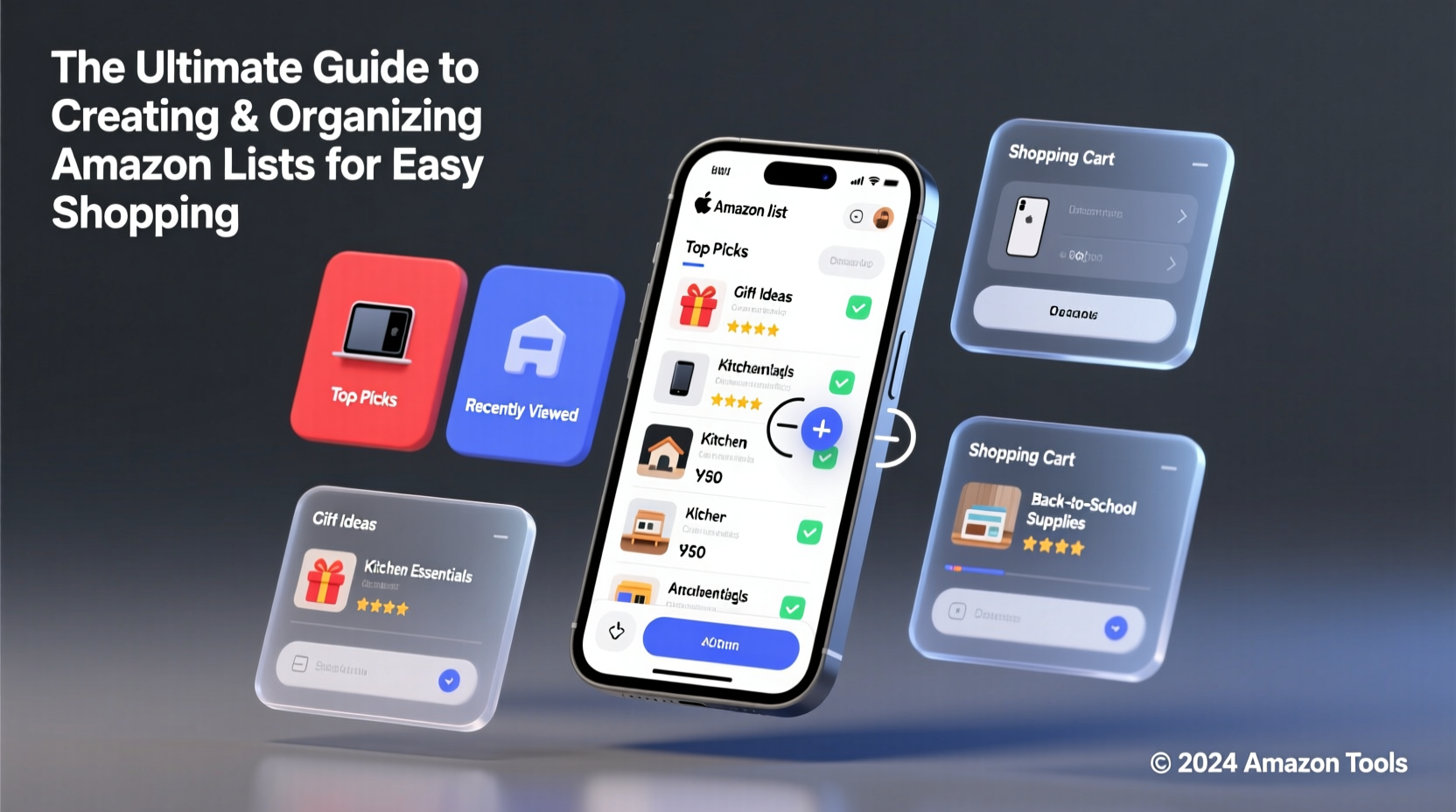
Your shopping cart is temporary. Amazon Lists are long-term organizers. Unlike carts that expire or reset after purchase, lists persist indefinitely and can be reused, shared, or repurposed. They support multiple use cases beyond immediate buying, including gift planning, wish lists, home inventory, and even collaborative family shopping.
Each list can include notes, checkmarks, priorities, and even delivery date reminders. You can create public or private lists, share them via link, or sync them with calendar events. This flexibility makes lists ideal for both individual and group coordination—perfect for parents managing household needs or coworkers organizing office supplies.
Step-by-Step Guide to Creating Your First Organized List
- Log in to your Amazon account and go to “Accounts & Lists” at the top right.
- Select “Create a List” under the “Lists” section.
- Choose a list type: Public (shareable), Private (visible only to you), or Gift Registry.
- Name your list clearly—avoid vague names like “Stuff I Want.” Instead, use “Birthday Gifts for Dad – 2024.”
- Click “Add Items” while browsing products, or search directly within the list interface.
- Use the “Note” field for each item to specify size, color, or reason for inclusion (e.g., “Black, Size M – needs by June”).
- Set priority levels using naming conventions like “[High]”, “[Low]”, or emoji (🔥, ⏳) in item notes.
- Review and reorder items by dragging them into priority sequence.
This process takes less than ten minutes but pays dividends every time you shop. Over time, refine your lists by archiving old ones and duplicating successful templates.
Smart Ways to Organize Multiple Lists
One list won’t cover all your needs. The key is segmentation—dividing your shopping life into logical buckets. Here’s how to categorize effectively:
- Seasonal Lists: Holiday gifts, back-to-school, summer travel gear.
- Recurring Needs: Household staples (paper towels, detergent), pet food subscriptions.
- Project-Based: Nursery setup, home renovation, new hobby equipment.
- Personal Goals: Fitness journey, reading challenge, kitchen upgrade.
- Shared/Family: Co-parenting supplies, roommate chores, joint gift ideas.
For households, consider creating a master “Family Essentials” list where everyone adds items as they run low. Enable notifications so no one misses updates.
“Organized digital lists reduce decision fatigue by 40% during high-pressure shopping seasons.” — Dr. Lena Torres, Behavioral Economist, Consumer Decision Lab
Do’s and Don’ts of Amazon List Management
| Do | Don’t |
|---|---|
| Label lists with dates (e.g., “Christmas 2024 – Finalized”) to avoid confusion year-over-year. | Use generic names like “My List” or “Wishlist” without context. |
| Move purchased items to an “Archive” list instead of deleting—useful for reordering. | Delete entire lists after one use; duplicate them for next time. |
| Share gift lists with family to prevent duplicates and signal preferences. | Make every list public—keep personal wants private unless sharing intentionally. |
| Enable price drop alerts on high-value items in your lists. | Ignore outdated items—review lists quarterly to remove unavailable or irrelevant products. |
Real Example: How Sarah Simplified Her Holiday Shopping
Sarah, a working mom of two, used to dread December. Between school parties, extended family gifts, and hostess presents, she’d spend over $500 last-minute and still miss someone. Last year, she changed her approach.
In September, she created five separate Amazon Lists: “Immediate Family,” “In-Laws,” “Friends & Teachers,” “Charity Donations,” and “Wrapping Supplies.” As birthdays and anniversaries came up through fall, she added items directly to the relevant list. She set price alerts on electronics and shared the “Teachers” list with other parents to coordinate class gifts.
By November, her lists were complete. She scheduled deliveries in batches, avoiding shipping rushes. Total time spent purchasing: three evenings. Money saved through early deals: $187. Most importantly, no forgotten gifts.
Advanced Tips for Power Users
Once comfortable with basic list creation, leverage these advanced techniques:
- Duplicate and Modify: Copy a completed list (e.g., “Baby’s First Year”) and adjust for future milestones (“Toddler Phase 2”).
- Use Notes for Budget Tracking: Add estimated prices in notes and total manually, or use spreadsheet-style apps that pull Amazon data via browser extensions.
- Sync with Calendars: Link gift lists to Google Calendar events (e.g., “Uncle Joe’s Birthday – Order by Dec 5”).
- Combine with Subscribe & Save: Move consumable items from your “Monthly Essentials” list into recurring deliveries to auto-check them off.
- Leverage List Search: Use keywords in item notes (“birthday,” “under $20”) to filter within large lists.
Checklist: Optimize Your Amazon Lists in One Hour
- ✅ Audit existing lists—delete unused ones, rename unclear ones.
- ✅ Create 3–5 new segmented lists based on current needs.
- ✅ Add 10 frequently bought or upcoming-purchase items.
- ✅ Enable price tracking on 5+ high-value items.
- ✅ Share one list with a partner or family member.
- ✅ Set a reminder to review all lists quarterly.
Frequently Asked Questions
Can I merge two Amazon Lists?
No direct merge function exists, but you can manually copy items from one list to another. Open both lists side-by-side in tabs, then add items from the source list into the destination list using the “Add to List” button.
Do Amazon Lists notify me if prices drop?
Only if you enable price tracking individually per item. Go to the product page, click “Price Drop Reminder,” and confirm. This works whether the item is on a list or not—but being on a list helps you remember to activate it.
How many lists can I have?
Amazon allows up to 200 lists per account. Most users need far fewer, but this limit accommodates businesses, educators, or frequent gift-givers. If nearing capacity, archive old lists rather than delete them.
Final Thoughts: Turn Browsing Into Intentional Buying
Amazon Lists aren’t just digital bookmarks—they’re strategic tools for smarter consumption. By investing a small amount of upfront organization, you gain clarity, save time, avoid impulse buys, and ensure nothing slips through the cracks. Whether you're preparing for a big event or simplifying daily routines, structured lists put you in control.
The best systems evolve with your life. Revisit your lists monthly, adapt categories as needs change, and teach family members how to contribute. With consistency, Amazon becomes less of a distraction and more of a well-oiled personal assistant.




 浙公网安备
33010002000092号
浙公网安备
33010002000092号 浙B2-20120091-4
Comments
No comments yet. Why don't you start the discussion?