
For avid readers and lifelong learners, Audible has transformed how we consume stories, self-help guides, and educational content. But what happens when you're on a flight, commuting through a tunnel, or hiking in a remote area with no internet? That’s where offline listening becomes essential. Downloading Audible books ensures uninterrupted access to your audiobooks—no buffering, no interruptions, just pure immersion. This comprehensive guide walks you through everything you need to know about downloading Audible content efficiently and securely across devices.
Why Offline Listening Matters
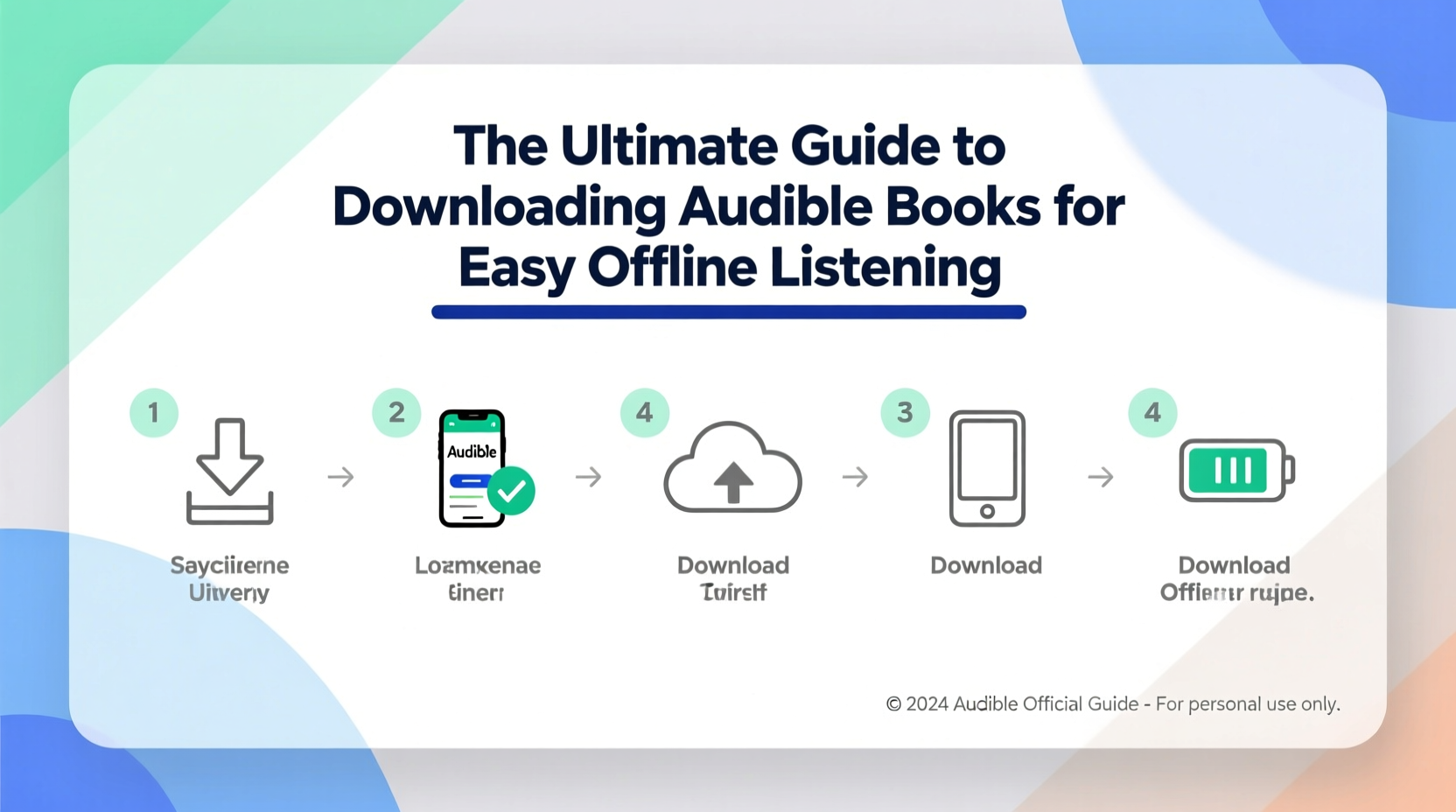
Streaming is convenient, but it relies on a stable internet connection. Whether you’re conserving mobile data, traveling internationally, or simply want to reduce screen time and distractions, having audiobooks stored locally offers peace of mind. Offline access also reduces battery drain from constant connectivity and allows for faster load times. For frequent travelers, commuters, or anyone who values digital independence, mastering offline downloads is a game-changer.
How to Download Audible Books: Step-by-Step Guide
Downloading an Audible book is simple once you understand the process. Here’s how to do it correctly across different platforms.
- Open the Audible app on your smartphone or tablet (iOS or Android).
- Navigate to your Library by tapping the menu icon in the top-left corner.
- Find the audiobook you’d like to download. Tap on its cover to open the details page.
- Look for the Download button—usually represented by a downward arrow icon.
- Wait for the progress bar to complete. Once finished, the book will display a green checkmark or “Downloaded” label.
- To start listening, tap Play. The audio will stream directly from your device.
On desktop, while full offline playback isn’t supported via the web browser, you can use the Audible Manager (available at audible.com/audiblemanager) to download audiobooks in AAX format. These files can be transferred manually to compatible devices like MP3 players or used with third-party software for conversion (within legal limits).
Supported Devices for Offline Playback
Audible supports offline downloads on a wide range of devices, though functionality varies slightly depending on the platform.
| Device Type | Offline Support | Notes |
|---|---|---|
| iOS (iPhone/iPad) | Yes | Use official Audible app; downloads remain accessible even if deleted from Home Screen. |
| Android Phones/Tablets | Yes | Ensure “Download over Wi-Fi only” is enabled in Settings to avoid data overages. |
| Amazon Fire Tablets | Yes | Pre-installed Audible app works seamlessly with library syncing. |
| Mac/PC (Web Browser) | Limited | Streaming only; use Audible Manager to download AAX files for local storage. |
| Kindle E-readers with Audio | Yes | Syncs purchased titles automatically; manage downloads under \"Settings > Device Options.\" |
| Smart Speakers (Echo, etc.) | No | Requires constant internet; not suitable for offline use. |
Managing Storage and Multiple Downloads
Your mobile device has limited space, and high-quality audiobooks can take up hundreds of megabytes each. Managing your downloaded content wisely prevents clutter and performance issues.
- Delete books after finishing them to free up space.
- Use the “Remove Download” option instead of uninstalling the app to keep your place in the audiobook.
- Organize your library by creating custom shelves like “Currently Listening,” “To Download,” or “Finished.”
- Enable auto-delete settings: In the Audible app, go to Settings > Content Preferences and toggle “Automatically remove finished books.”
Real Example: How Sarah Listens Without Interruption
Sarah is a project manager who commutes two hours daily on public transit with spotty signal. She used to lose her place mid-chapter every other day until she adopted a structured download routine. Every Sunday night, she connects her phone to Wi-Fi, opens Audible, and downloads three new chapters of her current book. She also keeps one completed favorite downloaded as a backup. Since making this change, she hasn’t missed a single sentence—even during underground subway rides. Her secret? Consistency and planning ahead.
“Offline listening isn’t just about convenience—it’s about reclaiming focus in a distracted world.” — Dr. Alan Pierce, Cognitive Psychologist and Digital Wellness Researcher
Common Issues and Troubleshooting
Even with proper setup, users sometimes encounter problems. Here are frequent issues and their solutions:
- Download fails repeatedly: Check your internet connection, restart the app, or log out and back into your account.
- Book disappears after reboot: Ensure the download completed fully. Partial downloads may vanish upon restart.
- Can’t find downloaded books: Go to “Library,” then filter by “Downloaded” to view only offline content.
- Poor audio quality: In Settings, adjust Streaming Quality to “High” or “Original” for best results.
Checklist: Optimize Your Offline Listening Experience
Follow this checklist monthly to maintain smooth, reliable offline access:
- ✅ Audit downloaded books and delete those already finished.
- ✅ Connect to Wi-Fi before downloading large files.
- ✅ Verify that automatic sync is enabled in app settings.
- ✅ Test playback immediately after download to confirm integrity.
- ✅ Backup important titles using Audible Manager (for archival purposes).
- ✅ Update the Audible app regularly to benefit from bug fixes and improvements.
Frequently Asked Questions
Can I transfer downloaded Audible books to another device?
Direct file transfer is restricted due to DRM (digital rights management). However, you can log in to the same Audible account on multiple devices and re-download the books individually. Each user is allowed up to 10 registered devices.
Do downloaded Audible books expire?
No. Once purchased or acquired through membership, your audiobooks remain yours indefinitely. You can re-download them at any time, even years later, as long as your account remains active.
Is it legal to convert AAX files to MP3?
While technically possible using authorized tools, converting AAX files to MP3 for personal use exists in a legal gray area. It may violate Audible’s Terms of Service. Always review licensing agreements before modifying file formats.
Maximizing Flexibility with Smart Habits
The true power of offline listening lies not just in technology, but in habit. Building routines around downloading—like scheduling weekly sync sessions or setting reminders before travel—turns passive consumption into intentional engagement. Think of your downloaded library as a curated toolkit: always ready, always accessible, never dependent on external conditions.
Moreover, combining offline access with features like variable playback speed, sleep timers, and bookmarking enhances both retention and enjoyment. When you eliminate connectivity barriers, you create space for deeper immersion—one chapter at a time.
Final Thoughts
Downloading Audible books for offline listening is more than a technical skill—it’s a lifestyle upgrade. Whether you're navigating city streets, exploring mountain trails, or simply seeking quiet moments without draining your data plan, offline access empowers you to listen on your terms. With the right practices, device management, and awareness of limitations, your audiobook experience becomes seamless, reliable, and deeply personal.




 浙公网安备
33010002000092号
浙公网安备
33010002000092号 浙B2-20120091-4
Comments
No comments yet. Why don't you start the discussion?