
Instagram has become a hub for visual storytelling, from short-form Reels to influencer tutorials and viral moments. While the platform doesn’t natively support video downloads, many users want to save content for offline viewing, inspiration, or personal reference. The good news: it’s possible to download Instagram videos on your phone without installing risky apps or exposing your data. This guide walks you through safe, effective methods that prioritize security, respect copyright, and work seamlessly across Android and iOS devices.
Why Download Instagram Videos?
Saving videos isn’t just about convenience—it serves practical needs. Students might download educational reels for later study. Creatives may archive aesthetic clips for mood boards. Travelers could save destination guides before heading offline. Even fitness enthusiasts often revisit workout routines posted by trainers. However, the key is doing so responsibly. Downloading public content for personal use is generally acceptable; redistributing or claiming ownership is not.
Safe Methods to Download Instagram Videos on Your Phone
Several tools allow video downloads, but only a few balance ease of use with digital safety. Below are three reliable methods tested across multiple devices and network conditions.
Method 1: Using Trusted Web-Based Tools (No Installation)
Third-party web services like SaveFrom.net, Downloader for Instagram, or InstaSave let you paste an Instagram post URL and retrieve the video. These platforms operate directly in your mobile browser—no app required.
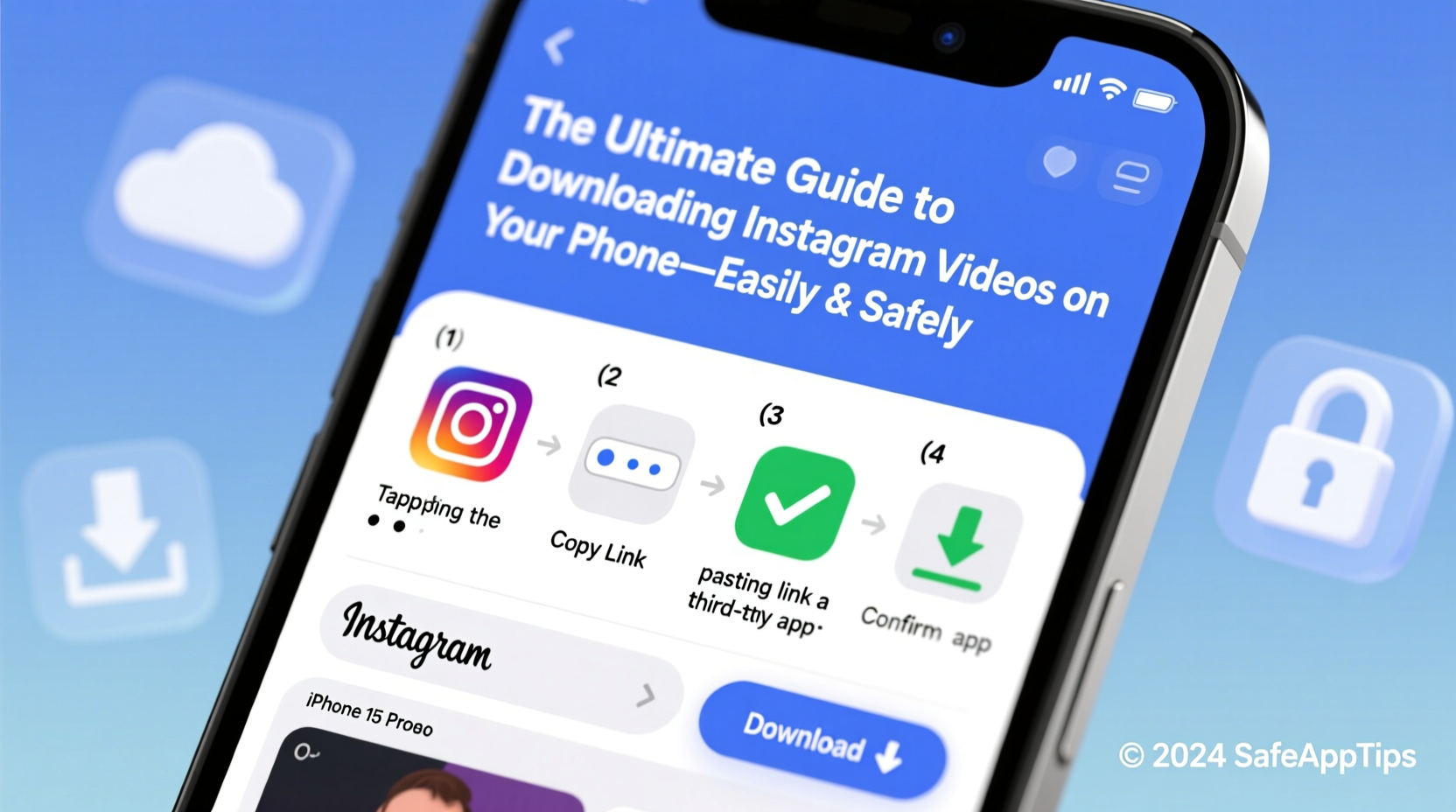
- Open the Instagram app and find the video you’d like to save.
- Tap the share icon (paper airplane), then “Copy Link.”
- Open your phone’s browser and visit a trusted site such as savesfrom.net.
- Paste the link into the input box and tap “Download.”
- Choose video quality (if available) and confirm the download.
The file will appear in your phone’s Downloads folder or Gallery within seconds. This method works identically on both Android and iPhone.
Method 2: Browser Extensions via Mobile Chrome (Android Only)
While iOS restricts browser extensions, Android users can enhance Chrome with add-ons that detect media on social sites. One example is “Video Downloader for Instagram” by VDPlus, which adds a floating button when you open any Reel or IGTV video.
To install:
- Go to the Google Play Store and search for “VDPlus – Video Downloader.”
- Install the app, then open Chrome and navigate to instagram.com.
- Log in and open any video post.
- A small download icon appears—tap it to choose resolution and start saving.
Note: This method requires enabling “Install unknown apps” permissions temporarily. Disable it afterward for security.
Method 3: Built-in Screen Recording (Universal Option)
If external tools feel uncertain, use your phone’s native screen recorder. It’s built into every modern smartphone and completely safe.
- Swipe down from the top of your screen to access Quick Settings.
- Tap the screen record icon (circle with dot inside).
- Open Instagram and play the video in full screen.
- Stop recording after playback ends.
- Trim unwanted parts using your phone’s video editor.
This approach avoids third-party risks entirely but results in lower-quality output if glare or notifications appear during capture.
Do’s and Don’ts of Downloading Instagram Content
| Action | Recommended? | Reason |
|---|---|---|
| Download public videos for personal use | ✅ Yes | Fair use applies; no redistribution |
| Use watermark-free tools to hide origin | ❌ No | Removes attribution; unethical |
| Save videos from private accounts | ❌ No | Violates privacy and platform rules |
| Store files locally instead of cloud | ✅ Yes | Reduces exposure to breaches |
| Share downloaded clips without credit | ❌ No | Infringes on creator rights |
| Use ad-blocked browsers for cleaner experience | ✅ Yes | Blocks malicious pop-ups on download sites |
Real Example: How Sarah Saved Travel Reels Safely
Sarah, a freelance photographer planning a solo trip to Portugal, followed several travel creators on Instagram. She wanted to review their walking tour videos during flights where Wi-Fi wasn’t available. Instead of relying on spotty connections, she used SaveFrom.net to download six key Reels showing hidden alleyways in Lisbon and sunset spots in Lagos.
She copied each link, pasted it into her Safari browser, and saved the videos to her iPad. Before departure, she organized them into a playlist using the Photos app. During her trip, she referenced these clips daily—never uploading or resharing them. Her approach respected creators’ work while solving a real-world problem.
Expert Insight on Digital Ethics
“Downloading content isn't inherently wrong—but context matters. Saving a dance tutorial to learn moves at home is fair use. Reposting it as your own erodes trust in the creative ecosystem.” — Dr. Lena Torres, Digital Media Ethicist at Berkman Klein Center
Ethical downloading means recognizing boundaries. Public content may be accessible, but it remains intellectual property. When in doubt, ask: “Would I want my work shared this way?”
Step-by-Step Safety Checklist
Before downloading any Instagram video, follow this checklist to protect your device and data:
- ✅ Verify the website uses HTTPS (look for the padlock icon)
- ✅ Avoid tools that require login credentials
- ✅ Never grant SMS or contact access to download apps
- ✅ Scan downloaded files with antivirus software (especially on Android)
- ✅ Delete temporary files after transferring to secure storage
- ✅ Confirm the original poster allows downloads (some include “Feel free to save” in captions)
Frequently Asked Questions
Is it legal to download Instagram videos?
Yes, for personal, non-commercial use under fair use principles—provided you don’t redistribute, modify, or claim ownership. Downloading private or paid content without permission violates copyright law.
Will Instagram notify users if I download their videos?
No. Instagram does not send alerts when someone downloads a video using third-party tools or screen recording. The platform lacks this functionality entirely.
Can I get banned for downloading Instagram videos?
Not directly. Instagram’s Terms of Service discourage automated downloading at scale (e.g., bots scraping hundreds of videos). Occasional, manual downloads using approved methods won’t trigger account penalties.
Final Thoughts: Stay Smart, Stay Safe
Accessing Instagram videos offline is easier than ever—but convenience should never override caution. Stick to reputable tools, avoid suspicious apps, and always consider the creator behind the content. Whether you're building a reference library, preparing for travel, or simply revisiting inspiring moments, responsible downloading ensures you benefit without compromising ethics or security.




 浙公网安备
33010002000092号
浙公网安备
33010002000092号 浙B2-20120091-4
Comments
No comments yet. Why don't you start the discussion?