
In an age where streaming dominates, many still prefer the convenience of offline music access. Whether you're traveling with spotty internet, conserving data, or simply want uninterrupted playback, having your favorite tracks stored directly on your phone is invaluable. While YouTube hosts an immense library of music, it doesn’t offer a built-in way to save audio for offline use—unless you’re a Premium subscriber, and even then, only temporarily. This guide walks you through safe, effective methods to convert and download YouTube music to your phone, ensuring high-quality audio without risking malware or violating terms of service.
Why Download Music from YouTube?
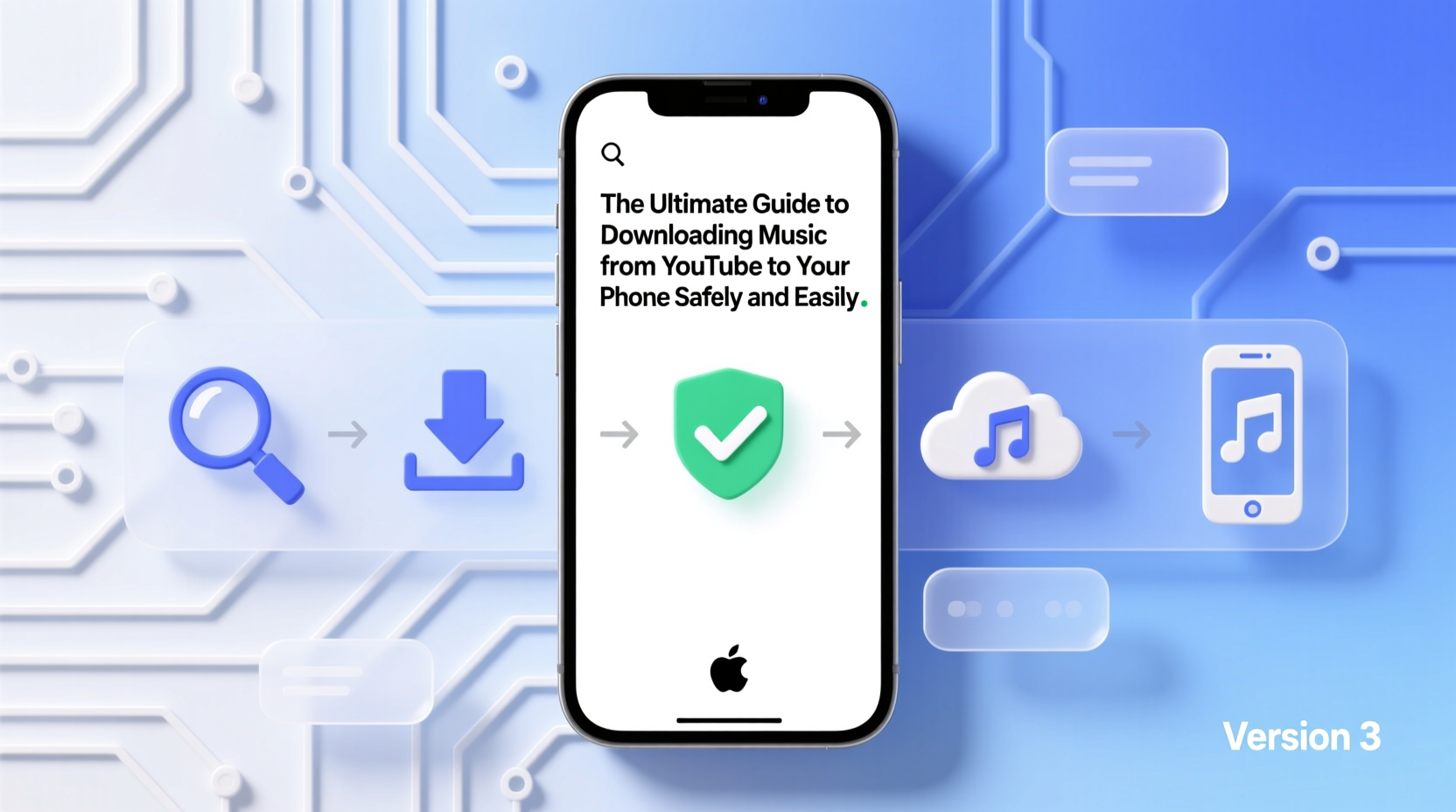
YouTube remains the world’s largest music platform, hosting official releases, live performances, remixes, and rare recordings not available on traditional streaming services. For users in regions with limited access to certain platforms or those who discover niche artists via YouTube, downloading audio offers real utility. Additionally, offline listening reduces data consumption and battery usage, especially when using lightweight audio files instead of video streams.
However, convenience shouldn’t come at the cost of safety or legality. Unauthorized redistribution of copyrighted material is prohibited, but personal use—such as converting a track for private listening—is generally considered fair use in many jurisdictions. The key is using reputable tools and respecting creators’ rights.
Step-by-Step: How to Download YouTube Music Safely
The process involves three core steps: selecting the right tool, extracting audio from a YouTube URL, and transferring the file to your device. Below is a reliable method suitable for both Android and iOS users.
- Choose a trusted conversion tool. Use web-based converters like YTMP3.cc, 320YTMp3, or open-source desktop software such as yt-dlp (recommended for advanced users).
- Copy the YouTube video URL. Open the desired music video on YouTube and copy its address from the browser bar.
- Paste into the converter. Visit the tool’s website, paste the link, and select “MP3” or “Audio Only” at 320kbps for best quality.
- Download the file. After processing, click the download button. On mobile, this typically saves to your “Downloads” folder.
- Transfer or move the file. On Android, no further action is needed. On iOS, use the Files app or iTunes to import the MP3 into a compatible player like VLC or Documents by Readdle.
Best Tools Compared: Web vs. App vs. Desktop
Not all tools are created equal. Some promise simplicity but compromise privacy. The table below compares top options based on safety, ease of use, and functionality.
| Tool | Type | Platform | Pros | Cons |
|---|---|---|---|---|
| YTMP3.cc | Web Converter | All | No installation, fast conversion, clean interface | Ads may be intrusive; temporary availability |
| VLC Media Player + Online Streaming | App (Android/iOS) | Mobile | Free, secure, plays YouTube links directly | Does not permanently save files without workarounds |
| Documents by Readdle | Mobile App | iOS | Built-in browser and file manager, supports MP3 downloads | Requires manual organization |
| yt-dlp (with GUI wrapper) | Desktop Software | Windows/macOS/Linux | Open-source, highly customizable, batch downloads | Steeper learning curve; requires setup |
| NewPipe (Android) | Third-party App | Android Only | Ad-free, background play, audio extraction | Not on Google Play; must sideload (security caution advised) |
Avoid These Common Pitfalls
Many users unknowingly expose their devices to risks while attempting to download YouTube audio. Below are frequent mistakes and how to avoid them.
- Using unverified APKs or apps from unknown sources. These often contain spyware or adware. Stick to open-source or well-reviewed applications.
- Downloading from sites with aggressive redirects. If a site forces multiple pop-ups or fake “download” buttons, leave immediately.
- Ignoring file format quality. Opt for MP3 at 320kbps or M4A for better sound. Avoid low-bitrate conversions that degrade audio.
- Saving to inaccessible folders. On Android, ensure your music player can scan the download directory. Use folders like “Music” for automatic detection.
“While personal-use downloading falls under gray areas legally, transparency and respect for artists matter. Consider supporting musicians through official channels when possible.” — Lena Patel, Digital Rights Advocate
Real Example: Maya’s Offline Playlist Solution
Maya, a university student in Nairobi, commutes two hours daily on public transit with unreliable internet. She loves discovering indie artists on YouTube but was frustrated by buffering and data costs. After researching safe methods, she began using Documents by Readdle on her iPhone. Each Sunday, she converts 10–15 songs from her YouTube playlist into MP3s using the app’s built-in browser and stores them in a dedicated folder. She now enjoys uninterrupted listening and has shared the method with classmates. By sticking to personal use and occasionally purchasing merch from her favorite bands, she balances convenience with ethical responsibility.
Essential Checklist for Safe Downloads
Follow this checklist every time you download music from YouTube to ensure quality and security:
- ✅ Confirm the video contains music you intend to keep for personal use
- ✅ Use a secure browser with ad-blocker (e.g., Brave or Firefox with uBlock)
- ✅ Navigate to a reputable converter site (avoid URLs with random strings)
- ✅ Select high-quality audio output (320kbps recommended)
- ✅ Scan downloaded files with antivirus software (especially on Android)
- ✅ Organize files into labeled folders (e.g., “Offline Mix 2024”)
- ✅ Back up important tracks to cloud storage or external drive
Frequently Asked Questions
Is it legal to download music from YouTube?
Downloading copyrighted content for redistribution is illegal. However, saving videos or audio for personal, offline use exists in a legal gray area and is tolerated in many countries under “fair use” doctrines. Always avoid sharing converted files publicly.
Can I get viruses from YouTube download sites?
Yes. Many free conversion websites host malicious ads or redirect to phishing pages. Use ad blockers, avoid clicking suspicious banners, and prefer tools with transparent ownership and HTTPS encryption.
Why won’t my downloaded MP3 play on my phone?
This usually happens if the file didn’t download completely or is saved in a non-scanned directory. On Android, use a file manager to move the MP3 to the “Music” folder. On iOS, import it via iTunes or a third-party app like VLC.
Final Thoughts and Responsible Usage
Accessing music offline from YouTube is both practical and achievable when done correctly. The tools and techniques outlined here empower you to build a personalized library without sacrificing device security or audio fidelity. As digital consumption evolves, so should our awareness of ethical usage. Whenever possible, support artists by purchasing albums, attending concerts, or streaming through official platforms.




 浙公网安备
33010002000092号
浙公网安备
33010002000092号 浙B2-20120091-4
Comments
No comments yet. Why don't you start the discussion?