
Smartphone accessories have evolved far beyond simple cases and screen protectors. Among the most innovative advancements is the magnetic iPhone phone cover—a sleek, functional solution that enhances usability, simplifies mounting, and integrates seamlessly with modern MagSafe-compatible devices. Whether you're attaching your phone to a car mount, wallet, or charging pad, understanding how to install and use a magnetic cover correctly ensures durability, performance, and long-term satisfaction.
This guide walks through every essential aspect: from selecting the right model to proper installation, everyday optimization, and troubleshooting common concerns. With real-world insights and expert-backed advice, you’ll be equipped to make the most of your magnetic cover without compromising your device’s integrity or functionality.
Why Magnetic iPhone Covers Are Gaining Popularity
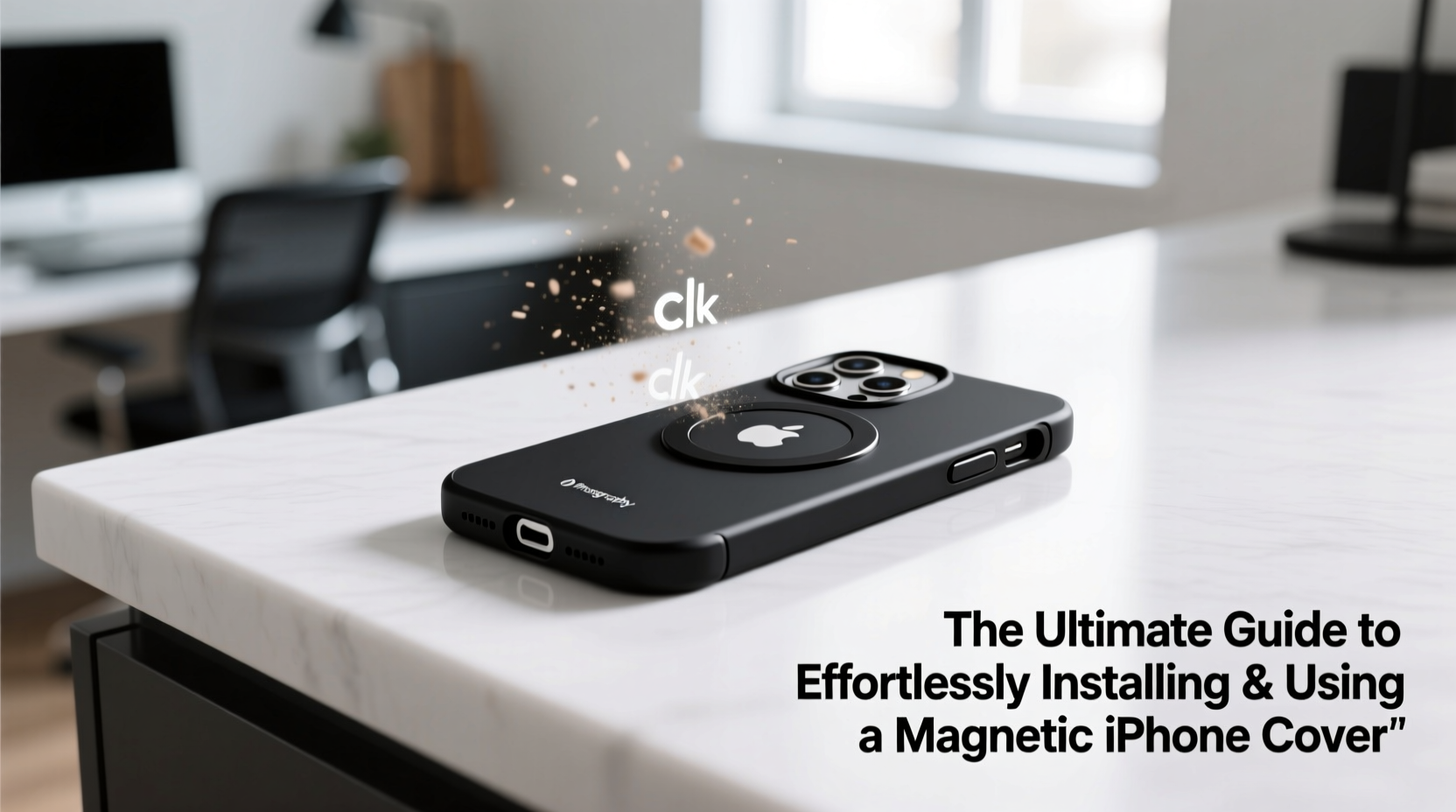
Apple introduced MagSafe technology in 2020 with the iPhone 12 series, embedding a ring of magnets into the back of compatible models. This innovation paved the way for accessories that snap securely into place—no alignment issues, no fumbling. Magnetic phone covers leverage this system, offering users instant attachment to mounts, chargers, and even wallets.
Unlike traditional adhesive-based solutions or bulky cases, magnetic covers provide a minimalist profile while maintaining strong hold strength. They are especially beneficial for drivers who rely on dashboard mounts, commuters using bike or desk holders, and those embracing wireless charging ecosystems.
“MagSafe-compatible accessories represent a shift toward intuitive design—where form meets frictionless function.” — David Lin, Mobile Tech Analyst at GadgetInsight
Step-by-Step Installation Guide
Installing a magnetic iPhone cover may seem straightforward, but doing it improperly can lead to misalignment, reduced charging efficiency, or interference with internal sensors. Follow these steps carefully for optimal results.
- Power off your iPhone – While not always necessary, turning off your device minimizes risks during setup, especially if removing an old case or adhesive layer.
- Clean the back of your iPhone – Use a microfiber cloth slightly dampened with isopropyl alcohol (70%) to remove oils, dust, and residue. Let it dry completely before proceeding.
- Align the magnetic cover precisely – Most high-quality covers feature alignment markers or transparent edges. Match the center magnet ring on the cover with the one on your iPhone (located near the camera module).
- Gently press from the center outward – Apply even pressure starting at the center to avoid air bubbles or shifting. Hold for 15–20 seconds to ensure adhesion.
- Test functionality – Reboot your phone and test MagSafe charging, accessory attachment, and signal reception. If wireless charging fails or overheats, recheck alignment.
Choosing the Right Magnetic Cover: Key Features to Consider
Not all magnetic covers are created equal. Some prioritize slimness over protection, while others sacrifice charging speed for ruggedness. To help you decide, here's a comparison of critical features across typical product categories.
| Feature | Slim & Stylish | Rugged Protection | Wallet-Integrated |
|---|---|---|---|
| Magnet Strength | Moderate (good for mounts) | High (secure in motion) | Medium (balance with card access) |
| Drop Protection | Minimal (cosmetic only) | Excellent (raised edges, shock absorption) | Fair (limited thickness) |
| Wireless Charging Support | Yes (up to 15W) | Yes (may slow slightly due to thickness) | Limited (remove cards first) |
| Ideal For | Everyday urban use | Outdoor activities, travel | Minimalists, frequent drivers |
Selecting based on lifestyle ensures both utility and comfort. For instance, a driver might prefer a wallet-integrated model, whereas a photographer may opt for a slim version that doesn’t interfere with lens positioning.
Maximizing Daily Use: Practical Tips and Best Practices
Once installed, getting the most out of your magnetic cover involves more than just snapping it onto a mount. Proper usage habits enhance safety, efficiency, and device lifespan.
- Use certified MagSafe chargers – Third-party magnetic chargers lacking Apple certification may deliver inconsistent power or cause overheating.
- Remove metal objects before charging – Keys, coins, or credit cards left between the phone and charger can block magnetic fields and reduce efficiency.
- Avoid stacking multiple magnetic layers – Adding extra rings or boosters under a cover already designed for MagSafe can disrupt alignment and damage internal components.
- Rotate accessories regularly – Constantly using the same angle on a car mount may wear down one side of the cover; occasional rotation promotes even stress distribution.
Mini Case Study: How Sarah Streamlined Her Commute
Sarah, a project manager in Seattle, used to struggle with her morning routine. She’d often forget her phone on the kitchen counter or drop it while rushing to her car. After installing a rugged magnetic cover with a built-in kickstand, she paired it with a vent-mounted MagSafe holder. Within days, her commute became smoother—she could dock her phone instantly, navigate hands-free, and even take Zoom calls using the stand during parking delays.
The real benefit came after six months: despite two minor drops, her iPhone remained unscathed, and she never experienced charging issues. “It’s like my phone finally fits into my life instead of the other way around,” she said.
Frequently Asked Questions
Will a magnetic cover affect my iPhone’s compass or GPS?
Temporarily, yes—especially during initial use. The magnets can interfere with the internal compass until recalibration occurs. Simply wave your phone in a figure-eight motion when prompted by iOS to restore accuracy. GPS functionality remains unaffected once calibrated.
Can I use a screen protector with a magnetic cover?
Absolutely. Magnetic covers do not interact with the front of the device, so any standard screen protector—tempered glass or film—is fully compatible and recommended for comprehensive protection.
Do magnetic covers work with older iPhones?
iPhones prior to the iPhone 12 lack built-in MagSafe magnets. However, you can still use a magnetic cover by applying a MagSafe adapter ring inside or behind the case. Note that alignment and charging efficiency may vary depending on fit.
Final Checklist Before You Begin
Before purchasing or installing a magnetic iPhone cover, run through this quick verification list:
- ✅ Confirm your iPhone model supports MagSafe (iPhone 12 or later)
- ✅ Choose a cover type aligned with your primary use case (driving, charging, portability)
- ✅ Verify product authenticity (look for “Made for MagSafe” certification)
- ✅ Clean your iPhone’s back thoroughly before installation
- ✅ Test magnetic attachment and wireless charging immediately after setup
- ✅ Remove any existing metal plates or adhesive residues
Conclusion: Embrace Simplicity Without Sacrificing Performance
The magnetic iPhone phone cover isn’t just another accessory—it’s a gateway to smarter, more efficient interactions with your device. When installed correctly and matched to your needs, it eliminates friction from daily routines, whether you’re charging at a café, navigating city streets, or propping up your phone for a video call.
By following best practices in selection, installation, and maintenance, you preserve both your investment and your peace of mind. Don’t settle for clunky solutions or unreliable holds. Upgrade to a seamless experience today—your iPhone was designed for it.




 浙公网安备
33010002000092号
浙公网安备
33010002000092号 浙B2-20120091-4
Comments
No comments yet. Why don't you start the discussion?