
Bluetooth sunglasses with open-ear audio technology are redefining how we listen on the move. Designed for outdoor enthusiasts, commuters, and fitness lovers, these sleek devices deliver sound without blocking ambient noise—keeping you aware of your surroundings while staying immersed in music. But getting the most out of them requires more than just turning them on. From optimizing fit to mastering volume balance, understanding the nuances can transform a good experience into a great one.
Understanding Open-Ear Audio Technology
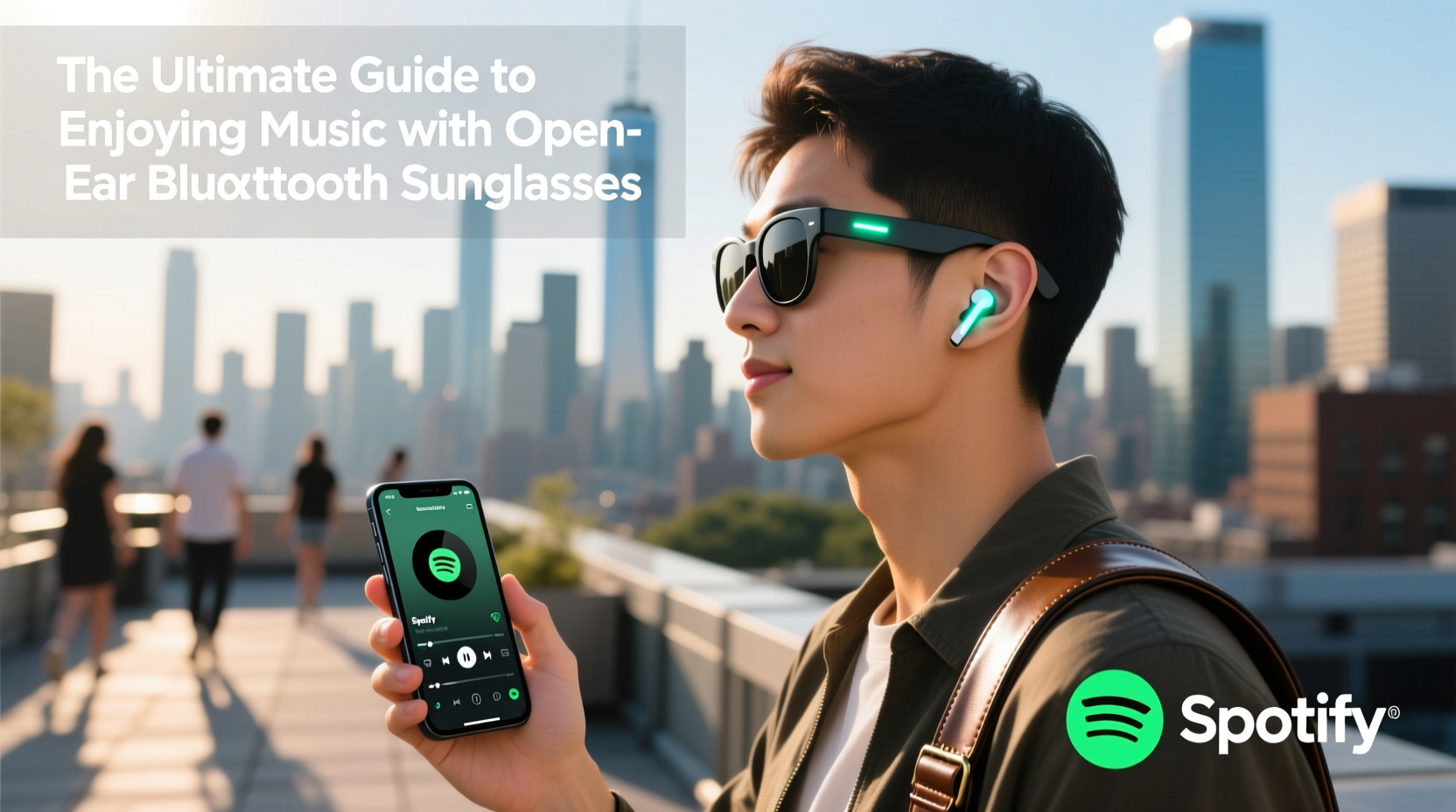
Unlike traditional earbuds or over-ear headphones that seal off the ear canal, open-ear Bluetooth sunglasses use conduction-based or directional speaker systems mounted near the temples. These transmit sound waves directly toward the ears while allowing environmental sounds to pass through naturally. This design is especially beneficial for runners, cyclists, and urban walkers who need situational awareness for safety.
The technology relies on precise acoustic engineering. Bone conduction models vibrate the cheekbones to send sound to the inner ear, bypassing the eardrum. Others use miniaturized directional speakers that project audio precisely into the ear canal without physical insertion. Both preserve hearing health and reduce ear fatigue during extended use.
“Open-ear audio isn’t just about convenience—it’s a shift toward safer, more sustainable listening habits.” — Dr. Lena Torres, Auditory Health Researcher at SoundWell Institute
Optimizing Fit and Comfort for Clear Sound
No matter how advanced the tech, poor fit compromises performance. Since sound delivery depends on proximity to the ears, even slight misalignment can weaken audio quality or cause imbalance between left and right channels.
Frames should sit snugly but comfortably across the nose and behind the ears. If they slip during movement, sound consistency drops, especially during activities like jogging or biking. Consider using anti-slip silicone pads or choosing models with flexible TR90 frames for better grip.
Wearing hats, helmets, or headbands? Test compatibility before long outings. Some accessories compress the temples and displace the speakers, muffling output. Look for sunglasses with low-profile transducers if you frequently layer gear.
Maximizing Audio Quality in Real-World Conditions
Wind, traffic, and background chatter can interfere with clarity. While open-ear designs prioritize environmental awareness, they’re not immune to external interference. Here’s how to maintain crisp audio:
- Use wind-reducing settings: Some brands offer firmware updates or companion apps with “wind noise reduction” modes that dynamically adjust frequencies.
- Choose tracks with strong midrange presence: Bass-heavy music often loses impact through open-air transmission. Opt for genres like acoustic, pop, or podcasts where vocals dominate.
- Avoid max volume in noisy areas: Cranking up the volume defeats the purpose of ambient awareness and risks long-term hearing damage.
| Environment | Recommended Volume | Audio Tips |
|---|---|---|
| Quiet park walk | 40–50% | Enjoy full stereo separation; ideal for instrumental music |
| Breezy bike ride | 50–60% | Enable wind mode; focus on vocal-forward playlists |
| Busy city street | 55–65% | Limit bass-heavy tracks; use pause/resume via tap control |
| Indoor commute (bus/train) | 30–45% | Leverage directional audio to minimize leakage to others |
Real Example: A Runner’s Experience
Marissa, a daily runner in Seattle, switched to open-ear Bluetooth sunglasses after two close calls with distracted listening. At first, she found the audio too faint, especially during rainy, windy runs. After adjusting the frame angle and switching her playlist to higher-tempo pop with clear vocals, she noticed a dramatic improvement. She now uses a dedicated running playlist with consistent beat patterns that help her pace—and never misses auditory cues from traffic or fellow trail users.
Smart Pairing and Battery Efficiency
Most models pair via Bluetooth 5.0 or higher, offering stable connections within 30 feet. However, signal interference from other wireless devices or metal structures (like bridges or subway stations) can cause dropouts.
- Turn on the sunglasses before activating Bluetooth on your phone.
- Forget old devices from your phone’s Bluetooth list to prevent auto-connecting to outdated profiles.
- Charge both your phone and sunglasses fully before long sessions—battery life typically ranges from 6 to 8 hours at moderate volume.
- Store in a protective case when not in use to avoid accidental power activation.
Checklist: Getting Started with Your Open-Ear Bluetooth Sunglasses
- ✅ Charge fully before first use
- ✅ Clean lenses and frame with microfiber cloth
- ✅ Pair with smartphone via Bluetooth settings
- ✅ Download the manufacturer’s app (if available) for firmware updates
- ✅ Adjust temple position for optimal speaker alignment
- ✅ Test audio in a quiet environment
- ✅ Set default music app or voice assistant preference
- ✅ Enable notifications for call alerts (optional)
Troubleshooting Common Issues
Even high-performing devices encounter hiccups. Here’s how to resolve frequent user concerns:
- Uneven sound: Clean speaker grilles with a soft brush. Check for debris or sweat buildup that may block output.
- Connection drops: Reset the device by holding the power button for 10 seconds. Re-pair from scratch.
- Low volume despite max setting: Ensure no volume-limiting settings are enabled in your phone’s accessibility menu.
- Short battery life: Avoid leaving the device powered on in storage. Turn off when not in use for more than 10 minutes.
Frequently Asked Questions
Can I wear these in the rain?
Many models feature IPX4 or higher water resistance, meaning they can handle light rain or sweat. However, avoid submerging them or exposing to heavy downpours. Always dry thoroughly after use in wet conditions.
Are open-ear Bluetooth sunglasses safe for long-term use?
Yes. Because they don’t insert into the ear canal, they reduce the risk of ear infections, wax buildup, and pressure-related discomfort. Just keep volume below 70% of maximum to protect hearing over time.
Do they work well for phone calls?
Most include built-in microphones with noise-canceling features. Call quality is generally clear in quiet environments, though windy conditions may require repetition. Use voice prompts to accept/reject calls hands-free.
Final Thoughts: Elevate Your Listening Lifestyle
Open-ear Bluetooth sunglasses represent a powerful blend of fashion, function, and safety. When used thoughtfully, they enhance daily routines—whether you're hiking mountain trails, navigating city sidewalks, or simply enjoying a morning coffee outdoors. The key lies in understanding their unique behavior: they’re not replacements for studio headphones, but companions designed for mobility and awareness.
By fine-tuning fit, selecting appropriate audio content, managing battery usage, and maintaining the hardware, you unlock a seamless, immersive experience that respects both your music and your environment.




 浙公网安备
33010002000092号
浙公网安备
33010002000092号 浙B2-20120091-4
Comments
No comments yet. Why don't you start the discussion?