
Finding someone on Facebook based on their location can be useful for reconnecting with old friends, networking locally, or verifying personal details. While Facebook doesn’t offer a direct “search by city” tool for privacy reasons, there are effective strategies that leverage its built-in features and external tools. This guide breaks down practical, ethical, and technically sound methods to help you locate individuals by geographic area—without crossing privacy boundaries.
Understanding Facebook’s Search Limitations
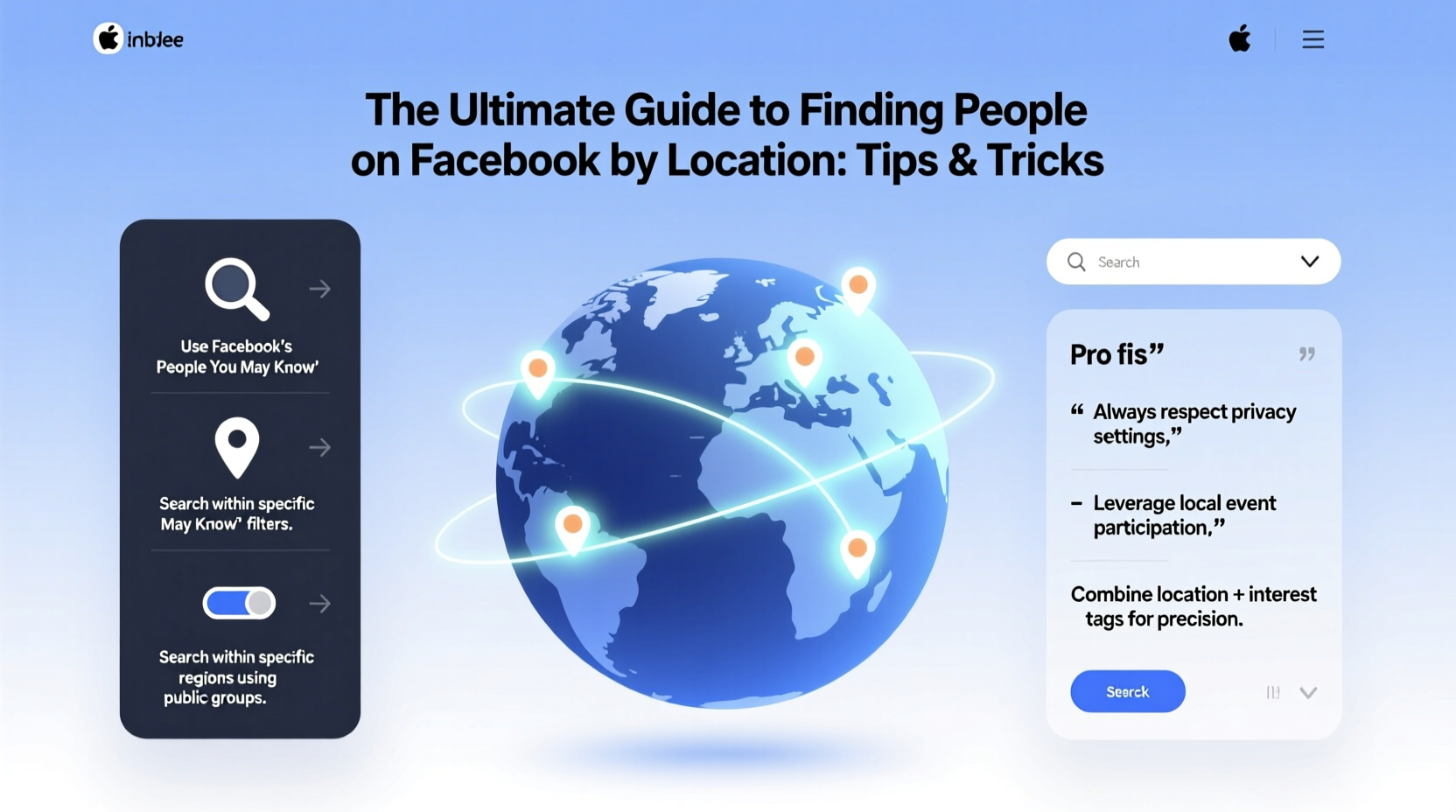
Facebook prioritizes user privacy, which means it restricts broad searches based on location alone. You cannot simply type “people in Austin, Texas” and get a public list of users. However, the platform does allow granular filtering when you're logged in and have certain connections or criteria in place.
The key lies in understanding how Facebook indexes user data. Profiles often include current city, hometown, workplace, education history, and tagged locations—all of which can be leveraged indirectly. Your success depends on combining these elements with smart search syntax and social context.
Step-by-Step Guide to Locating People by Region
- Log into your Facebook account. Anonymous searches yield limited results. Being logged in enables access to filters and friend-of-friend visibility.
- Navigate to the search bar at the top of Facebook. Begin typing a name, keyword (like a school or company), or leave it blank for broader filtering.
- Use the left-hand filter panel. After entering a query, click “People” and use filters such as “City,” “Hometown,” “Work,” or “Education.”
- Leverage mutual connections. If you share even one mutual friend with someone in a specific city, their profile may appear in filtered results.
- Refine with keywords. Combine location terms with job titles or schools: e.g., “John teacher Dallas” or “Maria University of Miami alum.”
- Check public groups. Join local community groups (e.g., “Austin Tech Professionals”) and browse member lists sorted by activity or join date.
This process works best when you have partial information—such as a first name, profession, or shared interest—to narrow results within a geographic zone.
Advanced Search Techniques Using Operators
Facebook’s search supports natural language and some Boolean-like logic. While not as robust as Google, clever phrasing improves accuracy.
| Search Query | Purpose | Example |
|---|---|---|
| “Software engineer” in Miami | Finds profiles with exact title and city mention | Returns users listing both software engineering roles and Miami as current city |
| Sarah from Phoenix | Triggers hometown or current city filter | Shows Sarahs whose profile mentions Phoenix anywhere |
| Works at Tesla lives in Fremont | Combines employment + location | Narrows professionals at Tesla residing in Fremont, CA |
| Went to NYU class of 2015 | Targets alumni with graduation year | Helpful for locating peers in a city where NYU is located |
These queries work best when entered precisely in the main Facebook search bar. Avoid special symbols like quotes or asterisks—they’re not supported.
Using Public Groups and Events Strategically
Local Facebook groups and event attendee lists are underutilized tools for location-based discovery. Unlike individual profiles, group members often display real-time engagement, making them easier to identify.
- Search for groups like “Expats in Berlin” or “Seattle Book Club.”
- Once you join, go to the “Members” tab and sort by “Most Active” or “Newest.”
- Browse profiles directly from the list—many will show city, photos, and interests.
- For events, view guest lists of public gatherings: “Networking Night – Denver, July 2024.”
Note: You must be approved to join private groups, and some groups hide member lists from non-admins. Stick to open communities for maximum visibility.
“Location-based searching on Facebook isn’t about breaking rules—it’s about working within them intelligently. The most successful searches combine context, relevance, and minimal intrusion.” — Lena Patel, Digital Privacy Consultant
Real Example: Reconnecting with a Former Colleague
Mark wanted to find Lisa, a former coworker who moved from Chicago to Portland two years ago. He didn’t have her last name or email, only her first name and employer.
He searched “Lisa [Company Name]” and filtered results by “Portland, OR” under the People filter. No immediate match appeared. Then, he joined a LinkedIn-Facebook hybrid group called “Marketing Pros in Portland” and browsed recent members. Within 20 minutes, he spotted Lisa’s profile—she had posted about a local campaign launch. A quick message reconnected them professionally.
This case illustrates how patience, indirect networks, and niche communities increase success rates more than brute-force searching.
Do’s and Don’ts of Location-Based Searching
| Do’s | Don’ts |
|---|---|
| Use mutual friends or shared workplaces to refine searches | Stalk profiles or send unsolicited messages |
| Join relevant local groups to expand visibility | Create fake accounts to bypass privacy settings |
| Respect privacy settings—don’t demand access | Share someone’s location or personal info publicly |
| Be transparent about your intent when reaching out | Use automated tools or bots to scrape data |
Alternative Tools and Ethical Considerations
While third-party apps claim to locate Facebook users by geography, most violate Facebook’s Terms of Service and pose security risks. Tools that promise “find anyone by GPS” are typically scams or malware traps.
Instead, consider complementary platforms:
- LinkedIn: Offers precise location and industry filters—ideal for professional outreach.
- Google: Search “site:facebook.com [name] [city]” to find indexed public profiles.
- Alumni directories: Schools and universities often maintain searchable networks.
Always prioritize consent. Even if someone’s profile is public, reaching out requires tact. A message like, “I noticed we both live in Boulder and share an interest in trail running—would love to connect,” is far more effective than cold-contacting strangers.
FAQ
Can I find someone on Facebook if I only know their city?
It’s difficult with just a city unless you have additional identifiers—like a full name, workplace, or school. Use combinations of filters and public groups to improve odds.
Why don’t I see location options in my search filters?
Filters depend on your device, app version, and existing connections. Try switching to desktop browser mode—filters are more comprehensive there than in the mobile app.
Is it legal to search for people by location on Facebook?
Yes, as long as you use Facebook’s native tools and don’t harvest data, impersonate others, or harass users. Always follow Facebook’s Community Standards and data usage policies.
Final Checklist: Find People by Location Effectively
- Log in to your Facebook account on desktop for full filter access.
- Gather any known details: name, job, school, mutual friends.
- Use the search bar with location-specific phrases (e.g., “teacher in Atlanta”).
- Apply filters: City, Hometown, Workplace, Education.
- Explore local public groups and browse active members.
- Verify identity through photos, posts, and mutual connections before messaging.
- Send a respectful, personalized message explaining your purpose.
Conclusion
Finding people on Facebook by location isn’t about shortcuts—it’s about strategic, respectful use of available tools. By mastering search filters, leveraging community groups, and combining contextual clues, you can reconnect meaningfully without compromising ethics or privacy.




 浙公网安备
33010002000092号
浙公网安备
33010002000092号 浙B2-20120091-4
Comments
No comments yet. Why don't you start the discussion?