
Changing your mobile number might seem like a minor administrative task, but it can significantly impact your daily life—from reconnecting with contacts to enhancing personal privacy. Whether you're escaping spam, relocating, or switching carriers, getting a new number requires careful planning. Done right, the transition is smooth and empowering. Done poorly, it can lead to missed calls, lost access to accounts, or even identity confusion. This guide walks you through every stage of acquiring a new mobile number with clarity, control, and confidence.
Why Get a New Mobile Number?
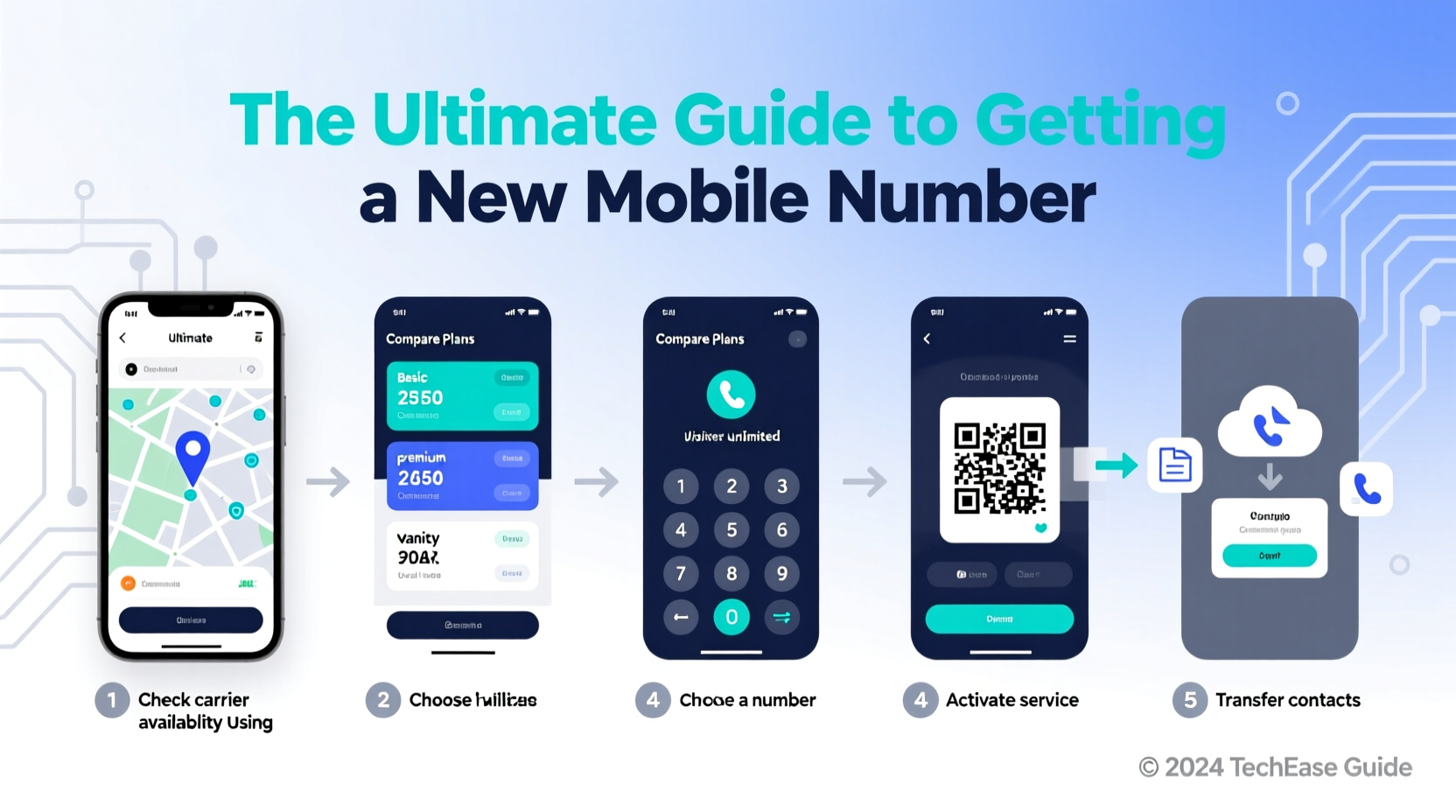
People change their numbers for many reasons. Some are practical, others emotional or security-driven. Common motivations include:
- Privacy concerns: Escaping unwanted attention, harassment, or data leaks.
- Reducing spam: Persistent robocalls and scam messages make some users abandon their old lines.
- Relocation: Moving to a new area code or country often prompts a switch.
- Carrier changes: Switching providers may require a new number unless you port the old one.
- Fresh start: A symbolic break from the past—after a breakup, job change, or major life shift.
Step-by-Step: How to Get a New Mobile Number
- Evaluate your needs: Determine whether you want to keep your current carrier or switch. Consider coverage, pricing, and international plans if applicable.
- Back up your data: Save all contacts, messages, and call logs. Use cloud services (Google Contacts, iCloud) or export to a file.
- Notify key contacts: Inform family, close friends, and essential services (banks, doctors) in advance.
- Choose a method: Decide between porting your existing number, getting a new one from your current carrier, or signing up with a new provider.
- Activate the new number: Follow your carrier’s activation process, either online, in-store, or via customer service.
- Update linked accounts: Change your number on social media, two-factor authentication apps, banking platforms, and delivery services.
- Deactivate the old line: Once everything is transferred, cancel the old plan or let it expire if prepaid.
Timeline Overview
From decision to full transition, expect 3–7 days for most cases. Porting a number typically takes 24–48 hours. Switching carriers with a new number can be instant if done in person or online.
Options for Getting a New Number
You’re not limited to one path. Depending on your goals, here are four viable routes:
| Option | Best For | Time Required | Cost |
|---|---|---|---|
| Port number to new carrier | Keeping your number while switching providers | 1–2 business days | Free or $10–$25 activation fee |
| Get new number from current carrier | Escaping spam without changing providers | Immediate | Often free; SIM swap may apply |
| Switch carrier + get new number | Complete reset with better service or price | Same day | Varies; promotions may offer free phones |
| Use a VoIP number (e.g., Google Voice) | Secondary line or temporary use | Instant | Free or low-cost monthly |
“Carriers now make number changes easier than ever, but users often overlook updating two-factor logins. That’s where problems arise.” — Raj Patel, Telecom Customer Experience Consultant
Protecting Your Digital Identity During the Switch
Your phone number is more than just a way to receive calls—it’s tied to dozens of digital accounts. Changing it without proper preparation risks locking yourself out of email, banking apps, or social media.
Essential Accounts to Update
- Email providers (Gmail, Outlook)
- Banking and financial apps (PayPal, Venmo, credit cards)
- Social media (Facebook, Instagram, WhatsApp)
- Messaging apps (Signal, Telegram—these rely heavily on numbers)
- Delivery and ride-sharing services (Uber, DoorDash)
- Healthcare portals and insurance providers
For apps using your number as a login ID (like WhatsApp), you’ll need to go through a re-verification process. Most allow this directly in settings under “Change Number.” Do this only after your new SIM is active.
Mini Case Study: Recovering From Harassment With a Clean Break
Lena, a freelance designer in Austin, began receiving threatening texts after a client dispute escalated. She reported the messages, but the harassment continued through spoofed numbers. Her carrier suggested a full number reset. Within two days, she switched to a new MVNO (Mobile Virtual Network Operator) using a Google Voice number as her public contact. She kept her old number active for 30 days to transfer critical account verifications, then deactivated it. By using a secondary VoIP line for client outreach, she regained control over her communication channels without losing professional connectivity.
Her strategy highlights a growing trend: using layered phone identities—primary personal, secondary professional—to maintain boundaries and security.
Checklist: Before You Switch Numbers
- ✅ Back up contacts and messages
- ✅ List all accounts linked to your current number
- ✅ Choose your method: port, replace, or switch
- ✅ Notify important contacts of the upcoming change
- ✅ Order a new SIM card if needed
- ✅ Prepare identification for carrier verification
- ✅ Confirm device compatibility with new carrier
- ✅ Schedule time to update accounts post-switch
Frequently Asked Questions
Can I keep my old number as a backup?
Yes, but it usually requires maintaining an active plan. Some carriers offer “number parking” for a small monthly fee. Alternatively, forward calls from your old number to the new one temporarily.
What happens to my WhatsApp when I change numbers?
WhatsApp allows you to change your number within the app. Go to Settings > Account > Change Number. The app will notify your contacts and migrate your chat history. Make sure both numbers are accessible during the process.
Will I lose text messages when I switch?
If you don’t back them up, yes. Android users should enable Google Messages sync; iPhone users should use iCloud Backup. Third-party tools like SMS Backup & Restore (Android) or iMazing (iOS) can archive messages externally.
Final Thoughts and Next Steps
Getting a new mobile number isn’t just about dialing a different sequence—it’s about reclaiming control over your digital footprint. Whether you're seeking peace from spam, improving service quality, or starting fresh, the process should empower, not stress, you. With the right preparation, you can complete the switch seamlessly, protect your accounts, and enjoy a cleaner, safer communication experience.




 浙公网安备
33010002000092号
浙公网安备
33010002000092号 浙B2-20120091-4
Comments
No comments yet. Why don't you start the discussion?