
Whether it’s a professional Zoom call, a Discord gaming community, or a private Slack workspace, entering a group space smoothly—without awkwardness or missteps—is a skill that pays dividends in both personal and professional life. Many people hesitate at the threshold, unsure how to introduce themselves, what tools to use, or how to avoid common social pitfalls. This guide breaks down the process into actionable steps, empowering you to join any digital gathering with confidence, clarity, and courtesy.
Understanding the Landscape: Types of Group Meetings and Servers
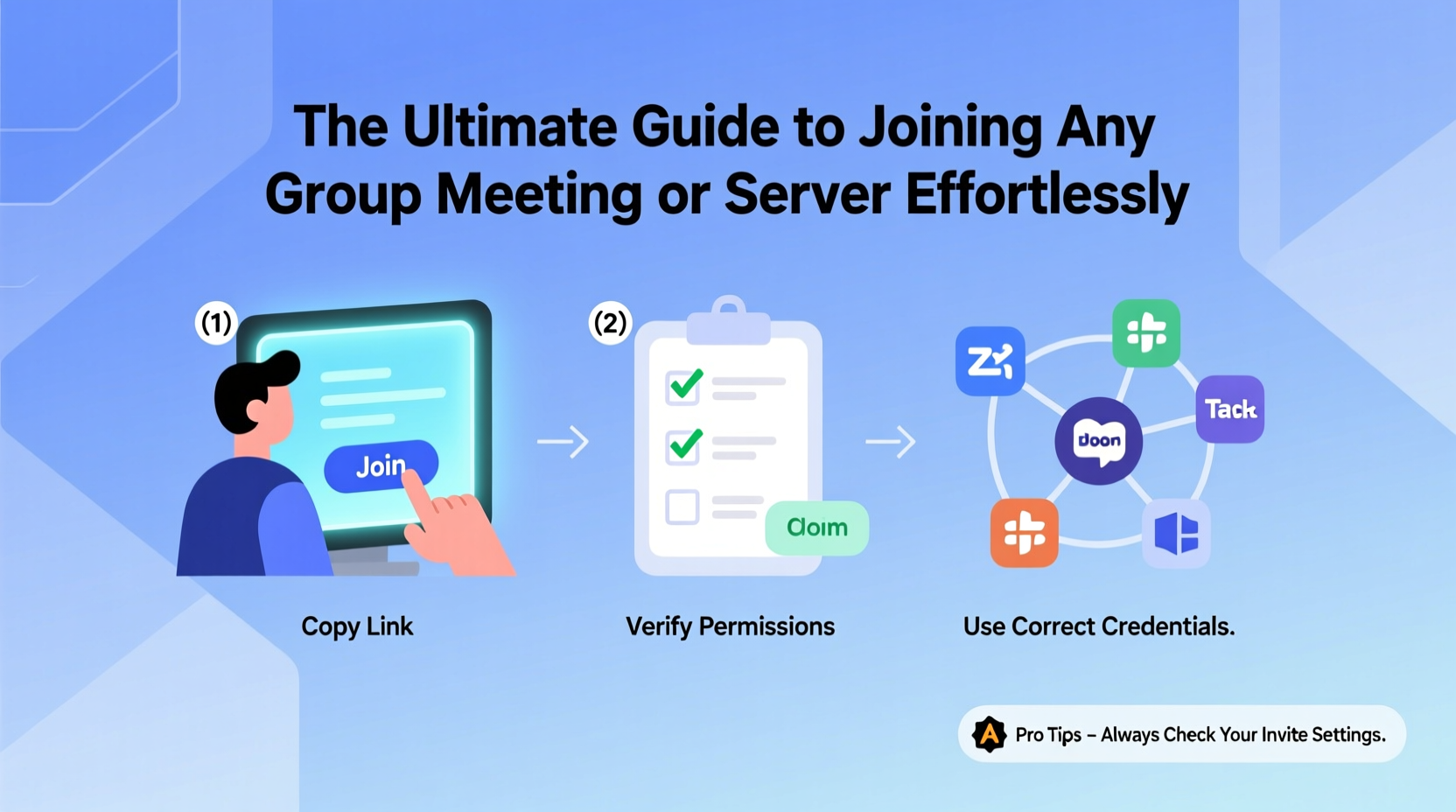
Before joining any group, recognize the environment you're entering. Different platforms serve different purposes and come with distinct norms:
- Professional Meetings: Hosted on Zoom, Microsoft Teams, or Google Meet. Often structured, time-bound, and agenda-driven.
- Community Servers: Found on Discord, Slack, or Telegram. May include hobbyists, gamers, developers, or niche interest groups.
- Social Gatherings: Informal video chats among friends or family via FaceTime, WhatsApp, or Houseparty.
- Learning Platforms: Webinars, virtual classrooms (e.g., via Moodle or Canvas), where participation rules may be more formalized.
Each has its own culture. Knowing whether the setting is formal, casual, or collaborative shapes how you should enter and engage.
Step-by-Step Guide to Joining Any Group Meeting or Server
Follow this universal framework regardless of platform:
- Verify Access Requirements
Confirm whether you need a link, username, password, or admin approval. For work meetings, this often comes in calendar invites. For servers like Discord, you might receive an invite link via email or DM. - Prepare Your Tools
Ensure your device has the necessary software installed—Zoom, Discord, Slack, etc.—and that your microphone, camera, and internet connection are functional. Test them ahead of time. - Review Etiquette Guidelines
Some servers have rules pinned in welcome channels. Professional meetings may expect you to keep your mic muted until speaking. Respect these norms from the start. - Join Early or On Time
Aim to arrive 2–5 minutes early. This gives you time to troubleshoot tech issues without holding up others. In informal settings, punctuality still signals respect. - Introduce Yourself (When Appropriate)
In open forums or new-member channels, a brief introduction helps you integrate faster. Keep it concise: name, role or interest, and one fun fact if the tone allows. - Observe Before Engaging
Spend the first few minutes listening or reading chat history. Understand the flow of conversation before jumping in.
Essential Checklist for Smooth Entry
Use this checklist every time you prepare to join a new group space:
- ✅ Confirm access method (link, credentials, approval)
- ✅ Install required apps and update them
- ✅ Test audio, video, and internet speed
- ✅ Charge your device or plug it in
- ✅ Review group rules or meeting agenda
- ✅ Choose a quiet, well-lit environment
- ✅ Mute notifications from other apps
- ✅ Have a simple self-introduction ready
Do’s and Don’ts When Joining a New Group
| Do’s | Don’ts |
|---|---|
| Arrive on time or slightly early | Drop in late without apology |
| Mute your mic upon entry unless speaking | Let background noise disrupt the session |
| Read pinned messages or rules first | Spam links or messages immediately |
| Use a clear profile name and photo | Use anonymous or confusing usernames |
| Ask polite questions if unsure | Assume you know all protocols |
Real Example: Joining a Remote Work Team Meeting
Jamie was invited to her first cross-departmental strategy call at a new job. She received a Zoom link via email but didn’t realize she needed to register beforehand. Two minutes before the meeting, she clicked the link and hit a “Registration Required” prompt. Panicked, she emailed the organizer, delaying her entry by ten minutes.
The next week, she prepared better: she checked the calendar invite thoroughly, completed registration the night before, tested her headset, and joined five minutes early. This time, she entered seamlessly, introduced herself when prompted, and contributed confidently. Her preparation transformed her experience from stressful to successful.
“First impressions in virtual spaces are shaped by reliability and readiness. Showing up technically prepared is just as important as being professionally competent.” — David Lin, Remote Work Consultant
Tips for Building Rapport After Joining
Gaining access is only half the battle. True integration happens through consistent, respectful engagement:
- Be Patient: Don’t expect immediate recognition. Let relationships develop naturally.
- Add Value: Share relevant resources, answer questions when able, or offer support.
- Respect Hierarchy: In professional or moderated groups, follow the lead of moderators or senior members.
- Stay Active: Regular participation builds familiarity. Even a simple “good point” in chat maintains visibility.
Frequently Asked Questions
What should I do if I can’t find the join link?
Contact the group organizer or administrator directly. Avoid asking in public channels unless it's appropriate. If it’s a public community, search their website or social media for official entry points.
Is it okay to join a meeting without turning on my camera?
It depends on context. In large webinars or lectures, audio-only is acceptable. In small team meetings or networking events, turning on your camera fosters connection. When in doubt, match the behavior of others or ask the host.
How do I leave a server or meeting politely?
In meetings, a quick “Thanks, everyone! I need to step away” suffices. In long-term communities, consider posting a farewell message in the appropriate channel, especially if you were active.
Conclusion: Confidence Comes from Preparation
Joining a group meeting or server doesn’t have to be intimidating. With the right tools, awareness of etiquette, and a proactive mindset, you can navigate any digital space with ease. The key is preparation—technical, behavioral, and emotional. Whether you’re stepping into a high-stakes boardroom call or a vibrant fan-based Discord server, your ability to enter gracefully reflects professionalism and emotional intelligence.




 浙公网安备
33010002000092号
浙公网安备
33010002000092号 浙B2-20120091-4
Comments
No comments yet. Why don't you start the discussion?