
Smart audio sunglasses blend style, functionality, and innovation—offering immersive sound without blocking your surroundings. Whether you're jogging, commuting, or taking calls outdoors, these wearable devices deliver a hands-free, wire-free experience. But unlocking their full potential starts with one critical step: seamless Bluetooth pairing. While manufacturers design them for ease of use, subtle differences in device settings, Bluetooth versions, and user habits can create frustration. This guide walks through every aspect of pairing smart audio sunglasses with smartphones, tablets, laptops, and even smartwatches—ensuring crisp connections and uninterrupted enjoyment.
Understanding Smart Audio Sunglasses and Bluetooth Technology
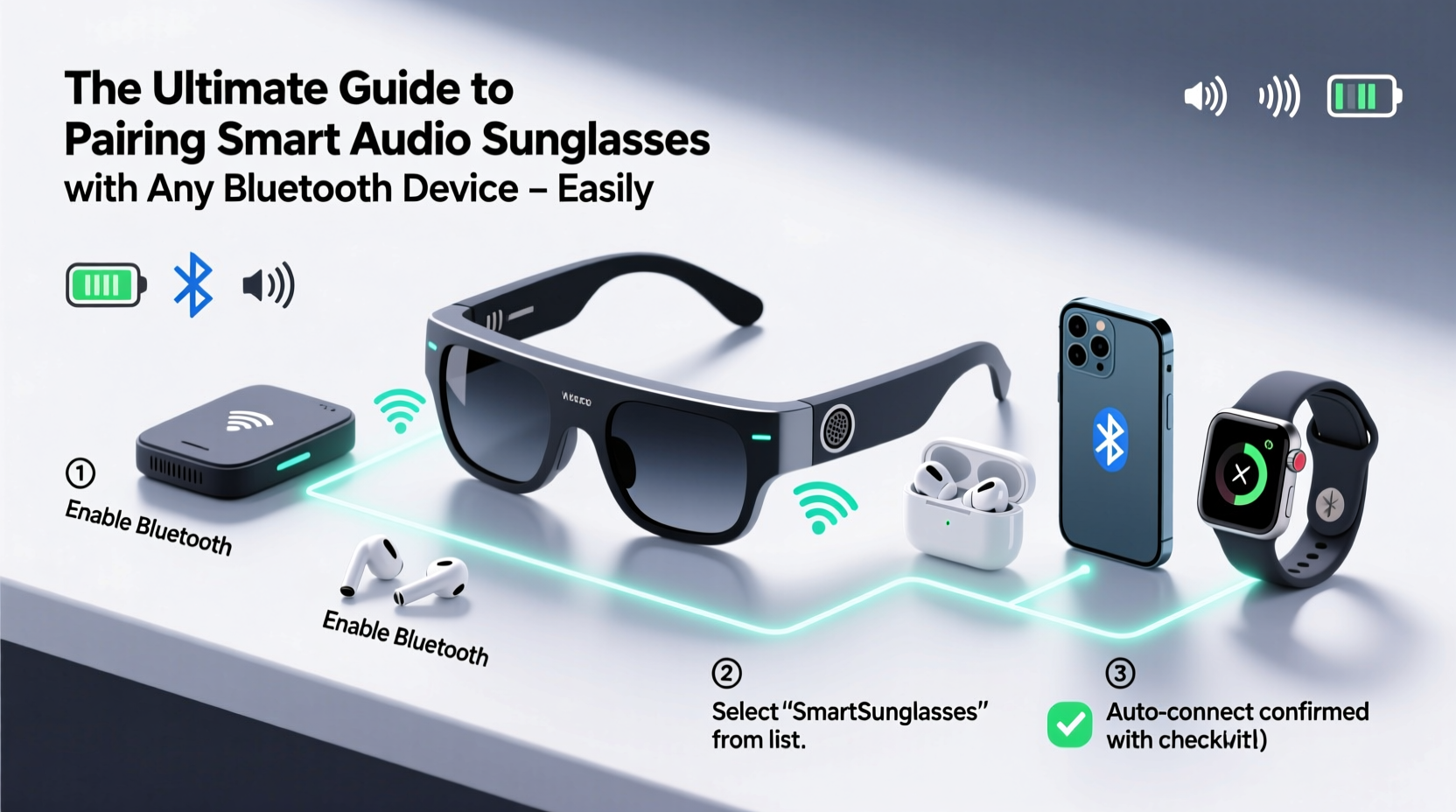
Smart audio sunglasses integrate miniature speakers, microphones, and Bluetooth chips into lightweight, stylish frames. Unlike traditional headphones, they don’t seal off the ears, allowing users to stay aware of environmental sounds—a major safety benefit during outdoor activities. Most models support Bluetooth 5.0 or higher, offering stable range (typically up to 33 feet), improved battery efficiency, and better audio quality.
These glasses function as both an audio receiver and a microphone-enabled communication tool. When paired correctly, they stream music, podcasts, navigation prompts, and voice assistant commands from your smartphone or tablet. Some advanced models even support multipoint pairing—connecting to two devices simultaneously (e.g., your phone and laptop).
“Bluetooth 5.0+ has made wearables like smart sunglasses far more reliable. The key is ensuring both devices are optimized—not just turned on.” — Dr. Lena Park, Wireless Connectivity Engineer at Nordic Semiconductor
Step-by-Step Guide to Pairing Your Smart Audio Sunglasses
Follow this universal process to pair your smart audio sunglasses with any Bluetooth-enabled device. While minor variations exist between brands (like Bose, Ray-Ban Meta, or Oakley), the core steps remain consistent.
- Power On and Enter Pairing Mode: Press and hold the power button on the sunglasses for 5–7 seconds until you hear a voice prompt like “Powering on” followed by “Ready to pair” or see a blinking LED indicator.
- Enable Bluetooth on Your Device: Open Settings > Bluetooth and ensure it’s toggled on. Wait a few seconds for nearby devices to appear.
- Select the Sunglasses: Look for the device name (e.g., “Ray-Ban Stories,” “Bose Frames”) in the list of available devices and tap it.
- Confirm Connection: You’ll hear a chime or voice confirmation (“Connected”) through the sunglasses. On your phone, the device should now show as “Connected” under Bluetooth settings.
- Test Audio: Play a short audio clip or make a test call to confirm both sound output and microphone input.
Compatibility Across Devices: What Works and What Doesn’t
Most smart audio sunglasses work across platforms thanks to standardized Bluetooth protocols. However, performance varies based on operating system features and hardware capabilities.
| Device Type | Compatibility | Notes |
|---|---|---|
| iOS (iPhone/iPad) | ✅ Full Support | Voice Assistant integration works seamlessly; firmware updates via companion app. |
| Android Phones/Tablets | ✅ Full Support | Some brands require dedicated apps (e.g., Facebook View app for Ray-Ban Meta). |
| Windows Laptops | ✅ Audio Playback Only | Microphone may not be enabled for calls unless manually selected in sound settings. |
| macOS Computers | ✅ Full Support | Easy pairing via Bluetooth menu; ideal for Zoom calls and music streaming. |
| Smartwatches (Apple Watch, Wear OS) | ⚠️ Limited | Can receive audio alerts but cannot initiate standalone playback without phone. |
Troubleshooting Common Pairing Issues
Even with proper technique, issues can arise. Here’s how to resolve frequent problems:
- No Device Found: Ensure the sunglasses are in pairing mode (blinking light). Reset the connection by turning them off, then back on while holding the power button.
- Connection Drops Frequently: Check for interference from Wi-Fi routers, microwaves, or other Bluetooth devices. Move away from crowded wireless zones.
- Audio Only on One Side: This is often a software glitch. Unpair the device, restart both gadgets, and reconnect.
- Microphone Not Working on Calls: Go to your phone’s Bluetooth settings, find the sunglasses, and set them as the default audio device for calls.
Mini Case Study: Alex’s Commute Upgrade
Alex, a graphic designer in Seattle, struggled with tangled earbuds during his bike commute. He purchased Ray-Ban Meta sunglasses to streamline his routine. At first, he couldn’t get them to connect to his Android phone. After checking online, he realized he hadn’t installed the Facebook View app—required for initial setup. Once installed, pairing completed in under a minute. Now, he listens to design podcasts safely while staying alert to traffic. “It’s like having a personal audio bubble that doesn’t isolate me,” he says.
Best Practices for Maintaining Strong Bluetooth Connections
To get the most out of your smart audio sunglasses, adopt these long-term habits:
- Limit Interference
- Avoid placing your phone in a backpack or metal-lined pocket. Signal strength weakens when obstructed.
- Use Multipoint Wisely
- If your model supports dual-device pairing (e.g., phone and laptop), enable it only when needed. Running multiple links drains battery faster.
- Re-Pair Periodically
- Every few months, unpair and re-pair your sunglasses to clear outdated connection data and refresh the link.
Checklist: Optimize Your Pairing Experience
- ✅ Charge sunglasses fully before first use
- ✅ Install required companion app (if applicable)
- ✅ Enable Bluetooth and location services (some apps need GPS for firmware checks)
- ✅ Place both devices within 3 feet during pairing
- ✅ Test speaker and microphone after connection
- ✅ Update firmware through the manufacturer’s app
- ✅ Store paired devices together to maintain connection memory
Frequently Asked Questions
Can I pair smart audio sunglasses with two phones at once?
Not typically. Most models allow only one active connection at a time. However, some high-end variants support multipoint pairing with one smartphone and one computer. You’d need to manually switch between devices if using two phones.
Why won’t my sunglasses show up in Bluetooth settings?
This usually means they aren’t in pairing mode. Hold the power button longer than usual—some models require 8–10 seconds. Also, ensure they’re charged and not already connected to another device. Try resetting them by holding the button for 15 seconds until lights flash rapidly.
Do smart audio sunglasses work with voice assistants?
Yes. Once paired, you can activate Siri or Google Assistant by double-tapping the frame or saying a wake word (depending on brand). Commands include making calls, sending messages, or getting weather updates—all without touching your phone.
Conclusion: Connect Smarter, Hear Better
Pairing smart audio sunglasses with your Bluetooth devices doesn’t have to be complicated. With the right approach—understanding compatibility, following clear steps, and applying simple optimizations—you can enjoy seamless audio integration throughout your day. These devices are designed for movement, awareness, and convenience. When properly connected, they enhance everything from workouts to work meetings. Take a few minutes today to ensure your sunglasses are paired correctly, update their firmware, and test all functions. Once set up, they’ll become an indispensable part of your tech ecosystem.




 浙公网安备
33010002000092号
浙公网安备
33010002000092号 浙B2-20120091-4
Comments
No comments yet. Why don't you start the discussion?