
Mobile payments have transformed the way we handle money. From tapping your phone at a coffee shop to splitting bills with friends via an app, digital wallets are now faster, more secure, and more convenient than carrying cash or cards. Yet many users still hesitate—worried about safety, unsure which apps to trust, or confused about how it all works. This guide breaks down everything you need to know: how mobile payments function, which apps lead the market, essential security practices, and real-world tips for using your phone as a wallet.
How Mobile Payments Work: NFC, Tokens, and Encryption
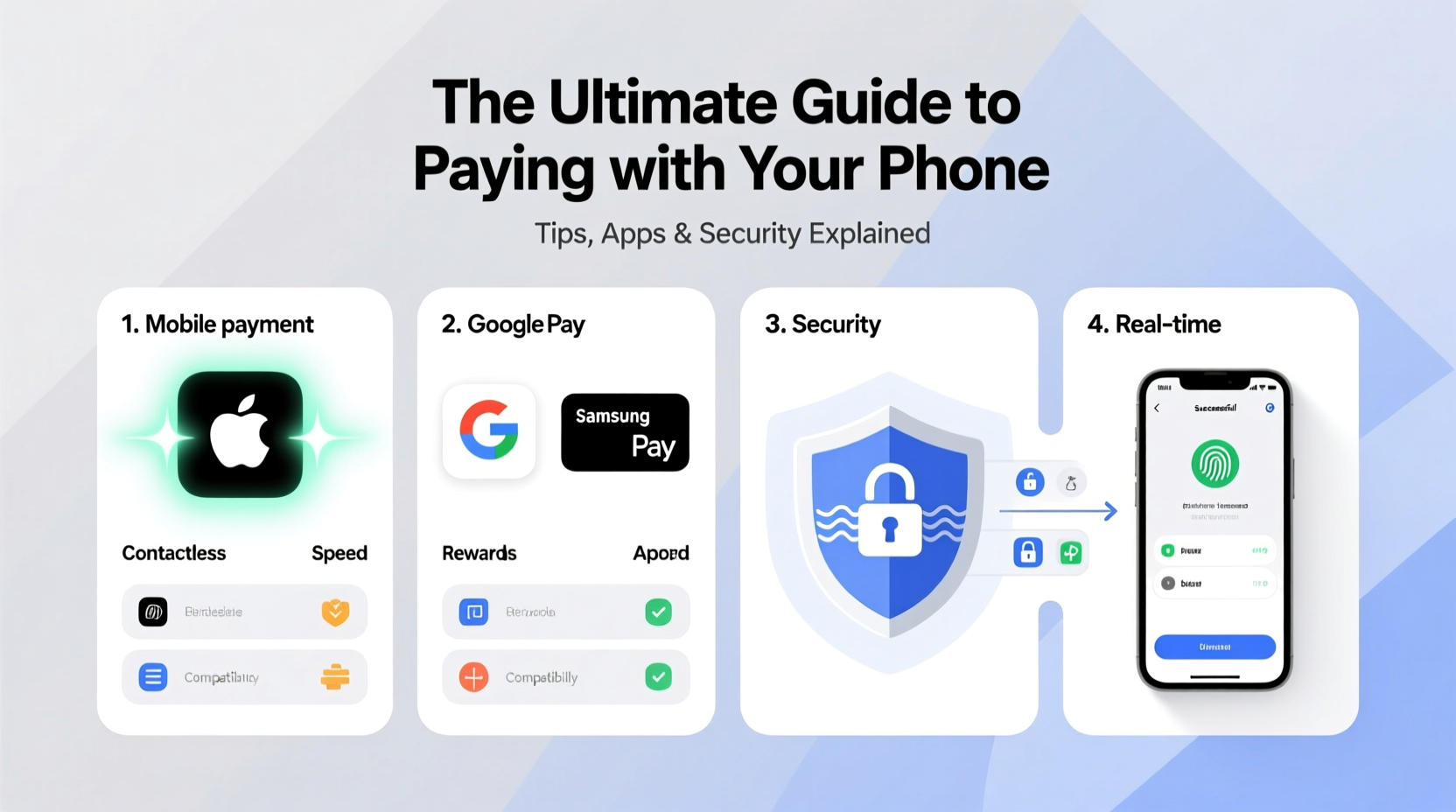
At the core of most phone-based payments is Near Field Communication (NFC) technology. When you tap your phone at a contactless terminal, NFC enables a short-range wireless connection between your device and the payment reader. But unlike swiping a physical card, your actual credit number is never transmitted.
Instead, mobile wallets like Apple Pay, Google Pay, and Samsung Pay use a process called tokenization. Your card details are replaced with a unique digital token—a one-time code that’s useless if intercepted. Even if a hacker captures the transaction data, they can’t reverse-engineer your real account information.
“Tokenization has made mobile payments significantly safer than traditional magnetic stripe cards.” — Sarah Lin, Cybersecurity Analyst at FinTech Watch
This encryption layer, combined with biometric authentication (like Face ID or fingerprint scanning), ensures only you can authorize transactions. The result? Faster checkout and stronger protection against fraud.
Top Mobile Payment Apps Compared
Not all digital wallets are created equal. Each major platform offers different features, compatibility, and regional support. Here’s a breakdown of the leading options:
| App | Supported Devices | Key Features | Fees |
|---|---|---|---|
| Apple Pay | iPhone 6+, Apple Watch | Seamless integration with iOS, supports transit cards, no fees | Free for consumers |
| Google Pay | Android 5.0+, some iPhones (web only) | Peer-to-peer payments, loyalty integrations, online shopping | Free; instant transfers cost 1.5% |
| Samsung Pay | Samsung Galaxy devices | Works with older magnetic stripe terminals (MST), robust rewards | Free |
| PayPal | All smartphones | Global reach, buyer protection, QR code payments | 3% + $0.30 per transaction (merchant) |
| Zelle | Banks’ mobile apps or standalone | Instant bank-to-bank transfers, widely supported in U.S. | No fees |
For iPhone users, Apple Pay remains the most integrated and frictionless option. Android users benefit from Google Pay’s broad compatibility and peer-to-peer features. Samsung owners gain added flexibility with MST (Magnetic Secure Transmission), allowing taps even where NFC isn’t available.
Step-by-Step: Setting Up Your Digital Wallet
Getting started with mobile payments takes just minutes. Follow this sequence to activate your wallet securely:
- Choose your preferred app: Apple Pay (iPhone), Google Pay (Android), or another supported service.
- Open the wallet app: On iPhone, open “Wallet”; on Android, launch “Google Pay” or download it from the Play Store.
- Add a payment method: Tap “Add Card” and use your phone’s camera to scan your credit or debit card.
- Verify your card: Your bank may send a text, email, or push notification to confirm ownership.
- Set as default (optional): Designate your primary card for faster checkout.
- Test it: Make a small purchase at a local store that accepts contactless payments.
Once set up, your phone becomes a secure, ready-to-use wallet—no unlocking needed beyond biometric verification.
Security Best Practices for Mobile Transactions
While mobile payments are inherently more secure than physical cards, user behavior plays a critical role in maintaining safety. Consider these essential precautions:
- Enable device lock: Use a strong passcode, fingerprint, or facial recognition.
- Turn on two-factor authentication (2FA): Add an extra layer when logging into payment apps.
- Avoid public Wi-Fi for transactions: Unsecured networks increase exposure to man-in-the-middle attacks.
- Monitor transaction alerts: Enable real-time notifications from your bank and wallet app.
- Use trusted apps only: Download payment platforms directly from official app stores—not third-party links.
“Your phone is only as secure as your habits. A locked screen and updated OS are non-negotiables.” — Marcus Tran, Mobile Security Consultant
If your phone is lost or stolen, remotely disable your wallet using services like Find My iPhone or Android Device Manager. Most platforms will suspend payment capabilities immediately upon activation of remote lock or erase.
Real-World Example: How Maria Uses Her Phone Daily
Maria, a freelance designer in Austin, TX, hasn’t carried a wallet in over two years. Her routine showcases practical mobile payment use:
In the morning, she taps her iPhone to pay for coffee using Apple Pay. During lunch, she splits the bill with a friend via Venmo—sending $14.75 with one tap. Later, she books a last-minute ride-share, paying seamlessly through the Uber app linked to Google Pay. At the grocery store, she uses Samsung Pay because the terminal is outdated but still accepts MST signals. All evening, she receives instant alerts for each transaction, reviewing them briefly before bed.
Maria’s system works because she uses multiple apps strategically, keeps her software updated, and reviews weekly spending summaries. She also stores emergency cash at home—just in case—but estimates 95% of her purchases happen digitally.
Common Pitfalls to Avoid
Even experienced users make mistakes. Here are frequent missteps and how to prevent them:
- Over-relying on one app: If your primary wallet goes down during maintenance, having a backup (like PayPal) avoids disruption.
- Ignoring software updates: Outdated operating systems may lack critical security patches.
- Using weak passwords: Simple PINs or reused passwords weaken overall account security.
- Sharing devices without restrictions: Lending your phone without disabling payment access risks unauthorized transactions.
FAQ: Your Mobile Payment Questions Answered
Can someone steal my card by scanning my phone?
No. NFC requires extremely close proximity (within 2 inches) and intentional activation. Your phone won’t transmit data unless you initiate a payment by authenticating first.
Are mobile payments accepted everywhere?
Most retailers in the U.S., Canada, Europe, Australia, and Japan support contactless payments. Look for the contactless symbol (four curved lines) at checkout. Rural areas or small vendors may still rely on cash-only systems.
Do I earn rewards with mobile payments?
Yes. Using your digital wallet doesn’t change how your card rewards work. Cashback, airline miles, or points are earned exactly as they would with the physical card.
Final Checklist Before You Go Contactless
Before fully switching to phone-based payments, ensure you’ve completed these steps:
- ✅ Set up at least one trusted digital wallet (Apple Pay, Google Pay, etc.)
- ✅ Add your primary debit/credit card and verify it
- ✅ Enable biometric locks and auto-lock after 30 seconds
- ✅ Confirm your bank supports mobile transactions
- ✅ Test a small purchase in person
- ✅ Install remote tracking and wipe tools
- ✅ Review privacy settings in your payment app
Conclusion: Embrace the Future of Payments
Paying with your phone isn’t just a trend—it’s the new standard. With stronger security, greater convenience, and widespread acceptance, digital wallets offer a smarter way to manage everyday transactions. By choosing reliable apps, following best practices, and staying informed, you can confidently leave your physical wallet behind. Start small, build trust in the system, and soon you’ll wonder how you ever managed without it.




 浙公网安备
33010002000092号
浙公网安备
33010002000092号 浙B2-20120091-4
Comments
No comments yet. Why don't you start the discussion?