
Steam keys are a gateway to thousands of games, DLCs, and special editions across digital storefronts and promotional bundles. Whether you’ve purchased a game during a sale, received a gift from a friend, or claimed a title from a Humble Bundle, understanding how to properly redeem and manage these keys ensures uninterrupted access and long-term account safety. Missteps—like entering a key incorrectly or losing track of unused codes—can lead to frustration or even permanent loss of access. This guide breaks down every step of the process, offering best practices, troubleshooting tips, and expert-backed strategies to keep your gaming library organized and secure.
Understanding Steam Keys: What They Are and How They Work
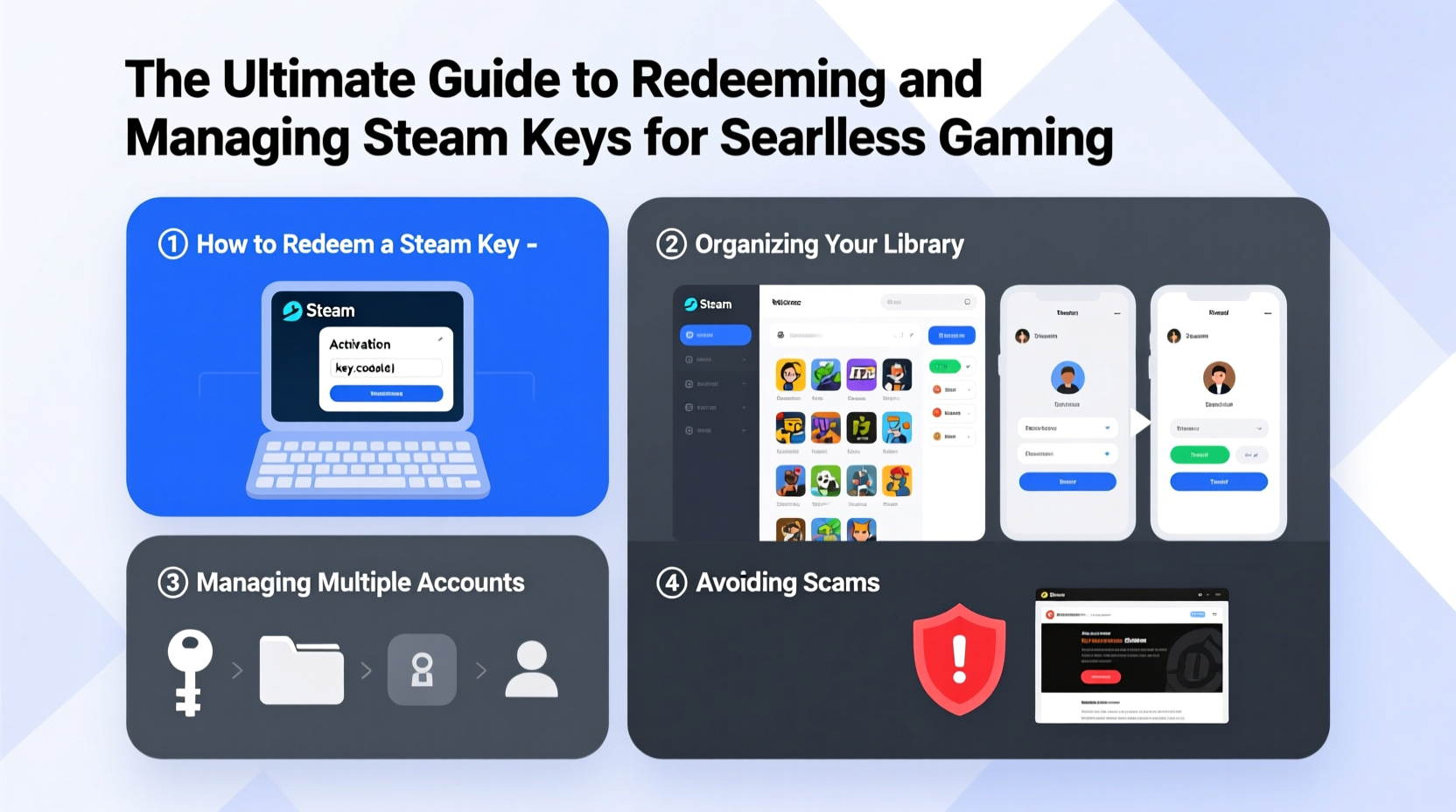
A Steam key is a unique alphanumeric code that grants access to a specific product on the Steam platform. These keys are issued by developers, publishers, or authorized distributors and can be used only once per Steam account. Once redeemed, the associated game or content is permanently linked to your profile, allowing downloads, updates, and cloud saves across devices.
Keys may come from various sources:
- Purchase receipts from third-party retailers (e.g., Fanatical, Green Man Gaming)
- Digital gift cards converted into game purchases
- Game bundles (Humble Bundle, Fanatical Bundle)
- Developer giveaways or promotional campaigns
- Friend gifts sent via email or in person
It’s important to note that not all keys are created equal. Some may be region-locked, meaning they can only be activated in certain geographic areas. Others might be tied to specific editions or require additional steps post-redeem, such as linking an external account (e.g., Ubisoft Connect or EA App).
Step-by-Step Guide to Redeeming a Steam Key
Redeeming a Steam key is a straightforward process, but attention to detail prevents errors. Follow these steps carefully:
- Launch the Steam client or visit store.steampowered.com and log into your account.
- Navigate to the “Games” menu at the top and select “Activate a Product on Steam…”
- Click Next on the welcome screen, then agree to the Subscriber Agreement.
- Enter your product code exactly as provided—be mindful of similar-looking characters like “O” vs. “0” or “I” vs. “1”.
- Confirm the product name displayed matches what you expected. If it doesn’t, stop and double-check the key.
- Complete the process. The game will appear in your library immediately.
If the key fails, Steam will display an error message. Common reasons include:
- The key has already been used
- The key is invalid or mistyped
- Region restrictions apply
- The product is not available in your country
In such cases, review the code carefully and contact the seller or distributor if the issue persists.
Best Practices for Managing Steam Keys
As your collection grows, so does the risk of losing or misusing keys. Proactive management ensures every code delivers value when you need it most.
Organize Keys Before Redemption
Create a dedicated system for tracking unredeemed keys. Use one of the following methods:
- A password-protected spreadsheet with columns for game title, source, date received, and key status
- A notes app (like Evernote or Apple Notes) with encrypted entries
- A physical notebook stored securely at home
| Method | Pros | Cons |
|---|---|---|
| Spreadsheet (Google Sheets/Excel) | Searchable, shareable, easy to sort | Risk of exposure if not secured |
| Encrypted Notes App | Secure, synced across devices | Limited formatting options |
| Physical Notebook | No digital breach risk | Not searchable; vulnerable to damage |
Never Share Active Keys Publicly
Even sharing a screenshot with a blurred key can expose patterns through metadata or partial visibility. Treat each key like a credit card number—private and sensitive.
“Once a Steam key is compromised, recovery is nearly impossible. Prevention through secure storage is the only reliable defense.” — Lena Torres, Digital Rights Analyst at GamePolicy Watch
Real Example: Recovering From a Mistaken Redemption
Mark, a long-time Steam user, purchased a bundle containing five games. Excited, he quickly entered the first key—only to realize later he had accidentally redeemed the Deluxe Edition on his secondary account instead of his main one. Because Steam does not allow transferring ownership between accounts after redemption, Mark lost access to bonus content he couldn’t re-purchase separately.
This scenario underscores two critical lessons:
- Always confirm which account is logged in before redeeming
- Double-check edition names (Standard, Deluxe, Collector’s) before confirming
After this experience, Mark implemented a checklist for future redemptions and began using a single primary account for all key-based purchases.
Essential Checklist for Safe Key Handling
Before redeeming any Steam key, run through this verification process:
- ✅ Confirm you’re logged into the correct Steam account
- ✅ Verify the source of the key is reputable
- ✅ Check for region restrictions (if known)
- ✅ Back up the key in a secure location before entering it
- ✅ Type the code slowly or use copy-paste (but ensure no extra spaces)
- ✅ Confirm the product name shown matches expectations
- ✅ Wait for confirmation that the game appears in your library
Frequently Asked Questions
Can I transfer a game after redeeming it to another Steam account?
No. Once a Steam key is redeemed, the game is permanently bound to that account. Steam does not support transferring purchased or activated content between profiles. Gifting must occur before redemption.
What should I do if my Steam key isn’t working?
First, check for typos and ensure you're using the correct account. If the problem continues, contact the vendor where you obtained the key—they are responsible for resolving distribution issues. Steam Support typically defers to the original seller for invalid or region-locked keys.
Are free Steam keys from giveaways safe?
Only if they come from official sources. Many phishing scams mimic legitimate giveaways by asking users to “enter their Steam login” to claim a free key. Never provide your credentials to third-party sites. Legitimate giveaways deliver keys directly via email or social media DM from verified accounts.
Conclusion: Take Control of Your Gaming Access
Steam keys offer flexibility and access to a vast ecosystem of games, but their one-time-use nature demands careful handling. By understanding how keys work, following a consistent redemption process, and organizing your digital inventory, you protect both your investments and your gaming experience. Whether you're building a personal library or managing gifts for friends, discipline and awareness make all the difference.




 浙公网安备
33010002000092号
浙公网安备
33010002000092号 浙B2-20120091-4
Comments
No comments yet. Why don't you start the discussion?