
In today’s digital economy, it's easy to sign up for a free trial or one-time service only to realize months later that you're still being charged. From streaming platforms and fitness apps to cloud storage and meal kits, recurring card subscriptions can quietly accumulate—sometimes costing hundreds per year in forgotten fees. The good news? With the right tools and habits, you can gain full visibility over every active subscription, cancel what you no longer use, and streamline your financial footprint.
This guide walks you through proven methods to track, evaluate, and manage all your card-based subscriptions—from built-in bank features to third-party apps and manual audits—so you stay in control of your spending without sacrificing convenience.
Why Subscription Overload Is a Silent Budget Drain
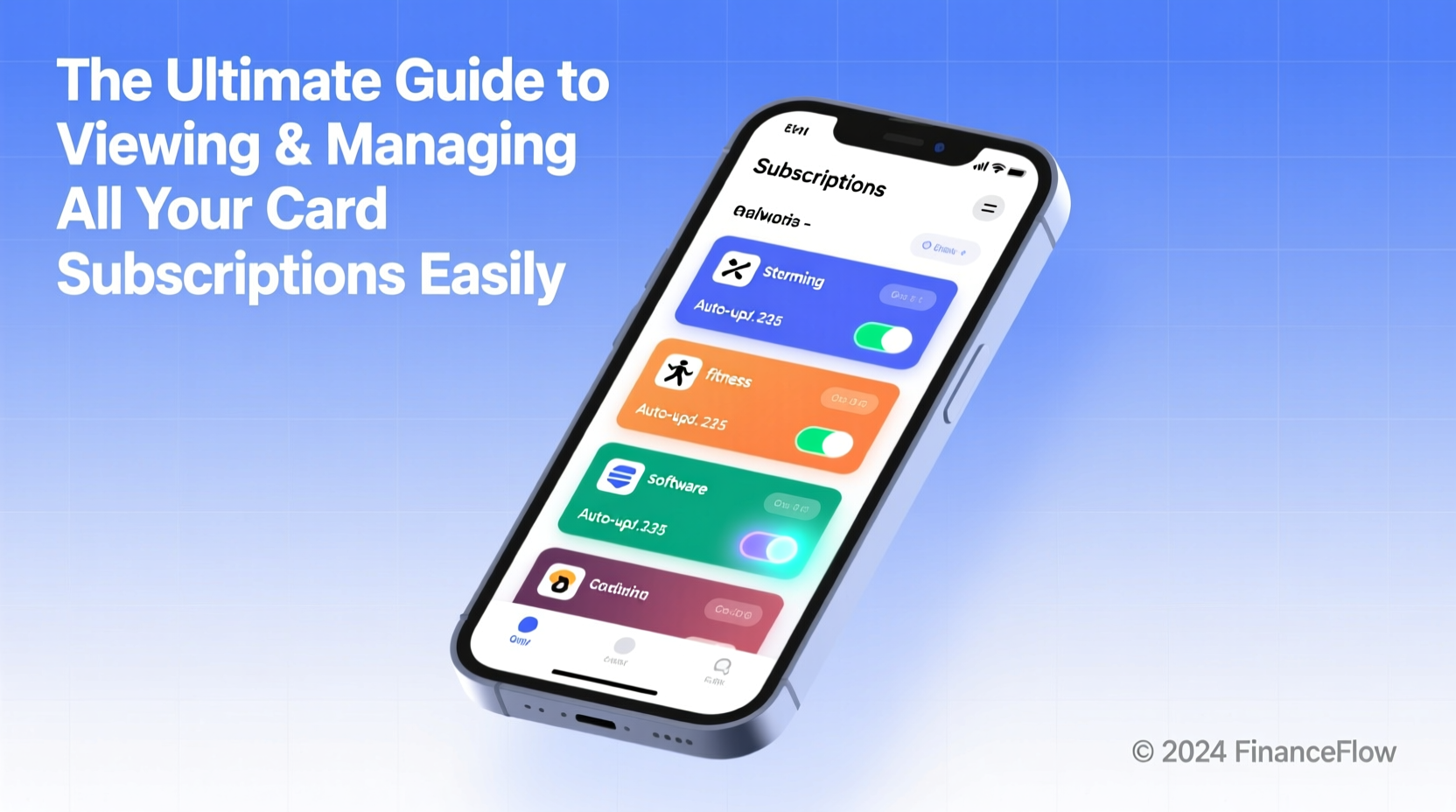
Subscriptions are designed for convenience, but their automatic nature makes them prone to oversight. A 2023 study by Consumer Reports found that the average American unknowingly pays for at least three inactive or unused subscriptions each month. These \"zombie subscriptions\" often stem from:
- Free trials that auto-convert to paid plans
- Services used briefly after sign-up
- Lapsed memberships with ongoing charges
- Duplicate subscriptions across family plans or email accounts
Without regular review, these small charges compound. A $9.99 monthly app fee might seem trivial, but across five unused services, that’s nearly $600 annually—money better spent or saved.
“Most people don’t realize how much they’re overspending on subscriptions because the charges are small and automated. It’s death by a thousand cuts.” — Sarah Lin, Financial Wellness Coach and Founder of ClearLedger Finance
How to View All Active Card Subscriptions: 4 Reliable Methods
You don’t need to log into every service individually to find out what you’re paying for. Use these strategies to uncover every active charge linked to your card.
1. Check Your Bank or Credit Card Statement History
Your financial institution is often the fastest way to see every recurring transaction. Most major banks now offer categorized spending insights and even flag recurring payments automatically.
Steps to identify subscriptions via your bank:
- Log in to your online banking portal or mobile app.
- Navigate to “Transactions” or “Spending” section.
- Filter by date range (e.g., last 90 days).
- Look for repeated charges from the same merchant (e.g., Netflix, Spotify, Adobe).
- Check descriptions carefully—some may appear under parent companies (e.g., “Apple.com/bill” for multiple Apple services).
2. Use Your Card Issuer’s Subscription Manager Tool
Many credit card providers now include built-in subscription tracking. For example:
- Capital One: “Subscriptions” tab in the mobile app shows active recurring charges and allows one-tap cancellation.
- Chase: “My Chase Plan” and spending insights highlight repeating payments.
- American Express: “Subscriptions” section under Account Services lists active enrollments.
These tools not only list active subscriptions but also send alerts before renewal dates and notify you of price increases.
3. Leverage Third-Party Subscription Management Apps
If your bank doesn’t offer subscription tracking, consider secure fintech apps designed to centralize all your recurring payments.
| App | Key Features | Security Model |
|---|---|---|
| Truebill (now Rocket Money) | Tracks subscriptions, negotiates bills, cancels services | Read-only access; bank-level encryption |
| Mint | Budgeting + subscription alerts + renewal reminders | Multi-factor authentication, encrypted sync |
| Subscript | Simple dashboard, price change detection | No card data stored; tokenized connections |
These apps connect securely to your bank or card accounts via APIs and categorize every recurring charge, making it easier to spot redundancies or expired trials.
4. Manually Audit Email and Cloud Accounts
Sometimes, the most overlooked method is simply searching your inbox. Many services send renewal receipts, welcome emails, or password reset messages that reveal active accounts.
Email audit tips:
- Search for “thank you for subscribing,” “your receipt,” or “welcome to [service]”
- Sort by sender domains like *.netflix.com, *spotify.com, or *amazon.com
- Check spam or archive folders—some notifications land there
Also review connected accounts in Google, Apple ID, and Microsoft profiles. For instance, Apple’s “Subscriptions” page (Settings > [Your Name] > Subscriptions) lists every service tied to your Apple ID, including those billed via iTunes.
Step-by-Step Guide to Managing and Canceling Subscriptions
Finding subscriptions is only half the battle. Here’s how to clean up, consolidate, or cancel them efficiently.
- Compile a master list of all active subscriptions, including price, billing cycle, and purpose.
- Categorize by value: Keep, Consider, Cut.
- Cancel low-value services: Visit the provider’s website or use your card issuer’s cancellation tool.
- Consolidate duplicates: If you have multiple music or cloud storage plans, pick one and cancel the rest.
- Switch to annual billing (if cheaper): Some services offer discounts for yearly payments.
- Set renewal reminders: Mark calendar dates to reassess before auto-renewal.
Mini Case Study: How Maria Reclaimed $180/Month
Maria, a freelance designer from Austin, reviewed her credit card statement after noticing tight cash flow. She discovered she was paying for:
- Adobe Creative Cloud ($52.99/month)
- Canva Pro ($11.99/month)
- Two Dropbox Business accounts ($20 each)
- A lapsed meditation app ($12.99/month)
- A duplicate YouTube Premium Family Plan ($22.99)
Using her Capital One app’s subscription manager, she canceled Canva Pro (she already had Adobe), deactivated one Dropbox account, and removed the unused meditation app. She also contacted YouTube to refund the duplicate charge. Total savings: $183.95 per month—over $2,200 annually.
Essential Checklist: Master Your Subscriptions in One Hour
Follow this concise checklist to audit and manage your subscriptions effectively:
- ✅ Gather all active debit and credit cards
- ✅ Log in to each bank or card portal and export 3 months of transactions
- ✅ Identify all recurring charges (use search function)
- ✅ Cross-reference with Apple/Google/Microsoft subscription dashboards
- ✅ Install a subscription tracker app if needed
- ✅ Cancel at least 2 unused services
- ✅ Schedule a quarterly reminder to repeat the audit
Frequently Asked Questions
Can I get a refund for unwanted subscription charges?
Yes, in many cases. Contact your card issuer within 60 days of the charge and dispute it as “services not received” or “unauthorized recurring billing.” Success depends on the provider and timing, but issuers often side with consumers for unused or misleadingly billed subscriptions.
Is it safe to use third-party subscription managers?
Reputable apps like Rocket Money and Mint use bank-grade encryption and read-only access, meaning they can’t initiate payments. Avoid sharing login credentials directly with unknown services. Stick to well-reviewed platforms with transparent privacy policies.
What if I can’t find where a charge is coming from?
Contact your card issuer’s customer service. They can identify the merchant’s full legal name and website. You can also perform a web search using the transaction descriptor (e.g., “CRSP* Daily Yoga”) to trace the source.
Take Control of Your Financial Autopilot
Subscriptions offer convenience, but unchecked, they erode your budget silently. By leveraging your bank’s tools, adopting a simple audit routine, and using trusted management apps, you can eliminate waste and redirect funds toward goals that matter. Start today—review one card, cancel one unused service, and set a reminder for your next check-in. Small actions compound into significant financial clarity.




 浙公网安备
33010002000092号
浙公网安备
33010002000092号 浙B2-20120091-4
Comments
No comments yet. Why don't you start the discussion?