
Streaming YouTube content is convenient, but not always possible when you're traveling, in areas with poor connectivity, or trying to conserve data. Whether you're preparing for a long flight, commuting without Wi-Fi, or simply want uninterrupted access to your favorite tutorials, vlogs, or music videos, downloading YouTube videos for offline viewing is a practical solution. However, doing so requires understanding the right tools, formats, and methods that work across smartphones, tablets, laptops, and even smart TVs. This guide walks you through everything you need to know to watch downloaded YouTube videos seamlessly on any device—legally, efficiently, and without technical hiccups.
Understanding Offline Viewing: Legal and Technical Boundaries
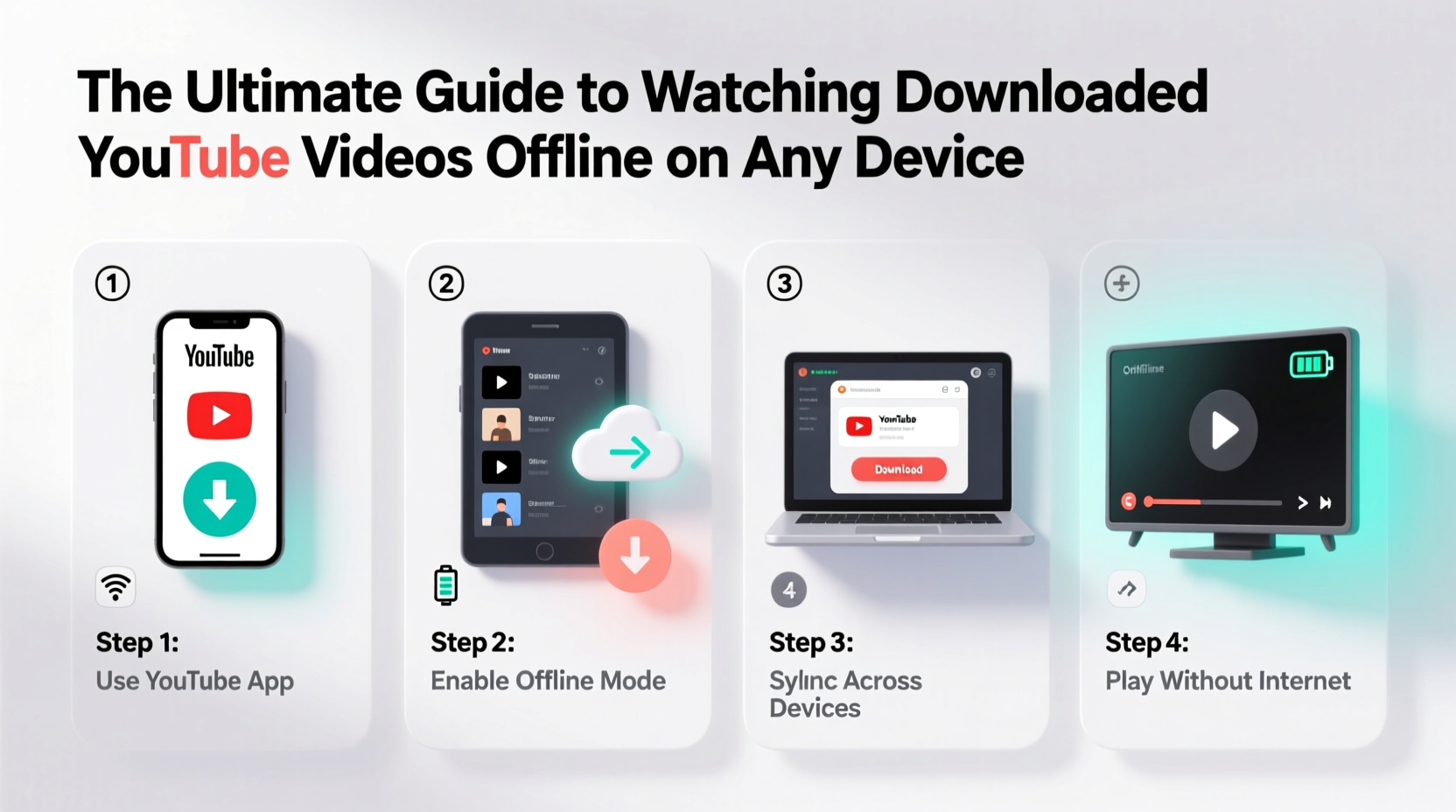
Before diving into download methods, it’s important to clarify what’s allowed under YouTube’s terms of service. Officially, YouTube Premium subscribers can download videos within the app for offline playback. These downloads are encrypted and tied to your account, meaning they can only be played through the YouTube app and expire after 30 days if not accessed online.
For non-subscribers or those wanting more flexibility, third-party tools exist to save videos locally. While technically feasible, this raises copyright concerns. Downloading content for personal use may fall under “fair use” in some jurisdictions, but redistributing or monetizing downloaded videos is strictly prohibited.
“Downloading copyrighted content without permission—even for personal use—can violate digital rights laws in many countries.” — Daniel Reed, Digital Policy Analyst at Open Internet Initiative
The focus here is on ethical usage: saving educational material, public domain content, or videos explicitly marked for reuse by creators. Always check the video’s license type before downloading.
Step-by-Step Guide to Downloading and Watching Videos Offline
To enjoy downloaded YouTube videos across devices, follow this structured process:
- Choose a compatible downloader tool: Use reputable software or web services known for clean output and format support.
- Copy the YouTube video URL: Open the video on YouTube and copy its address from the browser bar.
- Paste into the downloader: Insert the link into your chosen tool and select preferred quality and format (e.g., MP4, 720p).
- Download and save the file: Store the video in an organized folder on your computer or cloud storage.
- Transfer to your device: Move the file via USB, email, cloud sync, or local network sharing.
- Use a compatible media player: Ensure your device has a video player that supports the codec and container used.
Device-Specific Playback Solutions
Different devices have varying levels of native video support. Below is a comparison of common platforms and their compatibility with downloaded YouTube videos.
| Device | Supported Formats | Recommended Player App | Sync Method |
|---|---|---|---|
| Android Phone | MP4, WebM, 3GP | VLC, MX Player | USB transfer, Google Drive |
| iOS (iPhone/iPad) | <>MP4, MOVVLC, Infuse | iCloud Drive, AirDrop, iTunes File Sharing | |
| Windows PC | MP4, AVI, MKV | VLC, Windows Media Player | Direct download, USB, OneDrive |
| MacBook | MP4, MOV | QuickTime, VLC | Finder sync, iCloud, AirDrop |
| Smart TV / Streaming Box | MP4 (H.264), MKV* | Kodi, Plex, VLC (if supported) | USB drive, DLNA, network share |
*MKV support varies; convert to MP4 if playback fails.
Real Example: Preparing for a Cross-Country Flight
Sophie, a freelance designer based in Chicago, frequently flies to client meetings. On her upcoming trip to Portland, she knew in-flight Wi-Fi would be limited. She decided to download several hours of design tutorials, industry talks, and relaxation videos for offline viewing.
She used a trusted desktop converter to download 15 videos in 720p MP4 format, organizing them into folders labeled “Design,” “Inspiration,” and “Entertainment.” Using a microSD card adapter, she transferred the files to her iPad. Before boarding, she installed VLC for iOS, which smoothly played all videos—even those with subtitles embedded during conversion. By planning ahead, Sophie stayed productive and relaxed throughout her journey without relying on connectivity.
Best Practices for Long-Term Video Management
As your library of downloaded videos grows, maintaining accessibility becomes crucial. Follow these best practices to keep your collection functional and easy to navigate.
- Stick to MP4 (H.264/AAC): This format offers the broadest compatibility across devices and operating systems.
- Avoid high-bitrate 4K unless necessary: Large files consume storage quickly and may not play smoothly on older hardware.
- Back up important videos: Save critical downloads (e.g., lectures, training) to cloud storage or external drives.
- Label files clearly: Include title, date, and resolution in filenames for quick identification.
- Update media players regularly: Developers frequently improve codec support and stability.
FAQ: Common Questions About Offline YouTube Viewing
Can I watch downloaded YouTube videos without internet forever?
Yes, once a video is saved as a standard file (like MP4), it can be watched indefinitely without an internet connection—as long as your device supports the format and the file remains intact.
Why won’t my downloaded video play on my phone?
This usually happens due to incompatible codecs or containers. Try converting the file to MP4 using free tools like HandBrake or online converters. Also ensure your media player supports the format.
Is it safe to use online YouTube downloaders?
Some are safe, but many display intrusive ads or bundle malware. Stick to well-reviewed tools, avoid entering personal information, and use ad blockers. Desktop applications like 4K Video Downloader or yt-dlp are generally safer than unknown websites.
Essential Checklist for Seamless Offline Playback
Follow this checklist every time you prepare to watch YouTube videos offline:
- ☐ Verify download legality
- Ensure the content allows personal use or is from a permitted source.
- ☐ Choose MP4 format
- Select H.264 video and AAC audio for maximum compatibility.
- ☐ Test playback before travel
- Check that the video plays correctly on your target device.
- ☐ Organize files logically
- Create folders by category or project for faster access.
- ☐ Install a universal media player
- Apps like VLC support nearly all formats and run on almost every platform.
- ☐ Backup critical content
- Use cloud storage or external drives to prevent data loss.
Final Thoughts: Make Offline Viewing Work for You
Watching downloaded YouTube videos offline isn’t just about convenience—it’s about taking control of your digital experience. Whether you're learning new skills, staying entertained during downtime, or preserving valuable content, the ability to access videos without an internet connection adds resilience and flexibility to your daily routine.
By choosing the right tools, respecting copyright boundaries, and organizing your media effectively, you can build a reliable offline library that works across all your devices. Don’t wait until you’re stuck without Wi-Fi to figure it out. Start building your offline collection today—your future self will thank you.




 浙公网安备
33010002000092号
浙公网安备
33010002000092号 浙B2-20120091-4
Comments
No comments yet. Why don't you start the discussion?