
The US Open is one of the most electrifying events in tennis, drawing top players and millions of fans each year. As the final Grand Slam of the season, it delivers high-stakes drama, late-night thrillers, and breakthrough performances on the hard courts of Flushing Meadows. In 2024, with expanded digital coverage and more streaming options than ever, fans have unprecedented access to matches—whether they’re courtside or continents away. This guide breaks down everything you need to know about streaming the US Open 2024, optimizing your viewing experience, and never missing a pivotal moment.
Where to Watch the US Open 2024 Live
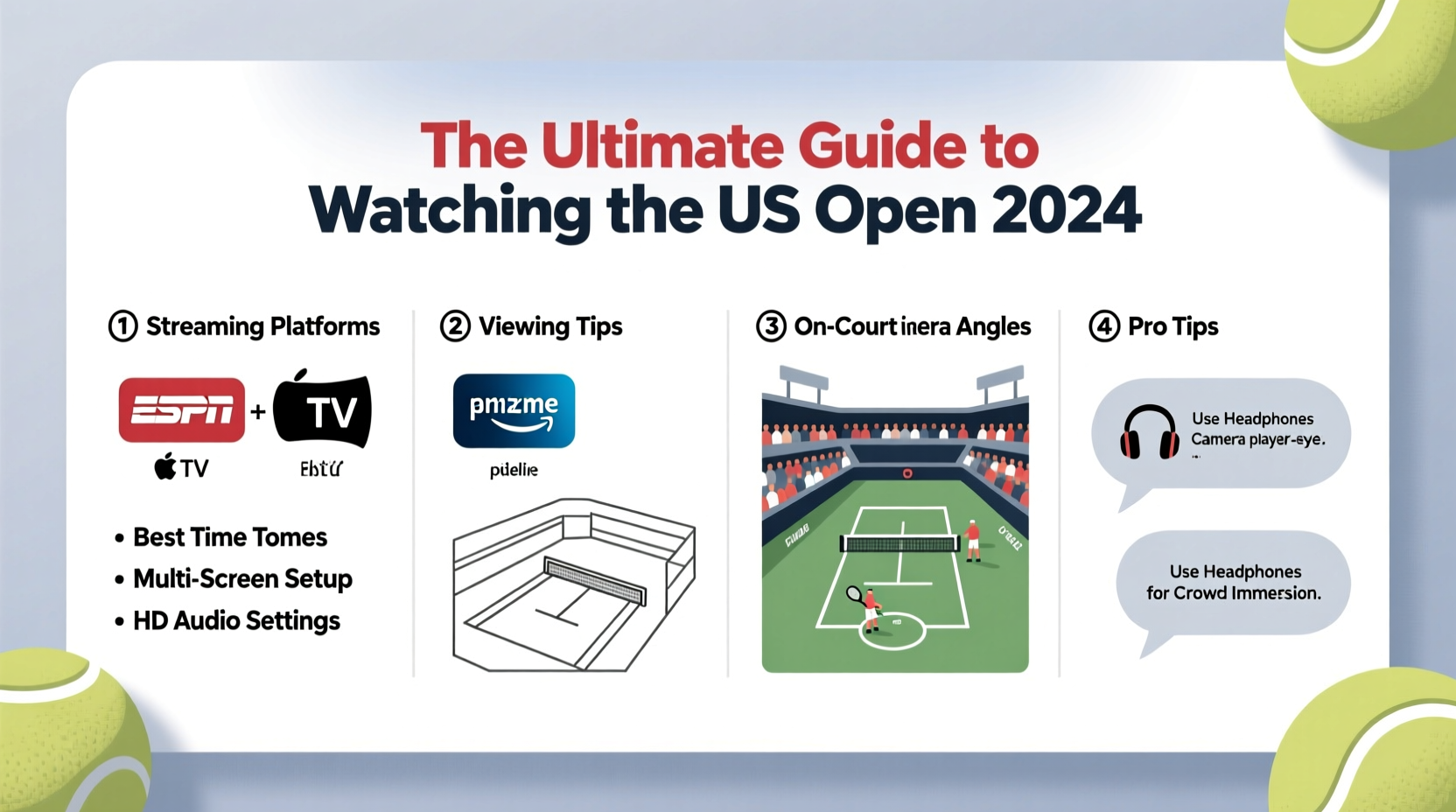
The official broadcast rights for the US Open in the United States are held by ESPN. For the 2024 tournament, ESPN will provide comprehensive live coverage across its networks—ESPN, ESPN2, and occasionally ABC—for marquee matches, including finals. Outside the U.S., broadcasters vary by region:
| Region | Broadcaster | Streaming Platform |
|---|---|---|
| United States | ESPN, ABC | ESPN+, ESPN App (authenticated via provider) |
| United Kingdom | Amazon Prime Video | Prime Video App |
| Australia | 9Now (via Nine Network) | 9Now App |
| Canada | TVA Sports, TSN | TSN Direct, TVA+ App |
| India | Sony Sports Network | SonyLIV App |
If you're traveling or outside your home country, using a virtual private network (VPN) can help you access geo-restricted content. However, be sure to check local regulations and service terms before doing so.
How to Stream the US Open 2024: A Step-by-Step Guide
Streaming the tournament requires preparation, especially if you plan to watch multiple sessions or follow specific players. Follow this sequence to ensure seamless access:
- Choose Your Streaming Service: Determine whether you’ll use ESPN+, Amazon Prime Video, SonyLIV, or another regional platform based on your location.
- Verify Subscription or Authentication: If your provider requires cable login (e.g., ESPN), confirm your credentials work. Consider standalone plans like ESPN+ at $10.99/month if you don’t have a traditional TV package.
- Download the Official App: Install the broadcaster’s app (ESPN, Prime Video, etc.) on your smartphone, tablet, smart TV, or streaming device (Roku, Apple TV, Fire Stick).
- Test Before Match Day: A week before the tournament begins, log in and test video playback, audio, and subtitle settings to avoid last-minute glitches.
- Enable Push Notifications: Turn on alerts for match start times, score updates, and breaking news related to your favorite players.
For viewers who want to watch every court simultaneously, ESPN+ offers “Match Center” mode—a feature that allows split-screen viewing of up to four live matches. This is particularly useful during the first week when dozens of matches unfold daily.
Maximizing Your Viewing Experience: Pro Tips
Watching tennis isn’t just about tuning in—it’s about immersion. The quality of your setup and habits can dramatically affect enjoyment.
- Use a Large Screen with Good Audio: Watching on a phone limits visibility of footwork and net approaches. Connect to a TV via HDMI or casting for better clarity. External speakers or soundbars enhance crowd reactions and commentary.
- Watch During Off-Peak Hours: Early-round matches often air during weekday afternoons (ET). Schedule recordings or set DVRs to catch them later without spoilers.
- Follow the Order of Play Daily: The schedule changes frequently due to weather or extended matches. Check the official US Open website each morning for updated session lineups.
- Customize Subtitles and Commentary: Some platforms allow switching between commentary teams or enabling subtitles in different languages—an advantage for non-native English speakers or those watching quietly.
“With proper planning, fans can replicate the stadium experience at home—multiple screens, real-time stats, and even social watch parties.” — Daniel Reyes, Sports Broadcasting Analyst at MediaSport Insights
Real Example: How One Fan Never Missed a Nadal Match
Mark, a software engineer in Seattle, followed Rafael Nadal’s entire 2023 US Open run despite a demanding work schedule. He used ESPN+ on his iPad during lunch breaks, set up automated reminders for match times, and relied on the app’s “Live Look-In” feature to jump between ongoing games. When Nadal played in the evening (7 PM ET / 4 PM PT), Mark joined a Reddit live thread while watching, enhancing engagement. His strategy? “I treated it like a personal project,” he said. “Prepared playlists, scheduled time off, and even invited friends over virtually. It made all the difference.”
What to Avoid: Common Streaming Mistakes
Even seasoned viewers make errors that disrupt their experience. Here’s what not to do:
| Mistake | Why It Hurts | How to Fix |
|---|---|---|
| Waiting until opening day to sign up | Risk of delayed activation or payment issues | Subscribe at least two weeks prior |
| Using public Wi-Fi to stream HD | Lag, buffering, or disconnections | Use a secure, high-speed connection; download matches for offline viewing if possible |
| Ignoring data caps | HD streaming uses ~3 GB/hour—can exceed mobile plans | Stream over Wi-Fi; adjust quality settings to “medium” if needed |
| Not bookmarking key links | Wasting time searching for live feeds | Save direct URLs to “Live Matches” and “Scores” pages |
Frequently Asked Questions
Can I watch the US Open 2024 for free?
Limited matches will be available for free on ABC and the US Open’s official YouTube channel, typically featuring highlights or condensed replays. However, full live coverage—including night sessions and outer courts—requires a paid subscription to ESPN+ or your local broadcaster’s service.
Is there a way to watch past matches on demand?
Yes. ESPN+ and other official platforms offer full-match replays, point-by-point highlights, and player-specific recaps within hours of completion. These are searchable by player name, date, or round, making it easy to catch up on missed action.
Can I watch the US Open on my smart TV?
Absolutely. Most major smart TV brands (Samsung, LG, Android TV, Apple TV) support the ESPN app, Prime Video, and other regional services. Simply download the correct app from your device’s store and log in with your credentials.
Final Checklist: Prepare Before the First Serve
Before the tournament kicks off on August 26, 2024, complete this checklist to ensure uninterrupted viewing:
- ✅ Subscribe to ESPN+ or your regional streaming service
- ✅ Download the official app on all devices you plan to use
- ✅ Test login credentials and internet speed (minimum 10 Mbps for HD)
- ✅ Bookmark the official order of play page: www.usopen.org/schedule
- ✅ Set calendar alerts for your favorite players’ expected match times
- ✅ Charge tablets or portable devices for on-the-go viewing
- ✅ Share access with family (if allowed by your plan) to enable multi-device watching
Enjoy Every Ace, Rally, and Championship Moment
The US Open 2024 promises unforgettable tennis—from rising stars to legends chasing history. With the right tools and preparation, you can experience every match with the intensity of being in Arthur Ashe Stadium. Whether you're following a favorite player's comeback, tracking a rookie sensation, or simply savoring the electric atmosphere of New York in late summer, seamless streaming turns casual viewing into a true fan experience.




 浙公网安备
33010002000092号
浙公网安备
33010002000092号 浙B2-20120091-4
Comments
No comments yet. Why don't you start the discussion?