
If you've recently searched for TikTok in the App Store only to find it missing, you're not alone. Many users have reported that the app no longer appears in search results or their purchase history, leading to confusion and concern. While TikTok remains one of the most popular social platforms globally, technical, regional, and policy-related factors can affect its availability. Understanding why TikTok might be absent—and knowing how to restore it—is essential for anyone who relies on the app for entertainment, content creation, or business.
Why TikTok Might Be Missing From the App Store
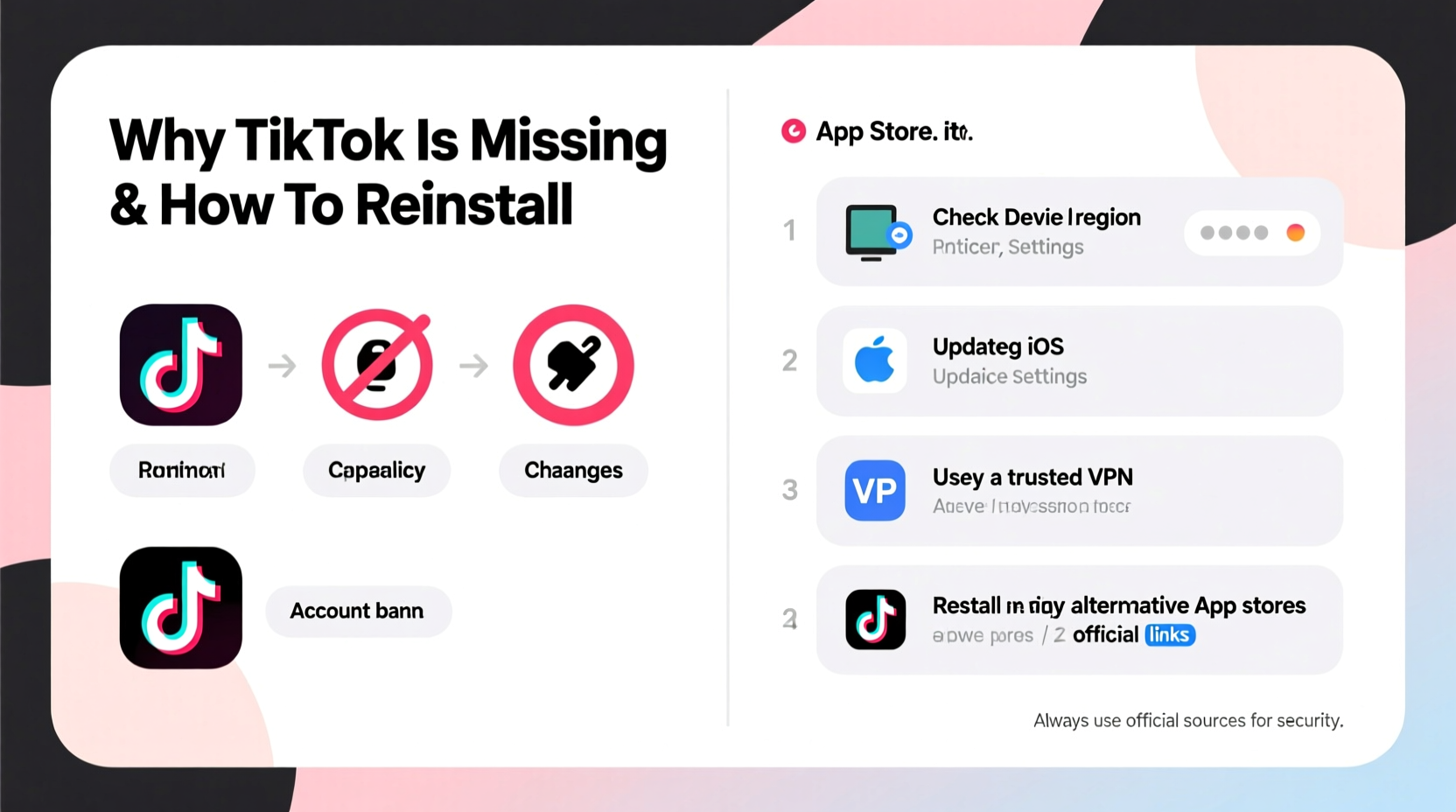
TikTok’s absence from the App Store isn’t always due to a user error. Several legitimate reasons could explain why the app doesn't show up when you search for it. These range from device-specific settings to geopolitical restrictions.
- Regional Restrictions: In some countries, TikTok has been banned or restricted by government authorities. For example, India permanently banned TikTok in 2020, and certain U.S. government devices prohibit its use. If your Apple ID is registered in a restricted region, the app may not appear.
- App Store Account Region: The App Store tailors available apps based on the country associated with your Apple ID. Even if you're physically located in a country where TikTok is allowed, an Apple ID tied to a banned region will not show the app.
- Outdated iOS Version: TikTok regularly updates its compatibility requirements. Older versions of iOS may no longer support the latest version of the app, causing it to disappear from search or become un-downloadable.
- Temporary Removal or Review: Occasionally, Apple removes apps during policy reviews or after violations. Though rare for major apps like TikTok, temporary delisting can occur during compliance investigations.
- Search Algorithm Glitches: Sometimes, TikTok may not appear due to a corrupted cache or glitch in the App Store’s search function, especially if you’ve previously uninstalled it.
How to Reinstall TikTok: Step-by-Step Guide
If TikTok has vanished from your device and you want to get it back, follow this structured process to diagnose and resolve the issue.
- Verify Your Location and Apple ID Region
Go to Settings > [Your Name] > Media & Purchases > View Account. Tap “Country/Region” and ensure it matches a location where TikTok is permitted (e.g., United States, Canada, UK). - Update Your iOS Software
Navigate to Settings > General > Software Update. Install any pending updates. TikTok requires iOS 12.0 or later, but newer versions demand iOS 14 or higher. - Restart the App Store
Close the App Store completely via the app switcher, then reopen it. This clears temporary glitches affecting search results. - Search Using Exact Keywords
Type “TikTok” precisely in the App Store search bar. Avoid variations like “Tik Tok” or “tik tok,” as these may yield no results. - Check Your Purchase History
In the App Store, tap your profile icon > Purchased. Look for TikTok under “My Purchases.” If found, tap the cloud icon to reinstall. - Use a Web Browser to Confirm Availability
Visit apps.apple.com/app/tiktok/id835599320 on your iPhone. If the page loads, the app is available in your region. - Sign Out and Back Into Your Apple ID
Go to Settings > [Your Name] > Media & Purchases > Use Separate Password, then sign out. Restart your phone and sign back in.
Common Mistakes That Prevent Reinstallation
Even with the right steps, users often make errors that delay recovery. Avoiding these pitfalls speeds up the reinstallation process.
| Mistake | Why It’s Problematic | Correct Approach |
|---|---|---|
| Using a third-party app store link | Risks malware, account compromise, or device instability | Only download from the official App Store |
| Assuming the app is banned globally | Leads to unnecessary frustration; bans are usually regional | Verify your Apple ID region and local regulations |
| Not updating iOS before attempting reinstall | Old OS versions block newer app installations | Always update to the latest compatible iOS version |
| Clearing all settings without backup | May erase important preferences or data | Back up first, then selectively reset network or App Store settings |
Real Example: Recovering TikTok After Travel
Lena, a digital marketer based in Germany, traveled to Turkey for two weeks. Upon returning, she noticed TikTok was gone from her iPhone. She tried searching multiple times, but the app didn’t appear. Initially concerned about a ban, she followed troubleshooting steps. She discovered her Apple ID had automatically switched regions during her trip due to local payment settings. After manually changing her App Store region back to Germany and updating her iOS, TikTok reappeared in her purchased apps list and reinstalled seamlessly. Her experience highlights how regional account settings—not device issues—are often the real culprit.
Expert Insight on App Availability
“App availability is increasingly tied to geopolitical and regulatory landscapes. Users must stay informed about both their digital footprint and regional policies.” — David Lin, Mobile Security Analyst at TechPolicy Watch
FAQ: Common Questions About TikTok and the App Store
Can TikTok be permanently removed from the App Store?
While unlikely on a global scale, TikTok can be removed in specific countries due to legal or regulatory actions. As of now, it remains available in most major markets including the U.S., UK, Canada, Australia, and much of Europe.
I see TikTok on a friend’s phone but not mine—why?
Differences in Apple ID region, iOS version, or search history can affect visibility. Also, if you previously reported the app or used parental controls, it might be filtered out. Check your Screen Time settings under Content & Privacy Restrictions.
Is it safe to reinstall TikTok after it disappeared?
Yes, as long as you download it from the official App Store. Avoid third-party APKs or sideloading tools, which pose security risks. Always verify the developer is listed as “TikTok Inc.”
Reinstallation Checklist
Follow this concise checklist to quickly restore TikTok:
- ✅ Confirm your Apple ID region allows TikTok
- ✅ Update iOS to the latest version
- ✅ Search “TikTok” exactly in the App Store
- ✅ Check Purchased apps for previous download history
- ✅ Restart your device after changes
- ✅ Avoid using unofficial sources or jailbreak methods
Conclusion: Regain Access and Stay Informed
TikTok’s disappearance from the App Store can be unsettling, especially for creators and businesses dependent on the platform. However, in most cases, the issue stems from manageable factors like regional settings, outdated software, or simple glitches. By methodically verifying your account details, updating your system, and using trusted recovery methods, you can typically reinstall TikTok within minutes. As digital regulations evolve, staying aware of how your online identity interacts with app ecosystems becomes increasingly important. Don’t assume the worst—often, the solution is simpler than it seems.




 浙公网安备
33010002000092号
浙公网安备
33010002000092号 浙B2-20120091-4
Comments
No comments yet. Why don't you start the discussion?