
Gift-giving is an art, especially when the present involves technology. While a new smartwatch, wireless earbuds, or home assistant can be thrilling, many of these devices demand initial setup—pairing with accounts, downloading apps, or configuring preferences. The challenge? Ensuring the recipient enjoys the full experience without accidentally revealing the surprise during preparation.
The key lies in balancing anticipation with functionality. A poorly prepared gadget might leave the recipient frustrated before they even enjoy the moment. On the other hand, over-preparing could spoil the magic. With careful planning and subtle execution, it’s possible to deliver both delight and readiness.
Understand the Setup Requirements Before You Buy
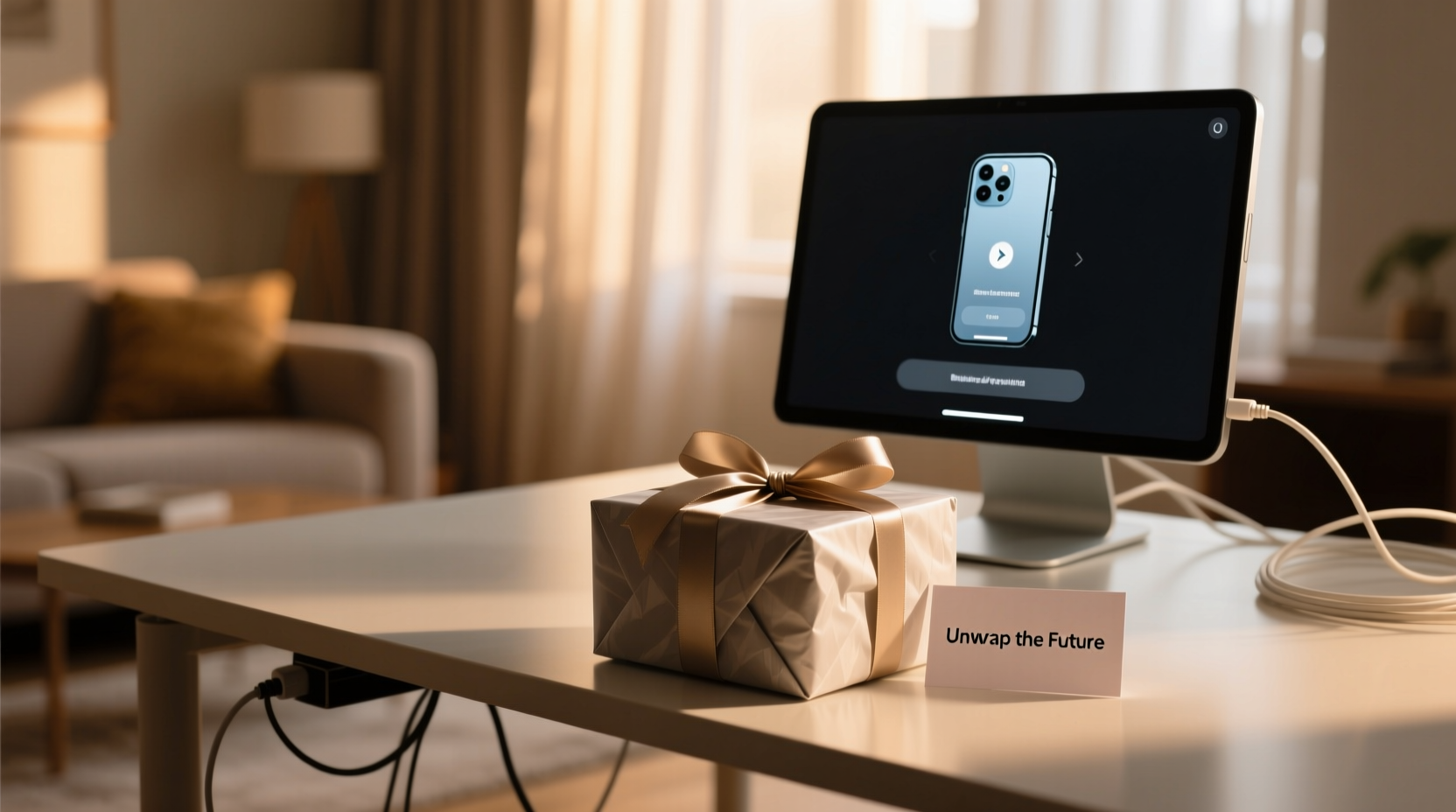
Not all tech gadgets are created equal when it comes to out-of-box usability. Some devices power on instantly; others need Wi-Fi, app installations, or account sign-ins. Knowing what your chosen gift requires helps you plan accordingly—and avoid last-minute scrambles.
For example, a pair of premium noise-canceling headphones may only need charging before use, while a smart display like a Google Nest Hub requires linking to a Google account and home network. Similarly, fitness trackers often depend on syncing with a smartphone app to unlock their full potential.
Check whether the device needs:
- Wi-Fi or Bluetooth connectivity
- A companion mobile app
- Account creation or login (Apple ID, Google, Amazon, etc.)
- Firmware updates upon first launch
- Physical installation (e.g., mounting a security camera)
Understanding these prerequisites allows you to make informed decisions about how much prep work is safe—and necessary—before gifting.
Prepare Without Revealing: The Art of Invisible Setup
You don’t have to choose between convenience and surprise. Many aspects of tech setup can be handled discreetly, preserving the excitement while smoothing the path to first use.
Consider this scenario: You're giving your partner a new e-reader loaded with their favorite books. If you preload titles under their account, they’ll feel seen and appreciated—but only if they discover it themselves. The trick is avoiding obvious traces of your involvement.
“Smart gifting isn’t about doing everything for someone—it’s about removing friction so the joy can shine through.” — Marcus Lin, Consumer Tech Consultant at GadgetFlow
Here’s how to prepare intelligently:
- Charge fully: Ensure the device has at least 80% battery. A dead gadget on day one dampens enthusiasm.
- Update firmware silently: If possible, connect the device briefly to Wi-Fi to download updates—then reset or disconnect before wrapping.
- Include access details subtly: If the device uses a shared service (like a family Apple ID), provide credentials separately—on a card tucked inside the box, not taped to the screen.
- Pre-install non-personal content: For media devices, add public playlists, audiobooks from free sources, or demo content that doesn’t reveal customization.
Avoid logging into personal accounts unless absolutely necessary. Instead, set up placeholder configurations that guide the user toward completing the process themselves.
Use a Step-by-Step Timeline for Seamless Delivery
Timing matters when gifting tech. Start preparing days—or even weeks—ahead to avoid stress and ensure everything works smoothly.
Follow this timeline for optimal results:
| Timeframe | Action | Purpose |
|---|---|---|
| 7–10 Days Before | Research setup steps; purchase compatible accessories (cases, chargers) | Ensure no missing components delay activation |
| 3–5 Days Before | Unbox and charge the device; check for defects | Catch hardware issues early |
| 2 Days Before | Perform silent updates via temporary Wi-Fi connection | Prevent long waits during unboxing |
| 1 Day Before | Reset to factory settings (if needed); repackage securely | Maintain “new” condition without evidence of use |
| Day of Gifting | Double-check packaging; include quick-start guide or note | Support smooth onboarding |
This approach ensures technical readiness while preserving the emotional impact of discovery.
Create a Thoughtful Onboarding Experience
The moment after unwrapping is critical. A confusing interface or cryptic error message can overshadow excitement. Help the recipient transition from surprise to satisfaction with a gentle onboarding strategy.
One effective method is crafting a custom welcome note that doubles as a setup guide. Keep it light, encouraging, and informative—without sounding like a technical manual.
“Happy listening! This headset pairs easily with your phone. Just open the case near your iPhone—it should pop up automatically. If not, tap ‘Forget This Device’ on your old AirPods first. Enjoy your playlist—I added a few surprises.”
This combines emotional warmth with practical support, making the tech feel personalized rather than impersonal.
Mini Case Study: Gifting a Smart Home Camera
Sarah wanted to gift her elderly mother a doorbell camera for safety. She knew her mom wasn’t tech-savvy, so she faced a dilemma: help enough to make it usable, but not so much that it felt intrusive.
Her solution?
- Bought the camera with a built-in chime so no app was strictly necessary
- Installed and tested the device herself a week early using her own Wi-Fi
- Reset it to factory settings before repackaging
- Included a laminated card showing step-by-step images: “Step 1: Plug in. Step 2: Press button until blue light flashes…”
- Set up a shared family notification group so alerts would go to Sarah too—configured later by her mom
On gift day, her mother was delighted by the gesture and able to get basic viewing working within minutes. Sarah stepped in only when asked, preserving autonomy and surprise.
Do’s and Don’ts When Gifting Setup-Heavy Tech
Navigating the fine line between helpfulness and overreach requires awareness. Use this checklist to stay on track.
| Do | Don’t |
|---|---|
| Test the device beforehand for defects | Keep the original receipt visible |
| Provide a printed QR code linking to setup instructions | Log into the recipient’s personal accounts without permission |
| Include necessary cables or adapters | Assume they want your help setting it up |
| Offer post-gift support (“Let me know if you want a hand connecting it!”) | Label wires or buttons with sticky notes |
| Choose gifts compatible with their existing ecosystem (iOS/Android, Alexa/Google) | Override factory defaults unless essential |
Respecting boundaries enhances trust. Even well-intentioned assistance can feel patronizing if delivered incorrectly.
Checklist: Pre-Gift Tech Preparation
Use this concise checklist to ensure every detail is covered before handing over the package:
- ✅ Verify device compatibility with recipient’s phone or system
- ✅ Charge the device to at least 80%
- ✅ Perform any required firmware updates (then reset if needed)
- ✅ Confirm all parts are included (cables, docks, manuals)
- ✅ Test basic functions (power on, display, sound)
- ✅ Reset to factory settings if previously accessed
- ✅ Prepare a simple setup guide or welcome note
- ✅ Wrap carefully to prevent damage during transport
Completing these steps builds confidence—not just in the gift, but in your thoughtfulness.
Frequently Asked Questions
Can I set up a device under my account and transfer it later?
Yes, in many cases. Devices like iPads, Kindles, or smart speakers allow de-registration and re-linking to another account. However, some features (like iCloud-locked iPhones) require complete disassociation before transfer. Always check manufacturer policies and disable “Find My” services before gifting.
What if the recipient struggles with setup despite my efforts?
Be available—but not pushy. Offer support with phrases like, “I played with it briefly—want me to show you the first steps?” Let them control the pace. Sometimes watching a quick YouTube tutorial together is more effective than taking over.
Is it okay to pre-load content like music or apps?
Only if it aligns with their tastes and doesn’t assume preferences. Avoid installing niche apps or playlists unless you’re certain. Better to suggest ideas: “This tablet works great with meditation apps—I can send you links if you’d like.”
Conclusion: Gift the Experience, Not Just the Device
Gifting tech isn’t just about the hardware—it’s about enabling a meaningful experience. The most memorable gifts are those that balance delight with ease, surprise with usability. By preparing thoughtfully, respecting boundaries, and supporting gently, you turn a complex setup into a seamless journey.
Technology evolves rapidly, but human emotions remain constant. Anticipation, joy, gratitude—these are timeless. When you give a gadget that works effortlessly from the start, you’re not just sharing a tool; you’re offering peace of mind, connection, and possibility.




 浙公网安备
33010002000092号
浙公网安备
33010002000092号 浙B2-20120091-4
Comments
No comments yet. Why don't you start the discussion?