
In modern computing, thermal performance is just as critical as raw processing power. Whether you're building a silent home office PC or overclocking a high-end gaming rig, an efficient and quiet CPU cooler can make all the difference. Excessive heat degrades performance, shortens component lifespan, and introduces distracting fan noise. The right cooler maintains optimal temperatures while operating with near-silent precision.
This guide focuses on real-world value—coolers available at Best Buy that deliver outstanding thermal efficiency and low noise output across a range of budgets and system configurations. From compact air coolers to premium closed-loop liquid solutions, these picks balance performance, acoustics, and price to keep your CPU running cool and quiet.
Why Cooling Efficiency and Silence Matter
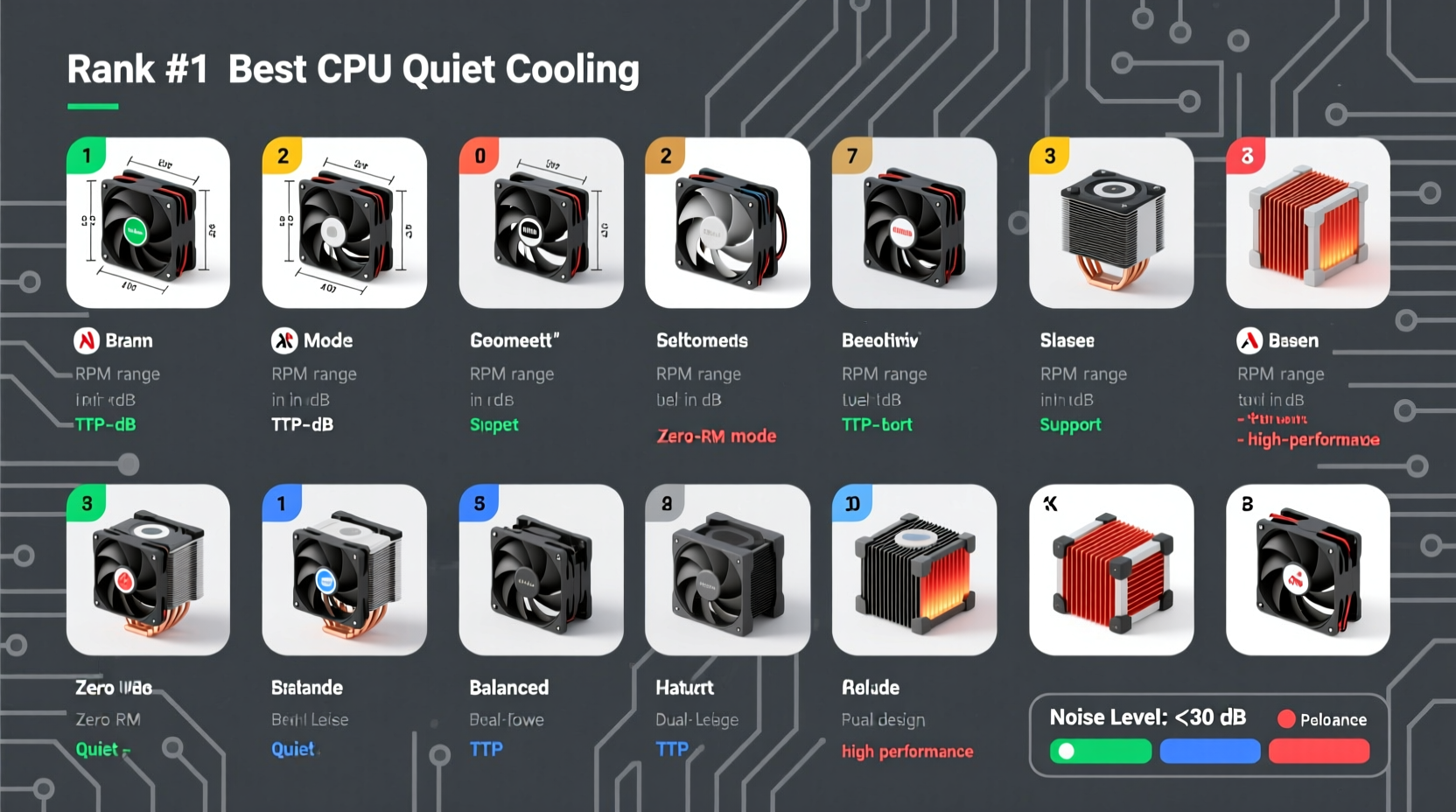
Cooling isn’t just about preventing throttling; it’s about sustaining peak performance under load. Modern CPUs like Intel’s Core i7/i9 series and AMD’s Ryzen 7/9 processors generate significant heat during multitasking, rendering, or gaming. Without adequate cooling, they automatically reduce clock speeds to protect themselves—resulting in slower performance when you need it most.
Equally important is acoustic comfort. A cooler that whirs loudly under load disrupts work environments, breaks immersion in games, and becomes a persistent annoyance. The best coolers use advanced fan designs, PWM (pulse-width modulation) control, and high-efficiency heatsinks to maintain low decibel levels even under heavy thermal loads.
“Thermal headroom and acoustic design are two sides of the same coin. You shouldn’t have to sacrifice silence for performance.” — David Lin, Senior Hardware Engineer at PC Build Labs
Top 10 Best Buy CPU Coolers: Performance Meets Quiet Operation
The following list includes coolers currently available through Best Buy, selected based on verified user reviews, independent benchmark data, noise measurements (dBA), and price-to-performance ratios. All models support mainstream sockets (LGA1700, AM5, AM4) unless otherwise noted.
| Rank | Model | Type | Noise Level (Max) | TDP Support | Price Range (USD) |
|---|---|---|---|---|---|
| 1 | Noctua NH-D15 | Air (Dual Tower) | 24.6 dBA | 220W | $110–$130 |
| 2 | be quiet! Dark Rock Pro 4 | Air (Dual Tower) | 25.2 dBA | 250W | $90–$110 |
| 3 | Cooler Master ML360R RGB | Liquid (360mm AIO) | 30 dBA | 280W | $120–$140 |
| 4 | DeepCool AK620 | Air (Dual Tower) | 27 dBA | 220W | $60–$75 |
| 5 | Arctic Liquid Freezer II 280 | Liquid (280mm AIO) | 28 dBA | 275W | $90–$105 |
| 6 | Cryorig R1 Plus | Air (Low Profile) | 22 dBA | 150W | $50–$65 |
| 7 | Thermalright Phantom Spirit 120 SE | Air (Dual Tower) | 26 dBA | 220W | $45–$55 |
| 8 | EVGA CLC 240 G2 | Liquid (240mm AIO) | 29 dBA | 240W | $80–$95 |
| 9 | Scythe Fuma 2 | Air (Dual Tower) | 25 dBA | 220W | $85–$100 |
| 10 | DeepCool CH560H | Liquid (360mm AIO) | 30 dBA | 270W | $100–$120 |
Honorable Mentions
- Arctic Freezer 34 eSports DUO – Dual-fan single tower, excellent for mid-towers.
- ID-Cooling SE-224-XT – Budget pick under $40 with solid 180W TDP support.
- Phanteks Glacier One 360E – Premium pump design, ideal for extreme overclocking.
Real-World Example: Building a Silent Workstation
Mark, a freelance video editor in Portland, needed a reliable build for 4K timeline scrubbing and color grading. His previous system used a stock cooler and would ramp up to 52 dBA during exports—unacceptable in his home studio. After researching quiet cooling options, he chose the Noctua NH-D15 from Best Buy due to its reputation for near-silent operation and proven thermal control.
Paired with a Fractal Design Define 7 case and Noctua NF-A12x25 fans set to quiet mode, his new setup runs full Adobe Premiere renders with CPU temps below 72°C and ambient noise barely above room level. “I can record voiceovers without stopping playback,” Mark said. “The NH-D15 paid for itself in reduced frustration.”
Key Features to Look For in a Quiet Cooler
Selecting the right cooler involves more than just specs. Real-world usability depends on several engineering and design factors:
- Heatpipe Direct-Touch Technology: Maximizes contact between CPU and cooling medium for faster heat transfer.
- PWM Fan Control: Automatically adjusts fan speed based on temperature, minimizing noise at idle.
- Large Surface Area: More fins mean better dissipation and lower fan speeds.
- Anti-Vibration Mounts: Rubber dampeners prevent resonance and mechanical noise.
- High-Quality Thermal Paste: Pre-applied paste (like Noctua’s NT-H1) ensures immediate optimal contact.
“Don’t overlook mounting pressure. Too loose, and you get poor conduction. Too tight, and you risk damaging the PCB. Quality coolers come with balanced mounting systems.” — Sarah Kim, System Integration Specialist
Step-by-Step Guide: Installing Your New CPU Cooler
- Power down and unplug: Shut off the PSU and disconnect the PC from wall power.
- Remove old cooler: Unscrew or unclip the existing unit and gently wipe off old thermal paste with isopropyl alcohol.
- Prepare the new cooler: Check compatibility with your socket and install backplate if required.
- Apply thermal paste: If not pre-applied, use a pea-sized drop in the center of the IHS (integrated heat spreader).
- Mount the cooler: Align carefully and secure using even pressure across all screws or clips.
- Connect the fan: Plug the fan header into the CPU_FAN1 socket on the motherboard.
- Test boot: Power on and enter BIOS to confirm fan detection and initial RPM.
- Monitor temps: Use tools like HWInfo or Core Temp to verify idle and load temperatures.
Frequently Asked Questions
Are liquid coolers quieter than air coolers?
Not necessarily. While AIOs can spread heat more efficiently, their pumps and radiators may introduce additional noise sources. High-end air coolers like the Noctua NH-D15 often match or beat AIOs in acoustic performance, especially at idle and mid-load scenarios.
Can I use multiple fans on a dual-tower cooler?
Yes, many dual-tower coolers support push-pull configurations. Adding a second fan can improve airflow by 10–15%, but only if your case has sufficient intake/exhaust balance. Be mindful of increased noise if both fans run at full speed.
How long do CPU coolers last?
Air coolers typically last 5–10 years with no moving parts beyond the fan. Most high-quality fans are rated for 60,000–100,000 hours. AIO liquid coolers have a shorter lifespan (3–5 years) due to pump wear and potential coolant evaporation.
Final Checklist Before Buying
- ✅ Confirm CPU socket compatibility
- ✅ Measure case clearance (height for air, radiator space for AIO)
- ✅ Check RAM clearance—tall coolers can block oversized modules
- ✅ Verify TDP rating exceeds your CPU’s max draw
- ✅ Read recent Best Buy customer reviews for reliability notes
- ✅ Consider warranty length (Noctua offers 6 years, be quiet! offers 3)
Conclusion
Efficient, quiet cooling is no longer a luxury—it's a necessity for any serious PC build. The coolers listed here represent the best balance of performance, noise control, and value available at Best Buy today. Whether you prioritize absolute silence, maximum overclocking headroom, or budget-friendly reliability, there’s a model that fits your needs.
Upgrade your cooling solution wisely. A few degrees lower and a few decibels quieter can transform your computing experience. Visit Best Buy’s online tech section, compare current prices, and invest in a cooler that lets your CPU perform at its peak—without making a sound.




 浙公网安备
33010002000092号
浙公网安备
33010002000092号 浙B2-20120091-4
Comments
No comments yet. Why don't you start the discussion?