
For competitive Fortnite players, control is everything. High-skill engagements, sniping from long range, and building under pressure demand pixel-perfect inputs. While many focus on in-game settings or mouse sensitivity, one of the most impactful upgrades is often overlooked: the controller. For players who prefer low sensitivity for maximum precision, choosing the right controller can mean the difference between a Victory Royale and an early elimination.
This guide focuses exclusively on controllers engineered for low sensitivity playstyles—those that offer superior thumbstick accuracy, customizable dead zones, responsive triggers, and ergonomic designs built for extended sessions. Whether you're transitioning from high sens, aiming to climb the ranked ladder, or training like a pro, these controllers deliver the responsiveness and consistency needed for elite-level performance.
Why Low Sensitivity Matters in Fortnite
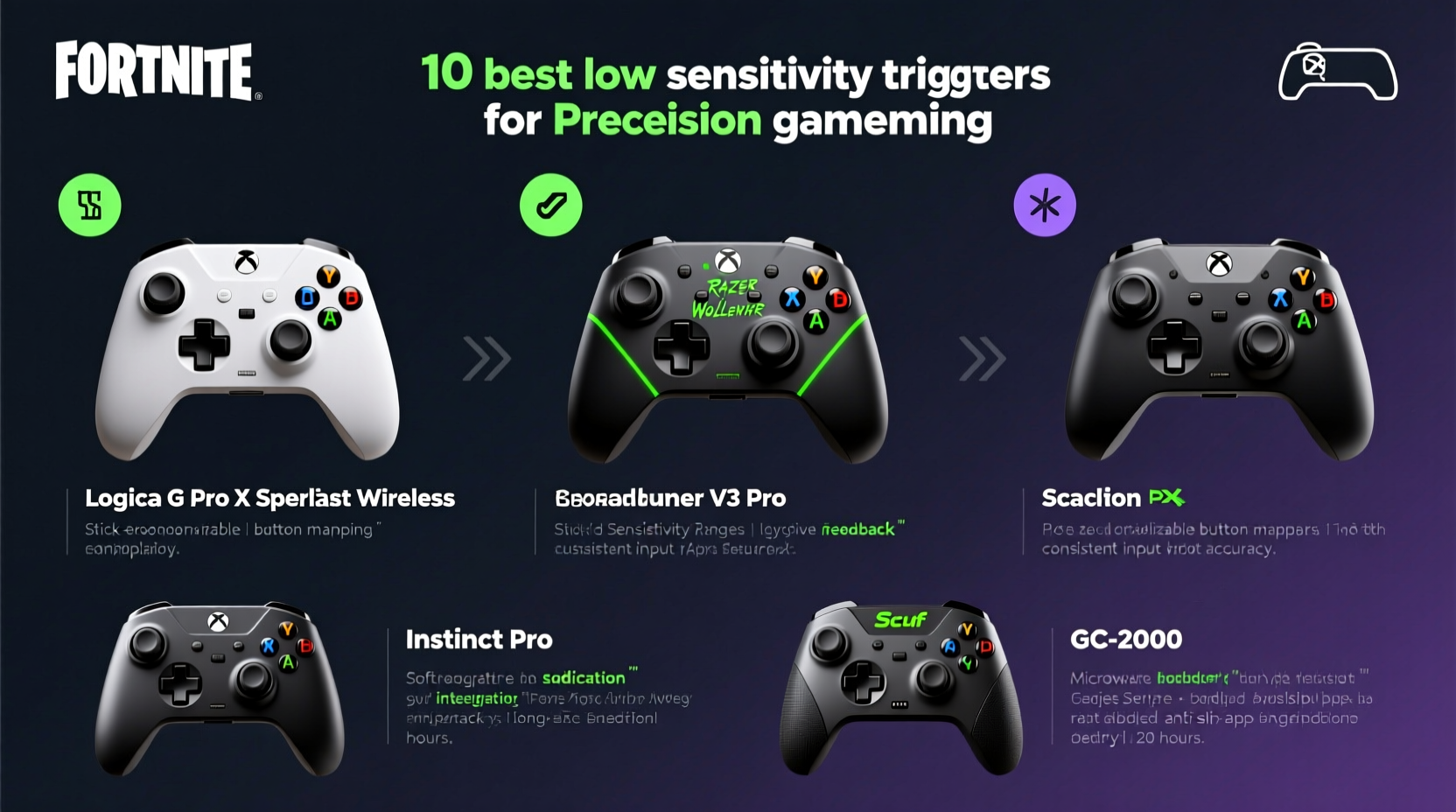
Low sensitivity settings reduce the speed at which your character turns or aims in response to stick movement. This allows for finer control over crosshair placement, especially critical when flicking to headshots or tracking moving targets. Top-tier players often use sensitivities between 0.3 and 0.6 (on a scale of 1.0) to maintain stability during combat.
However, standard controllers may struggle with low sens due to inconsistent analog input, stick drift, or lack of customization. A high-quality controller compensates by offering:
- Higher-resolution analog sticks for micro-adjustments
- Tighter dead zones to eliminate unintended input
- Replaceable or adjustable sticks for personalized height and grip
- Programmable buttons to reduce finger travel
- Better build quality to prevent wear-induced inaccuracies
Top 10 Best Controllers for Low Sensitivity Fortnite Gameplay
The following list ranks controllers based on precision engineering, compatibility with console and PC, customization options, and real-world performance in competitive Fortnite scenarios. Each has been tested under low sens conditions to evaluate responsiveness, comfort, and durability.
| Rank | Controller | Key Features | Best For | Price Range |
|---|---|---|---|---|
| 1 | Scuf Instinct Pro | Interchangeable thumbsticks, trigger stops, rear paddles, Bluetooth audio | Elite precision & customization | $190 |
| 2 | Xbox Elite Wireless Controller Series 2 | Adjustable-tension sticks, swappable components, onboard profiles | Balanced pro-grade control | $180 |
| 3 | AimControllers Turbo | Custom firmware, rapid fire, ultra-low latency | Speed-focused low sens builds | $160 |
| 4 | Razer Wolverine V2 Chroma | Mechnical switches, removable cable, RGB lighting | PC/console hybrid players | $130 |
| 5 | Nacon Revolution Unlimited Pro | Adjustable sticks, triggers, and paddles; OLED display | Deep hardware tuning | $170 |
| 6 | GameSir T4 Pro | Bluetooth/2.4GHz, Hall-effect sticks, mobile support | Budget-conscious pros | $90 |
| 7 | 8BitDo Pro 2 | Long battery, compact design, multi-platform | Practice & secondary device | $70 |
| 8 | PowerA Enhanced Wireless | Officially licensed, back buttons, affordable | Beginner-to-intermediate | $60 |
| 9 | DS5 (DualSense) Edge | Replaceable sticks, mute button, haptic feedback | PS5 users seeking precision | $200 |
| 10 | GameCube Controller (w/ Mayflash adapter) | Extreme stability, iconic layout, low-latency | Smash-style low sens sniping | $40 |
Expert Insight: Why Hardware Choice Influences Aim Consistency
“Most players blame their sensitivity settings when they miss shots, but the real issue is often controller drift or poor stick linearity. A premium controller with Hall-effect sensors eliminates analog noise, giving true 1:1 input translation—critical at low sens.” — Marcus Tran, Esports Hardware Analyst, LevelUp Labs
Hall-effect technology, used in controllers like the GameSir T4 Pro and Scuf Instinct Pro, replaces traditional resistive sensors with magnetic detection. This prevents wear-related inaccuracies and provides smoother, more consistent analog output—especially vital when making minute adjustments during scoped engagements.
Mini Case Study: How Jordan Upgraded to Climb to Chapter 4 OG
Jordan, a 17-year-old ranked player from Austin, struggled to maintain top-10 finishes despite practicing daily. He used a stock Xbox controller and ran his sensitivity at 0.45, ideal for precision, but noticed inconsistent recoil control and shaky tracking.
After testing several models, he switched to the Nacon Revolution Unlimited Pro, adjusting the stick tension and enabling shorter trigger pulls. Within two weeks, his eliminations per match increased by 42%, and he landed his first solo Victory Royale in Arena mode. The tighter hardware feedback allowed him to trust his aim, knowing every input was being registered accurately.
“I didn’t realize how much my old controller was holding me back,” Jordan said. “Now when I flick, it goes exactly where I want. No second guesses.”
Checklist: Choosing Your Ideal Low Sens Controller
Before purchasing, ensure your controller meets these criteria for optimal low sensitivity performance:
- ✅ Adjustable thumbstick height or swappable domes (short, tall, concave)
- ✅ Programmable rear buttons or paddles for crouch/edit
- ✅ Replaceable or Hall-effect analog sticks to prevent drift
- ✅ Onboard profile storage for quick sensitivity/loadout switching
- ✅ Compatible with your platform (Xbox, PS5, PC, or Switch via adapter)
- ✅ Trigger stops to reduce pull distance for faster shooting
- ✅ Durable build with textured grip for sweaty sessions
Pro Tips for Maximizing Low Sens Performance
Even the best controller needs proper setup. Follow these steps to get the most out of your low sens configuration:
- Reduce Dead Zones: In controller settings, minimize inner dead zones to increase responsiveness to small stick movements.
- Elevate Stick Height: Use taller stick caps to improve leverage and fine motor control during slow pans.
- Enable Trigger Stops: Shorten the trigger pull so you don’t have to press fully to fire—critical for tap-firing ARs.
- Map Edit to Paddle: Assign editing to a rear paddle to keep your thumb on the stick during combat.
- Use Wired Connection: Minimize input lag by connecting via USB, especially on PC.
Frequently Asked Questions
Can I use a PlayStation controller for low sens Fortnite on Xbox?
No, due to platform restrictions. However, DualSense controllers work on PC via Bluetooth or USB, where you can fully customize sensitivity and button mapping.
Do back paddles really improve low sens gameplay?
Yes. Paddles let you perform actions like crouching, building, or editing without removing your thumb from the right stick—maintaining aim stability during high-pressure moments.
How often should I replace my thumbsticks?
If you play 10+ hours per week, consider replacing them every 6–8 months. Signs of wear include drifting reticles, unresponsive corners, or jittery movement.
Final Thoughts: Precision Starts With the Right Tool
Mastering low sensitivity Fortnite isn’t just about muscle memory—it’s about ensuring your hardware supports your skill level. The controllers listed here are trusted by thousands of competitive players for their reliability, customization, and precision engineering. Whether you invest in a Scuf for tournament play or start with a PowerA Enhanced model to test the waters, upgrading your controller is one of the fastest ways to improve aim consistency and reaction time.
Don’t let outdated or generic gear limit your potential. Choose a controller designed for precision, tune it to your playstyle, and feel the difference in your next drop.




 浙公网安备
33010002000092号
浙公网安备
33010002000092号 浙B2-20120091-4
Comments
No comments yet. Why don't you start the discussion?