
Gaming doesn’t have to require a high-end rig. Many modern PCs still run on modest hardware, and not everyone can afford the latest graphics cards or processors. The good news is that a growing number of games are optimized for low-spec systems, and several gaming platforms are designed specifically to run smoothly with minimal resources. Whether you're reviving an old laptop or building a budget-friendly setup, this guide highlights the best low-spec games and systems that offer satisfying, lag-free experiences.
Why Low-Spec Gaming Matters
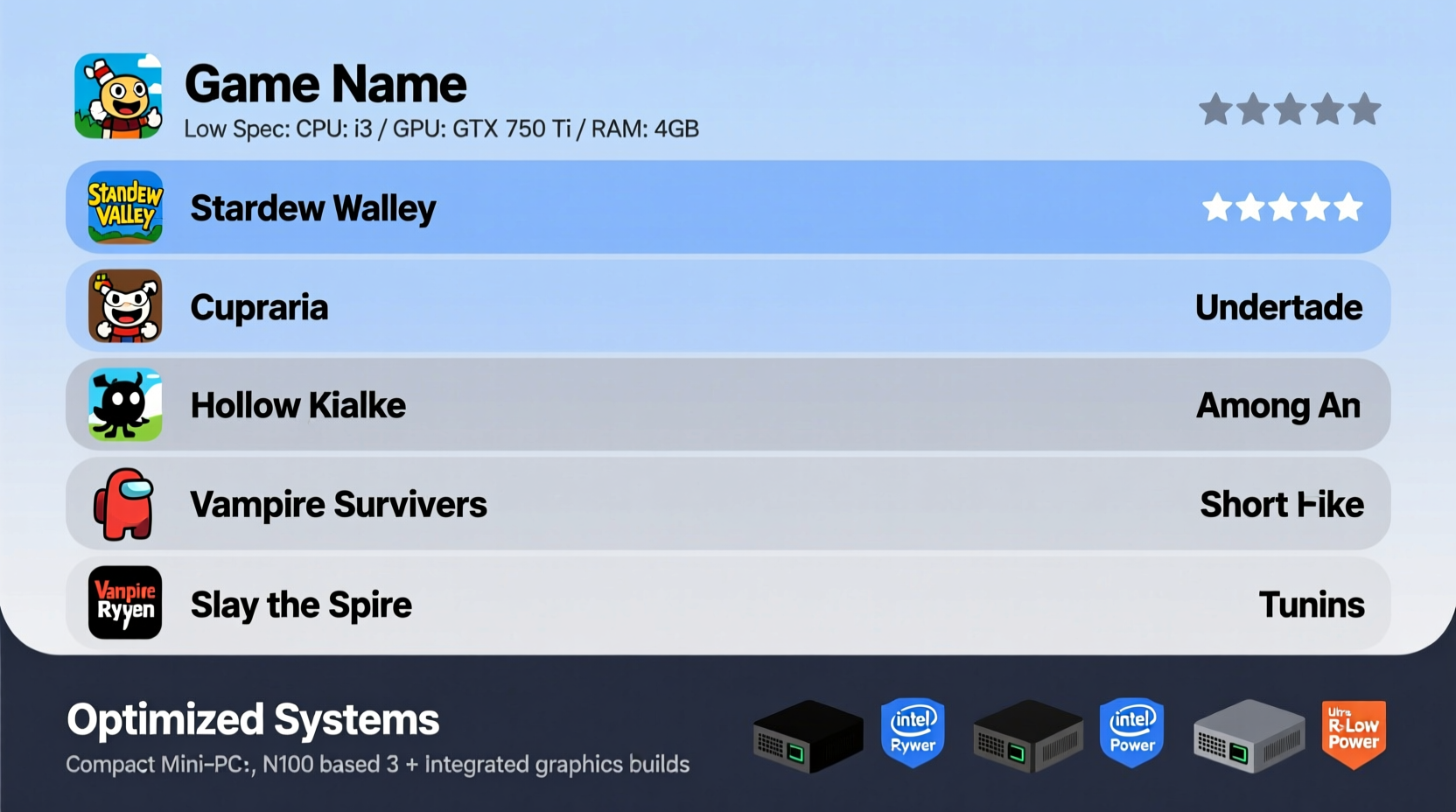
Not every gamer has access to premium hardware. Students, casual players, and those in developing regions often rely on older machines or entry-level builds. Fortunately, developers are increasingly mindful of accessibility. Lightweight games reduce barriers to entry, allowing broader audiences to enjoy immersive experiences without expensive upgrades.
Low-spec gaming also promotes sustainability. Instead of discarding functional devices, users can extend their lifespan by choosing compatible titles. This approach reduces electronic waste and supports eco-conscious tech habits.
The Top 10 Best Low-Spec PC Games
These games combine engaging gameplay with minimal system requirements. Most run smoothly on integrated graphics and older CPUs, making them ideal for laptops and budget desktops.
- Minecraft (Java & Bedrock Edition) – A timeless sandbox game that runs on nearly any machine. With optional texture packs and mods, you can scale visuals to match your hardware.
- Stardew Valley – A charming farming simulator with retro-style graphics. Requires only 2GB RAM and a basic GPU.
- Undertale – A narrative-driven RPG with simple visuals but deep emotional impact. Runs flawlessly on decade-old systems.
- Team Fortress 2 – A free-to-play FPS from Valve that’s surprisingly lightweight despite its age and popularity.
- Portal & Portal 2 – Both titles run well on low settings; Portal 1 especially performs on minimal specs while delivering brilliant puzzle design.
- Half-Life 2 – A classic FPS that still holds up visually and technically. Optimized engine ensures smooth frame rates even on integrated graphics.
- The Binding of Isaac: Rebirth – A roguelike with pixel art and fast-paced action. Demands little from hardware but offers hours of replayability. <8> FTL: Faster Than Light – A strategic space adventure with minimalist animation. Perfect for multitasking or playing on older notebooks.
- Diskonnect – A relaxing co-op puzzle game built for performance. Ideal for shared play on underpowered machines.
- Among Us – Despite its viral fame, it requires only 1GB RAM and basic DirectX support. Great for social gaming on weak hardware.
Performance Comparison: Low-Spec Game Requirements
| Game | OS | CPU | RAM | GPU |
|---|---|---|---|---|
| Minecraft | Win 7+ | Intel Core i3 | 4GB | Integrated (Intel HD 4000+) |
| Stardew Valley | Win 7+ | Dual-core 2GHz | 2GB | Any DX9 GPU |
| Undertale | Win XP+ | 1.5 GHz | 1GB | OpenGL 2.1+ |
| Among Us | Win 7+ | 1.5 GHz | 1GB | DX9 Compatible |
| Half-Life 2 | Win 7+ | Pentium 4 | 2GB | GeForce 6600 / Radeon 9800 |
“Good game design isn’t about pushing polygons—it’s about engagement. Some of the most memorable experiences run on toaster-level hardware.” — Lena Park, Indie Developer & Optimization Specialist
Best Low-Spec Systems for Smooth Gameplay
Hardware matters just as much as software. Choosing the right system—whether prebuilt or custom—can make low-spec gaming seamless. Here are the most reliable options that balance cost, performance, and longevity.
- Lenovo IdeaPad 3 (Ryzen 3 Edition) – Affordable laptop with AMD Ryzen 3 and Vega graphics. Handles Stardew Valley and Minecraft at 60fps on medium settings.
- ASUS Chromebook Flip C436 – Sleek and lightweight. While Chrome OS limits some titles, cloud gaming via GeForce Now enables AAA gameplay on minimal hardware.
- Intel NUC (11th Gen) – A compact mini-PC that fits in your pocket. Capable of running older Steam titles and emulators smoothly.
- Used Dell OptiPlex or HP EliteDesk – Business desktops often come with SSDs and dual-core i3/i5 CPUs. Upgrade RAM to 8GB for optimal gaming value.
- Steam Deck (Low Settings) – Though not a traditional PC, it runs Windows-compatible games via Proton. Adjust settings for smooth framerates even on complex titles.
Optimization Checklist for Low-Spec Gaming
Maximize your system’s potential with these proven steps:
- Upgrade to an SSD if still using an HDD
- Install the latest GPU drivers (even for integrated graphics)
- Lower in-game resolution and disable anti-aliasing
- Set power plan to “High Performance” in Windows
- Disable startup programs to free up memory
- Use lightweight launchers (avoid multiple clients open at once)
- Enable V-Sync only if screen tearing occurs
Real Example: Reviving a 2012 Laptop for Gaming
Mark, a college student in Lisbon, inherited his brother’s 2012 HP Pavilion with an Intel i3-2350M and 4GB RAM. Initially deemed unusable for gaming, he upgraded the HDD to a 256GB SSD and increased RAM to 8GB for under €60. He installed Lubuntu and used Steam’s compatibility tools. The result? Smooth gameplay in Portal, Team Fortress 2, and even GTA: San Andreas at 30–40fps. By pairing smart upgrades with low-spec titles, Mark transformed a hand-me-down into a functional gaming machine.
Frequently Asked Questions
Can I play modern games on a low-spec PC?
Yes, but with limitations. Titles like Fortnite and Valorant can run on low settings with reduced resolution. Cloud gaming services like Xbox Cloud Gaming or GeForce Now also stream high-end games directly to weak hardware.
How much RAM do I need for low-spec gaming?
Most low-spec games require at least 4GB, but 8GB is recommended for multitasking and future-proofing. Some retro or indie titles will run on 2GB, but performance improves significantly with more memory.
Is integrated graphics enough for gaming?
Absolutely. Modern integrated GPUs like AMD Radeon Vega or Intel Iris Xe can handle older AAA titles and most indie games. Avoid graphically intense simulations or ray-traced games, but everything else is fair game with adjusted settings.
Final Tips for Sustainable, Budget-Friendly Gaming
Low-spec gaming isn’t just about saving money—it’s about smart resource use. Focus on game optimization, prioritize SSD storage, and explore digital storefronts like itch.io or humble bundle for hidden gems that respect your hardware.
Don’t underestimate older systems. With the right tweaks and title selection, they can deliver hundreds of hours of entertainment. The gaming world isn’t reserved for the elite; it’s accessible to anyone willing to work within their limits and play intelligently.




 浙公网安备
33010002000092号
浙公网安备
33010002000092号 浙B2-20120091-4
Comments
No comments yet. Why don't you start the discussion?