
Fitness trackers have become essential tools for monitoring health, activity levels, and daily habits. As wearable technology evolves, manufacturers face a critical design decision: should they rely on touchscreens, physical buttons, or a hybrid approach? This choice significantly impacts user experience, accessibility, and long-term satisfaction. While sleek touch interfaces dominate modern smartwatches, many users still prefer the reliability of tactile feedback from physical buttons. Understanding this divide is crucial for both consumers and developers shaping the future of wearables.
User Experience: Touchscreen Advantages and Limitations
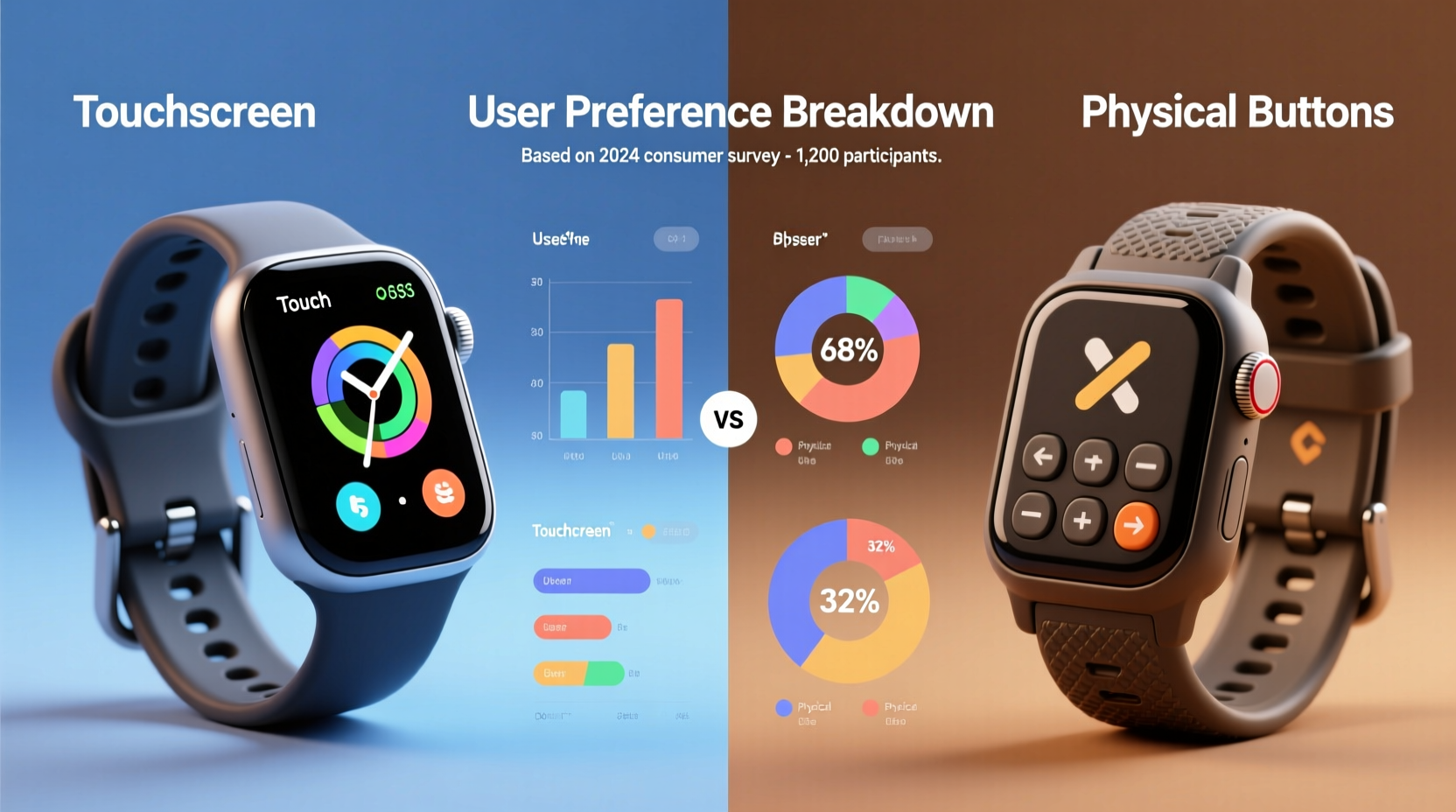
Touchscreens offer a seamless, intuitive interface that mirrors smartphone interactions. Swiping left to view heart rate, tapping to start a workout, or scrolling through notifications feels natural to users accustomed to mobile devices. The visual clarity and dynamic menus allow for richer data presentation, enabling deeper customization and access to multiple functions without cluttering the device with hardware.
However, touchscreens come with notable drawbacks in active environments. Sweat, rain, or even gloves can severely hinder responsiveness. During intense workouts, accidental taps are common—scrolling through menus mid-run might inadvertently pause tracking or open an unrelated app. Additionally, touchscreens require precision that isn’t always feasible when moving. A 2023 study by the Human-Computer Interaction Lab at MIT found that during cardiovascular exercise, error rates on touch-based inputs increased by up to 47% compared to rest conditions.
Another issue is screen visibility under direct sunlight. While high-brightness displays help, glare often forces users to shade the screen with their hand—an impractical solution while jogging or cycling. These limitations suggest that while touchscreens enhance aesthetics and functionality, they may fall short in real-world athletic scenarios.
Durability and Long-Term Reliability of Physical Buttons
Physical buttons, though less flashy, provide consistent performance across diverse conditions. Their mechanical nature means they function reliably even with wet hands, sweaty fingers, or when wearing winter gloves. Unlike capacitive screens, which depend on electrical conductivity from skin contact, buttons operate independently of surface moisture or temperature.
From a durability standpoint, well-designed physical buttons can withstand thousands of presses over years of use. Brands like Garmin and Casio have built reputations on rugged, button-driven designs that survive extreme sports, hiking expeditions, and daily wear without degradation. In contrast, touchscreens are more vulnerable to scratches, cracks, and internal sensor failures due to repeated stress or impact.
“Tactile feedback reduces cognitive load. Users don’t need to look at the device to confirm input—this is vital during high-focus activities.” — Dr. Lena Torres, Cognitive Ergonomics Researcher, University of Colorado
The psychological benefit of haptic confirmation cannot be overstated. Pressing a button provides immediate sensory feedback—auditory click, resistance, or vibration—that reassures the user the command was registered. With touchscreens, this feedback is simulated through vibrations or sounds, which can lag or fail entirely if the system is overloaded or battery is low.
Comparative Analysis: Key Features Side-by-Side
| Feature | Touchscreen Interface | Physical Buttons |
|---|---|---|
| Input Accuracy (Dry Conditions) | High – precise gestures and multi-touch support | Moderate – limited to predefined actions |
| Performance with Wet Hands | Poor – often unresponsive or erratic | Excellent – unaffected by moisture |
| Usability with Gloves | Low – requires special conductive gloves | High – works with any glove type |
| Durability Over Time | Moderate – prone to screen damage and calibration drift | High – mechanical switches last longer under stress |
| Learning Curve | Low – familiar to smartphone users | Moderate – requires memorization of button combinations |
| Battery Impact | Higher – constant backlight and touch sensing drain power | Lower – minimal energy required for button activation |
This comparison highlights a fundamental trade-off: touchscreens prioritize modernity and versatility, while physical buttons emphasize robustness and consistency. Neither option is universally superior—the best choice depends on individual usage patterns and environmental demands.
Real-World Usage: Case Study of Trail Runners and Urban Commuters
To illustrate how these differences play out in practice, consider two distinct user groups: trail runners and urban commuters.
Trail Runner Profile: Sarah, 34, trains for ultramarathons in mountainous regions. Her runs often exceed four hours, involve elevation changes, and occur in variable weather. She uses her fitness tracker to monitor pace, elevation, and heart rate zones. During one particularly rainy ascent, she attempted to switch workouts using her touchscreen-only device but failed after multiple tries due to water interference. Frustrated, she missed recording a critical segment. After switching to a hybrid model with side buttons, she reported a dramatic improvement in control and confidence during adverse conditions.
Urban Commuter Profile: James, 28, lives in downtown Chicago and uses his tracker primarily for step counting, sleep tracking, and receiving call alerts. He values a minimalist design and enjoys customizing watch faces via touch gestures. Most of his interactions happen indoors or during short walks. For him, the occasional misfire on the touchscreen isn’t a dealbreaker, and he appreciates the clean, bezel-less aesthetic.
This contrast shows that context defines preference. Active outdoor athletes tend to favor physical controls, while lifestyle-focused users lean toward touch interfaces. Designers must recognize that “fitness” encompasses vastly different behaviors—from elite training to casual wellness—and tailor hardware accordingly.
Hybrid Models: The Best of Both Worlds?
An increasing number of manufacturers are adopting hybrid designs that combine a touchscreen with one or more physical buttons. The Apple Watch Series 9, for example, features a Digital Crown and side button alongside its full touch display. Similarly, the Garmin Forerunner 955 includes touch navigation with dedicated start/stop and lap buttons.
These hybrids aim to balance convenience and reliability. Users can browse menus and swipe through data using touch, but critical functions—like starting a run or activating safety alerts—are assigned to physical controls. This dual-input strategy reduces dependency on perfect touchscreen conditions while preserving modern usability.
However, hybrid systems aren’t without challenges. They increase manufacturing complexity and cost. Poorly placed buttons can lead to accidental presses, and inconsistent logic—such as some functions only accessible via touch—can confuse users. A 2022 UX review by WearableTech Insights noted that 38% of hybrid device owners underutilized physical buttons because they weren’t clearly mapped to core functions.
“The ideal hybrid isn’t just about adding buttons—it’s about designing intentional pathways where each input method serves a distinct purpose.” — Marcus Lin, Senior UX Designer at Fitbit (2021–2023)
Actionable Checklist: Choosing the Right Input Type for Your Needs
- ✅ Assess your primary environment: Do you train outdoors, in rain, or with gloves?
- ✅ Identify key functions: How often do you start/stop workouts or access timers?
- ✅ Evaluate dexterity needs: Are you operating the device while moving fast or fatigued?
- ✅ Consider long-term maintenance: Are you willing to replace a scratched screen or recalibrate touch sensitivity?
- ✅ Test usability: Try demo units in-store with wet fingers or gloves if possible.
- ✅ Prioritize battery life: Touchscreens typically consume more power than button-based navigation.
Expert Trends and Future Outlook
Industry trends suggest a gradual shift toward smarter integration rather than pure interface dominance. Emerging technologies like haptic feedback engines, voice commands, and gesture recognition may reduce reliance on both touchscreens and buttons. For instance, the Samsung Galaxy Watch 6 supports subtle wrist gestures to answer calls or scroll, minimizing direct contact.
Still, experts caution against abandoning physical feedback entirely. According to Dr. Elena Ruiz of Stanford’s Wearable Innovation Group, “As long as humans interact with devices in motion, there will be a need for reliable, no-look input methods. Buttons—or their evolutionary successors—will remain relevant.”
Future innovations may include pressure-sensitive bezels, adaptive touch algorithms that adjust for moisture, or modular interfaces where users can customize control layouts. But until those mature, the debate between touch and tactile remains unresolved—and highly personal.
Frequently Asked Questions
Can I use a touchscreen fitness tracker with gloves?
Most standard gloves block touchscreen functionality because they insulate electrical signals from your skin. Some premium models support “glove mode,” which increases touch sensitivity, but results vary. Conductive gloves designed for smartphones may work, but they’re less durable for outdoor use. Physical buttons remain the most reliable option for gloved operation.
Do physical buttons wear out over time?
Yes, but high-quality mechanical switches are rated for tens of thousands of presses. Well-built trackers like those from Garmin or Suunto use sealed, corrosion-resistant buttons that endure heavy use. Signs of wear—such as sticky response or incomplete actuation—typically appear only after several years of aggressive daily pressing.
Are touchscreen trackers harder to use for older adults?
Some older users find touchscreens challenging due to reduced finger sensitivity, arthritis, or unfamiliarity with swipe-based navigation. Physical buttons offer clearer muscle memory and require less fine motor control. However, simplified UI modes and larger icons on touch devices can mitigate these issues. User testing indicates that ease of use depends more on interface design than input method alone.
Conclusion: Making the Right Choice for Your Lifestyle
The choice between touchscreen and physical buttons on fitness trackers ultimately hinges on how and where you use the device. If your routine involves frequent movement, exposure to elements, or high-intensity training, physical controls deliver unmatched reliability. If you value aesthetics, customization, and smartphone-like interaction in controlled environments, a touchscreen may suit you better. Hybrid models offer a balanced compromise, provided the design thoughtfully integrates both input types.




 浙公网安备
33010002000092号
浙公网安备
33010002000092号 浙B2-20120091-4
Comments
No comments yet. Why don't you start the discussion?