
In an era dominated by sleek smartphones, smartwatches, and digital dashboards, the debate between touchscreens and physical buttons persists. While modern design often favors minimalism and glass surfaces, many users still reach for tactile feedback when it matters most. The choice isn’t just about aesthetics—it’s about usability, reliability, muscle memory, and context. From automotive controls to medical devices and consumer electronics, understanding user preference requires looking beyond trends and into how people interact with technology in real life.
Despite the widespread adoption of touch interfaces, research and user behavior consistently show that physical buttons maintain a critical role in specific scenarios. This article examines the strengths and weaknesses of both input methods, explores psychological and ergonomic factors, and reveals where each excels—based not on speculation, but on actual user behavior and expert insights.
The Evolution of Input Methods
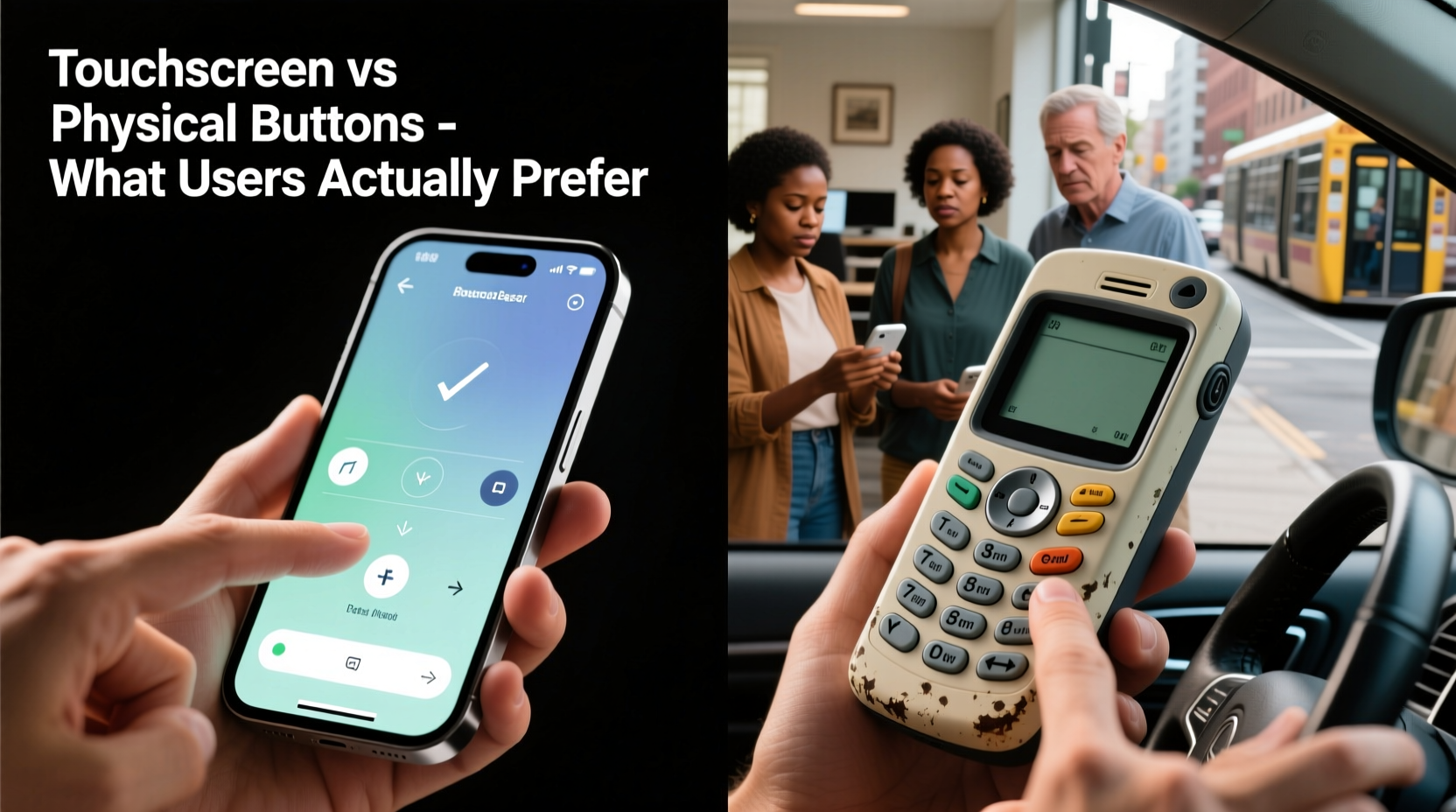
For decades, physical buttons defined human-machine interaction. From rotary dials to keyboard keys and mechanical switches, tactile control was the standard. Each press offered confirmation through sound, resistance, or vibration—feedback that reassured users their action was registered.
The rise of capacitive touchscreens began in earnest with the iPhone in 2007, revolutionizing mobile interaction. Suddenly, one surface could dynamically adapt to any function. Buttons became icons, keyboards reshaped themselves, and interfaces evolved into fluid, customizable experiences. Over time, this model spread to cars, thermostats, microwaves, and even elevators.
Yet, as screens replaced buttons, new challenges emerged: lack of haptic confirmation, increased cognitive load, and higher error rates under stress or motion. These trade-offs sparked renewed interest in hybrid systems and a reevaluation of when—and why—physical controls still matter.
User Preferences: What Research and Behavior Reveal
Studies across industries indicate that user preference is highly contextual. A 2022 Nielsen Norman Group report found that while users appreciate the flexibility of touchscreens, they overwhelmingly favor physical buttons for tasks requiring speed, precision, or attention elsewhere—such as driving or operating machinery.
In a controlled study comparing touchscreen versus physical climate controls in vehicles, drivers made 52% more glances away from the road when using touch interfaces. Reaction times were slower, and error rates higher. Participants reported feeling less confident and more distracted.
“Tactile feedback reduces cognitive load. When you can feel a button, your brain doesn’t need to verify visually whether the action was completed.” — Dr. Lena Patel, Human Factors Engineer at MIT AgeLab
This principle extends beyond automobiles. In medical settings, anesthesia machines and infusion pumps often retain physical knobs and buttons because lives depend on rapid, accurate input. Surgeons and nurses rely on muscle memory during high-pressure procedures—something touchscreens struggle to support without visual confirmation.
Comparative Analysis: Strengths and Weaknesses
| Feature | Touchscreen Advantages | Physical Button Advantages |
|---|---|---|
| Flexibility | Dynamically reconfigurable; supports multiple functions per area | Fixed function per button; consistent layout |
| Haptic Feedback | Limited (unless paired with haptics) | Natural tactile and auditory confirmation |
| Usability Under Stress | Requires visual focus; prone to errors | Operable by touch alone; lower error rate |
| Accessibility | Customizable size, contrast, voice integration | Easier for users with motor impairments or vision issues |
| Durability | Vulnerable to scratches, moisture, wear | More resilient in harsh environments |
| Learning Curve | Higher initial learning; interface changes possible | Intuitive once learned; predictable operation |
The data suggests a clear pattern: touchscreens excel in versatility and personalization, while physical buttons win in reliability, speed, and safety-critical applications. Neither is universally superior—the best choice depends on use case, environment, and user needs.
Real-World Case: Automotive Interface Design
Consider the experience of Sarah Lin, a paramedic and daily commuter who purchased a 2023 electric SUV lauded for its futuristic interior. The vehicle replaced nearly all physical controls with a central touchscreen for climate, audio, and seat adjustments.
During her first winter shift, she attempted to increase cabin heat while navigating icy roads. With gloves on, the screen responded poorly. She had to remove a glove, locate the digital climate menu, and tap precisely—taking her eyes off the road for over four seconds. “I missed the turn, nearly hit a curb,” she recalls. “I ended up turning the car off just to restart the system.”
Frustrated, Sarah installed a third-party app to remap some functions to steering wheel controls, but core features remained buried in submenus. After six months, she traded the car for a model with dedicated HVAC knobs and physical volume buttons. “It’s not flashy,” she says, “but I can adjust the temperature without thinking. That’s what I need when I’m rushing to a call.”
Sarah’s story reflects a broader trend. Despite automakers’ push toward digital cockpits, J.D. Power’s 2023 Vehicle Dependability Study found that infotainment complexity is now the top source of owner complaints. Many manufacturers are quietly reintroducing physical toggles for volume, defrost, and drive modes in response.
Psychological and Ergonomic Factors
Human interaction with technology is deeply rooted in sensory feedback. Touch is one of our most refined senses, capable of detecting minute pressure differences and textures. Physical buttons leverage this capability, allowing users to operate devices through proprioception—the body’s sense of spatial orientation.
Muscle memory plays a crucial role. Once a user learns the location and resistance of a button, they can activate it without visual input. This is essential in environments where attention must remain focused elsewhere—like piloting aircraft, performing surgery, or riding a motorcycle.
Conversely, touchscreens demand constant visual verification. Even with haptic feedback, users often double-check actions due to uncertainty. This increases mental workload and slows performance, particularly for older adults or those with reduced dexterity.
A University of Cambridge study on interface fatigue found that prolonged touchscreen use led to higher levels of frustration and task abandonment compared to physical keypads. Participants described feelings of “slippery uncertainty” when pressing glass surfaces, especially when wearing gloves or in wet conditions.
Hybrid Approaches: The Best of Both Worlds?
Recognizing the limitations of pure touchscreen interfaces, many leading brands have adopted hybrid models. These combine dynamic displays with selective physical controls to optimize usability.
For example, Apple’s MacBook Pro reintroduced a physical Escape key after backlash over its removal in favor of the Touch Bar. Similarly, high-end audio mixers and DJ controllers use touch-sensitive surfaces overlaid with physical faders and knobs—offering customization without sacrificing tactile precision.
In industrial equipment, hybrid panels often feature labeled buttons with embedded OLED indicators. The function can change based on mode, but the physical presence remains, preserving muscle memory while enabling flexibility.
- Smart thermostats like the Nest Learning Thermostat use a rotating bezel—a physical control paired with a touchscreen display.
- Modern gaming consoles integrate capacitive touch buttons with traditional analog sticks and triggers.
- Wearables such as the Garmin Fenix series include physical side buttons alongside a touchscreen, ensuring operability with wet hands or gloves.
These designs reflect a maturing understanding: flexibility should not come at the cost of reliability. Thoughtful integration of both technologies allows designers to preserve the benefits of each.
Checklist: Choosing Between Touchscreen and Physical Buttons
When deciding which input method to prioritize, consider the following criteria:
- Environment: Will the device be used in motion, in extreme temperatures, or with gloves? → Favor physical buttons.
- Criticality: Does failure or delay pose a safety risk? → Prioritize tactile feedback.
- Frequency of Use: Are certain functions accessed repeatedly? → Assign them to physical controls.
- Target Audience: Are users older adults or individuals with motor challenges? → Opt for larger, tactile buttons.
- Maintenance Needs: Will the device face dust, moisture, or frequent cleaning? → Physical buttons with seals may outlast touchscreens.
- Customization Requirements: Do users need different layouts for different modes? → Consider hybrid solutions.
Frequently Asked Questions
Are touchscreens inherently worse than physical buttons?
No. Touchscreens offer unmatched flexibility, scalability, and aesthetic appeal. They’re ideal for media consumption, browsing, and apps requiring dynamic interfaces. However, they fall short in situations demanding speed, accuracy, or minimal visual attention.
Can haptic feedback replace physical buttons?
Partially. Advanced haptics can simulate clicks and resistance, improving confidence in touchscreen interactions. However, current technology cannot fully replicate the subconscious assurance of a mechanical press. For mission-critical tasks, physical feedback remains superior.
Why do so many devices still use physical buttons if touchscreens are the future?
Because usability trumps trendiness. Engineers and designers prioritize function over form in fields where errors have consequences. Physical buttons persist because they work reliably across conditions and require no learning curve once mastered.
Conclusion: Matching Technology to Human Needs
The debate between touchscreens and physical buttons isn’t about declaring a winner—it’s about recognizing that different tools serve different purposes. Users don’t inherently prefer one over the other; they prefer interfaces that work seamlessly in their context.
Blindly replacing buttons with screens in the name of modernity leads to frustration, inefficiency, and sometimes danger. Conversely, rejecting touch entirely ignores the power of adaptive, intuitive digital experiences. The most successful products balance both, respecting human physiology while embracing technological progress.
As consumers, we should advocate for thoughtful design—not just sleek appearances. As creators, we must listen to how people actually use devices, not how we assume they should. Whether you're choosing a microwave, programming a thermostat, or designing the next-generation cockpit, let real-world usability guide your decisions.




 浙公网安备
33010002000092号
浙公网安备
33010002000092号 浙B2-20120091-4
Comments
No comments yet. Why don't you start the discussion?