
In an era dominated by sleek smartphones, smart appliances, and digital dashboards, the debate between touchscreen interfaces and physical buttons continues to spark discussion. While touchscreens offer modern aesthetics and dynamic functionality, physical buttons have long been praised for their reliability and tactile feedback. But when it comes to longevity—how long each interface truly lasts—the answer isn't always straightforward. The lifespan of a user interface depends on materials, usage patterns, environmental exposure, and design quality. This article explores the durability of both technologies, backed by engineering insights, real-world examples, and practical advice.
Understanding Wear and Tear in User Interfaces
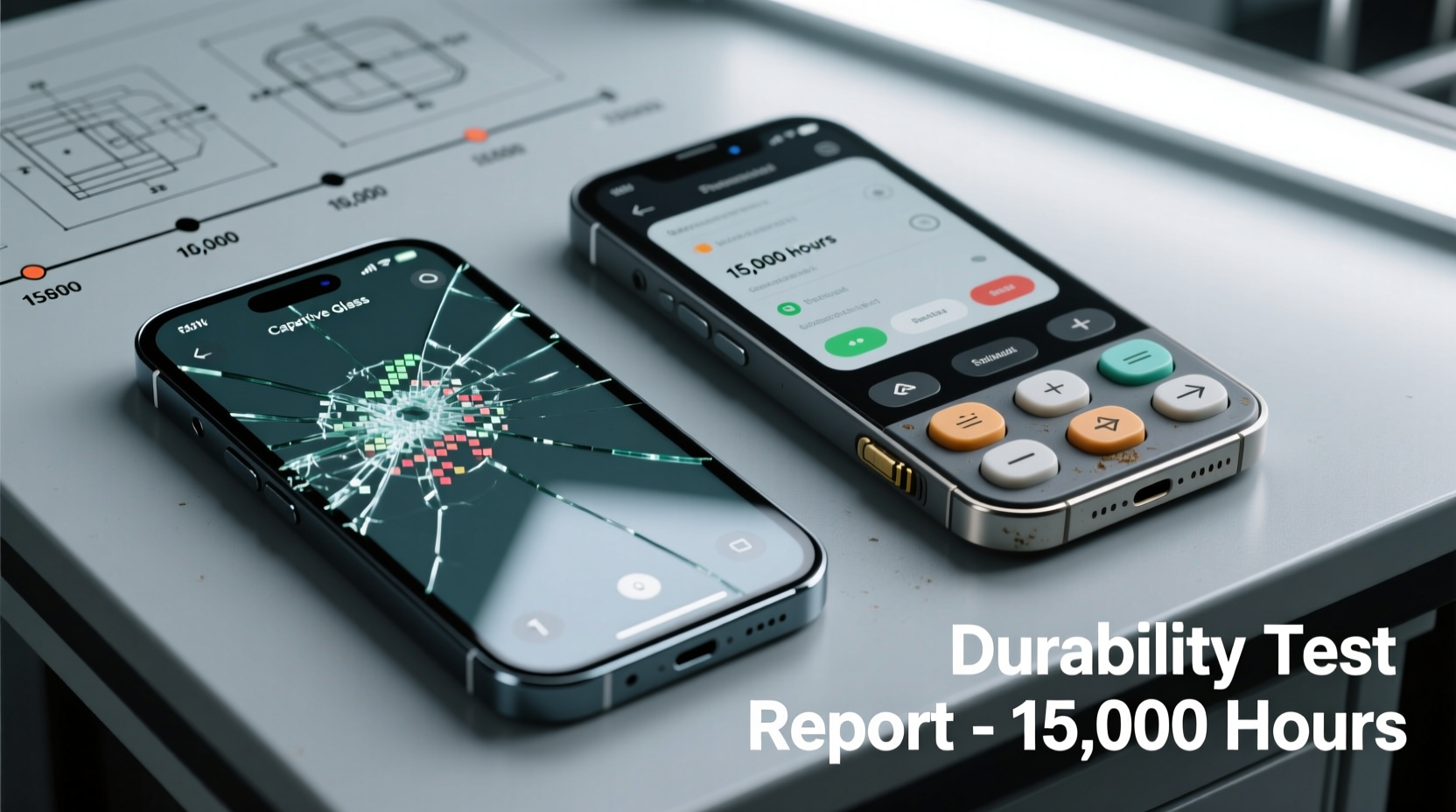
All user interfaces degrade over time. Mechanical components wear out from repeated use, while electronic surfaces are vulnerable to scratches, moisture, and electrical failure. Physical buttons rely on moving parts—switches, springs, and membranes—that can fatigue or break. Touchscreens, typically made of glass or polycarbonate layers with embedded sensors, face risks from impact damage, screen burn-in, and capacitive layer degradation.
The key difference lies in failure modes. Physical buttons tend to fail gradually—becoming less responsive or requiring more pressure. Touchscreens often fail suddenly: a cracked surface renders the entire interface unusable, even if the underlying electronics remain intact. However, modern devices use reinforced glass (like Gorilla Glass) and haptic feedback to simulate button presses, blurring the line between old and new.
“Durability isn’t just about materials—it’s about how users interact with the device over years. A well-designed button can outlive a poorly protected touchscreen.” — Dr. Alan Zhou, Human-Machine Interaction Researcher at MIT Media Lab
Physical Buttons: Built to Last, but Not Immune to Failure
Physical buttons have been the standard in industrial controls, automotive systems, and consumer electronics for decades. Their mechanical nature provides clear advantages in environments where precision, speed, and reliability matter.
High-quality mechanical switches, such as those used in premium keyboards or elevator panels, are rated for 50 million actuations or more. Membrane buttons, common in microwaves and remote controls, may only last 1–5 million presses but are cost-effective and resistant to dust and spills.
Advantages of Physical Buttons for Longevity
- Tactile feedback: Users can operate them without looking, reducing accidental inputs and frustration.
- No reliance on software: A button press is a direct electrical signal; no firmware needed.
- Easier to repair: Individual buttons or switch assemblies can be replaced without replacing the entire panel.
- Resistant to false touches: Gloves, moisture, or debris won’t trigger unintended actions.
However, physical buttons aren’t invincible. Springs weaken, plastic housings crack under UV exposure, and internal contacts corrode in high-moisture environments. In vehicles left in hot climates, dashboard buttons can become brittle and snap when pressed after prolonged sun exposure.
Touchscreens: Fragile Yet Evolving
Touchscreens dominate smartphones, tablets, kiosks, and modern car infotainment systems. They offer flexibility—buttons can change function dynamically, support gestures, and adapt to different applications. But this versatility comes at a cost: fragility.
A typical smartphone touchscreen consists of multiple layers: cover glass, touch sensor (capacitive), display (LCD or OLED), and backlight. Any damage to the top layer often requires full replacement, even if only the glass is cracked. OLED screens are especially prone to burn-in when static elements (like navigation bars) remain visible for extended periods.
Despite these vulnerabilities, advancements in materials science have significantly improved touchscreen resilience. Modern devices use chemically strengthened glass, anti-reflective coatings, and flexible substrates that resist minor impacts. Some industrial touchscreens are rated IP65 or higher, making them dust-tight and water-resistant.
Common Causes of Touchscreen Failure
- Impact damage: Dropping a device on hard surfaces causes microfractures that spread over time.
- Liquid intrusion: Moisture under the screen disrupts capacitive signals and promotes corrosion.
- Wear on conductive layers: Repeated swiping degrades the indium tin oxide (ITO) coating, leading to dead zones.
- Software conflicts: Firmware bugs can cause ghost touches or unresponsiveness, mimicking hardware failure.
Unlike physical buttons, touchscreen failures are often not repairable at the component level. Most manufacturers replace the entire assembly, increasing cost and e-waste.
Comparative Durability: Real-World Scenarios
To understand which interface lasts longer, consider how they perform across different environments and usage patterns.
| Environment | Physical Buttons | Touchscreen |
|---|---|---|
| Industrial Control Panel | ✅ Excellent—sealed switches withstand oil, dust, vibration | ⚠️ Moderate—requires protective overlay; risk of glare and smudges |
| Outdoor Kiosk | ✅ Good—durable rubber keys resist weather | ❌ Poor—sunlight reduces visibility; rain causes false touches |
| Smartphone Daily Use | N/A | ✅ Good with case/screen protector; average lifespan 3–5 years |
| Car Dashboard | ✅ Proven reliability over 10+ years | ⚠️ Mixed—early models had lag and glare; newer ones more robust |
| Medical Equipment | ✅ Preferred for sterility and glove compatibility | ⚠️ Limited use due to contamination risk and calibration issues |
This comparison shows that physical buttons generally outperform touchscreens in harsh conditions. However, in controlled, indoor environments with moderate use, modern touchscreens can last just as long—especially when protected.
Mini Case Study: Elevator Panels in High-Rise Buildings
A 2022 study by the New York City Building Maintenance Association examined elevator control panels in 47 commercial buildings. Units with traditional push-button interfaces showed an average service life of 14 years before needing major repairs. In contrast, buildings that upgraded to touchscreens experienced a 60% higher maintenance rate within five years. Failures were primarily due to screen cracks from user frustration (forceful tapping), liquid spills from cleaning crews, and software freezes requiring rebooting.
One facility manager noted: “We switched back to hybrid panels—touchscreen for floor selection, but physical emergency buttons. The combination gave us modern features without sacrificing reliability.”
Maintenance Tips to Extend Interface Lifespan
Regardless of interface type, proper care dramatically extends usability. Here’s how to protect both systems:
For Physical Buttons:
- Use compressed air to remove dust and debris from crevices.
- Avoid excessive force when pressing—this accelerates spring fatigue.
- Inspect for signs of cracking or discoloration, especially in UV-exposed areas.
- Apply dielectric grease to metal contacts in humid environments to prevent corrosion.
For Touchscreens:
- Always use a screen protector—tempered glass shields against scratches and minor impacts.
- Keep devices in cases that extend slightly above the screen to prevent direct contact when placed down.
- Turn off auto-brightness in consistently lit environments to reduce pixel stress.
- Power down periodically to allow capacitive sensors to recalibrate.
Checklist: Choosing the Right Interface for Longevity
Use this checklist when selecting or evaluating a device’s interface for long-term use:
- ✅ Will the device be used in extreme temperatures or humidity?
- ✅ Is the environment dusty, wet, or prone to vibrations?
- ✅ Do users wear gloves or operate the device with tools?
- ✅ Is visual clarity critical under bright sunlight?
- ✅ Can the interface be easily repaired or replaced?
- ✅ Does the manufacturer provide spare parts or modular upgrades?
- ✅ Is there redundancy for critical functions (e.g., physical power button alongside touchscreen)?
If most answers favor ruggedness and reliability, physical buttons—or a hybrid system—are likely the better choice. If flexibility, aesthetics, and frequent function changes are priorities, a high-quality touchscreen may suffice.
Frequently Asked Questions
Can a touchscreen last 10 years?
Yes, but only under ideal conditions. Industrial-grade touchscreens used in controlled environments (like control rooms or medical labs) can exceed 10 years with proper maintenance. Consumer devices rarely last that long due to rapid technological obsolescence, even if the hardware remains functional.
Why do physical buttons feel more reliable?
They provide immediate tactile confirmation—a click or resistance—that reassures users the input was registered. This feedback reduces uncertainty and repeated pressing, which contributes to perceived durability. Psychologically, people trust what they can feel.
Are hybrid interfaces the future?
Many experts believe so. Devices like the Tesla Model 3 (which removed most physical buttons) faced criticism for increased driver distraction. Newer models reintroduced physical scroll wheels for volume and climate control. The optimal balance may lie in combining touchscreens for complex tasks with dedicated physical controls for essential, frequently used functions.
Final Verdict: Which Lasts Longer?
When judged purely by mechanical endurance and resistance to environmental stress, physical buttons win. They are simpler, easier to maintain, and less prone to catastrophic failure. A single broken button doesn’t disable the entire system. In contrast, a cracked touchscreen often renders a device useless until repaired—an expensive and time-consuming process.
That said, touchscreens are catching up. With improved materials, better sealing, and smarter software, some modern units now rival the longevity of basic button arrays. For everyday consumer electronics, the difference in lifespan is narrowing. However, in mission-critical or industrial settings, physical buttons remain the gold standard for durability.
The best approach isn’t choosing one over the other, but understanding context. Devices benefit from thoughtful design that combines the strengths of both: touchscreens for versatility, physical buttons for reliability. As Dr. Zhou noted, “The most durable interface isn’t the toughest material—it’s the one that matches how people actually use it.”




 浙公网安备
33010002000092号
浙公网安备
33010002000092号 浙B2-20120091-4
Comments
No comments yet. Why don't you start the discussion?