
For millions of office workers, programmers, designers, and remote employees, wrist pain from prolonged computer use has become a common concern. Repetitive strain injuries (RSI), carpal tunnel syndrome, and general discomfort are often linked to traditional mouse usage. As awareness grows, many users are turning to alternative input devices—particularly trackball mice—to reduce physical strain. But is a thumb-controlled trackball truly better than an optical mouse when it comes to preventing or alleviating wrist pain? The answer lies in ergonomics, biomechanics, and individual use patterns.
Understanding Wrist Pain and Mouse Use
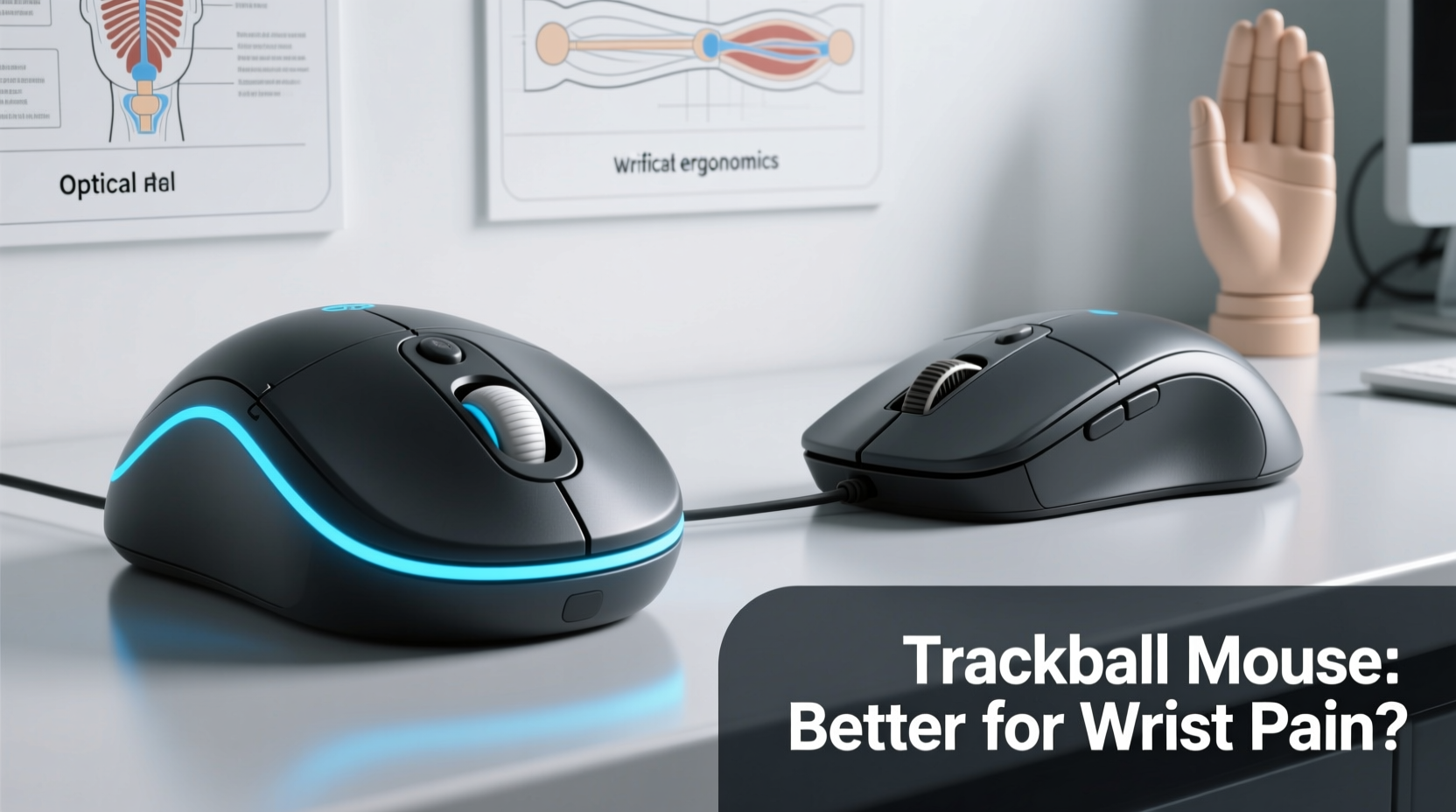
Wrist pain associated with computer work typically stems from repetitive motion, awkward hand positioning, and sustained muscle tension. Traditional optical mice require constant forearm movement across a desk surface, which engages the entire arm and shoulder girdle. Over time, this can lead to microtrauma in tendons and nerves passing through the carpal tunnel.
The median nerve, responsible for sensation in the thumb, index, middle, and part of the ring finger, is particularly vulnerable. Compression due to swelling or poor posture results in numbness, tingling, and weakness—a hallmark of carpal tunnel syndrome. According to the American Academy of Orthopaedic Surgeons, over 500,000 surgeries for carpal tunnel release are performed annually in the U.S., underscoring the severity of the issue.
Ergonomic interventions aim to minimize these risks by reducing joint deviation, stabilizing the wrist, and limiting unnecessary motion. This is where alternative pointing devices like trackball mice enter the conversation.
How Trackball Mice Work: A Biomechanical Advantage?
A trackball mouse replaces the need for sliding the device across a surface. Instead, the user manipulates a stationary ball with their fingers or thumb to control cursor movement. Two primary designs exist: thumb-operated and fingertip-operated trackballs.
In a **thumb-controlled trackball**, the ball is positioned on the side of the device and manipulated using lateral thumb movements. This design allows the hand to remain relaxed and stable, minimizing ulnar deviation and wrist extension—two postures known to increase pressure on the carpal tunnel.
Conversely, **fingertip trackballs** place the ball toward the front, requiring index and middle fingers to roll it. While still reducing overall arm motion, they may demand more fine motor control and fingertip fatigue over long sessions.
“Reducing extraneous limb movement is one of the most effective ways to lower cumulative trauma risk. Devices that localize motion to a single digit—like the thumb—can significantly decrease strain.” — Dr. Lena Torres, Occupational Ergonomist at Stanford Medicine
Optical Mice: Efficiency vs. Ergonomic Cost
Optical mice have dominated the market for decades due to their precision, affordability, and compatibility. They use LED or laser sensors to detect movement relative to a surface, translating hand motion directly into cursor displacement.
However, their ergonomic cost is often overlooked. Continuous dragging motions engage the shoulder, elbow, and wrist in a coordinated sequence. Over hours of daily use, this leads to:
- Repetitive forearm supination and pronation
- Ulnar deviation (wrist bending toward the pinky)
- Sustained grip tension to maintain control
- Shoulder elevation if the desk height is suboptimal
Even with padded wrist rests, the fundamental mechanics remain unchanged: large muscle groups are engaged repeatedly, increasing the risk of overuse injuries. For individuals already experiencing discomfort, this model may exacerbate symptoms rather than alleviate them.
Comparative Analysis: Trackball vs Optical Mouse
| Feature | Thumb-Controlled Trackball | Traditional Optical Mouse |
|---|---|---|
| Motion Required | Thumb only; hand remains stationary | Entire arm and wrist |
| Wrist Position | Near-neutral alignment | Frequent ulnar deviation |
| Forearm Movement | Minimal to none | Constant sliding |
| Desk Space Needed | Very little | Large surface area |
| Learning Curve | Moderate (3–7 days) | Low (immediate) |
| Precision Control | High (once acclimated) | High (out of box) |
| Risk of RSI | Lower due to reduced motion | Higher with prolonged use |
This comparison reveals a clear trade-off: optical mice offer immediate usability and widespread support, while trackballs provide superior ergonomic benefits at the cost of initial adaptation.
Real-World Example: A Developer’s Transition to Trackball
Mark, a software engineer based in Portland, began experiencing sharp pain along his right wrist after transitioning to full-time remote work. He logged 9–10 hours daily coding, using a standard optical mouse on a flat desk. Despite trying gel pads and taking frequent breaks, his symptoms worsened over six months.
After consulting an occupational therapist, he switched to a Kensington Expert Wireless Trackball with thumb control. Within two weeks, he reported reduced nighttime tingling and improved comfort during extended coding sessions. “The first few days were frustrating,” Mark admitted. “But once I got used to controlling the cursor with just my thumb, I realized how much unnecessary arm movement I’d been doing.”
After three months, Mark discontinued his wrist splints and reported a 70% reduction in discomfort. His productivity remained stable, and he now advocates for ergonomic alternatives within his team.
Is Thumb Control Better for Wrist Pain? Evidence-Based Answer
Multiple studies suggest that thumb-operated trackballs can be more beneficial than optical mice for users prone to wrist strain. A 2019 study published in *Applied Ergonomics* found that participants using trackball mice exhibited significantly lower electromyographic (EMG) activity in forearm muscles compared to those using conventional mice—indicating reduced muscular load.
Additionally, research from Cornell University’s Ergonomics Lab demonstrated that thumb-trackballs promote a more neutral wrist posture, decreasing carpal tunnel pressure by up to 35% compared to vertical and horizontal optical mice.
However, effectiveness depends on proper setup. A poorly positioned trackball—too high, too far, or angled incorrectly—can negate its advantages. The key is integration into a holistic ergonomic workspace.
Step-by-Step Guide to Switching to a Trackball Safely
- Choose the Right Model: Select a thumb-controlled trackball with adjustable DPI settings and programmable buttons (e.g., Logitech MX Ergo, Kensington SlimBlade).
- Position Correctly: Place the trackball at the same level as your keyboard, aligned with your elbow. Your upper arm should hang naturally at 90 degrees.
- Adjust Sensitivity: Start with a lower DPI (400–800) to improve control, then gradually increase as accuracy improves.
- Practice Daily: Spend 20–30 minutes per day using only the trackball for basic navigation. Avoid high-pressure tasks initially.
- Monitor Comfort: Pay attention to thumb fatigue or new pain points. Adjust grip or take breaks as needed.
- Combine with Other Ergonomic Tools: Use a split keyboard, sit-stand desk, and footrest to support full-body alignment.
Common Misconceptions About Trackballs
Despite growing popularity, several myths persist about trackball mice:
- Myth: “Trackballs are outdated technology.”
Reality: Modern trackballs feature advanced optical sensors, wireless connectivity, and customizable firmware. - Myth: “They’re only for people with injuries.”
Reality: Many professionals use them preventively to avoid future strain. - Myth: “Thumb models wear out your thumb joint.”
Reality: When used correctly, thumb motion is smooth and low-resistance, placing less stress than gripping and dragging a traditional mouse.
Checklist: Choosing the Best Mouse for Wrist Pain
- ✅ Assess your current pain triggers: clicking, dragging, or wrist angle?
- ✅ Try both thumb and fingertip trackball models if possible
- ✅ Ensure adjustable DPI and button customization
- ✅ Verify compatibility with your operating system
- ✅ Prioritize build quality and palm support
- ✅ Test for at least one week before making a final judgment
- ✅ Pair with an ergonomic keyboard and proper chair setup
Frequently Asked Questions
Can a trackball mouse cure carpal tunnel syndrome?
No device can \"cure\" carpal tunnel syndrome, but switching to a thumb-controlled trackball can significantly reduce symptoms by minimizing wrist strain and promoting neutral posture. It should be part of a broader treatment plan including rest, therapy, and medical consultation.
Are trackball mice slower than optical mice?
Initially, yes—there is a learning curve. However, experienced users report comparable or even faster navigation due to precise control and reduced travel distance. High-DPI models further close the performance gap.
Do thumb-controlled trackballs cause thumb pain?
Some users report mild thumb fatigue during the adjustment period. This usually resolves as motor efficiency improves. If persistent pain occurs, consider a fingertip model or consult an ergonomic specialist.
Conclusion: Making the Right Choice for Long-Term Health
The debate between trackball and optical mice isn’t merely about preference—it’s about long-term musculoskeletal health. For individuals experiencing wrist pain or seeking preventive strategies, a thumb-controlled trackball offers compelling advantages. By localizing movement to a single, strong digit and eliminating repetitive arm sweeps, it reduces biomechanical stress in critical areas.
While optical mice remain practical for casual use, they fall short in environments demanding extended computer interaction. Transitioning to a trackball requires patience and proper setup, but the payoff in comfort and injury prevention can last years.




 浙公网安备
33010002000092号
浙公网安备
33010002000092号 浙B2-20120091-4
Comments
No comments yet. Why don't you start the discussion?