
For millions of computer users, wrist pain is not just a minor inconvenience—it’s a daily battle. Repetitive strain injuries (RSIs), carpal tunnel syndrome, and general discomfort from prolonged mouse use have driven many to seek alternatives to the traditional mouse. One popular contender is the trackball mouse. Marketed as an ergonomic solution, it promises reduced hand movement and less strain on the wrist. But does it truly alleviate pain, or does it come at the cost of speed and precision? And more importantly, is it worth switching from a conventional mouse?
The answer isn’t simple. While some users report dramatic relief after making the switch, others find trackballs awkward, imprecise, or even frustrating. To understand whether a trackball mouse is a genuine solution or just another niche gadget, we need to examine its mechanics, ergonomics, usability, and long-term impact on comfort and productivity.
How Trackball Mice Work Differently
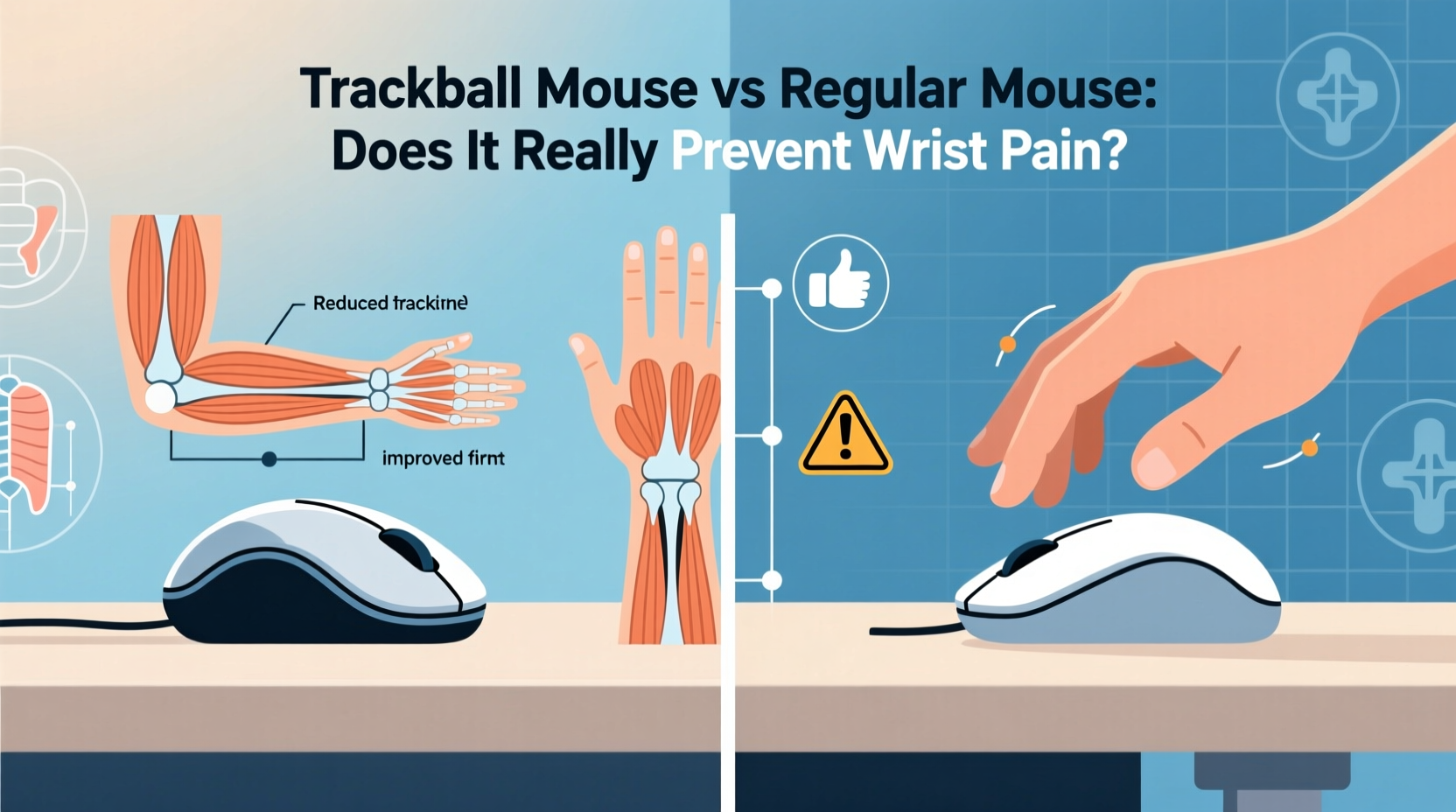
A standard optical or laser mouse relies on movement across a surface. As your hand glides, sensors detect motion and translate it into cursor movement on screen. This requires continuous arm and wrist motion, especially during extended sessions. Over time, this repetitive motion can contribute to muscle fatigue and joint stress.
In contrast, a trackball mouse keeps the ball stationary on top or under the thumb. Instead of moving the entire device, you manipulate the ball directly with your fingers or thumb while the mouse body stays in place. This means minimal forearm movement—only your digits do the work. The rest of your hand remains stable, reducing the range of motion and potentially decreasing strain.
This fundamental difference in operation is what fuels the claim that trackball mice are better for wrist health. But how well does that theory hold up in practice?
Ergonomic Benefits: Pain Relief or Placebo?
The core appeal of the trackball lies in its ability to minimize wrist deviation and ulnar/radial deviation—the side-to-side tilting of the wrist that often occurs when using a flat mouse. By keeping the hand in a neutral position, trackballs may reduce pressure on the median nerve, which runs through the carpal tunnel.
Dr. Sarah Nguyen, a certified occupational therapist specializing in workplace ergonomics, explains:
“Reducing dynamic hand movement doesn’t eliminate risk entirely, but it significantly lowers cumulative strain. For individuals whose jobs involve constant mousing—graphic designers, data analysts, programmers—a trackball can be a smart preventive tool.” — Dr. Sarah Nguyen, OTD, CPE
Studies support this cautiously. A 2021 review published in *Applied Ergonomics* found that participants using trackball mice reported lower levels of forearm muscle activation compared to traditional mouse users. However, the same study noted that initial discomfort was higher during the adaptation phase, suggesting a trade-off between short-term frustration and long-term benefit.
Still, “cure” is too strong a word. A trackball won’t reverse existing nerve damage or heal chronic inflammation. What it offers is a chance to change movement patterns and possibly prevent further deterioration. Think of it not as a medical treatment, but as a behavioral modification tool—one that encourages healthier posture and less aggressive gripping.
Performance Trade-offs: Speed, Precision, and Learning Curve
If comfort were the only factor, everyone would switch. But performance matters. How does a trackball stack up against a regular mouse in terms of speed and accuracy?
In controlled tests, traditional mice consistently outperform trackballs in tasks requiring rapid cursor traversal—like gaming or drag-and-drop workflows across large screens. Optical sensors in modern mice track at thousands of DPI (dots per inch), allowing swift navigation with minimal physical movement. High-end gaming mice also offer customizable acceleration curves and polling rates, giving users fine control over responsiveness.
Trackballs, by design, lack that level of agility. Moving the cursor across a 4K display requires sustained rolling of the ball, which can feel sluggish at first. Precision for small adjustments improves with practice, but beginners often struggle with overshooting targets or jittery movements.
That said, certain professionals actually prefer trackballs for their stability. CAD designers, photo editors, and financial traders who perform meticulous, localized actions often find the fixed base of a trackball enhances control. Because the device doesn't shift on the desk, there's no need to lift and reposition—eliminating micro-adjustments that accumulate over hours.
Real-World Example: From Pain to Productivity
Take Mark, a senior UX designer based in Portland. After two years of working remotely, he began experiencing sharp pains in his right wrist, especially after long wireframing sessions. His doctor diagnosed early-stage tendinitis and recommended ergonomic changes.
Mark tried several solutions: a gel wrist pad, voice dictation software, and even a vertical mouse. None provided lasting relief. Then he tested a Logitech MX Ergo trackball. The first week was rough—he missed clicks, struggled with scrolling, and felt slower than usual. But by week three, his wrist pain had noticeably decreased. More surprisingly, his precision improved. He found himself making fewer accidental selections and spending less time correcting errors.
“It’s like learning to write with your non-dominant hand,” Mark says. “Frustrating at first, but eventually intuitive. Now I wouldn’t go back—even if my wrist wasn’t hurting.”
Comparative Analysis: Trackball vs Regular Mouse
| Feature | Trackball Mouse | Regular Mouse |
|---|---|---|
| Wrist Movement | Minimal – mostly finger/thumb motion | Significant – involves forearm and wrist |
| Ease of Use (Beginner) | Moderate to difficult – steep learning curve | Easy – familiar to most users |
| Precision (Fine Control) | High – excellent for detailed work | Variable – depends on DPI and sensitivity |
| Speed (Cursor Travel) | Moderate – limited by ball rotation speed | High – fast movement across surfaces |
| Ergonomic Benefit | Strong – reduces repetitive strain | Limited – unless vertical or ambidextrous model |
| Suitable For | Office work, design, RSI sufferers | Gaming, general browsing, fast navigation |
| Desk Space Required | Very low – stays in one place | Moderate to high – needs glide room |
Choosing the Right Option: A Step-by-Step Guide
Deciding between a trackball and a regular mouse shouldn’t be arbitrary. Follow these steps to make an informed choice based on your needs:
- Assess Your Symptoms: Are you experiencing pain, numbness, or tingling? If yes, prioritize ergonomics over speed.
- Identify Your Primary Tasks: Do you play fast-paced games or edit videos? A regular mouse may suit you better. Do you manage spreadsheets or edit photos? A trackball could enhance precision.
- Test Before Committing: Borrow or rent a trackball for at least two weeks. Give yourself time to adapt—most users need 7–14 days to become comfortable.
- Adjust Settings: Increase pointer speed and disable acceleration in your OS settings to improve responsiveness.
- Optimize Setup: Pair your mouse with an ergonomic keyboard, keep your elbows at 90 degrees, and ensure your monitor is at eye level.
- Monitor Progress: Keep a log of pain levels and productivity weekly. Adjust or revert if no improvement occurs after three weeks.
Frequently Asked Questions
Can a trackball mouse completely eliminate wrist pain?
No single device can \"cure\" wrist pain. However, a trackball can reduce strain by minimizing repetitive motion. It works best when combined with proper posture, frequent breaks, and stretching exercises. For persistent pain, consult a healthcare provider.
Are trackball mice good for gaming?
Generally, no. Most gamers require rapid, fluid movements that trackballs struggle to deliver. While some retro or strategy gamers adapt successfully, competitive titles demand the responsiveness of a high-DPI optical mouse.
Which is better: thumb-operated or finger-operated trackballs?
Thumb-operated models (like the Logitech M570) are more common and easier to control for general use. Finger-operated versions (such as the Kensington Expert Wireless) offer finer precision and are preferred by graphic designers. Try both if possible—the choice often comes down to personal comfort.
Action Plan: What You Can Do Today
- Evaluate your current setup: Is your wrist elevated or bent unnaturally?
- Take a break every 30 minutes to stretch your hands and forearms.
- Experiment with alternative input devices—even a tablet stylus can give your hand a rest.
- Consider a hybrid approach: Use a trackball during intensive work periods and switch to a regular mouse for casual browsing.
- Invest in a quality model—cheap trackballs often have sticky balls and poor sensors, undermining any potential benefit.
“The best mouse is the one that lets you work comfortably for hours without noticing it’s there.” — James Lin, Human Factors Engineer at MIT AgeLab
Final Verdict: Relief Without Sacrifice?
The idea that a trackball mouse “cures” wrist pain is misleading. No peripheral can magically heal injury or replace medical care. But as part of a broader ergonomic strategy, a trackball can significantly reduce the mechanical stress that leads to discomfort and long-term damage.
As for slowing you down—yes, initially. There’s no denying the adjustment period. But for many users, that temporary dip in speed is outweighed by gains in precision, consistency, and physical comfort. Once mastered, a trackball becomes an extension of the hand, not a hindrance.
Ultimately, the decision comes down to priorities. If raw speed and instant familiarity matter most, stick with a regular mouse. But if you value sustainability—working efficiently without paying for it with pain tomorrow—a trackball deserves serious consideration.




 浙公网安备
33010002000092号
浙公网安备
33010002000092号 浙B2-20120091-4
Comments
No comments yet. Why don't you start the discussion?