
For millions of computer users, wrist pain, fatigue, or repetitive strain injuries (RSI) are not just occasional discomforts—they’re daily realities. As remote work becomes more common and screen time continues to rise, people are reevaluating their input devices. The traditional optical mouse dominates desks worldwide, but a growing number are turning to an older yet surprisingly modern solution: the trackball. Despite its niche appearance, the trackball offers significant ergonomic advantages—especially for those battling wrist strain. But with these benefits comes a question few want to ignore: Is the learning curve steep enough to outweigh the potential for lasting wrist relief?
The Hidden Cost of the Regular Mouse
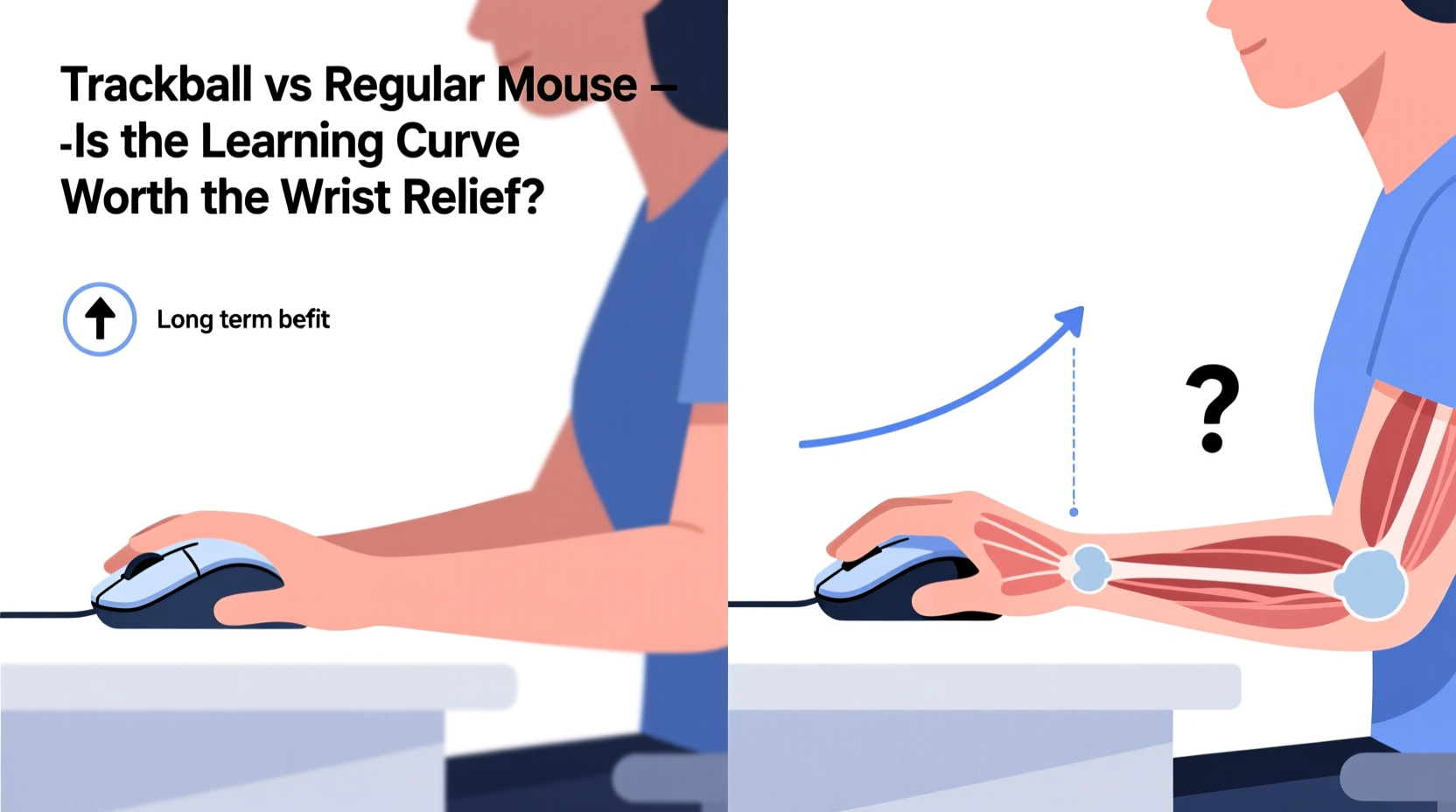
Most people use a standard mouse without thinking about how it affects their body. Over time, however, the cumulative motion of moving the entire hand across a desk—repetitive in nature—can lead to chronic issues like carpal tunnel syndrome, tendonitis, or general forearm fatigue.
The typical office worker moves their mouse up to 30 kilometers per week, according to research from Cornell University’s ergonomics department. That’s equivalent to jogging two marathons every month—all driven by small, repetitive motions that strain the wrist and forearm muscles.
The root problem lies in the design: a regular mouse requires constant arm movement. Even with a large mousepad, users repeatedly lift, shift, and reposition their hand. This “reach-and-drag” cycle places sustained pressure on tendons and nerves running through the carpal tunnel. Over time, inflammation can develop, leading to numbness, tingling, and pain.
“Traditional mice force unnatural wrist angles and promote micro-traumas through repetition. For individuals with pre-existing conditions, this setup can accelerate injury.” — Dr. Lena Patel, Occupational Therapist & Ergonomics Consultant
How Trackballs Redefine Mouse Mechanics
A trackball flips the script. Instead of moving the entire device, you manipulate a stationary ball with your thumb or fingers while the base stays fixed. This eliminates the need for sweeping arm movements. Your hand remains in one place, reducing strain on the wrist, elbow, and shoulder.
There are two primary types:
- Thumb-operated trackballs: The ball is positioned on the side and controlled by the thumb (e.g., Logitech MX Ergo).
- Finger-operated trackballs: The ball sits at the front and is moved with the index and middle fingers (e.g., Kensington Expert Wireless Trackball).
Finger-operated models often provide finer control and are preferred by graphic designers or CAD users, while thumb-operated versions offer greater comfort for general navigation and scrolling.
Because the trackball doesn’t move, you can use it on almost any surface—even your lap or a cluttered desk. This flexibility enhances posture, allowing users to position the device closer to the body and avoid reaching, which further reduces musculoskeletal stress.
Comparing Performance: Trackball vs Regular Mouse
| Feature | Regular Mouse | Trackball |
|---|---|---|
| Movement Type | Whole-hand dragging | Ball manipulation (thumb/fingers) |
| Ergonomic Posture | Requires extended reach; prone to poor wrist angles | Stable hand position; neutral wrist alignment |
| Surface Dependency | Needs smooth, flat surface | Works on uneven or soft surfaces |
| Precision (Fine Control) | High, especially gaming mice | Moderate to high (varies by model) |
| Learning Curve | Negligible | Moderate (1–4 weeks adaptation) |
| Risk of RSI | Higher due to repetitive motion | Lower due to reduced joint movement |
| Portability | High | Moderate (bulkier designs) |
While the regular mouse wins in familiarity and raw speed for tasks like gaming, the trackball excels in sustainability. It’s designed not for sprinting—but for the marathon of daily computing.
A Real Shift: One Developer’s Experience
James, a backend developer from Portland, began experiencing sharp pain in his right wrist after years of coding marathons. Diagnosed with early-stage tendonitis, he was advised to modify his workstation or risk long-term damage. Skeptical but desperate, he switched to a Kensington Expert Wireless Trackball.
“The first week was rough,” he admitted. “I kept overshooting clicks, missed targets constantly, and had to retrain muscle memory. I felt slower, frustrated, even questioned if I’d made a mistake.”
But by week three, something changed. His wrist pain diminished significantly. He no longer woke up with stiffness. By the sixth week, his accuracy improved, and he found himself appreciating the stability of having his hand anchored in one spot.
“Now I can’t go back,” James said. “It’s like switching from high heels to orthopedic shoes—you miss the flashiness at first, but your body thanks you every single day.”
Overcoming the Learning Curve: A Step-by-Step Guide
Adapting to a trackball isn’t instant, but it’s manageable with deliberate practice. Here’s how to ease into it without sacrificing productivity:
- Choose the Right Model: Start with a well-reviewed, adjustable DPI trackball. Models like the Logitech MX Ergo or Elecom Huge offer sensitivity settings that help beginners refine control.
- Adjust Your Settings: Lower the cursor speed initially. High sensitivity exaggerates mistakes. Set DPI between 800–1200 for smoother tracking.
- Position Correctly: Place the trackball at the same height as your keyboard, aligned with your forearm. Avoid reaching or twisting your wrist.
- Practice Daily Tasks: Begin with low-stakes activities—browsing, email, document navigation. Avoid design or gaming until comfortable.
- Use Both Hands (Optional): Some left-handed users thrive with thumb-trackballs on the left side. Experiment if ambidextrous.
- Take Breaks and Reflect: After each session, note what felt awkward. Adjust grip, speed, or posture accordingly.
Most users report full adaptation within 2–4 weeks. Patience is key. Progress isn’t linear, but consistency builds new neuromuscular pathways.
When a Trackball Isn't the Answer
Not every user benefits equally from a trackball. Gamers, for instance, often require rapid, sweeping movements that traditional mice handle more fluidly. First-person shooters or real-time strategy games may feel sluggish with a trackball due to acceleration limitations.
Likewise, some users find thumb-operated models strain their thumb joints over time. In such cases, finger-operated alternatives or vertical mice might be better compromises.
Additionally, trackballs tend to be larger and less portable than compact wireless mice. Frequent travelers may find them impractical.
The decision ultimately hinges on priorities: speed and convenience versus long-term health and comfort.
Checklist: Is a Trackball Right for You?
- ✅ Do you experience wrist, forearm, or shoulder pain during/after computer use?
- ✅ Do you spend more than 4 hours daily using a mouse?
- ✅ Are you open to a 2–4 week adaptation period?
- ✅ Do you value ergonomics over flashy design or RGB lighting?
- ✅ Are you willing to adjust your workspace setup for optimal alignment?
If you answered “yes” to most of these, a trackball is likely a worthwhile investment.
Expert Insight: Long-Term Health Over Short-Term Comfort
“The cost of ignoring ergonomic strain accumulates silently. A $100 trackball today could prevent thousands in medical bills tomorrow. Prevention isn’t glamorous, but it’s effective.” — Dr. Arjun Mehta, Physical Medicine and Rehabilitation Specialist
Medical professionals increasingly advocate for proactive changes before pain becomes chronic. Devices like trackballs aren’t cures—but they are powerful tools in a broader strategy of workplace wellness.
Frequently Asked Questions
Can a trackball completely eliminate wrist pain?
While no device guarantees pain elimination, many users report significant reduction or complete relief from wrist strain after switching to a trackball. Results depend on proper usage, overall posture, and whether underlying conditions are addressed medically.
Are trackballs harder to clean than regular mice?
They require slightly more maintenance due to the exposed ball and internal rollers. However, cleaning is straightforward—remove the ball, wipe components with alcohol, and reassemble. Most manufacturers recommend doing this every 4–6 weeks.
Do trackballs last longer than regular mice?
Generally, yes. With fewer moving parts subject to wear (no optical skids dragging across surfaces), and less physical travel, trackballs often outlast standard mice. High-end models can function reliably for 5+ years with care.
Conclusion: Prioritize Your Body Like You Do Your Hardware
Technology evolves to serve human needs—not the other way around. While the regular mouse remains the default, it wasn’t designed with long-term health in mind. The trackball, though less mainstream, answers a critical need: sustainable interaction with digital tools.
The learning curve is real, but so is the relief. Thousands have traded momentary frustration for months—or years—of pain-free computing. The initial adjustment fades. Chronic discomfort does not.
If you’ve ever winced while clicking, paused mid-task due to numbness, or dreaded another hour at the desk, consider giving your wrist a break. Try a trackball. Give it four weeks. Track your symptoms. Listen to your body.




 浙公网安备
33010002000092号
浙公网安备
33010002000092号 浙B2-20120091-4
Comments
No comments yet. Why don't you start the discussion?