
Losing a Fitbit is more than an inconvenience—it means losing access to your health data, sleep patterns, and daily activity metrics. The frustration deepens when the device is out of battery, rendering standard tracking methods useless. Unlike smartphones with GPS and constant connectivity, fitness trackers like Fitbits rely on Bluetooth pairing with your phone and limited onboard features. When the battery dies, real-time location tracking stops. But that doesn’t mean all hope is lost. With strategic thinking, proactive habits, and a bit of tech-savviness, there are still viable ways to recover or at least narrow down the whereabouts of your lost Fitbit—even without power.
Why Fitbit Tracking Fails Without Battery
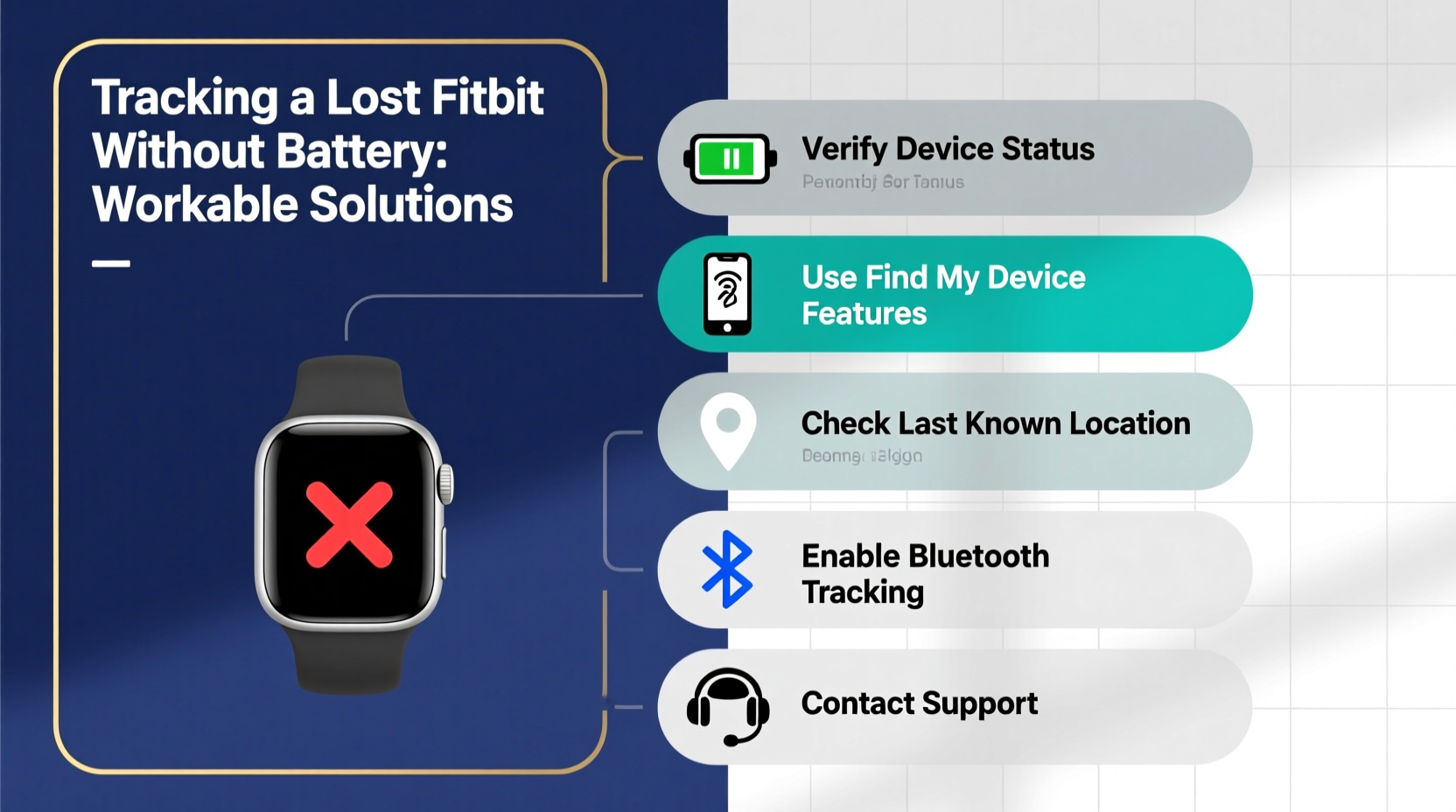
Fitbit devices do not have built-in GPS in most models (except select premium versions like the Fitbit Sense 2). Instead, they use Bluetooth Low Energy (BLE) to connect to your smartphone. Location data—such as where you last synced—is pulled from your paired phone, not the Fitbit itself. Once the Fitbit’s battery dies, it disconnects from your phone and stops transmitting any signal. This means:
- No live location updates through the Fitbit app.
- Inability to trigger a “ring” command remotely.
- No geolocation tracking via satellite or network.
The device essentially becomes inert until recharged and reconnected. However, clues about its last known position may still exist if you act quickly and methodically.
Step-by-Step Guide to Recovering a Lost Fitbit After Battery Dies
Even without power, a structured recovery plan increases your chances of finding the device. Follow this timeline-based approach:
- Check Your Last Sync Time (Within 1 Hour)
Open the Fitbit app immediately. Navigate to your device settings and check \"Last Synced.\" If it was within the past few hours, the device was likely near your phone during that sync window—usually within 30 feet. - Retrace Your Physical Path (Within 2–6 Hours)
Think back to your movements since the last sync. Did you go to the gym? Sit in a coffee shop? Visit a friend's house? Focus on indoor locations where you might have removed the band while washing hands or exercising. - Contact Locations Directly (Same Day)
Call or visit places you visited. Provide a description and your contact info. Many gyms, yoga studios, and cafes have lost-and-found bins specifically for wearable devices. - Use Bluetooth Signal Detection (If Found Nearby)
If you suspect it's nearby but can't locate it visually, turn on your phone’s Bluetooth and walk slowly through areas where it might be. Some third-party apps like “Tile” or “AirFinder” can detect unknown BLE signals—but only if the Fitbit has enough residual charge to emit one (rare but possible). - Wait and Monitor (Next 24–72 Hours)
In rare cases, someone may find and charge your Fitbit. If they open the Fitbit app or try to pair it, ownership details may appear depending on account settings. While unlikely, some users report recovering devices days later due to honest finders.
Workable Solutions and Alternative Strategies
While real-time GPS tracking isn’t available, several indirect methods can improve recovery odds:
1. Leverage Smart Home Devices
If you use smart speakers or home assistants (like Amazon Echo or Google Nest), check voice history. Commands like “Hey Google, how many steps did I take?” require syncing with your Fitbit. Reviewing timestamps helps confirm whether the device was active at home recently.
2. Enable Find My Device Features Proactively
Although Fitbit lacks a native “Find My Device” feature like Apple’s Find My network, you can set up preventive measures:
- Ensure automatic syncing is enabled.
- Turn on location services for the Fitbit app.
- Regularly back up your data to avoid loss even if the device isn’t recovered.
3. Use Third-Party Bluetooth Trackers
Consider attaching a small Bluetooth tracker like Tile Slim or Chipolo to your Fitbit band. These devices emit a sound and log their last known location when separated from your phone. They add minimal bulk and significantly increase recovery odds—even if the Fitbit itself is dead.
“Wearables are among the most commonly misplaced personal electronics. Pairing them with secondary trackers is a low-cost insurance policy.” — Dr. Alan Reyes, IoT Security Researcher at MIT Media Lab
Do’s and Don’ts: What to Avoid When Searching for a Dead Fitbit
| Do’s | Don’ts |
|---|---|
| Check pockets, laundry baskets, and car seats—common drop zones. | Assume the device is gone forever after 24 hours. |
| Ask friends or family if they’ve seen or moved it. | Publicly post detailed photos of your Fitbit online (security risk). |
| Use the Fitbit app’s dashboard to view recent activity graphs as location clues. | Throw away old packaging—if buying a replacement, keep box for warranty claims. |
| Register your device with Fitbit support using serial number. | Factory reset the device remotely unless absolutely necessary (prevents future identification). |
Real Example: How Sarah Recovered Her Fitbit Charge 5 After It Died
Sarah, a nurse in Portland, misplaced her Fitbit Charge 5 after a double shift. She remembered wearing it during rounds but couldn’t recall removing it. By the time she checked the app, the device hadn’t synced in 18 hours—and wouldn’t ring when she used the “Find Device” function.
Instead of giving up, she reviewed her shift schedule and realized she’d taken a quick shower in the staff locker room. She called the facility’s security desk and described the device. Two days later, a custodian turned it in—someone had found it near the benches, assumed it was abandoned, and placed it in lost property.
The key? Sarah knew her routine, acted fast, and trusted institutional protocols. Though the battery was dead, human systems filled the gap where technology failed.
Preventive Measures for Future Protection
Recovery is uncertain, but prevention is fully within your control. Implement these long-term habits to reduce future losses:
✅ Wearability Adjustments
Ensure your Fitbit fits snugly but comfortably. A loose band increases the chance of slipping off during workouts or handwashing. Consider switching to a silicone loop or sport clasp for added security.
✅ Routine Syncing Schedule
Sync your Fitbit at least twice daily—once in the morning and once at night. This creates frequent location checkpoints tied to your phone’s GPS.
✅ Backup Identification
Add your email or phone number to your Fitbit profile under “Account Settings.” If someone powers it on, they may see your contact info on the setup screen.
✅ Attach a Physical Tracker
As mentioned earlier, pairing your Fitbit with a slim Bluetooth tracker turns it into a locatable object. Even if the Fitbit battery dies, the tracker can still emit a signal if powered separately.
✅ Enable Notifications
Set up alerts in the Fitbit app for disconnection events. Some Android phones support third-party apps like “Bluetooth Auto Connect” that notify you when your Fitbit disconnects unexpectedly—possibly indicating it was left behind.
Frequently Asked Questions
Can the Fitbit app show the exact location of my lost device?
No. The Fitbit app only shows the last known location based on your phone’s GPS at the time of the most recent sync. It does not offer continuous tracking or offline location services.
Is there a way to track a Fitbit using IMEI or serial number?
No. Fitbits do not have IMEI numbers because they lack cellular connectivity. While each device has a unique serial number, this is used for warranty and registration—not tracking. Law enforcement cannot trace a Fitbit via serial number alone.
What should I do if I suspect my Fitbit was stolen?
If theft is likely, log into your Fitbit account and change your password immediately. You can also remove the device from your account to prevent unauthorized access to your health data. File a police report if valuable personal information was linked to the account.
Conclusion: Turning Loss Into a Learning Opportunity
Losing a Fitbit without battery power limits technological recovery options, but it doesn’t eliminate hope. Success often comes not from advanced tools, but from disciplined habits—knowing your routines, acting swiftly, and leveraging both digital and human networks. While Fitbit doesn’t offer built-in anti-loss features like some competitors, users who prepare in advance dramatically improve their odds.
Start today: label your device digitally, attach a micro-tracker, and build a habit of regular syncing. These small steps transform your Fitbit from a vulnerable gadget into a resilient part of your daily ecosystem. And if you’ve already lost yours? Don’t stop searching just because the battery died. Sometimes, the best signal isn’t electronic—it’s memory, persistence, and trust in human decency.




 浙公网安备
33010002000092号
浙公网安备
33010002000092号 浙B2-20120091-4
Comments
No comments yet. Why don't you start the discussion?