
Staying connected across borders has never been more essential. Whether you're a digital nomad, an expatriate, or simply receiving a call from a loved one overseas, missing important international calls due to technical confusion or high costs is frustrating. The good news? With the right setup and knowledge, receiving calls from abroad can be seamless, affordable, and even free. This guide breaks down everything you need to know—from carrier settings to smart apps—to ensure you’re always reachable, no matter where the call originates.
Understand How International Calls Work
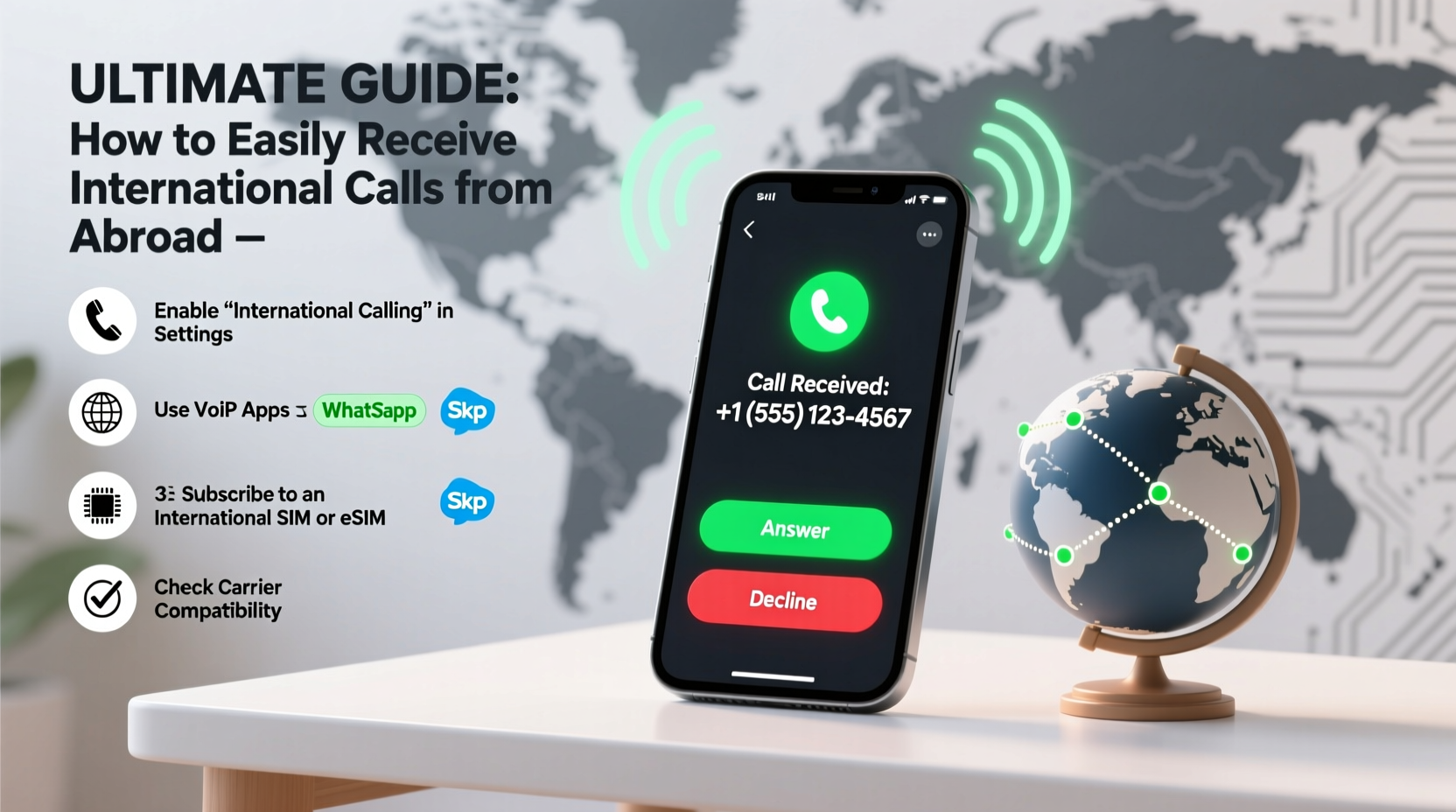
Before diving into solutions, it’s crucial to understand the mechanics behind international calling. When someone dials your number from another country, their call travels through international networks and connects to your local carrier. Traditionally, this process incurred high fees for both parties. However, modern technology has disrupted this model, offering cheaper and often free alternatives.
The key challenge isn’t making the call—it’s ensuring your phone can receive it reliably without draining your battery, data, or wallet. Factors like roaming status, network coverage, and device settings all play a role in whether a call goes through.
Step-by-Step: Prepare Your Phone to Receive International Calls
Receiving international calls starts with preparation. Follow this timeline before and during your time abroad to stay connected.
- Check Roaming Settings: Contact your mobile carrier to confirm if international roaming is enabled on your plan. Some providers require you to opt-in or purchase a roaming add-on.
- Unlock Your Device (if needed): If you plan to use a local SIM card abroad, ensure your phone is unlocked. Carrier-locked phones won’t accept foreign SIMs.
- Enable Data Roaming (Selectively): While not required for voice calls, having mobile data allows call-forwarding services and VoIP apps to function smoothly.
- Set Up Call Forwarding: Program your home number to forward incoming calls to your current number while abroad. Most carriers offer this feature via *72 or online portals.
- Test the Setup: Have someone call you from another country using your full international number format (e.g., +1 555 123 4567).
Best Methods to Receive International Calls Easily
There are several reliable methods to receive international calls. Each has its advantages depending on your location, budget, and frequency of communication.
1. Use International Roaming (Simple but Costly)
Most carriers offer roaming packages that allow your phone to operate on foreign networks. While convenient, traditional roaming charges can be steep—especially for long calls.
2. Switch to a Local SIM Card
Purchasing a local SIM gives you a temporary number in the country you’re visiting. To still receive calls on your original number, set up call forwarding before departure.
3. Leverage VoIP Services (Recommended)
Voice over Internet Protocol (VoIP) apps like WhatsApp, Skype, Google Voice, and FaceTime Audio let you receive calls over Wi-Fi or data. These are typically free between users and cost very little for landline/mobile connections.
4. Get a Second Number via eSIM or App
Modern smartphones support dual numbers using eSIMs or virtual number apps. For example, Google Voice provides a U.S. number usable anywhere with internet, allowing friends abroad to call as if you were at home.
| Method | Cost | Reliability | Setup Difficulty |
|---|---|---|---|
| International Roaming | High | Very High | Low |
| Local SIM + Call Forwarding | Medium | High | Moderate |
| VoIP Apps (WhatsApp, Skype) | Free–Low | High (with stable internet) | Low |
| eSIM / Virtual Number | Low | Very High | Moderate |
Real Example: Maria’s Smooth Transition Abroad
Maria, a freelance designer from Canada, moved to Portugal for six months. She needed clients and family to reach her without complications. Before leaving, she activated Wi-Fi calling on her iPhone and purchased an eSIM through Airalo for local data. She also signed up for Google Voice, linking it to her Canadian number.
She informed her contacts to call her Google Voice number instead. All calls came through clearly over Wi-Fi, even when she was working from cafés or co-working spaces. Her clients didn’t notice any difference, and her parents saved money by avoiding international dialing fees. Maria paid under $20 for data and had uninterrupted connectivity throughout her trip.
Expert Insight: What Telecom Professionals Recommend
“With the rise of eSIMs and cloud-based numbers, there’s no reason to pay high roaming fees anymore. Smart travelers use a hybrid approach: local data for internet and virtual numbers to maintain global accessibility.” — James Lin, Senior Network Engineer at GlobalConnect Telecom
“The biggest mistake people make is assuming their phone will ‘just work’ abroad. A five-minute setup before travel saves hours of frustration later.” — Nadia Patel, Mobile Connectivity Consultant
Essential Checklist: Ensure You Can Receive International Calls
- ✅ Confirm international roaming is active (or decide to avoid it)
- ✅ Unlock your phone if using a foreign SIM
- ✅ Purchase a local data plan or eSIM for internet access
- ✅ Enable Wi-Fi calling in your phone settings
- ✅ Set up call forwarding from your home number
- ✅ Install and test VoIP apps (WhatsApp, Skype, Google Voice)
- ✅ Share your updated contact method with family and colleagues
- ✅ Keep emergency contacts saved with full international dialing codes
Frequently Asked Questions
Can I receive international calls without using data or roaming?
Yes, if you have a local SIM card with an active plan and call forwarding set up from your original number. Alternatively, use a VoIP number tied to Wi-Fi—no roaming required.
Will my contacts need to do anything differently to reach me?
If they’re calling your original number, nothing changes. But if you switch to an app-based number (like Google Voice), inform them of the new number and platform. Some may need to install an app like WhatsApp to reach you.
Are VoIP calls secure?
Most reputable VoIP services use end-to-end encryption (e.g., WhatsApp, FaceTime). Avoid public Wi-Fi without a VPN, as unsecured networks can expose call metadata.
Final Thoughts: Stay Connected Without the Hassle
Receiving international calls doesn’t have to involve complicated setups or expensive bills. By combining modern tools like eSIMs, VoIP apps, and smart forwarding strategies, you can remain accessible wherever you are. The key is planning ahead and choosing the method that aligns with your lifestyle and communication needs.
Technology has erased many barriers of distance, but only if you use it wisely. Take control of your connectivity today—your future self, mid-travel and stress-free, will thank you.




 浙公网安备
33010002000092号
浙公网安备
33010002000092号 浙B2-20120091-4
Comments
No comments yet. Why don't you start the discussion?