
In Windows programming, a window handle (commonly referred to as HWND) is a fundamental identifier used by the operating system to reference a specific window or control. Whether you're automating tasks, building GUI tools, or debugging applications, knowing how to retrieve a valid window handle is essential. This guide dives deep into reliable methods for obtaining window handles, covering both basic and advanced scenarios with real-world applicability.
Understanding Window Handles (HWND)
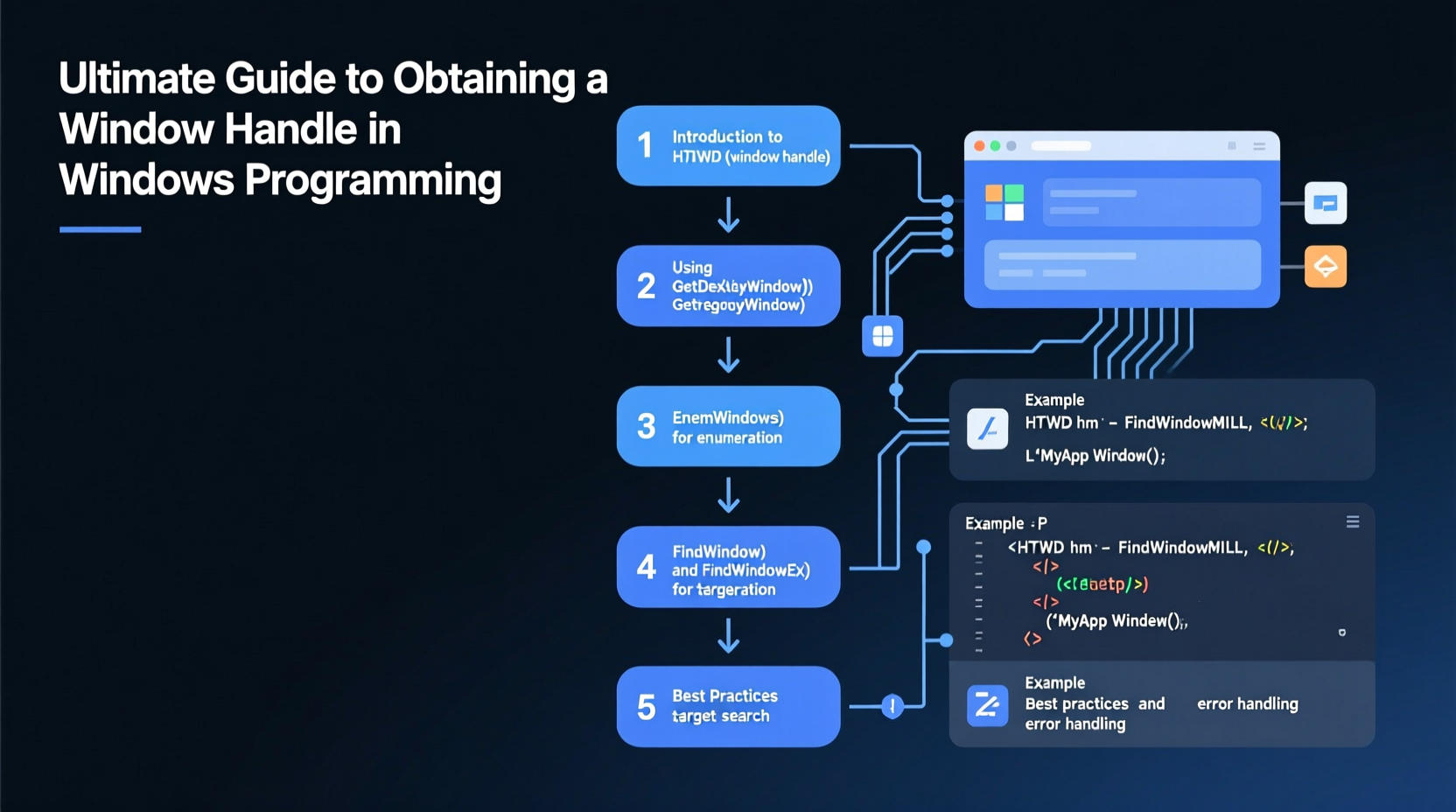
A window handle is a 32-bit or 64-bit value assigned by the Windows OS to uniquely identify a window object. It acts as a reference token that functions in the Win32 API use to interact with windows—such as showing, hiding, resizing, or sending messages.
The type HWND is defined in <windows.h> and is essentially a pointer-like value. You cannot dereference it directly, but you can pass it to API calls like SendMessage(), SetWindowText(), or ShowWindow().
“Mastering HWND manipulation is the first step toward effective desktop automation and low-level UI interaction.” — Michael Trent, Systems Programmer and Win32 API Contributor
Common Methods to Retrieve a Window Handle
There are several ways to obtain a window handle depending on what information you already have: the window title, class name, process ID, or even partial text. Below are the most widely used techniques.
1. Using FindWindow() – By Title or Class Name
The simplest method is using FindWindow(), which retrieves a handle based on either the window’s class name or its title (caption).
HWND hwnd = FindWindow(L\"Notepad\", NULL); // By class name
HWND hwnd = FindWindow(NULL, L\"Untitled - Notepad\"); // By window title
HWND hwnd = FindWindow(L\"Notepad\", L\"Untitled - Notepad\"); // Both
This function returns NULL if no matching window is found. Note that window titles may change dynamically, so relying solely on them can be fragile.
2. Using FindWindowEx() – For Child Windows
To find child controls within a parent window (like buttons or edit boxes), use FindWindowEx(). This function allows traversal of the window hierarchy.
HWND hMain = FindWindow(L\"Notepad\", L\"Untitled - Notepad\");
HWND hEdit = FindWindowEx(hMain, NULL, L\"Edit\", NULL);
The third parameter specifies the class of the child window. In Notepad, the main text area is typically an Edit control.
3. Enumerating Windows with EnumWindows()
When the exact title or class isn’t known, EnumWindows() lets you iterate over all top-level windows. You define a callback function to inspect each one.
BOOL CALLBACK EnumWindowProc(HWND hwnd, LPARAM lParam) {
    char windowTitle[256];
    GetWindowTextA(hwnd, windowTitle, sizeof(windowTitle));

    if (strstr(windowTitle, \"Notepad\")) {
        *(HWND*)lParam = hwnd;
        return FALSE; // Stop enumeration
    }
    return TRUE; // Continue
}

// Usage:
HWND targetHwnd = NULL;
EnumWindows(EnumWindowProc, (LPARAM)&targetHwnd);
This method is useful when dealing with dynamic window titles or when searching for substrings in window captions.
4. Retrieving Handle by Process ID
If you know the process ID (PID), you can enumerate windows and match them using GetWindowThreadProcessId().
DWORD targetPid = 1234;
HWND targetHwnd = NULL;

BOOL CALLBACK FindByPidProc(HWND hwnd, LPARAM lParam) {
    DWORD pid;
    GetWindowThreadProcessId(hwnd, &pid);
    if (pid == targetPid) {
        *(HWND*)lParam = hwnd;
        return FALSE;
    }
    return TRUE;
}

EnumWindows(FindByPidProc, (LPARAM)&targetHwnd);
This approach is commonly used in inter-process communication or automation tools that attach to running applications.
Practical Tips for Reliable Handle Acquisition
Obtaining a window handle may seem straightforward, but timing, permissions, and dynamic UIs introduce challenges. Consider these best practices:
- Always validate returned handles with
IsWindow(hwnd). - Use wide-character (Unicode) strings unless targeting legacy systems.
- Account for delayed window creation—some apps create UI after startup.
- Avoid hardcoding window titles; prefer class names where possible.
- Run your application with appropriate privileges—UAC can block access to elevated windows.
FindWindow() using
IsWindow() and additional attribute checks.
Step-by-Step Guide: Getting a Handle to a Running Application
Follow this sequence to reliably obtain a window handle in production code:
- Determine the target app’s window characteristics – Use Spy++ or AutoIt Window Info to inspect class name and title.
- Choose the appropriate retrieval method – Use
FindWindow()for static names,EnumWindows()for dynamic ones. - Add error checking – Confirm the handle is valid using
IsWindow(). - Implement retry logic – If the window isn’t ready, wait and retry (e.g., every 100ms up to 5 seconds).
- Verify accessibility – Ensure your process has permission to interact with the window.
Comparison of Window Handle Retrieval Methods
| Method | Best Used When | Pros | Cons |
|---|---|---|---|
FindWindow() |
You know the exact class or title | Fast, simple, synchronous | Fails if title changes slightly |
FindWindowEx() |
Searching for child controls | Precise control targeting | Requires parent handle first |
EnumWindows() |
Partial matches or unknown attributes | Flexible, supports filtering | Slower, requires callback |
| Process ID + Enumeration | You have the PID only | Robust across sessions | More complex, needs extra APIs |
Real-World Example: Automating Notepad Text Entry
Suppose you want to automate typing into Notepad. Here's how you’d get the necessary handles:
// Step 1: Launch Notepad
ShellExecute(NULL, L\"open\", L\"notepad.exe\", NULL, NULL, SW_SHOWNORMAL);

// Step 2: Wait for window to appear
HWND notepadHwnd = NULL;
while (!notepadHwnd) {
    notepadHwnd = FindWindow(L\"Notepad\", NULL);
    Sleep(100);
}

// Step 3: Find the Edit control
HWND editHwnd = FindWindowEx(notepadHwnd, NULL, L\"Edit\", NULL);

// Step 4: Send text
SendMessage(editHwnd, WM_SETTEXT, 0, (LPARAM)L\"Hello from automation!\");
This example demonstrates the importance of patience and validation—immediate handle lookup after launch often fails due to initialization delays.
FAQ
Why does FindWindow() return NULL even though the window is visible?
The window may have a slightly different title than expected (e.g., includes file path or modified state). Use EnumWindows() with substring matching to debug. Also, ensure your app runs with compatible integrity level—admin processes can't access non-admin windows easily.
Can I get a window handle from another user session?
Generally no. Windows enforces session isolation for security. Services or applications running in Session 0 cannot access interactive desktop windows in user sessions without special configuration (e.g., using WTSEnumerateSessions and secure IPC).
What’s the difference between a window handle and a control handle?
All windows and controls have HWNDs. A “window” usually refers to a top-level window (like a dialog or app frame), while a “control” is a child window (like a button or textbox). Both are manipulated the same way via Win32 API.
Conclusion
Getting a window handle in Windows programming is a foundational skill that opens doors to automation, debugging, and advanced UI manipulation. While FindWindow() offers a quick entry point, mastering EnumWindows(), child enumeration, and process-based lookups ensures robustness in real-world applications. Always validate handles, account for timing, and test under varied conditions.




 浙公网安备
33010002000092号
浙公网安备
33010002000092号 浙B2-20120091-4
Comments
No comments yet. Why don't you start the discussion?