
Staying connected is no longer a luxury—it’s a necessity. Whether you're traveling through remote areas, hiking in the wilderness, or stuck in a location with no Wi-Fi, accessing the internet on your cell phone without Wi-Fi is entirely possible. With the right tools, plans, and strategies, you can maintain connectivity almost anywhere. This comprehensive guide breaks down proven methods, from leveraging cellular networks to satellite-based solutions, so you can stay online regardless of your location.
Understanding Your Options Beyond Wi-Fi
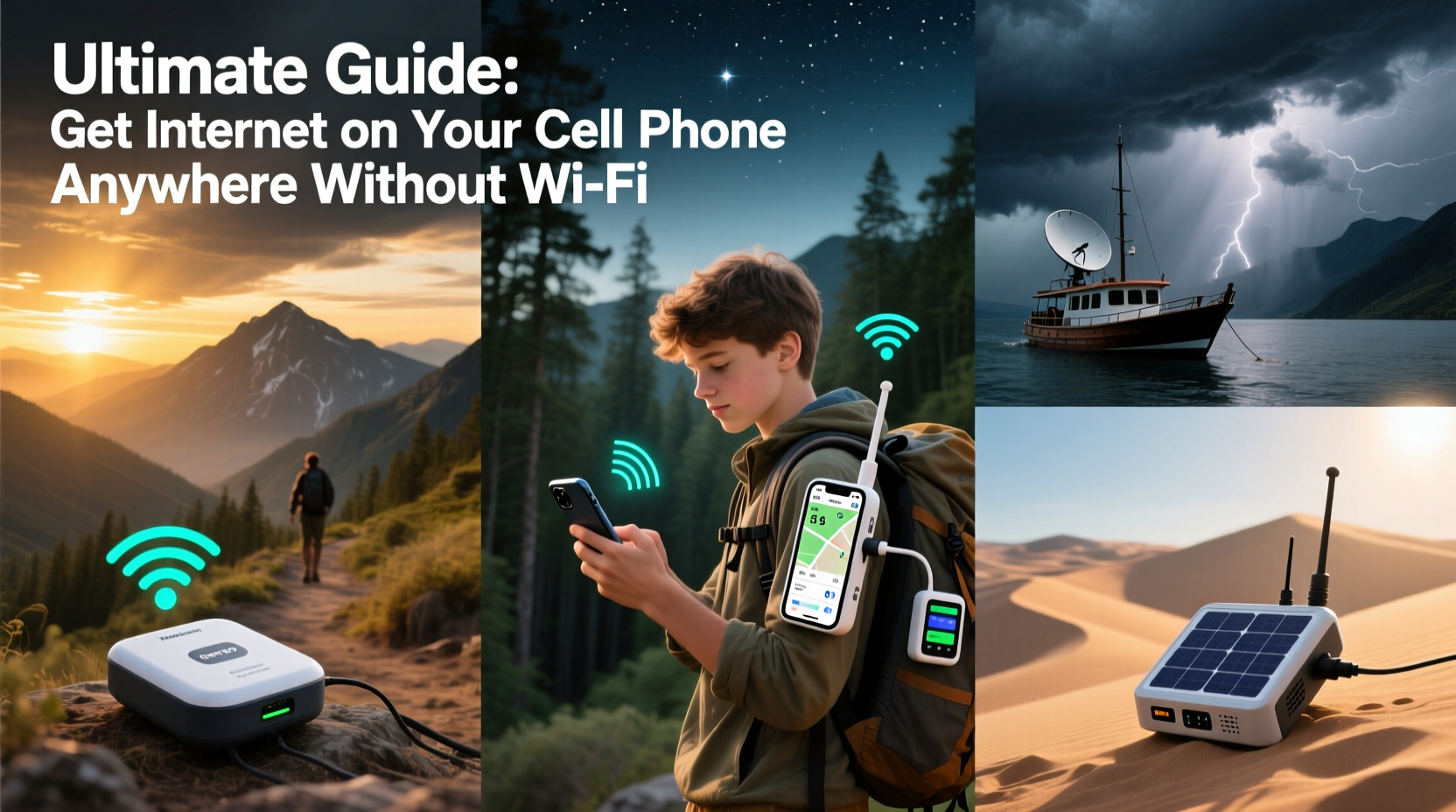
Wi-Fi isn’t the only way to access the internet. Mobile devices are designed to connect via multiple pathways. The most common alternative is cellular data—3G, 4G LTE, and 5G networks that transmit data over radio waves from nearby towers. But when even cellular signals fail, other technologies step in. These include mobile hotspots, satellite communicators, offline caching, and roaming services. Knowing which option suits your scenario ensures uninterrupted access.
In urban and suburban areas, cellular coverage is typically sufficient. However, rural regions, mountains, oceans, and disaster zones often lack reliable infrastructure. That’s where hybrid solutions come into play. From prepaid SIM cards with global coverage to rugged satellite messengers, modern technology has closed many connectivity gaps.
Using Cellular Data Effectively
Cellular data is the most accessible and widely used method for internet access without Wi-Fi. Most smartphones automatically switch to LTE or 5G when Wi-Fi is unavailable. However, maximizing this capability requires understanding your carrier plan, signal strength, and network settings.
Start by checking your data allowance. Unlimited plans often come with throttled speeds after a certain threshold. If you frequently travel, consider a plan with nationwide coverage and roaming included. Carriers like T-Mobile and AT&T offer extended LTE reach, including some rural expansions via partner networks.
To improve reception in weak-signal areas:
- Enable LTE/5G preferred mode in network settings.
- Use airplane mode briefly to force a tower reconnect.
- Hold your phone higher or near windows to capture stronger signals.
- Consider a signal booster or external antenna for vehicles.
“Even in remote locations, modern carriers cover more ground than people realize. It’s often about optimizing device settings rather than lacking service.” — Daniel Reyes, Wireless Network Engineer at OpenSignal
Mobile Hotspots and Tethering Solutions
If your phone has a data connection, it can share that link with other devices—or even act as its own hotspot. Tethering turns your smartphone into a portable Wi-Fi router. This feature works whether you’re using your personal data plan or connected to another device’s hotspot.
There are three primary tethering methods:
- Wi-Fi Hotspot: Share your phone’s data via a local wireless network.
- Bluetooth Tethering: Connect another device via Bluetooth; lower power usage but slower speeds.
- USB Tethering: Plug your phone into a laptop; fastest and most stable option.
Dedicated mobile hotspot devices (like the Verizon Jetpack or Skyroam Solis) offer stronger antennas and longer battery life than smartphones. They’re ideal for travelers, remote workers, or families needing multiple connections.
Comparison: Smartphone vs. Dedicated Hotspot
| Feature | Smartphone Hotspot | Dedicated Hotspot Device |
|---|---|---|
| Battery Life | Short (drains phone) | Long (10–24 hours) |
| Signal Strength | Moderate | Stronger (better antennas) |
| Number of Devices | 5–8 | Up to 15 |
| Data Plans | Tied to phone plan | Flexible (pay-as-you-go options) |
| Portability | High (always with you) | Medium (extra device) |
Satellite Internet for Remote Areas
When cellular networks disappear—such as during backcountry hikes, ocean voyages, or emergency situations—satellite communication becomes essential. Unlike traditional data, satellite internet bypasses ground towers and connects directly to orbiting satellites.
New consumer-friendly devices now make this accessible. The iPhone 14 and newer models support Emergency SOS via satellite. Similarly, Garmin inReach and Zoleo devices allow two-way messaging and basic email over satellite networks like Iridium or Globalstar.
While full-speed browsing isn’t feasible yet, these systems let you send GPS coordinates, text updates, and emergency alerts. Some services integrate with your smartphone via Bluetooth, allowing you to type messages on a familiar interface.
Mini Case Study: Hiker Rescued Using Satellite Messenger
In 2023, a solo hiker in the Sierra Nevada fractured his ankle miles from the nearest trailhead. With no cell signal, he activated his Garmin inReach device and sent an SOS with GPS coordinates. Search and rescue teams located him within four hours. The entire process relied solely on satellite connectivity. His smartphone, though powerless for calls, synced with the inReach via Bluetooth to send pre-composed messages to family while awaiting help.
This real-world example underscores how pairing a satellite device with your phone enables critical communication—even in total isolation.
Offline-First Strategies and Smart Preparation
The smartest way to “get internet” without Wi-Fi isn’t always about finding a live connection—it’s about preparing ahead so you don’t need one. Modern apps support offline modes that reduce dependency on constant connectivity.
Download maps on Google Maps or Gaia GPS before heading out. Save articles with Pocket or Notion. Use offline-capable productivity tools like Microsoft OneNote or Evernote. Even streaming platforms like Spotify and Netflix allow downloads for offline playback.
For international travelers, purchasing a local SIM card upon arrival provides affordable data without relying on expensive roaming. eSIM technology now allows digital SIMs to be activated remotely, letting you switch carriers without physical swaps.
Checklist: How to Stay Connected Anywhere
- ✅ Verify your phone supports LTE/5G and hotspot sharing.
- ✅ Purchase an unlimited or high-data plan with roaming.
- ✅ Carry a portable charger to sustain hotspot use.
- ✅ Install offline versions of navigation and communication apps.
- ✅ Consider investing in a dedicated hotspot or satellite messenger.
- ✅ Test connectivity in low-signal areas before emergencies arise.
- ✅ Enable data compression in browser settings.
Frequently Asked Questions
Can I get internet in the middle of the ocean?
Yes, but not through standard cellular networks. Marine satellite systems like Iridium GO! or Inmarsat provide basic internet and voice services at sea. These are costly but viable for boaters and sailors needing connectivity far from land.
Do all phones work with satellite services?
No. Only select models—like iPhone 14 and later, or Android phones paired with satellite accessories—support emergency messaging via satellite. Check device specifications before relying on this feature.
Is tethering safe and legal?
Tethering is safe and generally allowed under most carrier policies. However, some providers throttle hotspot usage or charge extra for high-volume sharing. Review your plan terms to avoid unexpected fees.
Final Thoughts: Stay Connected, No Matter Where You Are
Internet access without Wi-Fi is not only possible—it’s increasingly seamless. By combining robust cellular plans, smart tethering, satellite backups, and offline preparation, you can maintain digital lifelines in nearly any environment. The key is planning ahead and choosing tools tailored to your lifestyle. Whether you're a daily commuter, international traveler, or outdoor adventurer, staying connected empowers safety, productivity, and peace of mind.




 浙公网安备
33010002000092号
浙公网安备
33010002000092号 浙B2-20120091-4
Comments
No comments yet. Why don't you start the discussion?