
As traditional landlines fade into obsolescence, more households are turning to mobile phones for all their communication needs. Yet many still desire the stability, convenience, and professional presence of a home phone system. The solution? Use your mobile as a landline replacement without sacrificing call quality or reliability.
This isn’t about holding your phone up to your ear during long calls or relying solely on spotty Wi-Fi. It’s about transforming your smartphone into a true home calling hub—complete with hands-free operation, consistent connectivity, and even a dedicated home number. With the right tools and setup, your mobile can outperform most legacy landlines in clarity, flexibility, and cost-efficiency.
Why Replace Your Landline with a Mobile Solution?
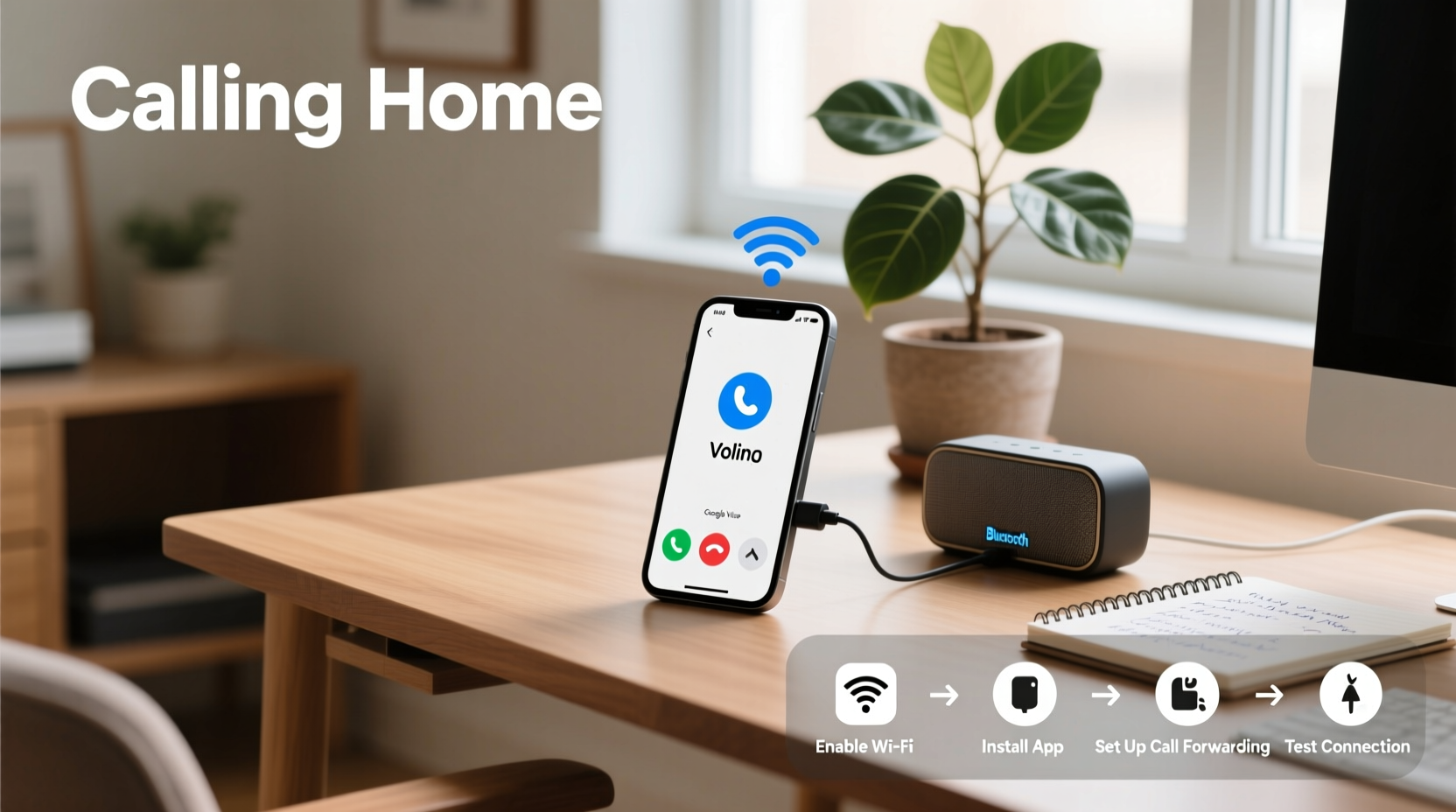
Landlines once stood for reliability, but today’s high-speed internet and advanced mobile networks offer comparable—and often superior—call quality. Maintaining a separate landline means paying for redundant service, outdated hardware, and limited features. In contrast, using your mobile as a landline consolidates everything into one device while unlocking modern capabilities like voicemail-to-email, call forwarding, and integration with smart home systems.
For remote workers, small business owners, or families wanting a central household number, this hybrid approach offers both simplicity and scalability. You keep the familiarity of a fixed number while gaining mobility and digital enhancements.
“More than 58% of U.S. households now rely exclusively on wireless phones, and that number continues to grow.” — Federal Communications Commission (FCC), 2023 Report
Step-by-Step: Turning Your Mobile Into a Reliable Home Phone
Converting your mobile into a dependable landline alternative involves three core components: a stable connection, the right software, and proper hardware integration. Follow these steps to build a seamless system.
- Choose a Dedicated Number Service
Use a virtual number provider such as Google Voice, TextNow, or Line2. These services give you a local or toll-free number that forwards to your mobile, allowing callers to reach you via a “home” line regardless of your physical location. - Ensure Strong Network Coverage
Reliability starts with connectivity. Test your Wi-Fi signal strength where you plan to make calls. If coverage is weak, install a Wi-Fi extender or use a cellular booster. Alternatively, enable Wi-Fi calling through your carrier (available on most major networks). - Set Up VoIP Calling Apps
Install a VoIP app like Skype, Viber, or Zoom Phone. Configure it with your virtual number so incoming calls ring directly to your phone—even when you're not actively using the app. <4>
Integrate Hands-Free Hardware
- Enable Call Forwarding & Voicemail Features
In your carrier settings or VoIP app, activate simultaneous ringing across devices. Set up visual voicemail so messages are transcribed and emailed, reducing missed calls.
Purchase a Bluetooth speakerphone (e.g., Jabra Speak series) or connect your phone to a home audio system via Bluetooth or AUX. This allows clear, speaker-based conversations similar to traditional cordless handsets.
Best Apps and Services for Mobile-as-Landline Setup
Selecting the right platform determines how smoothly your mobile functions as a home phone. Below is a comparison of leading options based on cost, features, and ease of use.
| Service | Monthly Cost | Key Features | Best For |
|---|---|---|---|
| Google Voice | Free (personal), $20/user (business) | Voicemail transcription, spam filtering, SMS sync | Families & individuals needing a free second number |
| TextNow | Free ad-supported or $14.99/month ad-free | Unlimited calling/texting over Wi-Fi/data | Budget-conscious users with strong internet |
| Line2 | $14.99–$29.99/month | Dual lines, conference calling, CRM integrations | Freelancers and small businesses |
| Skype Number | $60/year (local), $120/year (toll-free) | Call landlines/mobiles globally, integrates with Microsoft 365 | International communicators |
| Apple FaceTime Audio / Android Dialer + Wi-Fi Calling | Included with carrier plan | No app needed; native HD voice support | Users already embedded in iOS/Android ecosystems |
Real-Life Example: A Remote Worker’s Home Office Upgrade
Sarah, a freelance graphic designer from Portland, used to juggle client calls on her personal cell number. She found it unprofessional and struggled with dropped calls when moving between rooms. After canceling her aging landline, she set up Google Voice with her desktop, laptop, and mobile all linked under one number.
She connected a USB speakerphone to her workstation and enabled Wi-Fi calling on her iPhone. Now, clients dial her established local number and reach her instantly—whether she's at her desk, in another room, or traveling. Missed calls trigger automated email summaries, and international clients appreciate the clarity of HD voice. Her monthly telecom bill dropped by 60%, and her response time improved significantly.
Do’s and Don’ts of Using Your Mobile as a Landline
- Do: Enable automatic updates for calling apps to ensure security and performance.
- Do: Use a charging dock near your primary calling area to maintain power during long conversations.
- Do: Register your virtual number with emergency services (some VoIP providers require manual E911 setup).
- Don’t: Rely solely on public Wi-Fi for critical calls—security and bandwidth can be unpredictable.
- Don’t: Ignore background noise; invest in a noise-canceling mic if working in shared spaces.
- Don’t: Overlook battery drain from constant VoIP background activity—optimize app permissions accordingly.
FAQ: Common Questions About Mobile-as-Landline Systems
Can I keep my existing landline number?
Yes. Most virtual number services allow number porting. Google Voice, for example, lets you transfer your current landline number for a one-time fee ($20). Check eligibility first, as some rural or legacy numbers may not qualify.
What happens during a power outage?
Unlike traditional landlines powered through phone lines, mobile and VoIP solutions depend on electricity and internet. To stay reachable, use a UPS (uninterruptible power supply) for your router and keep your phone charged. Consider enabling call forwarding to a secondary device or family member’s phone as backup.
Are calls secure and private?
Reputable services like Google Voice and Line2 use end-to-end encryption for voice and text. Avoid unknown third-party apps that request excessive permissions. Always review privacy policies and disable data sharing when possible.
Final Checklist Before Going Cordless
Before disconnecting your landline, confirm the following:
- ✅ Your Wi-Fi signal covers all intended calling areas
- ✅ You’ve tested call quality with a friend or voicemail
- ✅ Your virtual number is fully configured across devices
- ✅ Emergency services are updated with your new calling location (E911)
- ✅ You have a backup communication method (tablet, secondary phone)
- ✅ All household members know how to access and use the new system
“The future of home communication isn’t about wires—it’s about flexibility, clarity, and integration. Smartphones aren’t just replacing landlines; they’re redefining them.” — Dr. Lena Torres, Telecommunications Researcher, MIT Media Lab
Conclusion: Embrace the Future of Home Calling
Using your mobile as a landline isn’t a compromise—it’s an upgrade. With thoughtful planning, the right tools, and a few simple configurations, your smartphone becomes a powerful, reliable centerpiece for all home communications. No more tangled cords, unused base stations, or double bills. Just clear, consistent calling that moves with your lifestyle.




 浙公网安备
33010002000092号
浙公网安备
33010002000092号 浙B2-20120091-4
Comments
No comments yet. Why don't you start the discussion?