
Changing your name on X (formerly Twitter) might seem like a simple task, but it carries significant implications for your personal brand, professional identity, and digital footprint. Whether you're rebranding, correcting spelling, aligning with your legal name, or simply refreshing your online presence, doing it right matters. A poorly executed name change can confuse followers, weaken credibility, or even impact search visibility. This guide walks you through every step of the process with practical advice, real-world examples, and expert-backed strategies to ensure your transition is seamless.
Why Changing Your Name on X Matters
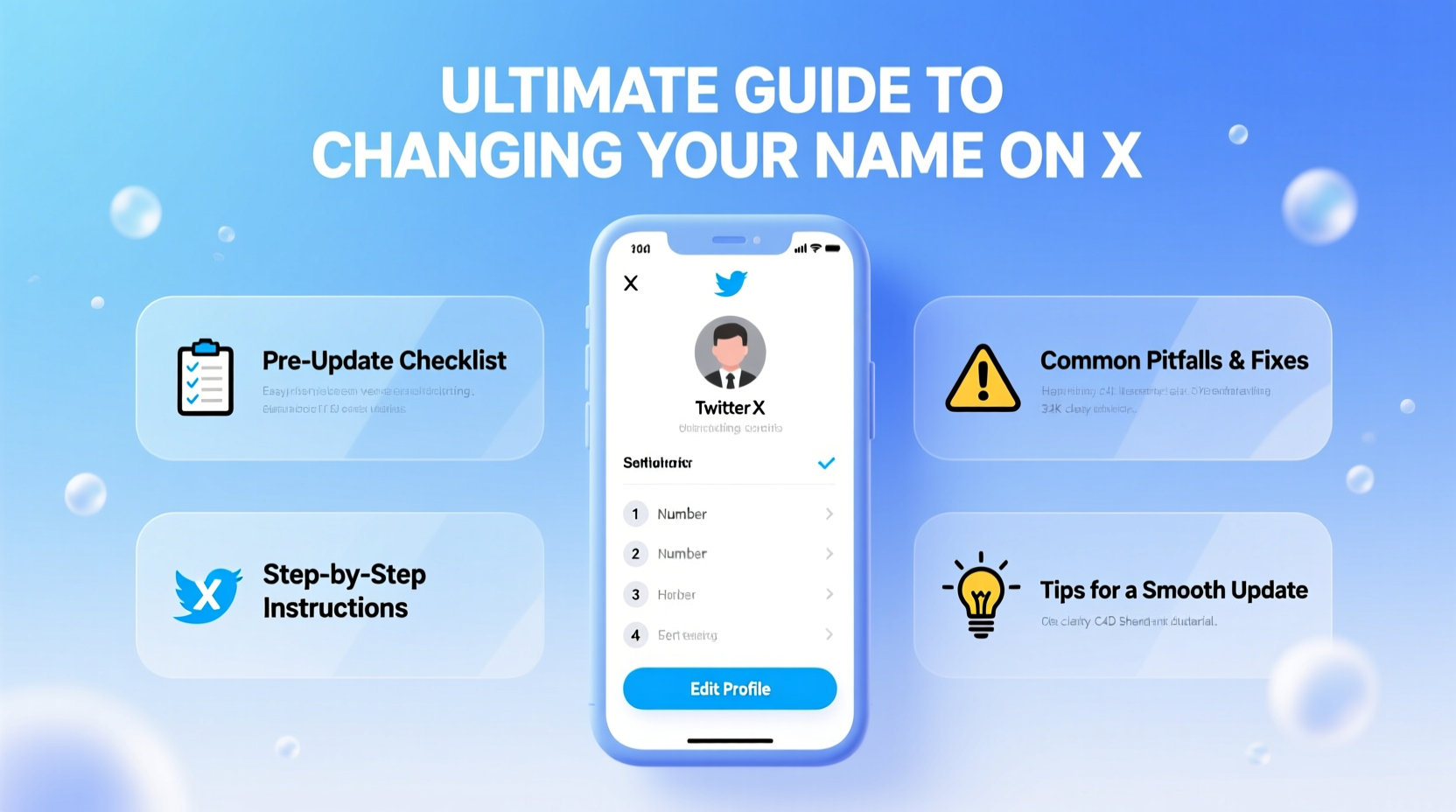
Your X handle and display name are more than just identifiers—they’re part of your digital identity. The display name appears in searches, notifications, and when others mention you. It’s often the first impression people get when they land on your profile. While your @username is permanent unless changed via settings, your display name can be updated at any time and reflects how you want to be seen.
Common reasons for a name change include marriage or divorce, transitioning, professional rebranding, or correcting inconsistencies across platforms. However, frequent or haphazard changes can erode trust. According to social media strategist Lila Chen, “Consistency builds recognition. When someone sees your name across platforms and it matches, it signals professionalism and authenticity.”
“Your display name is your digital calling card. Make sure it reflects who you are—now and in the future.” — Lila Chen, Social Media Strategist
Step-by-Step Guide to Changing Your Name on X
Updating your name on X is straightforward, but timing and communication matter just as much as the technical steps. Follow this timeline for a polished transition:
- Review Your Current Profile: Take a screenshot of your current profile. Note your follower count, pinned tweet, bio, and recent engagement patterns. This helps track changes post-update.
- Decide on the New Name: Choose a name that aligns with your personal or professional goals. Avoid special characters, excessive capitalization, or misleading variations.
- Log In and Navigate to Settings: On desktop, click your profile icon → “Settings and privacy” → “Your account” → “Account information.” On mobile, go to your profile → “More” → “Settings and support” → “Your account.”
- Edit Your Display Name: Click “Name,” enter your new name, and save. You can change your name up to four times within 30 days.
- Update Linked Accounts: If you use X to log into third-party apps (e.g., news sites, games), check if they reflect the new name.
- Announce the Change (Optional): Post a brief, friendly update to inform followers. Example: “Hey everyone! I’ve updated my display name to [New Name] to better reflect my journey. Same me, same content—just a fresh look!”
- Monitor Engagement: Over the next week, watch for drops in mentions or replies. Some followers may not recognize the new name immediately.
Do’s and Don’ts When Updating Your X Name
Avoid common missteps that could undermine your credibility or confuse your audience. Use this table as a quick reference:
| Do’s | Don’ts |
|---|---|
| Use your real or professional name for consistency | Use symbols like ★ or ❄️ to stand out |
| Keep it simple and easy to spell | Change names weekly or too frequently |
| Align your X name with other social profiles | Impersonate someone else or use misleading names |
| Inform key connections privately if relevant | Ignore feedback or confusion from followers |
| Update your bio to reflect the change if needed | Assume all platforms sync automatically |
Real Example: A Smooth Rebranding Transition
Jamal Thompson, a freelance graphic designer, used the name “J.T. Designs” on X for two years. As his client base grew, he realized potential employers were searching for his full name, not an abbreviation. He decided to rebrand to “Jamal Thompson Creative” to improve discoverability and professionalism.
He followed a structured approach: First, he updated his LinkedIn and portfolio site to match the new name. Then, he changed his X display name and posted a simple announcement: “Excited to share my work under my full name—welcome to Jamal Thompson Creative! Same vision, expanded identity.” Within a week, his profile visits increased by 35%, and he received outreach from two agencies that found him through name-based searches.
The key? Consistency and context. By aligning his name across platforms and explaining the change, he turned a routine update into a strategic branding move.
Checklist for a Successful Name Change
Before you hit “Save,” run through this checklist to ensure nothing is overlooked:
- ✅ Confirm the new name is available and not associated with spam or impersonation
- ✅ Verify spelling, spacing, and capitalization
- ✅ Update your bio to complement the new name (if necessary)
- ✅ Notify collaborators or clients who mention you publicly
- ✅ Search your new name on X to see how it appears in results
- ✅ Test tagging yourself in a reply to confirm visibility
- ✅ Wait 24–48 hours before promoting the change in newsletters or cross-posts
Frequently Asked Questions
How often can I change my name on X?
You can change your display name up to four times within a 30-day period. After that, X may temporarily restrict further changes to prevent abuse. Plan ahead and avoid rapid cycling between names.
Will changing my name affect my followers or SEO?
No, your follower list remains unchanged. However, if people search for your old name, they may have trouble finding you unless they’re already following you. For long-term SEO and discoverability, maintain consistency across platforms and use keywords in your bio.
Can I revert to a previous name?
Yes, as long as you stay within the four-change limit per month. Just remember that each change counts toward your quota, so frequent back-and-forth updates are not recommended.
Final Tips for a Professional and Smooth Transition
Changing your name on X isn’t just a technical action—it’s a communication opportunity. Treat it like a mini-rebrand: plan it, execute it clearly, and follow up where needed. Ensure your new name supports your goals, whether personal, professional, or creative. Avoid gimmicks, prioritize clarity, and keep your audience informed without over-explaining.
If you manage multiple accounts or represent a brand, document the change internally and update team guidelines. For individuals, this small update can have lasting benefits in how you're perceived online.
“Your online name is part of your legacy. Choose it with intention.” — Lila Chen
Take Action Today
Your digital presence should evolve as you do. If your current X name no longer represents who you are or where you’re headed, now is the time to make a thoughtful update. Use this guide to navigate the process confidently, avoid common errors, and emerge with a stronger, more authentic profile. Ready to refresh your identity? Log in, make the change, and step into your next chapter with clarity and purpose.




 浙公网安备
33010002000092号
浙公网安备
33010002000092号 浙B2-20120091-4
Comments
No comments yet. Why don't you start the discussion?