
Backlinks remain one of the most influential ranking factors in search engine optimization. Knowing which websites are linking to your pages provides critical insights into your site’s authority, reputation, and potential vulnerabilities. Whether you're auditing your backlink profile, identifying toxic links, or seeking outreach opportunities, understanding how to uncover every inbound link is essential. This comprehensive guide walks through the most effective methods, tools, and best practices to ensure no referring domain goes unnoticed.
Why Backlink Discovery Matters
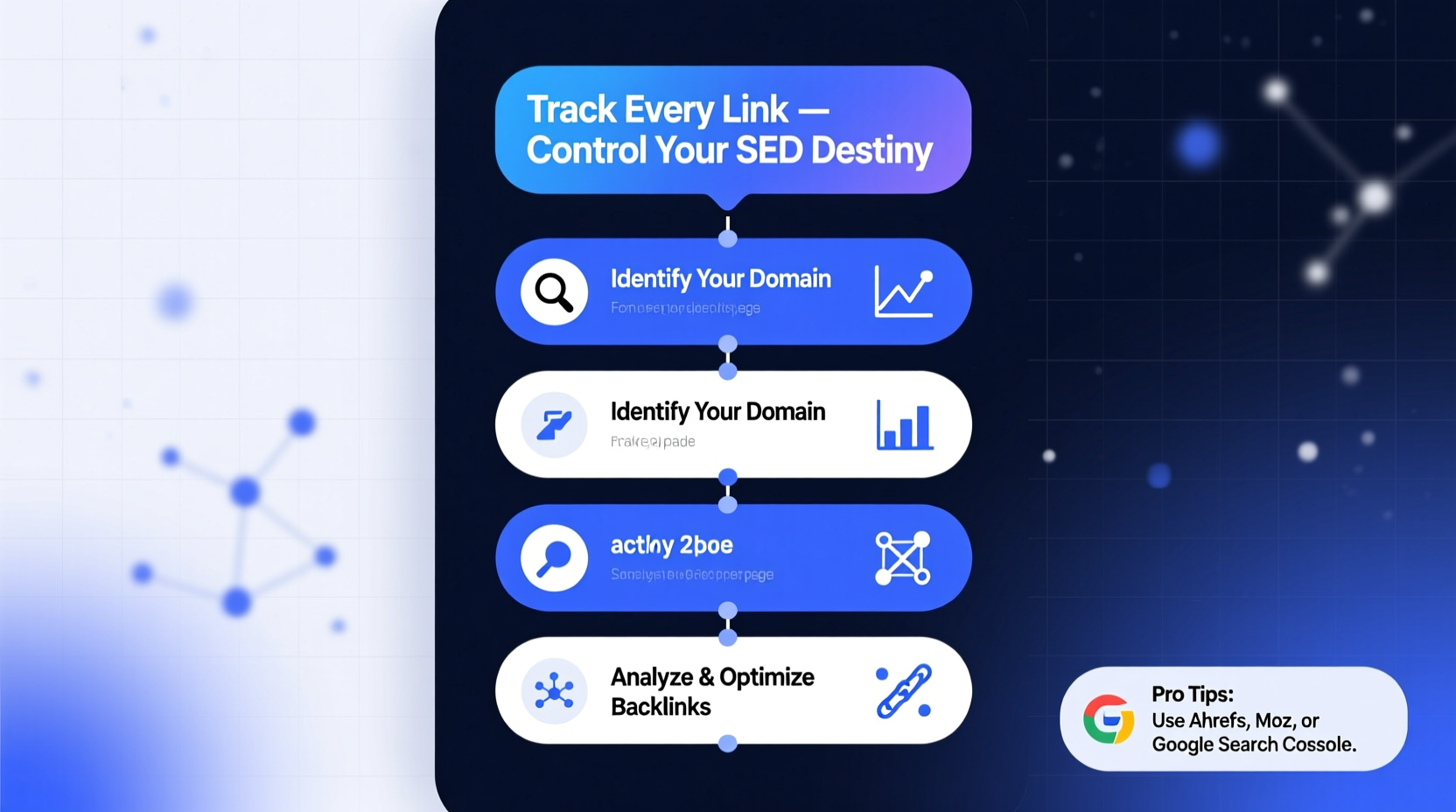
Every external link to your website acts as a vote of confidence in the eyes of search engines. High-quality backlinks from authoritative domains can significantly boost your rankings, while spammy or manipulative links may trigger penalties. Beyond SEO, tracking inbound links helps you:
- Identify brand mentions across the web
- Uncover partnership or guest posting opportunities
- Detect unauthorized use of your content
- Monitor competitor link-building strategies
- Respond to negative SEO attempts
“Understanding your backlink ecosystem isn’t just about quantity—it’s about quality, context, and control.” — Sarah Chen, Senior SEO Analyst at SearchPilot
Step-by-Step Guide to Finding All Links to Your Web Page
Discovering every inbound link requires a combination of automated tools and manual verification. Follow this structured process to build a complete picture of your backlink profile.
- Start with Google Search Console
Connect your site to Google Search Console (GSC) and navigate to the “Links” report under the “External Links” section. This shows the top linked pages, top linking sites, and sample individual links. While not exhaustive, GSC provides high-confidence data directly from Google. - Use Third-Party Backlink Tools
Leverage specialized SEO platforms such as Ahrefs, SEMrush, Moz, or Majestic. These tools crawl billions of web pages and maintain extensive link indexes. Enter your domain or specific URL to generate a full list of referring domains and anchor texts. - Analyze Anchor Text Distribution
Review the anchor text used in backlinks. An unnatural concentration of exact-match commercial anchors could indicate manipulation. A healthy profile includes branded, generic, and partial-match anchors. - Cross-Reference Multiple Tools
No single tool captures 100% of backlinks. Run your domain through at least two major platforms (e.g., Ahrefs and SEMrush) and merge the results to minimize blind spots. - Conduct Manual Site Searches
Use advanced search operators in Google:
link:yourdomain.com
site:pinterest.com \"yourbrandname\"
This helps surface links that may not be indexed by traditional SEO tools, especially on social platforms or forums. - Set Up Ongoing Monitoring Alerts
Enable backlink monitoring features in your SEO tool or use Google Alerts with queries like:
\"yourwebsite.com\"
This notifies you when new links appear.
Comparing Top Backlink Analysis Tools
Different tools offer unique strengths in coverage, interface, and data freshness. Use this comparison to select the right platform for your needs.
| Tool | Link Database Size | Unique Features | Best For |
|---|---|---|---|
| Ahrefs | Over 75 trillion links | Content Explorer, Link Intersect, Site Explorer | Comprehensive audits, competitor analysis |
| SEMrush | Over 40 trillion links | Backlink Gap, Organic Research integration | Integrated SEO campaigns |
| Moz Link Explorer | Over 35 trillion links | Spam Score, Domain Authority metric | Quality assessment, small businesses |
| Majestic | Over 1 trillion URLs (historic focus) | Trust Flow, Citation Flow, Fresh Index vs. Historic Index | Advanced link metrics, academic research |
| Google Search Console | Google-indexed links only | Free, first-party data, real-time indexing | Verifying active indexing, basic reporting |
Common Pitfalls to Avoid
Even experienced SEO professionals make mistakes when analyzing backlinks. Steer clear of these errors to maintain data accuracy and strategic clarity.
- Over-relying on a single tool: Each tool has crawl limitations. Cross-validation ensures completeness.
- Ignoring nofollow links: While they don’t pass SEO value, nofollow links can drive traffic and signal brand visibility.
- Dismissing low-domain-authority links: Niche blogs or local sites may have engaged audiences worth nurturing.
- Failing to check internal links: Some tools include internal links by default. Filter them out to focus on external referrals.
- Not verifying broken links: Dead backlinks represent lost equity. Reach out to webmasters to update or redirect them.
“Many clients panic over hundreds of ‘bad’ links, but context matters. A forum signature link isn’t the same as a paid link farm.” — David Kim, Technical SEO Consultant
Real-World Example: Recovering From Negative SEO
A mid-sized e-commerce brand noticed a sudden drop in organic traffic. After ruling out technical issues, the team turned to backlink analysis. Using Ahrefs and cross-checking with SEMrush, they discovered over 1,200 spammy links from adult and gambling sites—none of which were self-created.
The team compiled the harmful links, uploaded them to Google’s Disavow Tool, and submitted a reconsideration request. Within six weeks, traffic returned to baseline levels. The key lesson? Regular backlink monitoring allowed early detection and rapid recovery.
Essential Backlink Audit Checklist
Use this checklist to conduct a thorough review of your inbound links:
- ✅ Connect your site to Google Search Console
- ✅ Export all external links from GSC
- ✅ Run a backlink report in at least two third-party tools
- ✅ Merge and deduplicate data sources
- ✅ Filter by dofollow/nofollow status
- ✅ Sort by domain authority and spam score
- ✅ Identify and categorize toxic links
- ✅ Contact webmasters to remove harmful links
- ✅ Prepare a disavow file for Google if necessary
- ✅ Monitor new links monthly using alerts
FAQ
Can I see every single backlink to my site?
No tool offers 100% coverage. Google’s index is the most complete, but even it doesn’t reveal all links. Combining Google Search Console with multiple third-party tools gives the closest approximation.
Are nofollow links worth tracking?
Yes. While they don’t contribute directly to SEO rankings, nofollow links can bring referral traffic, enhance brand visibility, and indicate natural link acquisition.
How often should I audit my backlink profile?
At minimum, perform a full audit every quarter. If you’re in a competitive niche or recovering from a penalty, monthly reviews are recommended.
Take Control of Your Backlink Profile
Knowing who links to your site isn’t just an SEO tactic—it’s digital due diligence. By leveraging the right tools, avoiding common traps, and maintaining consistent monitoring, you gain actionable insights that protect and grow your online presence. Start today by connecting your site to Google Search Console and running your first backlink report. The links pointing to your web page tell a story—make sure you’re listening.




 浙公网安备
33010002000092号
浙公网安备
33010002000092号 浙B2-20120091-4
Comments
No comments yet. Why don't you start the discussion?