
In today’s digital landscape, privacy is no longer optional—it's essential. Whether you're using X (formerly Twitter) for personal expression, professional networking, or brand visibility, controlling who sees your content is a critical step in protecting your identity, reputation, and data. With increasing concerns about online harassment, doxxing, and data misuse, knowing how to lock down your account settings can make all the difference. This comprehensive guide walks you through every layer of privacy on X, from basic profile adjustments to advanced security measures that go beyond default options.
Understanding Privacy Settings on X
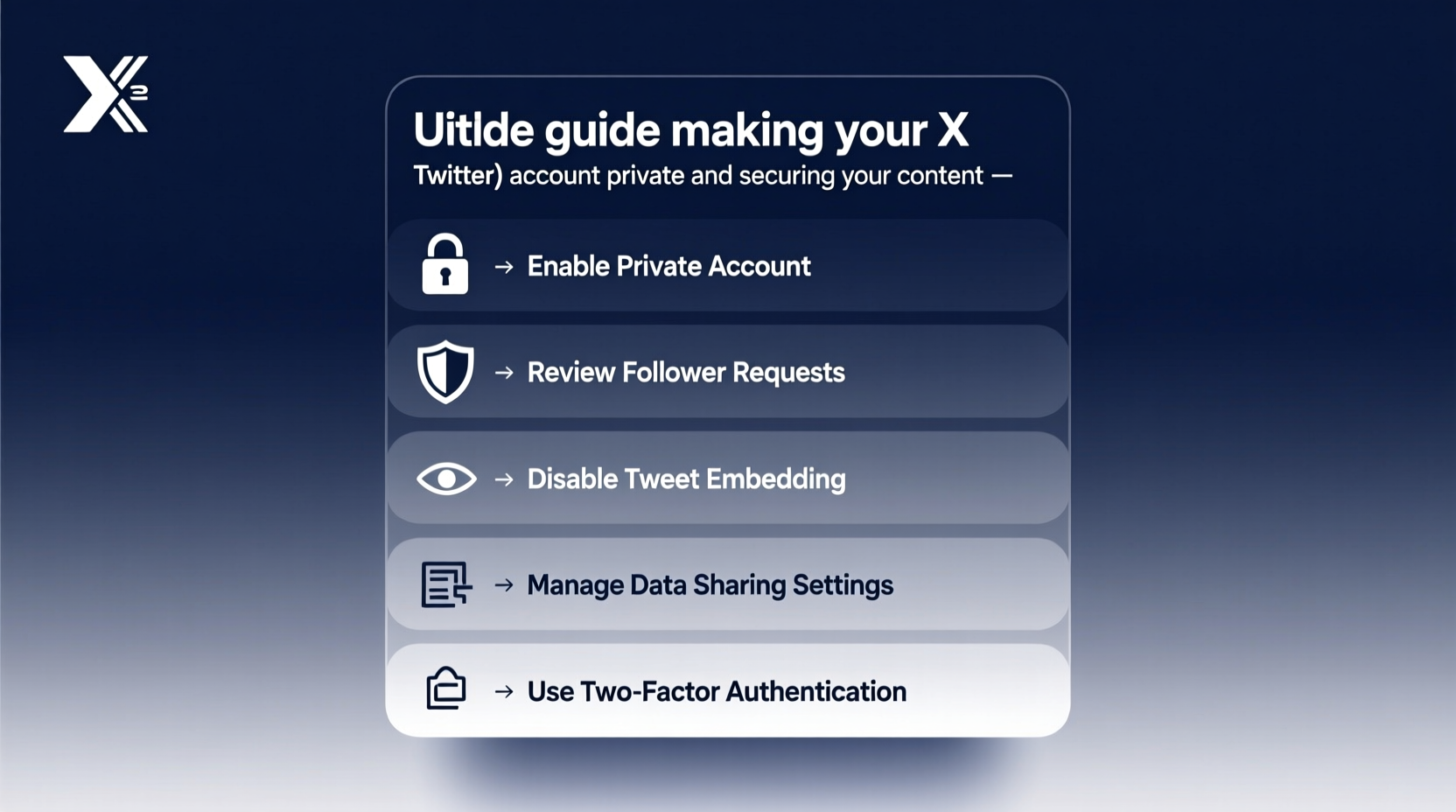
X offers several built-in tools to manage visibility and interaction. The foundation of a secure presence starts with understanding what each setting does. By default, most accounts are public, meaning anyone—logged-in users or anonymous visitors—can view your posts, retweets, likes, and followers. Switching to a private account restricts this access, but it’s only the first step.
When you set your account to private, also known as “protected,” your future tweets will only be visible to approved followers. However, past tweets posted while your account was public may still be indexed by search engines or cached online. It's crucial to audit your history before making the switch.
Step-by-Step: How to Make Your X Account Private
- Open the X app or visit x.com and log in.
- Navigate to your profile by tapping your avatar.
- Select “Settings and support” from the menu.
- Go to “Privacy and safety.”
- Under “Audience and tagging,” enable the option: “Protect your posts.”
- Confirm your choice when prompted. Once activated, only approved followers will see your tweets.
After enabling this feature, any new follower must send a follow request, which you can approve or deny. You retain full control over who accesses your content moving forward.
Managing Visibility Beyond the “Private” Toggle
Making your account private doesn’t automatically secure everything. Several additional settings influence how your information is shared and discovered.
| Setting | Recommended Action | Purpose |
|---|---|---|
| Photo tagging | Disable or set to “Manual approval” | Prevents others from tagging you without consent |
| Discoverability via email/phone | Turn off | Stops people from finding your profile using contact details |
| Location sharing | Never attach to posts | Avoids revealing real-time or historical location data |
| Direct message permissions | Limited to followers only | Reduces spam and unsolicited messages |
| Retweet and quote permissions | Set to “People you follow” or disable | Controls how others amplify your content |
Each of these options contributes to a layered defense strategy. For example, even if someone finds your profile, disabling discoverability via email prevents them from linking your social presence to personal identifiers.
Securing Your Content After Going Private
Going private stops public viewing, but it doesn’t eliminate risks entirely. Screenshots, data scraping, and unauthorized sharing by approved followers remain threats. To strengthen protection, adopt proactive content habits.
- Delete or untag yourself from old public posts containing sensitive information.
- Audit your media library—remove images with geotags, home backgrounds, or ID documents.
- Use alt-text sparingly; avoid describing private details in image descriptions.
- Regularly review your follower list and remove suspicious or inactive accounts.
“Social media privacy isn’t just about locking down settings—it’s about cultivating mindful posting habits.” — Lena Patel, Digital Security Consultant at OpenWeb Labs
Real Example: A Journalist’s Experience
Sophie, an investigative reporter covering political corruption, kept her X account public for years to maximize reach. After receiving targeted threats following a high-profile story, she transitioned to a private model. She began reviewing every follow request manually, disabled location services, and scrubbed old tweets referencing her workplace or travel patterns. Within weeks, harassment dropped significantly. More importantly, sources felt safer engaging with her, knowing her network was vetted. Her experience underscores that privacy isn’t isolation—it’s intentional connection.
Essential Security Checklist
To ensure your X account remains both private and secure, follow this actionable checklist:
- ✅ Enable “Protect your posts” in Privacy settings
- ✅ Turn off discoverability via email and phone number
- ✅ Disable photo tagging or require approval
- ✅ Review and clean up past tweets and media
- ✅ Use two-factor authentication (2FA)
- ✅ Limit direct messages to followers only
- ✅ Regularly audit your follower list and blocked users
Advanced Protection: Two-Factor Authentication & App Passwords
Even the most private account can be compromised if login credentials are stolen. That’s why enabling two-factor authentication (2FA) is non-negotiable. X supports multiple 2FA methods: text message (SMS), authenticator apps (like Google Authenticator or Authy), and physical security keys.
While SMS-based 2FA is better than nothing, experts recommend using an authenticator app instead. SIM-swapping attacks can reroute SMS codes to attackers’ devices, rendering SMS protection ineffective.
If you use third-party apps (e.g., scheduling tools like Hootsuite), generate unique app passwords under your account settings. This allows external services to function without exposing your main password.
Frequently Asked Questions
Can people still see my old tweets after I go private?
If your tweets were public before switching, they may have been archived by search engines or saved by others. X does not retroactively remove indexed content. To mitigate this, delete or edit sensitive historical tweets before changing your privacy status.
Will going private reduce my engagement?
Yes, typically. A private account limits organic reach because only approved followers see your content. However, this often results in higher-quality interactions and reduced noise from trolls or bots. Many users report more meaningful conversations post-transition.
Can someone screenshot my private tweets?
Yes. While X does not notify you when a screenshot is taken, remember that any follower can capture and share your content externally. Trust is part of the equation—approve follows carefully and consider watermarking sensitive visuals if necessary.
Final Thoughts: Privacy as an Ongoing Practice
Making your X account private is not a one-time fix—it’s the beginning of a more intentional digital life. Technology evolves, platforms update policies, and new threats emerge. Staying protected means revisiting your settings quarterly, staying informed about platform changes, and being deliberate about what you share and with whom.
True security combines technical safeguards with behavioral awareness. From disabling unnecessary tagging features to vetting follower requests like a gatekeeper, every action builds a stronger barrier between your personal world and public exposure.




 浙公网安备
33010002000092号
浙公网安备
33010002000092号 浙B2-20120091-4
Comments
No comments yet. Why don't you start the discussion?