
Wireless Bluetooth earbuds offer unmatched convenience and freedom from tangled cords, but their biggest limitation remains consistent: battery life. Whether you're commuting, working out, or taking back-to-back calls, nothing disrupts the experience like dying earbuds. The good news? With the right habits and care, you can significantly extend both daily performance and long-term battery health. This guide reveals practical, science-backed strategies to keep your earbuds powered through even the busiest days—without sacrificing longevity.
Understanding How Earbud Batteries Work
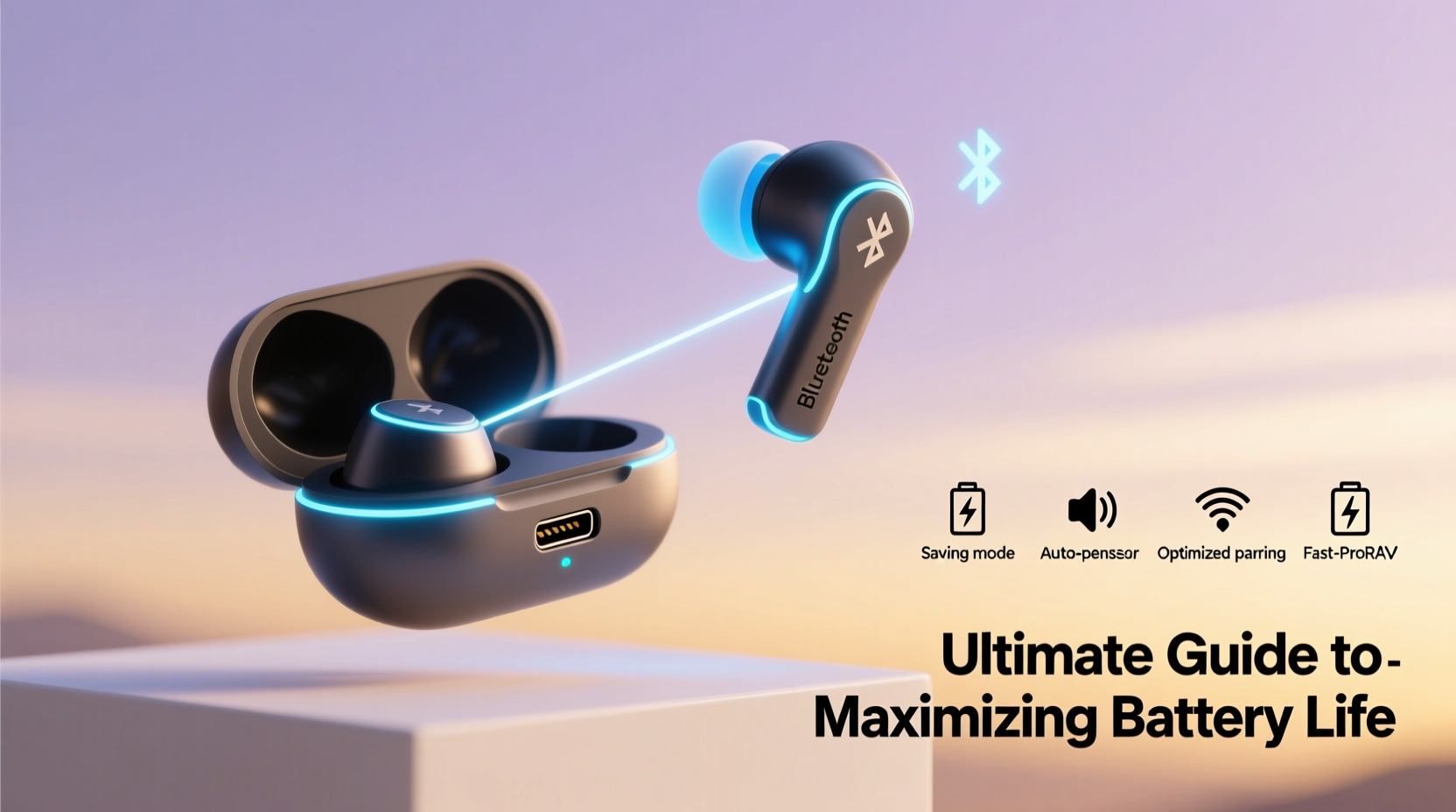
Most modern wireless earbuds use lithium-ion (Li-ion) batteries—a technology known for high energy density and low self-discharge. However, Li-ion cells degrade over time due to charge cycles, heat exposure, and improper charging habits. Unlike older battery types, they don’t need to be drained completely before recharging. In fact, doing so accelerates wear.
Lithium-ion batteries perform best between 20% and 80% charge. Keeping them constantly topped off at 100%, or letting them drop to 0%, stresses the internal chemistry. Over months, this leads to reduced capacity, meaning shorter playback times even after a full charge.
“Battery longevity isn’t just about how long you use the earbuds per charge—it’s about preserving the cell’s health over two to three years of regular use.” — Dr. Lena Park, Battery Technology Researcher, MIT Energy Initiative
5 Daily Habits to Extend Battery Life
- Avoid extreme temperatures: Heat is one of the top causes of battery degradation. Never leave earbuds in direct sunlight, hot cars, or near radiators.
- Use partial charges: Plug in when power drops to around 30%, and unplug before reaching 100%. This reduces strain on the battery.
- Turn off when not in use: Even idle earbuds consume small amounts of power. Storing them outside the case without turning off drains unnecessary energy.
- Limit volume levels: High volume increases power draw. Listening at 60–70% volume can extend playback by up to 30%.
- Disable extra features: Turn off active noise cancellation (ANC), transparency mode, and RGB lights if your model has them, unless needed.
Optimizing Charging and Storage Practices
The way you charge and store your earbuds directly impacts battery lifespan. Many users assume the charging case is “smart” enough to prevent overcharging—but while most cases do stop delivering current at 100%, leaving earbuds plugged in for days still exposes them to voltage stress.
Best Practices for Charging
- Use the original or certified charging cable and adapter to avoid inconsistent power delivery.
- Charge the case regularly, but don’t leave it connected to power overnight.
- For long-term storage (over two weeks), store earbuds at around 50% charge.
- Avoid fast charging unless necessary—rapid charging generates more heat, accelerating battery aging.
Storage Do’s and Don’ts
| Action | Recommended? | Reason |
|---|---|---|
| Store in a cool, dry place | ✅ Yes | Prevents thermal stress on battery cells |
| Leave in car during summer | ❌ No | Interior temps can exceed 60°C (140°F) |
| Keep in pocket while charging phone | ❌ No | Pockets trap heat; body warmth adds stress |
| Store at 40–60% charge | ✅ Yes | Ideal range for lithium-ion stability |
| Leave in case for months unused | ❌ No | Battery may fully discharge and become unresponsive |
Real-World Example: A Commuter’s Routine
Jamal, a software developer in Chicago, uses his earbuds for two-hour daily commutes, podcast listening, and virtual meetings. Initially, he found himself charging midday after just six hours of mixed use. After adjusting his habits—disabling ANC on non-critical days, keeping volume at 65%, and charging only when below 30%—he extended usable time to over 10 hours across multiple sessions. He now charges his case every other night instead of nightly, reducing overall charge cycles by 40% monthly.
By treating his earbuds like a precision device rather than disposable tech, Jamal expects his pair to last well beyond 18 months—nearly double the average user’s replacement cycle.
Step-by-Step Guide to a Battery-Optimized Routine
Follow this daily and weekly routine to maximize both immediate and long-term battery performance:
- Morning: Remove earbuds from case only when ready to use. Check battery level via app or LED indicator.
- During Use: Keep volume moderate, disable unnecessary features, and pause audio during long breaks.
- After Use: Place back in case immediately. If battery is below 30%, charge case briefly (30–60 mins).
- Evening: If case has less than 50% charge, plug in using a standard-speed charger. Avoid overnight charging.
- Weekly: Wipe earbud contacts gently with a dry cotton swab to ensure efficient charging. Update firmware if available—manufacturers often release power management improvements.
Firmware and App Settings That Save Power
Many users overlook the role of software in battery efficiency. Most major brands—Apple, Sony, Samsung, Jabra—offer companion apps that allow customization of power-hungry features.
- Auto-play/pause: Enable sensor-based play/pause to stop audio when earbuds are removed, saving minutes of wasted playback.
- Shorter auto-off timer: Reduce inactivity timeout from 10 minutes to 3–5 minutes.
- Disable touch feedback vibrations: Haptic alerts consume additional power with minimal benefit.
- Update firmware: Manufacturers frequently optimize battery algorithms through updates.
For example, a 2023 update for the Samsung Galaxy Buds2 Pro improved standby battery drain by 22% simply by refining background processes—adding nearly two extra hours of weekly usage without hardware changes.
Frequently Asked Questions
How long should wireless earbuds last on a single charge?
Most models offer 4–8 hours of playback. High-efficiency models with smaller drivers or lower feature loads (e.g., basic TWS earbuds) may reach 10+ hours. Real-world results depend on volume, ANC usage, and connection stability.
Is it bad to charge earbuds every day?
Charging daily isn’t harmful if done correctly. The key is avoiding full 0–100% cycles daily. Instead, top up from 30% to 70–80% to reduce chemical stress. It’s the depth of discharge, not frequency, that affects longevity.
Can I replace earbud batteries?
In most consumer models, no—batteries are sealed and non-replaceable. Some third-party repair shops offer micro-soldering services, but success varies. Focus on prevention: extending battery life now delays the need for replacement.
Final Checklist for All-Day Battery Readiness
- 🔋 Daily:
- - Disable ANC when not needed
- - Keep volume under 70%
- - Store in case when not in use
- 🔌 Charging:
- - Charge between 30% and 80%
- - Use slow/standard charger when possible
- - Avoid overnight charging
- 🧼 Maintenance:
- - Clean charging contacts weekly
- - Update firmware monthly
- - Store at room temperature
Conclusion: Make Every Charge Count
Maximizing your wireless Bluetooth earbuds’ battery life isn’t about squeezing out an extra hour once—it’s about building sustainable habits that preserve performance over months and years. From smarter charging to mindful usage settings, each small adjustment compounds into longer daily uptime and delayed replacement costs. These devices are precision electronics, not disposables. Treat them with intention, and they’ll deliver reliable, all-day sound far beyond their expected shelf life.




 浙公网安备
33010002000092号
浙公网安备
33010002000092号 浙B2-20120091-4
Comments
No comments yet. Why don't you start the discussion?