
In an age where time is as valuable as focus, small daily inefficiencies can accumulate into significant frustration. One of the most overlooked yet impactful tools in your daily routine is your key case. Far from being just a holder for house and car keys, today’s multi-functional key cases are designed to carry USB drives, pocket tools, access cards, and even digital trackers. Yet without proper organization, these compact organizers can become chaotic, defeating their very purpose.
The right setup transforms your key case from a jumbled catch-all into a streamlined extension of your personal system. Whether you're a minimalist seeking simplicity or a professional managing multiple access points, this guide delivers actionable strategies to optimize your key case for speed, reliability, and peace of mind.
Why Organization Matters in a Multi-Functional Key Case
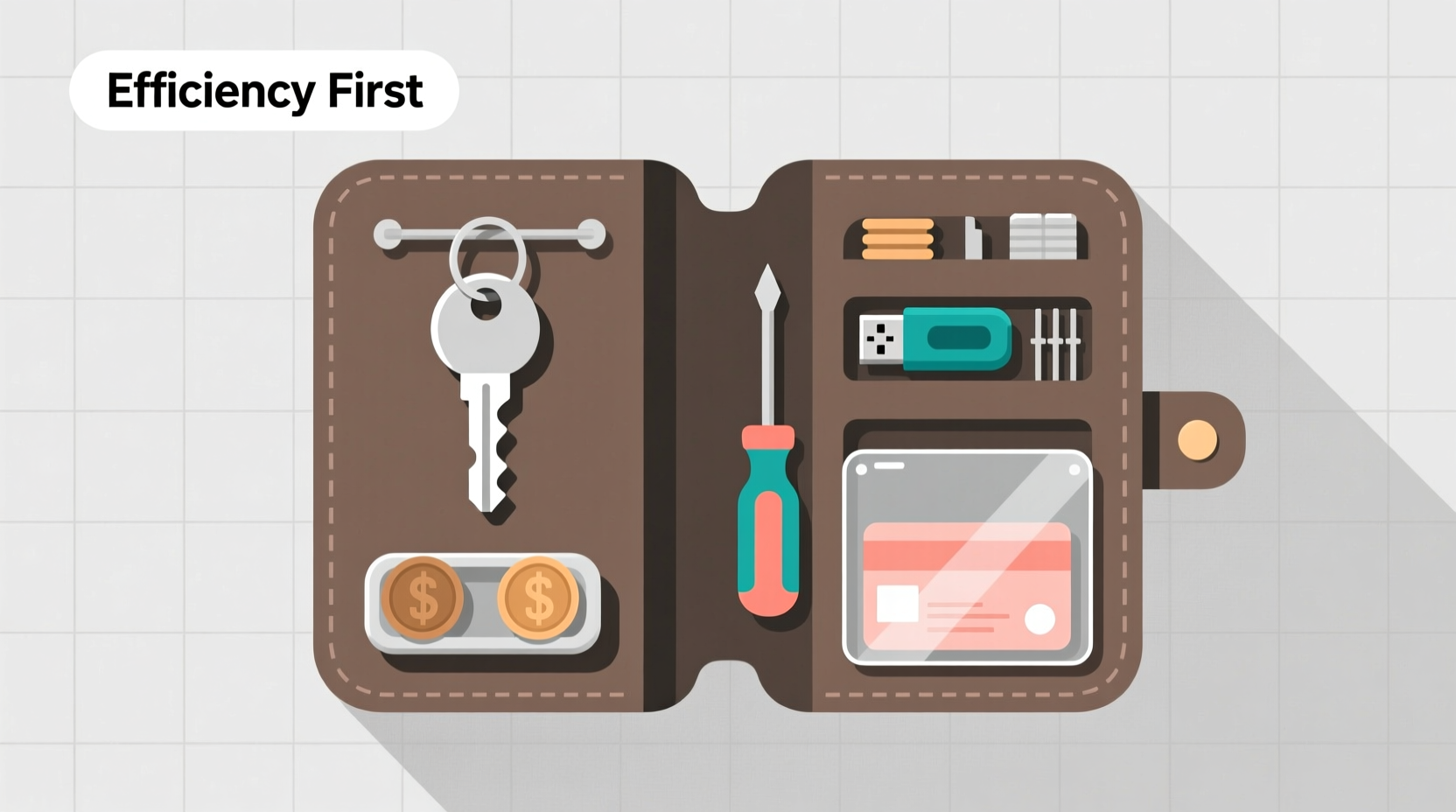
A disorganized key case leads to fumbling at doors, lost items, and unnecessary stress. When every second counts—rushing to work, accessing secure facilities, or switching between devices—a well-structured key case becomes a silent productivity partner.
Modern key cases often feature modular compartments, attachment loops, RFID-blocking sleeves, and tool integration. But functionality only matters if it's intuitive. The goal isn’t just to fit everything inside—it’s to make each item instantly accessible without visual confirmation. That level of efficiency comes from thoughtful categorization, strategic placement, and consistent maintenance.
“Efficiency isn’t about doing more; it’s about reducing friction in what you already do.” — David Allen, author of *Getting Things Done*
Step-by-Step: Building Your Optimized Key Case System
Creating an efficient key case isn’t a one-time task—it’s a process of evaluation, arrangement, and refinement. Follow this timeline to build a system that works seamlessly with your lifestyle.
- Empty and Audit (5 minutes): Remove all contents. Lay them out and identify every item. Ask: Do I use this daily? Is it essential?
- Categorize by Function (3 minutes): Group items into types: keys, access cards, tools, digital devices (e.g., Tile tracker), emergency items.
- Select Primary Access Points (7 minutes): Assign priority slots. Frequently used items (house key, office card) go in fastest-access positions.
- Secure Loose Items (5 minutes): Use retractable reels for badges, elastic loops for USBs, or snap closures for multitools.
- Test and Adjust (Ongoing): Use the case for 48 hours. Note any delays or frustrations. Reorganize accordingly.
Essential Components and Their Ideal Placement
Understanding the role of each component ensures logical positioning. Here’s how to assign space based on usage frequency and urgency.
| Item Type | Recommended Location | Notes |
|---|---|---|
| Main House Key | Front-facing clip or top loop | Ensure it’s the first thing your fingers touch |
| Car Key / Fob | Dedicated magnetic or snap compartment | Prevents accidental presses and battery drain |
| Office Access Card | RFID sleeve near outer edge | Allows quick tap without removing |
| USB Drive | Interior mesh pocket or secured loop | Protects connector and avoids tangling |
| Multitool or Pocket Knife | Side clip with lock mechanism | Ensures safety and fast deployment |
| Digital Tracker (e.g., AirTag) | Integrated slot or silent tag holder | Must not interfere with metal components |
Remember: Weight distribution matters. Heavier items like multitools should be balanced to prevent the case from tilting or pulling unevenly in your pocket.
Common Mistakes That Undermine Efficiency
Even experienced organizers fall into traps that compromise function. Avoid these pitfalls to maintain peak performance.
- Overloading: Every additional item increases bulk and reduces tactile recognition. Limit total weight to under 4 ounces for comfort.
- Poor Labeling: Unmarked keys lead to trial-and-error unlocking. Use colored key caps or engraving for instant identification.
- Ignoring Wear Patterns: Regularly inspect lanyards, clips, and stitching. A broken clasp mid-commute defeats the entire system.
- Static Layouts: Life changes—jobs, homes, routines. Reassess your key case quarterly to reflect current needs.
Real-Life Example: How a Busy Executive Regained 7 Minutes Daily
Mark, a regional operations director, carried six keys, two access fobs, a USB stick, and a multitool. His old keyring was a tangled mess he called “the knot.” On average, he spent 45 seconds per day searching or untangling—adding up to over 4.5 hours annually.
After implementing a slim multi-compartment key case, he reorganized using the priority-access method. He placed his office badge in a front RFID sleeve, assigned color-coded caps to keys, and mounted his USB on a retractable reel. Within a week, his average access time dropped to 8 seconds.
“It sounds minor,” Mark said, “but starting my day without that little frustration changed my morning mindset. Plus, I stopped breaking zippers when the multitool snagged in my jacket.”
Expert Insight: Designing for Muscle Memory
True efficiency occurs when you no longer need to look. Experts emphasize designing for tactile navigation—arranging items so your fingers know exactly where each one is by feel alone.
“The best organizational systems disappear into behavior. When you don’t think about it, you know it’s working.” — Dr. Lena Patel, Human Factors & Ergonomics Researcher
To train muscle memory:
- Keep high-use items in consistent physical locations.
- Use texture differences (smooth vs. ridged edges) to distinguish items by touch.
- Practice retrieval with eyes closed during setup phase.
Checklist: Optimize Your Key Case in One Evening
Follow this concise checklist to complete a full key case overhaul in under 30 minutes.
- ☐ Empty all contents and clean the interior
- ☐ Discard unused or redundant items
- ☐ Label keys with color codes or engravings
- ☐ Assign zones: primary, secondary, emergency
- ☐ Secure loose tools and digital devices
- ☐ Test access speed for each critical item
- ☐ Update once per quarter or after major life changes
Frequently Asked Questions
How many keys should I realistically carry daily?
Most people only need 3–4 keys regularly: home, car, office, and mailbox. Store backups at home or with trusted contacts instead of carrying duplicates.
Can I include a small flashlight or knife without violating security policies?
Yes, but check local regulations. Many modern multitools are TSA-compliant and acceptable in office environments. Always declare them at airport security.
What’s the best way to prevent key wear and damage?
Use protective sleeves or padded key cases within your organizer. Avoid letting metal keys rub against each other—this causes micro-abrasions that weaken teeth over time.
Final Thoughts: Turn a Simple Tool Into a Daily Advantage
Your key case is more than a container—it’s a reflection of your approach to order, preparedness, and personal efficiency. By investing a small amount of time to organize it thoughtfully, you gain back minutes every day, reduce mental load, and avoid avoidable setbacks.
The principles here extend beyond keys: clarity comes from curation, speed from structure, and confidence from consistency. Apply this same rigor to other everyday tools, and watch how small optimizations compound into meaningful gains.




 浙公网安备
33010002000092号
浙公网安备
33010002000092号 浙B2-20120091-4
Comments
No comments yet. Why don't you start the discussion?