
In an era where speed and convenience define modern commerce, the ability to make payments without reaching for your wallet or phone is no longer a luxury—it’s expected. Smartwatches have evolved from fitness trackers into full-fledged digital wallets, enabling users to complete transactions with just a flick of the wrist. Whether you're using an Apple Watch, Samsung Galaxy Watch, or a Wear OS device from Google or Fitbit, contactless payments are now standard. This guide walks you through everything you need to know to use your smartwatch as a secure, reliable payment tool—regardless of platform.
How Smartwatch Payments Work
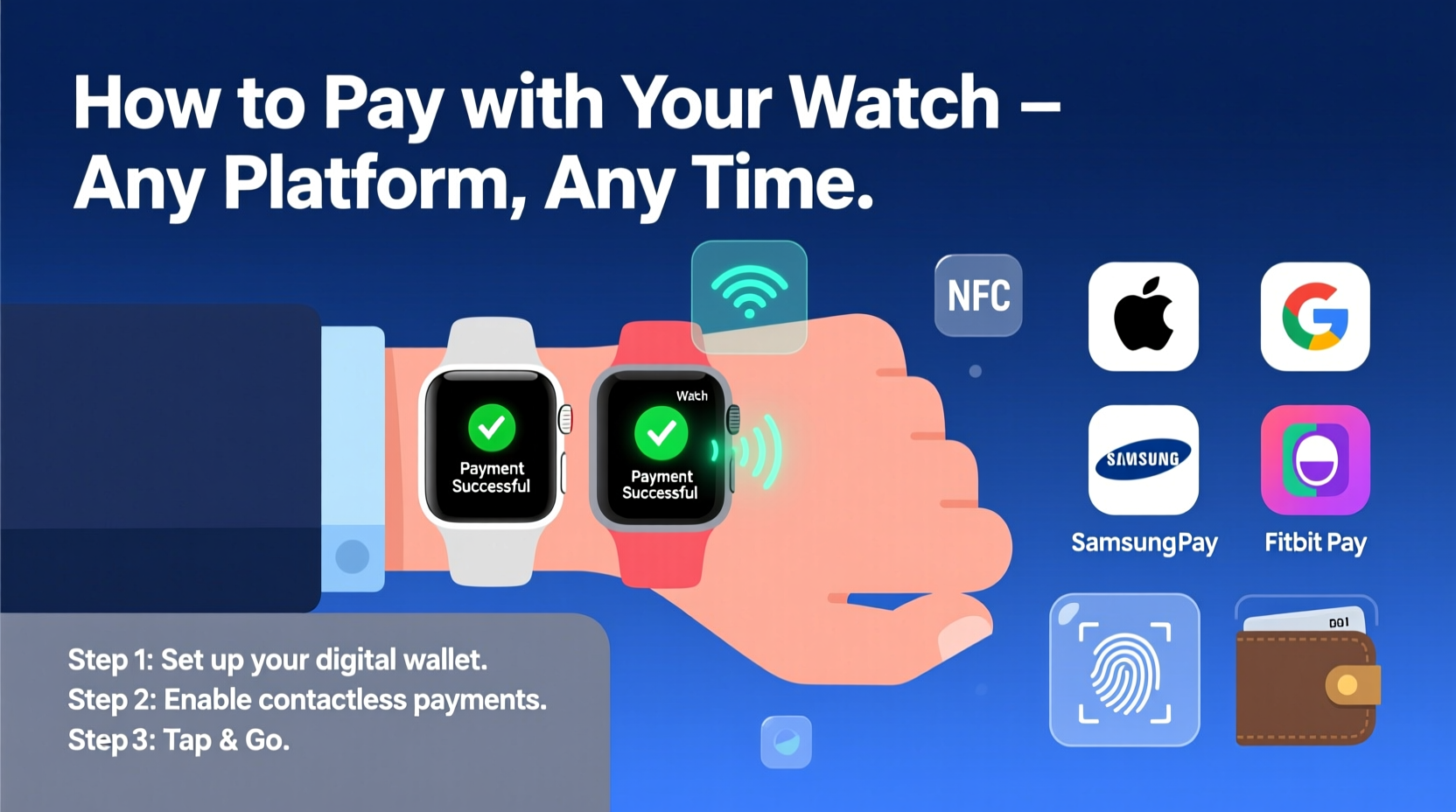
Smartwatch payments rely on Near Field Communication (NFC) technology, the same system used in tap-to-pay credit cards and smartphones. When you hold your watch near a compatible terminal, it transmits encrypted payment data via NFC to complete the transaction. Unlike swiping a card, your actual card number is never shared. Instead, a unique token is generated for each purchase—a process known as tokenization—which enhances security.
Major platforms like Apple Pay, Google Wallet, and Samsung Pay support this functionality across their respective wearable ecosystems. The setup is intuitive, but understanding the underlying mechanics helps users troubleshoot issues and maximize security.
Setting Up Your Watch for Contactless Payments
The initial configuration varies slightly depending on your smartwatch brand, but the core principles remain consistent. Follow this universal step-by-step guide tailored to major platforms.
Step-by-Step Setup Timeline
- Verify compatibility: Confirm your smartwatch model supports mobile payments. Most devices released after 2018 do.
- Update software: Install the latest firmware on your watch and companion phone app.
- Open wallet app: On iPhone, open Apple Wallet; on Android, launch Google Wallet or Samsung Pay.
- Add payment card: Use your phone’s camera to scan your credit or debit card, or enter details manually.
- Verify identity: Your bank may send a push notification, SMS code, or require online login to confirm the addition.
- Set default card: Choose which card activates when you double-click the side button (Apple) or raise your wrist (Android).
- Test transaction: Make a small purchase at a nearby retailer to confirm functionality.
Once configured, simply wake your watch, hold it near the payment terminal, and wait for the confirmation vibration or beep. No PIN is required for purchases under $50 in most regions, though higher amounts may prompt authentication via passcode or biometric verification on your phone.
Platform Comparison: Apple Watch vs. Wear OS vs. Galaxy Watch
Different operating systems offer varying levels of integration and flexibility. Here's a breakdown of key features across leading platforms.
| Feature | Apple Watch (watchOS) | Wear OS (Google/Samsung/Fitbit) | Samsung Galaxy Watch |
|---|---|---|---|
| Default Wallet App | Apple Pay | Google Wallet | Samsung Pay (supports MST) |
| Magnetic Secure Transmission (MST) | No | No | Yes – works with older magnetic stripe readers |
| Number of Cards Supported | Up to 12 | Up to 10 | Up to 10 |
| Transit Card Integration | Yes (e.g., Suica, Oyster) | Limited (varies by region) | Yes (in supported markets) |
| Offline Payments | Yes (after recent unlock) | Yes (with screen-on authentication) | Yes |
Samsung stands out with MST technology, allowing payments at terminals that don’t support NFC—making it ideal for regions with outdated infrastructure. Apple Pay leads in ecosystem integration, especially for transit and loyalty cards. Wear OS offers broad compatibility across brands but depends heavily on manufacturer implementation.
Security and Best Practices
One common concern among new users is whether wearing a payment-enabled device compromises financial safety. In reality, smartwatch payments are often more secure than physical cards.
Tokenization ensures your real card number isn't transmitted during transactions. Biometric safeguards—like requiring your iPhone to be unlocked before authorizing a watch payment—add another layer. Additionally, if your watch is lost or stolen, you can instantly suspend payments remotely via Find My (Apple), Find My Device (Google), or Samsung Find My Mobile.
“Mobile and wearable payments reduce fraud risk by replacing static card data with dynamic tokens. A lost watch is far less dangerous than a lost wallet.” — David Lin, Senior Security Analyst at FinTech Guard
Essential Security Checklist
- ✅ Set a strong passcode on your paired smartphone
- ✅ Turn on wrist detection to auto-lock the watch
- ✅ Review active cards regularly and remove unused ones
- ✅ Activate two-factor authentication for your wallet account
- ✅ Register your device with your bank’s mobile payment service
Real-World Example: Commuting with Confidence
Sophia, a marketing executive in London, uses her Apple Watch Series 9 daily to navigate the city. Every morning, she taps her watch on the Underground reader to enter the station. At her favorite coffee shop, she pays for her latte while holding her umbrella and briefcase—no fumbling for cash or phone needed. When traveling to New York last month, she added her U.S. bank card to Apple Wallet and made seamless purchases across Manhattan.
“It’s not just about speed,” she says. “It’s about reducing friction in my routine. I feel safer knowing my card details aren’t exposed, and I’ve never missed a train because I was digging through my bag.”
Her experience reflects a growing trend: consumers prioritizing efficiency and hygiene, especially in crowded urban environments. With proper setup, anyone can replicate this level of convenience.
Frequently Asked Questions
Can I use multiple banks or cards on one watch?
Yes. All major platforms allow you to store multiple credit, debit, and even prepaid cards. You can switch between them directly on your watch before tapping to pay.
Do I need my phone nearby to make a payment?
No. Once set up, your watch stores payment tokens independently. Even if your phone is off or out of range, you can still complete transactions—as long as the watch has been recently authenticated.
What happens if my watch battery dies?
If your battery runs out, contactless payments won’t work until it’s recharged. Consider keeping a backup card in your wallet for emergencies, especially during long travel days.
Maximize Convenience Without Sacrificing Control
Wearable payments represent a natural evolution in personal finance—one that blends technology, design, and practicality. By understanding how to configure, secure, and optimize your smartwatch for transactions, you gain more than convenience; you gain confidence in a cashless world.
The future of payments isn’t in your pocket—it’s on your wrist. Take control today: add your first card, test a transaction, and experience the freedom of paying seamlessly, securely, and stylishly.




 浙公网安备
33010002000092号
浙公网安备
33010002000092号 浙B2-20120091-4
Comments
No comments yet. Why don't you start the discussion?