
In an era where smartphones are central to work, communication, entertainment, and productivity, having a reliable way to position your device is no longer optional—it’s essential. Whether you're video conferencing from home, following a recipe in the kitchen, or watching a movie on the couch, a well-designed multi-functional phone stand can make a significant difference in comfort, efficiency, and screen visibility. But with countless options flooding the market, how do you choose one that truly meets all your requirements? This guide breaks down everything you need to know—from design and materials to compatibility and use-case versatility—so you can invest wisely in a stand that adapts to your lifestyle.
Evaluate Your Primary Use Cases
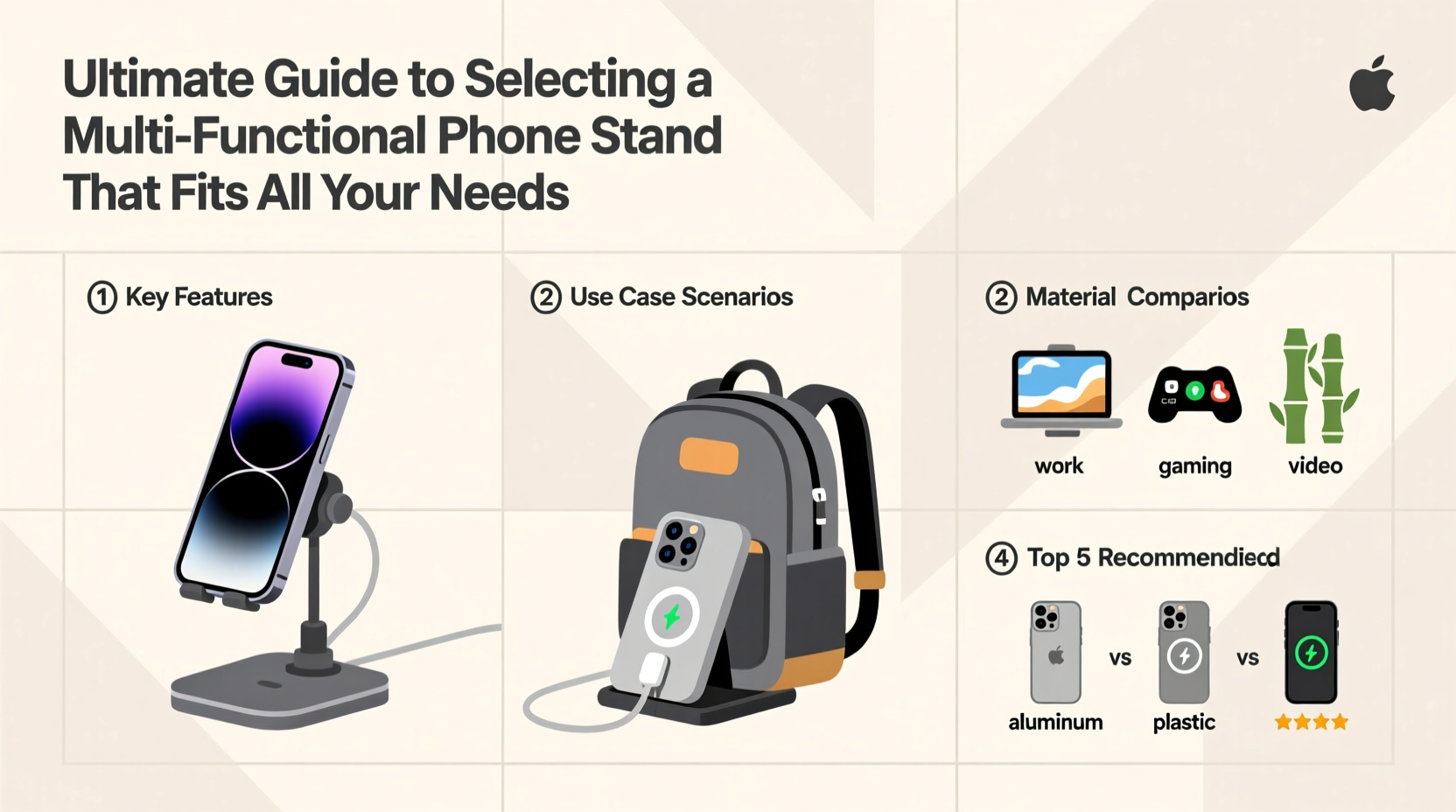
Before diving into technical specs, start by identifying how and where you plan to use your phone stand. Different scenarios demand different features:
- Work-from-home setups: Require stable, adjustable stands that support portrait and landscape modes for video calls and document viewing.
- Kitchen use: Benefits from compact, easy-to-clean designs that hold phones securely while hands are occupied.
- Bedroom or living room: Favors sleek, low-profile stands ideal for media consumption at relaxed angles.
- Travel: Needs foldable, lightweight models that fit in bags without adding bulk.
A true multi-functional stand should accommodate at least three of these environments seamlessly. Avoid single-purpose models unless they perfectly align with one dominant need.
Key Features of a High-Performance Multi Functional Stand
Not all stands are created equal. The best ones balance form, function, and durability. Here are the critical features to prioritize:
- Adjustability: Look for stands offering multiple viewing angles. Tilt, swivel, and height adjustments ensure ergonomic positioning and reduce neck strain.
- Compatibility: Ensure the stand supports a wide range of devices—ideally from compact iPhones to larger Androids and even small tablets (up to 8 inches).
- Stability: A weighted base or non-slip silicone padding prevents tipping, especially on smooth surfaces like glass desks.
- Port Access: Choose models that allow unrestricted access to charging ports, headphone jacks, and buttons without removing the phone.
- Material Quality: Durable materials like aluminum, reinforced ABS plastic, or wood offer longevity over flimsy plastics.
“Ergonomic design isn’t just about comfort—it reduces long-term musculoskeletal strain caused by poor screen alignment.” — Dr. Lena Torres, Occupational Therapist & Tech Wellness Consultant
Comparison: Top Phone Stand Types and Their Trade-offs
| Type | Best For | Pros | Cons |
|---|---|---|---|
| Foldable Metal Stands | Travel, minimalists | Lightweight, portable, often stylish | Limited adjustability, less stable on uneven surfaces |
| Desktop Adjustable Arms | Home office, extended use | Precise angle control, strong grip, cable management | Bulkier, higher price point |
| Suction Cup Mounts | Kitchens, cars, mirrors | Space-saving, attaches to glass/tiles | Less durable over time, limited device size support |
| Rotating Base with Clamp | Dual-device users, streamers | Holds phone + secondary device, highly flexible | Requires setup space, not travel-friendly |
| Magnetic Wireless Charging Stands | iOS/Android MagSafe users | Convenient charging + display, auto-alignment | Expensive, only works with compatible cases/devices |
Step-by-Step Guide to Choosing the Right Stand
Selecting the ideal multi-functional phone stand doesn’t have to be overwhelming. Follow this five-step process to make a confident decision:
- Assess Your Daily Routines: List the top three places you use your phone most. Is it your desk, bed, kitchen counter, or car?
- Measure Device Dimensions: Note your phone’s width and thickness. Check if you use a case, as bulky cases may affect grip compatibility.
- Determine Adjustability Needs: Decide whether you need landscape/portrait switching, tilt adjustment, or full rotational freedom.
- Check Material & Build Quality: Prioritize stands with metal joints, rubberized grips, and sturdy bases. Read customer reviews focusing on long-term durability.
- Test for Real-World Usability: If buying online, choose retailers with return policies. Try the stand in actual settings—typing, watching videos, charging—to confirm functionality.
Mini Case Study: How a Remote Worker Transformed Her Setup
Sarah, a freelance graphic designer from Portland, spent months experiencing wrist pain and eye fatigue during client Zoom calls. She used her phone propped up on books, leading to awkward angles and frequent readjustments. After researching ergonomic solutions, she invested in an adjustable aluminum desktop stand with a rotating arm and silicone grip. Within a week, her posture improved significantly. She could now transition smoothly between sketching on her tablet and referencing emails on her phone—all without straining her neck. “It’s not just a stand,” she said. “It’s part of my productivity toolkit.”
Essential Buying Checklist
Before making a purchase, verify that the stand meets these criteria:
- ✅ Holds your phone securely in both portrait and landscape orientation
- ✅ Allows full access to charging ports and volume buttons
- ✅ Offers at least three stable viewing angles
- ✅ Compatible with your phone model and case (if used)
- ✅ Made from durable, scratch-resistant material
- ✅ Easy to clean and maintain (especially important in kitchens or shared spaces)
- ✅ Compact enough for travel or storage when not in use
Frequently Asked Questions
Can one phone stand really work for all my devices?
Yes—many high-quality multi-functional stands are designed to accommodate smartphones ranging from 4.7” to 7”, including most iPhones, Samsung Galaxy models, and smaller tablets. Look for adjustable clamps or expandable arms to ensure universal fit.
Are wireless charging stands worth the extra cost?
If you regularly charge your phone while using it (e.g., during morning routines or work breaks), a magnetic wireless charging stand adds convenience and reduces cable clutter. However, they tend to be more expensive and generate heat during prolonged use, so monitor battery health accordingly.
How do I prevent my phone from slipping out of the stand?
Choose a stand with silicone-lined grips or rubber pads inside the clamp. Avoid overly spring-loaded mechanisms that may loosen over time. Also, ensure the center of gravity is balanced—larger phones should be positioned closer to the base for stability.
Final Thoughts: Invest in Functionality That Lasts
A multi-functional phone stand is more than a simple accessory—it’s a tool that enhances how you interact with technology every day. By choosing one that aligns with your habits, supports your devices, and withstands daily wear, you create a more efficient, comfortable, and organized environment. Don’t settle for flimsy or single-use designs. Instead, prioritize versatility, build quality, and real-world usability. The right stand will serve you across contexts and years, quietly improving your digital experience one stable angle at a time.




 浙公网安备
33010002000092号
浙公网安备
33010002000092号 浙B2-20120091-4
Comments
No comments yet. Why don't you start the discussion?