
In an era where digital content spreads faster than ever, distinguishing authentic videos from manipulated or misattributed ones has become essential. Whether you're a journalist verifying user-generated content, a researcher analyzing social media trends, or a concerned individual trying to confirm a viral clip, knowing how to trace a video’s origin is a critical skill. This guide outlines proven methodologies, tools, and strategies that empower you to identify where any video truly came from—cutting through misinformation and establishing credibility.
Why Tracing Video Origins Matters
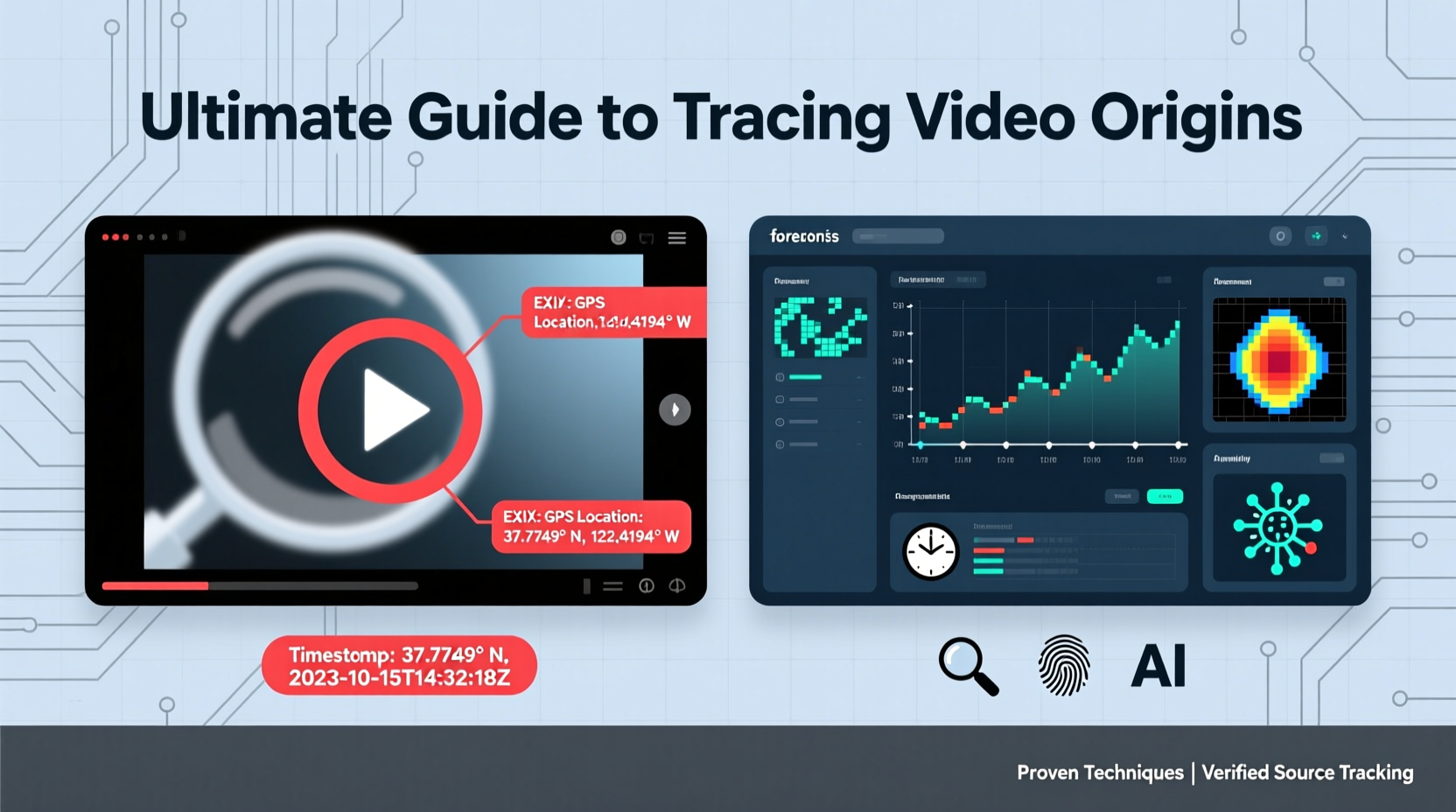
The internet thrives on visual content, but not all videos are what they seem. Misinformation campaigns, deepfakes, and out-of-context clips are increasingly common. A video supposedly showing a natural disaster in one country might actually be footage from years prior—or even from a different continent. Without proper verification, sharing such content can fuel panic, bias, or false narratives.
Tracing a video's origin allows you to:
- Verify authenticity before sharing or reporting
- Prevent the spread of misinformation
- Support fact-based journalism and research
- Protect yourself from being misled by manipulated media
“Digital verification isn’t just for professionals anymore. In a world saturated with content, every viewer needs basic media literacy.” — Sarah Chen, Digital Forensics Analyst at First Draft News
Step-by-Step Guide to Tracing a Video’s Source
Tracing a video back to its original upload requires methodical investigation. Follow this structured approach to maximize accuracy and efficiency.
- Preserve the Original File: Download the video if possible. Metadata may still exist, especially if it hasn’t been re-uploaded multiple times.
- Analyze Visual Clues: Look for landmarks, weather conditions, language on signs, vehicle license plates, or clothing styles that indicate location or time.
- Extract Key Frames: Use software like VLC or online tools to capture still images from critical moments in the video.
- Reverse Image Search: Upload these frames to Google Images, Yandex, or TinEye. Yandex is particularly effective for identifying altered or region-specific content.
- Check Upload Timestamps: Compare when the video appeared on various platforms. The earliest public upload is often closest to the original.
- Use Geolocation Techniques: Match terrain, architecture, shadows (for time of day), and sun angles to satellite imagery via Google Earth or Sentinel Hub.
- Leverage Social Media Search Tools: Platforms like TweetDeck, CrowdTangle, or advanced YouTube search filters help find earlier instances.
- Consult Verification Communities: Share findings with groups like Bellingcat’s Discord or the First Draft Network for collaborative analysis.
Essential Tools for Video Provenance Analysis
No single tool can verify a video alone, but combining several increases confidence in your conclusions. Below is a comparison of widely used resources.
| Tool | Purpose | Best For | Limitations |
|---|---|---|---|
| Google Reverse Image Search | Find web appearances of video frames | Quick initial checks | Less effective with edited or obscure visuals |
| Yandex.Images | Reverse image search with strong AI recognition | Finding visually similar content, especially in Eastern Europe/Asia | Interface less intuitive for English users |
| Amber | Video fingerprinting and tracking across platforms | Monitoring reuse of content on social media | Requires account; limited free tier |
| InVID & WeVerify | Frame extraction, metadata analysis, geolocation | Journalists and investigators | Desktop plugin; learning curve |
| Google Earth Pro | Geolocation using 3D terrain and historical imagery | Matching landscapes and buildings | Time-intensive; requires practice |
Real-World Case Study: Identifying a Viral Protest Clip
In early 2023, a 30-second video circulated on TikTok claiming to show police brutality during protests in Southeast Asia. The clip had no audio and was shared with inflammatory captions. A freelance journalist decided to investigate.
Using VLC, she extracted a frame showing a distinctive red awning with partially visible text in a local script. She enhanced the image and ran it through Yandex.Images, which returned matches from a regional news site. Cross-referencing dates, she found the same footage published six months earlier—linked to a labor strike in a different city. Further geolocation using Google Earth confirmed the building layout matched a market in northern Vietnam, not the claimed location.
Her findings were published with side-by-side comparisons, effectively debunking the false narrative. This case underscores how systematic analysis can correct misinformation with minimal tools.
Common Pitfalls and How to Avoid Them
Even experienced analysts make mistakes when under pressure. Awareness of these errors improves reliability.
- Assuming platform = source: Just because a video appears first on Twitter doesn’t mean it originated there. Private sharing or deleted uploads may precede public posts.
- Ignoring metadata stripping: Most social platforms remove EXIF data. Never assume missing metadata means falsification.
- Overrelying on reverse search results: Algorithms may miss matches due to cropping or compression. Try multiple tools.
- Confirmation bias: Avoid latching onto the first plausible result. Test alternative hypotheses.
Expert Checklist: Verify Any Video in 7 Steps
Use this concise checklist whenever you encounter a questionable video:
- Download the highest-quality version available
- Extract 2–3 key frames showing unique details
- Run reverse image searches on Google, Yandex, and TinEye
- Check upload history across platforms (YouTube, X, Facebook, Reddit)
- Analyze background elements for time and location clues
- Use Google Earth to test geolocation hypotheses
- Cross-reference findings with credible news sources or databases
Frequently Asked Questions
Can I trace a video if it’s been edited or cropped?
Yes, though it’s more challenging. Edited videos may lose context, but visual fragments—like a unique building corner or clothing detail—can still yield results through reverse image search. Focus on any unaltered portion.
What if the video has no identifiable landmarks?
Look for indirect clues: vegetation type, weather patterns, language in subtitles, accent in audio, or cultural practices. Even lighting direction can suggest hemisphere and time of day, narrowing possibilities.
Are there automated tools that do this automatically?
Some AI-powered platforms like Amber or WeVerify automate parts of the process, such as detecting duplicates or extracting frames. However, human judgment remains essential for interpreting ambiguous results and avoiding false positives.
Moving Forward: Building Your Verification Skills
Tracing video origins is both an art and a science. While technology provides powerful aids, success ultimately depends on patience, skepticism, and attention to detail. As synthetic media becomes more sophisticated, the ability to verify real content will only grow in importance.
Start small. Practice with publicly available videos, test your geolocation skills, and engage with open-source investigation communities. Each case builds experience, sharpening your intuition and technical fluency.




 浙公网安备
33010002000092号
浙公网安备
33010002000092号 浙B2-20120091-4
Comments
No comments yet. Why don't you start the discussion?