
Bluetooth speakers offer unmatched portability and audio freedom, but their convenience hinges on one critical factor: battery life. While manufacturers often quote optimistic runtime figures, real-world usage rarely matches those claims. The good news is that with informed habits and smart practices, you can significantly extend your speaker’s battery longevity—both per charge and over its entire lifespan. From optimizing volume levels to managing charging cycles, the right strategies can double effective playtime and delay degradation.
1. Optimize Volume and Audio Settings
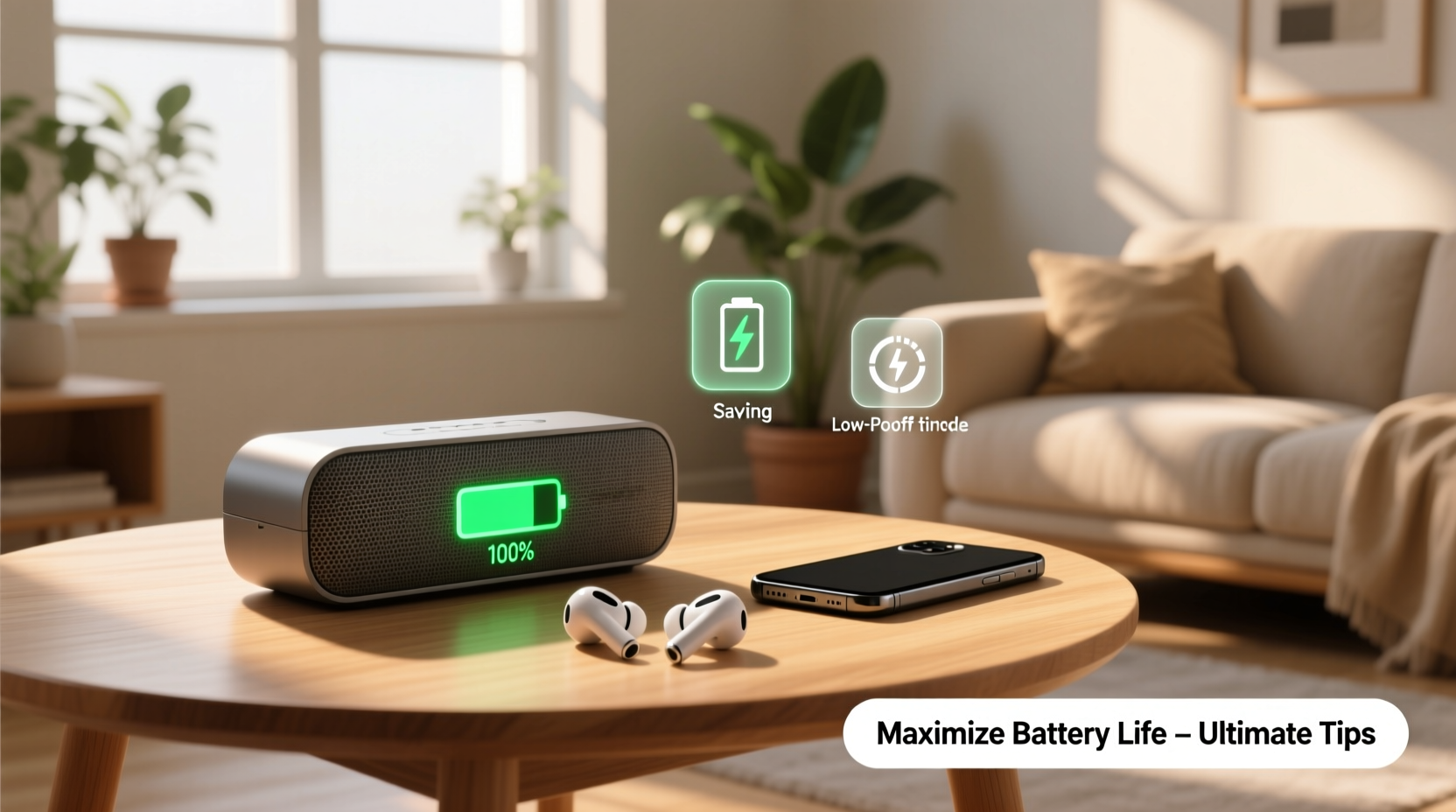
One of the most direct ways to drain a Bluetooth speaker’s battery is pushing it to maximum volume. High output demands more power from both the amplifier and the battery, accelerating discharge. Most users don’t realize that reducing volume by just 20% can increase playback time by up to 40%, depending on the model.
Beyond volume, consider the type of audio being played. Bass-heavy music or action-packed movie soundtracks require more energy due to dynamic range and low-frequency processing. If extended battery life is the priority, opt for balanced genres like acoustic, jazz, or podcasts during long outings.
Use EQ Settings Wisely
If your speaker supports an equalizer (via app or physical controls), flatten the EQ or reduce bass boost. These enhancements consume additional power. A neutral profile not only preserves battery but also prevents distortion at moderate volumes.
2. Master Charging Habits to Extend Battery Health
Lithium-ion batteries, used in nearly all modern Bluetooth speakers, degrade over time based on how they’re charged. Unlike older battery types, they don’t benefit from full discharges. In fact, deep cycling accelerates wear.
“Lithium-ion batteries perform best when kept between 20% and 80% charge. Frequent full charges or draining to zero stresses internal chemistry.” — Dr. Alan Reyes, Battery Technology Researcher, MIT Energy Initiative
To preserve long-term capacity:
- Charge before the battery drops below 20%
- Unplug once it reaches 80–90%, especially if storing for days
- Avoid leaving the speaker plugged in overnight regularly
- Use the original charger to prevent voltage mismatches
Temperature Matters During Charging
Heat is a major enemy of battery health. Charging in hot environments—like a car in direct sunlight or near a radiator—can cause irreversible capacity loss. Always charge in a cool, dry place with airflow. If the speaker feels warm during charging, disconnect and let it cool before resuming.
3. Reduce Power-Draining Features When Not Needed
Modern Bluetooth speakers come packed with features that enhance user experience—but each adds to power consumption. Identifying which ones to disable can yield dramatic gains in battery life.
| Feature | Power Impact | When to Disable |
|---|---|---|
| RGB Lighting / LEDs | High | Always, unless needed for ambiance |
| Speakerphone Mode | Moderate | When not taking calls |
| Bluetooth Standby | Low-Moderate | After use; turn off completely |
| Waterproof Mode (if active) | Minimal | Rarely needs disabling |
| Dual Pairing / Stereo Mode | Very High | Only when using two speakers together |
4. Real-World Example: Maximizing Playtime on a Weekend Trip
Consider Sarah, who planned a two-day camping trip and brought her popular portable Bluetooth speaker. On her first outing, she ran out of battery by Sunday morning despite a full charge Saturday dawn. She played music at 80% volume, left the RGB lights pulsing all night, and didn’t bring a power bank.
The following month, she applied optimization strategies: she lowered volume to 60%, disabled lights, turned off the speaker between uses, and brought a solar charger. This time, the same speaker lasted through Sunday evening—with 15% charge remaining.
The hardware hadn’t changed. Only her usage habits did. That shift extended usable playtime by over 70% without any additional equipment.
5. Step-by-Step Guide to Monthly Battery Maintenance
Battery longevity isn’t just about daily use—it also depends on periodic care. Follow this monthly routine to keep your speaker’s battery in peak condition:
- Check current charge level – Ensure it’s between 30–50% before starting.
- Perform a full cycle – Let the speaker play until it shuts down automatically (once every 4–6 weeks).
- Recharge completely – Use the original cable and adapter; avoid fast chargers unless specified.
- Update firmware – Check the manufacturer’s app or website for updates that may improve power management.
- Clean charging port – Use a dry toothbrush to remove lint or debris affecting connection efficiency.
- Store properly – After maintenance, charge to 60% and store in a cool, dry place if not in use.
Storage Best Practices
If you won’t use your speaker for several weeks, never store it fully drained or fully charged. A partial charge around 50–60% minimizes stress on the cells. Avoid humid basements or hot attics. Ideal storage temperature is between 15°C and 25°C (59°F–77°F).
6. Frequently Asked Questions
Can I use my Bluetooth speaker while charging?
Yes, most models support pass-through usage. However, doing so generates extra heat and slows down charging. For better battery health, avoid prolonged use while charging, especially at high volume.
Does turning off Bluetooth save battery when not playing audio?
Yes. Even when idle, Bluetooth maintains a wireless connection that consumes power. Turning off the speaker completely stops background processes and conserves energy far more effectively than leaving it connected but silent.
How long should a Bluetooth speaker battery last before degrading?
Most lithium-ion batteries retain about 80% of their original capacity after 300–500 charge cycles. With average use, this translates to 2–3 years. Proper care can extend this to 4+ years.
Essential Battery Care Checklist
Keep this checklist handy to maintain optimal performance:
- ✅ Charge between 20% and 80% for daily use
- ✅ Disable LED lights and unnecessary effects
- ✅ Keep volume at moderate levels (50–70%)
- ✅ Store at ~50% charge in a cool, dry place
- ✅ Perform a full charge cycle monthly
- ✅ Use original charging cables and adapters
- ✅ Turn off the speaker completely after use
- ✅ Avoid extreme temperatures during use and storage
- ✅ Update firmware regularly for efficiency improvements
- ✅ Clean ports and grilles to prevent overheating
Final Thoughts: Small Changes, Big Results
Maximizing your Bluetooth speaker’s battery life doesn’t require expensive accessories or technical expertise. It comes down to mindful usage, disciplined charging, and proactive maintenance. By adjusting simple behaviors—like lowering volume, disabling flashy lights, and avoiding full discharges—you gain meaningful extensions in playtime and device lifespan.




 浙公网安备
33010002000092号
浙公网安备
33010002000092号 浙B2-20120091-4
Comments
No comments yet. Why don't you start the discussion?