
Shockproof iPhone cases offer unmatched protection against drops, impacts, and everyday wear. But even the toughest case can become a liability if improperly installed. A misaligned snap, excessive force, or overlooked debris can lead to scratches, cracked screens, or damaged ports. Installing a hard protective case isn’t just about snapping it on—it’s a precise process that requires preparation, patience, and technique. Whether you're upgrading to a new rugged case or replacing an old one, following the right steps ensures your iPhone stays safe both inside and out.
Why Proper Installation Matters
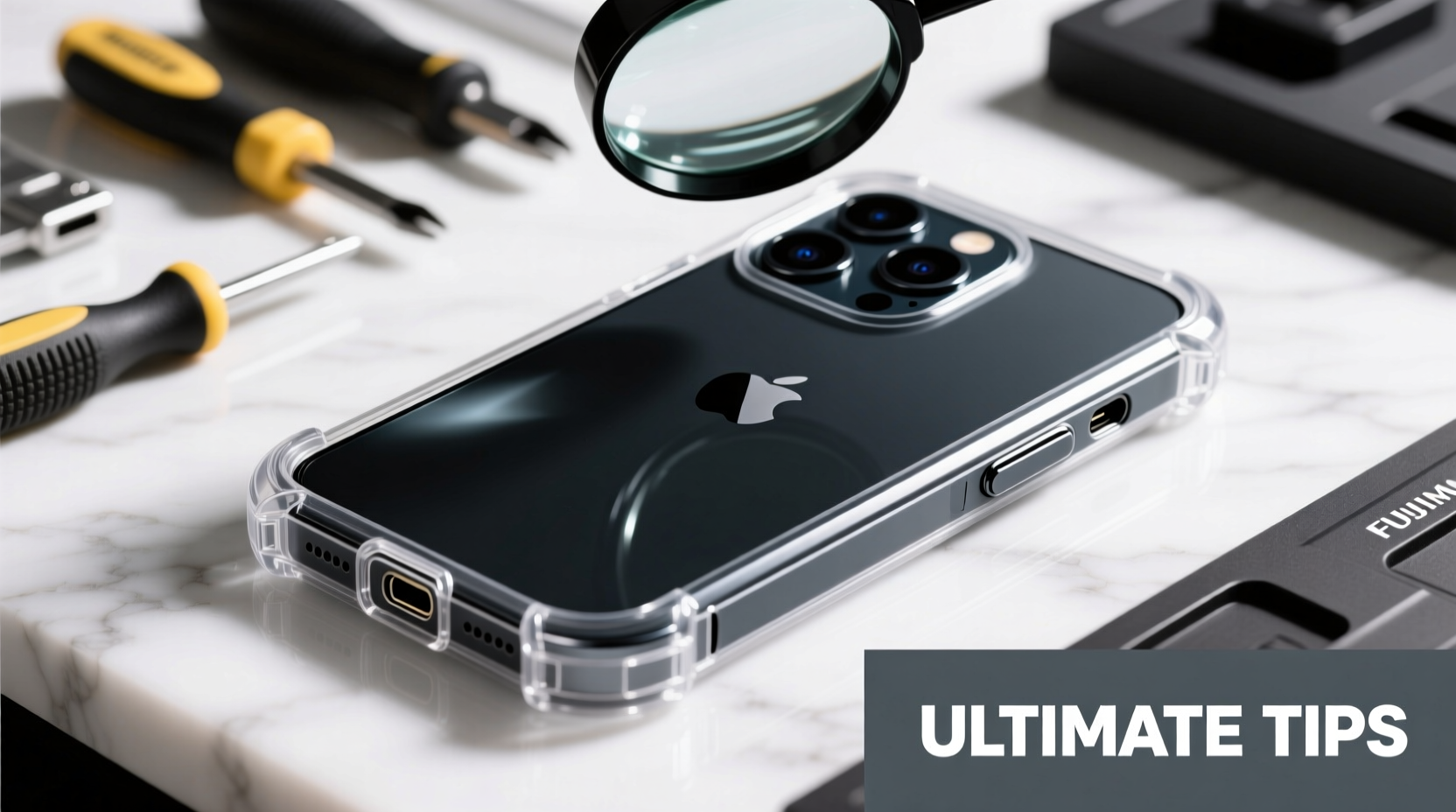
A hard shockproof case is typically made from rigid polycarbonate or reinforced plastic with tight tolerances. These materials are designed to absorb impact, but their snug fit means installation demands care. Applying uneven pressure—especially around buttons, camera cutouts, or charging ports—can stress internal components or scratch the finish. Even minor abrasions from trapped dust during installation can compromise aesthetics and resale value.
Moreover, many premium cases include features like raised bezels, precision-molded button covers, and waterproof seals. Misalignment during installation can render these features ineffective. Taking time to install the case correctly preserves both your phone’s integrity and the case’s protective capabilities.
“Over 30% of case-related damage occurs during installation due to haste or improper technique.” — Jordan Lee, Senior Technician at MobileShield Labs
Step-by-Step Guide: Installing Your Shockproof Case Safely
Follow this detailed sequence to ensure a flawless, damage-free installation every time.
- Power Off Your iPhone
While not always necessary, turning off your device eliminates the risk of accidental input during installation, especially when pressing near the screen or buttons. - Clean Both Phone and Case
Use a microfiber cloth to wipe down your iPhone, focusing on edges and ports. Check the interior of the case for dust or lint. A single grain of sand can cause micro-scratches under pressure. - Align the Bottom First
Hold the case with the bottom edge (where the charging port is) facing your phone. Gently guide the Lightning port into the case’s opening, ensuring perfect alignment before applying any pressure. - Secure One Side Before the Other
Once the bottom is seated, press one corner—preferably the top-left—into place. This creates a hinge point, allowing you to slowly flex the opposite side into position without twisting the phone. - Press Around the Edges Gradually
Work your way around the perimeter, using your fingertips to apply even pressure. Avoid using nails or tools, which can crack the case or mar the phone’s surface. - Test All Functions
After installation, check that buttons respond correctly, the camera lens is unobstructed, and the charging port accepts your cable without resistance.
Do’s and Don’ts: What to Avoid During Installation
| Do’s | Don’ts |
|---|---|
| Use clean hands or nitrile gloves to prevent oil transfer | Install the case in dusty or sandy environments |
| Inspect the case interior for molding flaws or sharp edges | Use excessive force or twist the phone while inserting |
| Check compatibility with your exact iPhone model | Reuse old adhesive strips or damaged clips |
| Let the phone sit flush before final pressure | Install the case over screen protectors that extend beyond the glass |
Real Example: A Close Call with a Rugged Case
Mark, a photographer in Seattle, recently purchased a military-grade shockproof case for his iPhone 15 Pro. Excited to use it on an outdoor shoot, he rushed the installation in his car. He didn’t notice a speck of gravel inside the case’s lower edge. When he snapped it shut, the grit scratched a thin line along the aluminum band near the volume buttons. The case fit perfectly, but the cosmetic damage was permanent. After contacting customer support, he learned that most manufacturers don’t cover such marks under warranty. Since then, Mark keeps a small cleaning kit in his gear bag and inspects every case before use—a simple habit that saved his next device.
Expert Tips for Long-Term Case Performance
Proper installation is just the beginning. To maintain effectiveness and avoid future issues, consider these advanced practices:
- Condition the Case Material: New polycarbonate cases can be stiff. Warm the case slightly with your hands or by placing it in a warm (not hot) room for 5–10 minutes. This increases flexibility and reduces stress during installation.
- Use a Button Alignment Tool: Some high-end cases come with soft silicone button covers. Press these into place before installing the full case to prevent misalignment and over-tightening.
- Check Port Seals Monthly: Dust and pocket lint accumulate over time. Remove the case every few weeks to clean both surfaces and ensure water-resistant seals remain intact.
- Avoid Extreme Temperature Swings: Installing a cold case onto a warm phone—or vice versa—can cause warping due to thermal expansion differences.
Essential Checklist for Safe Installation
Before you begin, run through this quick checklist to ensure everything is in place:
- ✅ iPhone powered off or locked
- ✅ Work area clean and well-lit
- ✅ Microfiber cloth and compressed air (optional)
- ✅ Correct case model verified (e.g., “iPhone 14 Pro Max” not just “iPhone 14”)
- ✅ No screen protector overhang or bubble under edges
- ✅ Hands washed and dry
- ✅ Patience—set aside enough time without distractions
Frequently Asked Questions
Can I install a shockproof case with a screen protector on?
Yes, as long as the screen protector doesn’t extend beyond the glass edge. Overhanging protectors can interfere with the case’s front lip, causing pressure on the display and potential cracking. Use only edge-to-edge or slightly recessed protectors designed for your specific case model.
Why does my case feel loose after installation?
If the case wobbles or gaps appear, double-check that all corners are fully snapped in. Some cases have hidden latches or require a firm final press. If the issue persists, the case may be defective or incompatible. Contact the manufacturer before continued use.
How often should I remove and reinstall the case?
It’s wise to remove the case every 2–4 weeks to clean both the phone and interior lining. Regular maintenance prevents heat buildup, dust accumulation, and adhesive degradation, especially in humid or active environments.
Final Thoughts: Protection Starts with Precision
A shockproof case is only as effective as its installation. Rushing the process risks what you’re trying to prevent—damage. By treating the setup with the same seriousness as choosing the case itself, you preserve your iPhone’s condition and maximize protection. From aligning the ports to verifying button function, each step plays a role in long-term durability.




 浙公网安备
33010002000092号
浙公网安备
33010002000092号 浙B2-20120091-4
Comments
No comments yet. Why don't you start the discussion?