
Smartphones have become extensions of our identities—holding personal conversations, financial data, location history, and access to nearly every online account. As reliance grows, so does the risk of unauthorized access. While many users turn to antivirus apps or firewalls, true mobile security often begins with awareness and behavior, not software. Understanding how hackers operate and adopting proactive habits can significantly reduce your exposure—even without installing a single app.
Common Mobile Phone Hacking Techniques
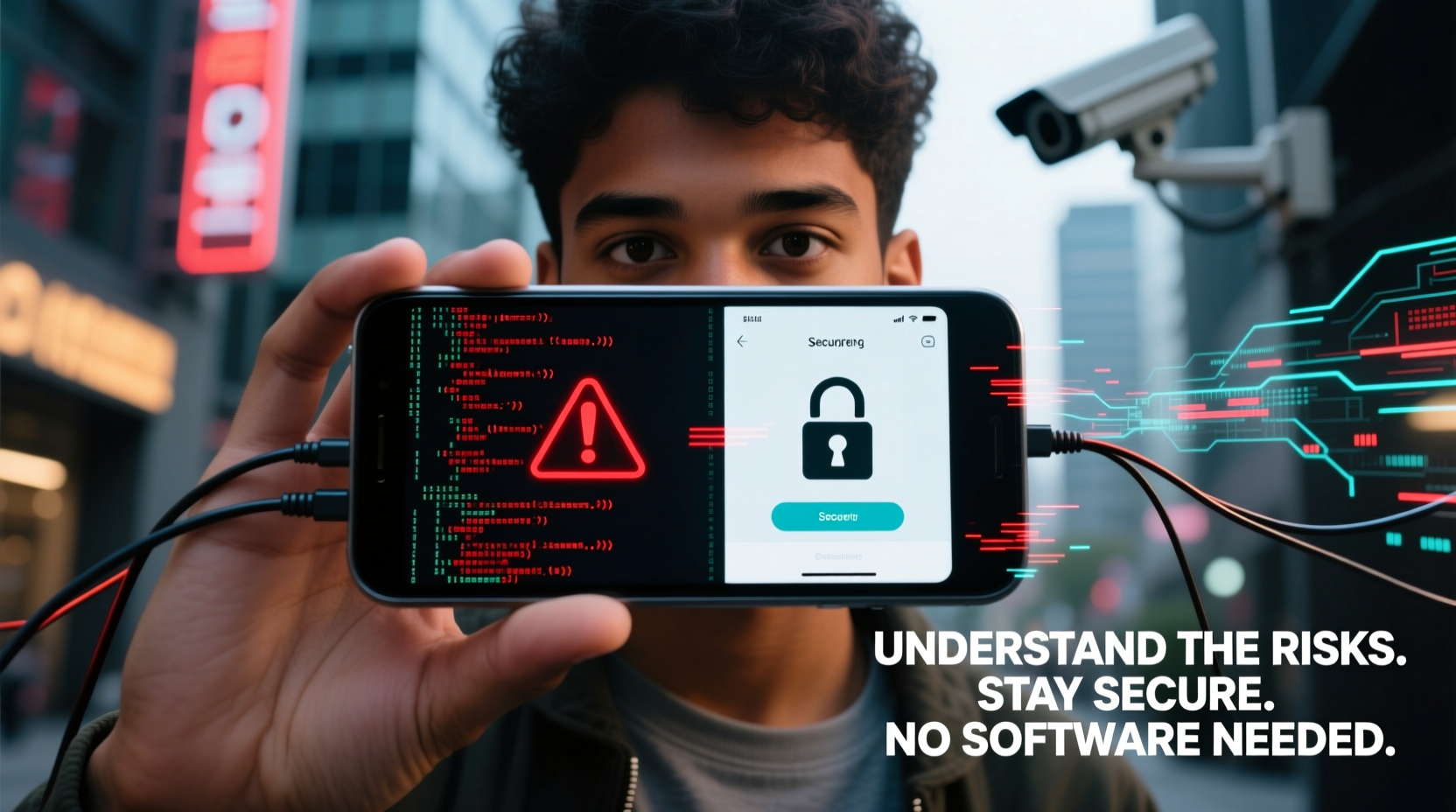
Hackers don’t always rely on complex malware. Many attacks exploit human behavior, weak settings, or unsecured networks. Below are some of the most prevalent non-malware-based methods used to compromise mobile devices.
- Phishing via SMS (Smishing): Fraudulent text messages that mimic banks, delivery services, or government agencies trick users into revealing passwords or clicking malicious links.
- Wi-Fi Eavesdropping: Public Wi-Fi networks allow attackers to intercept unencrypted data transmitted between your phone and websites.
- Bluetooth Exploitation: Leaving Bluetooth enabled in public increases the risk of unauthorized pairing attempts or data extraction via outdated protocols.
- Physical Access Attacks: A lost or unattended phone can be quickly accessed if it lacks strong lock mechanisms or biometric protection.
- SIM Swapping: Attackers impersonate you to your carrier, transferring your number to a new SIM card to bypass two-factor authentication.
- Shoulder Surfing: Observing PINs or passcodes being entered in public spaces remains a surprisingly effective method.
Risks of Being Hacked Without Software Involvement
The misconception that only downloaded apps pose a threat leaves many users vulnerable. In reality, much of mobile hacking occurs through configuration weaknesses or social engineering. The consequences include:
- Identity theft due to access to emails and messaging apps
- Financial loss from compromised banking apps or saved payment methods
- Reputation damage from impersonation on social media
- Location tracking and stalking via GPS-enabled apps
- Data resale on dark web marketplaces
A 2023 report by the FBI’s Internet Crime Complaint Center (IC3) revealed that over 45% of mobile-related fraud cases involved no malware installation—just manipulation of user trust or poor device hygiene.
“Most mobile breaches aren’t technical—they’re behavioral. The weakest link is rarely the phone; it’s the person holding it.” — Dr. Lena Torres, Cybersecurity Researcher at MIT Lincoln Lab
Essential Security Practices That Require No Software
You don’t need an app to lock down your phone. Built-in features and disciplined habits offer robust protection when applied consistently.
1. Lock Your Device Properly
Use a strong passcode (6+ digits), pattern, or biometrics. Avoid simple codes like “1234” or “0000.” On iPhones, enable “Erase Data” after 10 failed attempts. Android users should activate “Factory Reset Protection” to deter post-theft misuse.
2. Disable Auto-Connect Features
Turn off automatic connections to Wi-Fi, Bluetooth, and hotspot networks. Manually connect only when necessary and trusted.
3. Use Airplane Mode Strategically
In high-risk environments (e.g., crowded transit, foreign countries), enable Airplane Mode to disable all wireless communication. Re-enable only what you need—like cellular—with Wi-Fi and Bluetooth off.
4. Review App Permissions Regularly
Navigate to Settings > Privacy and audit which apps have access to your camera, microphone, location, and contacts. Remove permissions for apps that don’t require them (e.g., a flashlight app needing location).
5. Enable Two-Factor Authentication (2FA)
Use authenticator apps or hardware keys instead of SMS-based 2FA when possible. If SMS is your only option, ensure your carrier has a port-out PIN set to prevent SIM swapping.
Do’s and Don’ts: Secure Behavior at a Glance
| Do | Don't |
|---|---|
| Verify sender identity before responding to urgent texts | Click links in unsolicited messages |
| Use encrypted messaging apps like Signal for sensitive conversations | Store passwords or recovery codes in unsecured notes apps |
| Lock your screen immediately after use | Leave your phone unlocked while charging in public |
| Forget your device? Use Find My iPhone or Find My Device to lock or wipe remotely | Assume your data is safe just because the phone is gone |
| Update your OS as soon as patches are available | Ignore system update notifications for weeks or months |
Real-World Example: How a Journalist Was Targeted
In 2022, an investigative journalist covering corruption in Southeast Asia began receiving strange texts referencing her recent movements. She hadn’t shared these details with anyone. After noticing unusual battery drain, she disabled Bluetooth and Wi-Fi—and the messages stopped.
Later analysis revealed that a nearby attacker had used a low-cost device to broadcast a fake Wi-Fi network named “Hotel_Guest_Free_Internet,” which her phone tried to join automatically. Though no malware was installed, metadata from connection attempts exposed her location. By simply disabling auto-connect and renaming her device from “Sarah’s iPhone” to a generic identifier, she eliminated the vulnerability.
This case underscores how passive behaviors—like trusting auto-connections—can expose users even without active hacking tools.
Step-by-Step: One-Day Security Reset (No Apps Needed)
Follow this timeline to harden your phone’s security in under 24 hours using only native settings and mindful habits.
- Morning (15 min): Update your operating system. Check for pending iOS or Android updates under Settings > General > Software Update (iOS) or Settings > System > System Update (Android).
- Lunchtime (10 min): Audit app permissions. Disable location access for non-essential apps and revoke microphone/camera access where unnecessary.
- Afternoon (5 min): Change your lock screen passcode to a stronger one. Avoid birthdays or repeated numbers.
- Evening (10 min): Log into your mobile carrier account. Set up a port-out PIN or passcode to prevent SIM swap fraud.
- Before Bed (5 min): Turn off Bluetooth and Wi-Fi. Enable Airplane Mode temporarily to observe which background processes stop.
Frequently Asked Questions
Can someone hack my phone just by calling me?
No—receiving a call alone cannot install spyware on modern smartphones. However, scams involving caller ID spoofing or voicemail phishing (“Your account is suspended”) are common. Never follow instructions from unknown callers regarding passwords or downloads.
Is airplane mode really effective for security?
Yes. It disables cellular, Wi-Fi, and Bluetooth radios, preventing remote tracking, eavesdropping, and network-based exploits. Use it during meetings, travel, or when maximum privacy is needed.
Do I need to factory reset my phone if I suspect it’s compromised?
If you’ve noticed suspicious activity (apps appearing, battery draining fast, unfamiliar messages sent), a factory reset can help—but only after you back up essential data securely and change passwords from a trusted device. Remember: resetting won’t protect you from future attacks if habits remain unchanged.
Final Thoughts: Security Starts With You
Technology evolves, but human behavior remains the cornerstone of digital safety. The most sophisticated encryption means little if you hand over your passcode after a convincing phishing text. True mobile security isn’t about loading your phone with protective apps—it’s about cultivating awareness, skepticism, and discipline.
By understanding how attackers exploit convenience and trust, you gain the power to resist. Simple actions—locking your screen, disabling unused connections, verifying requests—form a resilient defense. You already have the tools. Now it’s time to use them.




 浙公网安备
33010002000092号
浙公网安备
33010002000092号 浙B2-20120091-4
Comments
No comments yet. Why don't you start the discussion?